 Rated 5 star on


Form Length: How Many Fields a Lead Will Fill
Quick answer
A lead form should ask only for what you need to respond well, usually name, phone or email and a short description. Shorter forms get more submissions, while longer forms can bring better-qualified leads. Multi-step forms that open with an easy question can feel shorter. Track drop-off by field and test changes.
Every field on a form asks the visitor for a little more effort. Ask too much and many leave before submitting. Ask too little and your team spends time chasing leads that were never a fit. The right length depends on what you need to respond well.
Key Takeaways
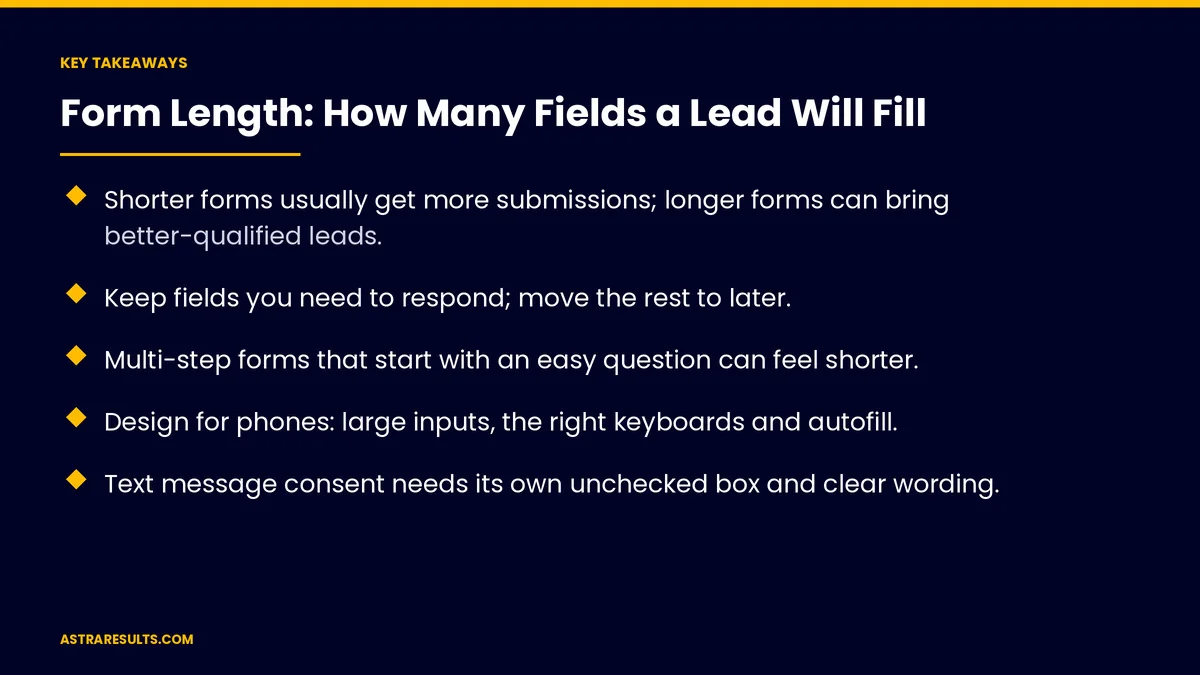
- Shorter forms usually get more submissions; longer forms can bring better-qualified leads.
- Keep fields you need to respond; move the rest to later.
- Multi-step forms that start with an easy question can feel shorter.
- Design for phones: large inputs, the right keyboards and autofill.
- Text message consent needs its own unchecked box and clear wording.
- Track where visitors stop filling in the form, then test changes.
Published: October 2, 2026 | Reading Time: ~8 minutes | Category: Landing Pages
This guide covers how to decide form length: the trade-off between more leads and better leads, which fields to keep, required and optional fields, multi-step forms, qualifying questions, mobile design, consent checkboxes, spam protection, thank-you pages and tracking where people drop off. Put plainly: ask only what you need to respond, then learn the rest later.
In This Playbook
- More leads or better leads
- Which lead form fields should we keep?
- Required or optional
- Multi-step forms
- Qualifying questions for high-value services
- Mobile form design
- Consent and privacy
- Spam protection
- After the submit button
- Tracking and testing
- What should we measure on a lead form?
- The first three months
More leads or better leads
Shorter forms. Less effort usually means more submissions.
Longer forms. More questions can filter out poor fits, but fewer people finish.
Choose by goal. A free estimate request needs less than a high-value consultation.
One page, one action. Forms work best on focused pages, as covered in one page, one offer, one action.
Which lead form fields should we keep?
What you need to respond. Usually name, phone or email and a short description of the need.
What you need to route. Service type or location, if leads go to different teams.
What can wait. Budget, company size and timeline can often be asked on the call.
Remove duplicates. Don't ask for both phone and mobile, or name in two fields if one works.
Required or optional
Required only when essential. Every required field adds friction.
Mark clearly. Show which fields are optional.
Explain sensitive fields. Say why you need a phone number or address.
Multi-step forms
Start easy. A simple first question, such as service type, gets visitors started.
Show progress. A step indicator sets expectations.
Save partial answers where appropriate. So people don't start over.
Test it. Multi-step forms help in some cases, not all.
Qualifying questions for high-value services
Ask what changes your response. Project type, size or urgency.
Use choices, not essays. Buttons and dropdowns are faster than typing.
Keep it short. Two or three qualifying questions, not ten.
Learn more later. Ask additional details after the first contact.
Mobile form design
Large inputs and buttons. Easy to tap.
The right keyboards. Number pad for phone, email keyboard for email.
Autofill and suggestions. Let phones fill in names, emails and addresses.
Clear error messages. Say what's wrong and how to fix it, next to the field.
Consent and privacy
Text message consent. A separate, unchecked box with clear wording, as covered in outbound compliance.
Don't pre-check boxes. Consent must be the visitor's choice.
Link your privacy policy. Near the submit button.
Collect less. Only what you need.
Spam protection
Invisible checks first. Hidden fields and background checks stop many bots.
Avoid annoying puzzles. Hard challenges stop real people too.
Watch spam rates. Adjust protection if spam slips through.
After the submit button
A clear thank-you page. Say what happens next and when.
Respond fast. Quick follow-up turns form fills into customers, as covered in speed to lead.
Send leads to your CRM. Automatically, with the source attached, as covered in connecting your CRM to your booking system.
Tracking and testing
Track form starts and completions. See how many begin and how many finish.
Find the drop-off field. The field where people stop is the one to fix.
Test one change at a time. As covered in landing page testing.
Measure lead quality too. More submissions only help if they become customers.
What should we measure on a lead form?
Form conversion rate. Visitors who submit.
Start-to-finish rate. Visitors who begin and complete.
Drop-off by field. Where people stop.
Lead quality. Share of leads that become customers.
Spam rate. Fake submissions caught or missed.
The first three months
Days 1–30: audit forms
List every form, its fields and which are required. Set up tracking for starts, completions and drop-off by field. Check consent wording and spam protection.
Days 31–60: simplify
Remove fields you don't need to respond, mark optional fields, fix mobile keyboards and error messages and add a clear thank-you page.
Days 61–90: test
Test a shorter form against the current one, or a multi-step version, measuring both submissions and lead quality. Keep what brings more customers.
How Astra designs lead forms
Astra Results Marketing designs lead forms that balance more leads with better leads. We keep only the fields you need, design for phones, set up consent and spam protection and send leads straight to your CRM.
We track drop-off by field and test changes against lead quality, not just submissions. Engagements begin with a form and landing page review through our landing pages team.
Related reading
Frequently asked questions
How many fields should a lead form have?
As few as you need to respond well, usually name, phone or email and a short description, plus routing fields if needed. Longer forms suit high-value services where qualifying matters.
Do shorter forms always perform better?
They usually get more submissions, but longer forms can bring better-qualified leads. Measure both submissions and lead quality.
Are multi-step forms better?
Sometimes. Starting with an easy question and showing progress can help, but test it for your audience.
How should we ask for text message consent?
With a separate, unchecked box and clear wording about what messages people will receive. Never pre-check it.
How do we stop form spam without losing real leads?
Use invisible checks such as hidden fields first, avoid hard puzzles and adjust protection based on spam rates.
How do we know which field is the problem?
Track drop-off by field. The field where most people stop is usually the first one to remove, simplify or explain.
Ready for forms that bring more of the right leads? Astra Results Marketing designs lead forms with only the fields you need, mobile-friendly inputs, clear consent and spam protection, tested against lead quality. ▸ CALL (786) 321-2866 · ▸ REQUEST YOUR CONSULTATION





