 Rated 5 star on

Getting Google Verified: Checks and Timelines
Quick answer
Google Verified is the single badge Local Services Ads need before they can run. Checks usually cover business details, required licenses, insurance and background checks. Verification commonly takes two to five weeks. Background checks are often the slowest step, and mismatched names across documents cause most delays. Keep licenses and insurance current to keep the badge.
Local Services Ads can't run until Google verifies your business. For many companies, that step takes longer than expected, not because the checks are hard, but because a license lists a slightly different name, an insurance certificate is out of date, or one technician never finishes a background check. Knowing the steps in advance can save weeks.
Key Takeaways
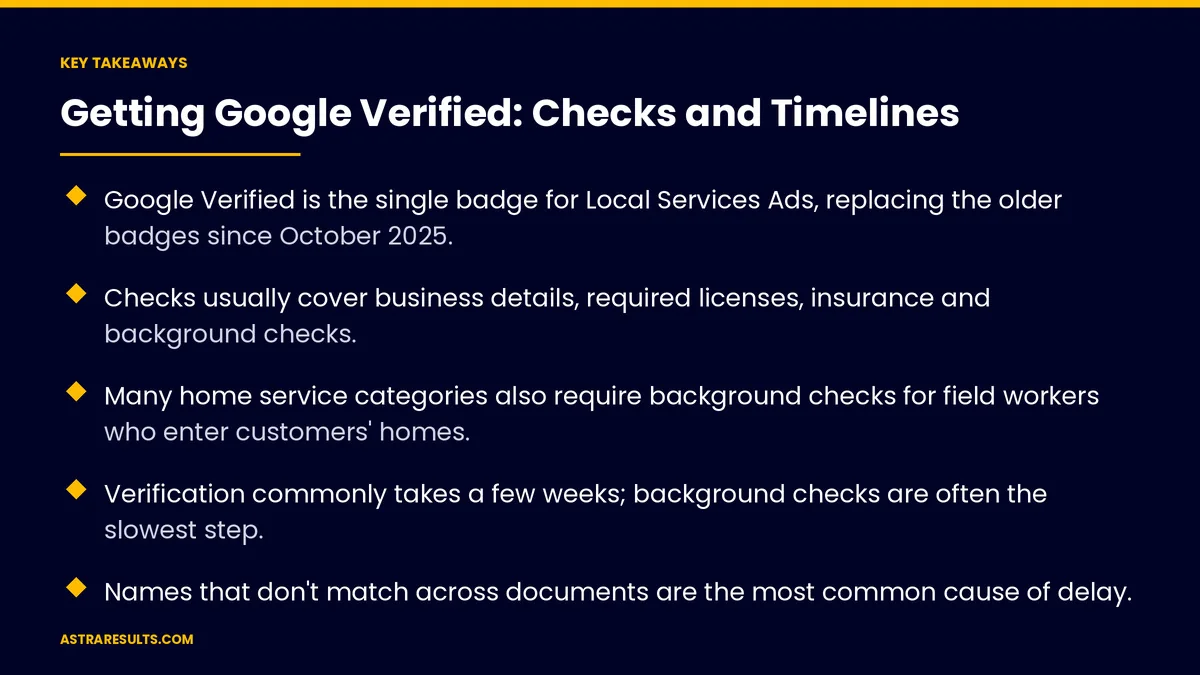
- Google Verified is the single badge for Local Services Ads, replacing the older badges since October 2025.
- Checks usually cover business details, required licenses, insurance and background checks.
- Many home service categories also require background checks for field workers who enter customers' homes.
- Verification commonly takes a few weeks; background checks are often the slowest step.
- Names that don't match across documents are the most common cause of delay.
- Licenses and insurance must stay current, or the badge can be removed.
Published: October 2, 2026 | Reading Time: ~9 minutes | Category: Google Ads & LSA
This guide covers what Google checks before your Local Services Ads go live, how long each step usually takes, the most common causes of delay and how to keep the badge once you have it. Put plainly: gather matching documents before you apply, start every background check at once, and keep renewals on your calendar.
Requirements vary by category and location, and Google updates them. Check the Local Services Ads help pages for your category before applying.
In This Playbook
- What Google Verified means
- What Google checks
- How long it takes
- What causes delays
- How should a business prepare for Google verification?
- Keeping the badge
- After you're verified
- Verification numbers to track
- The first three months
What Google Verified means
One badge. Since October 2025, Google Verified replaced the earlier Google Guaranteed and Google Screened badges.
Required to advertise. Your Local Services Ads run only after verification is complete.
A trust signal. It tells searchers Google has checked the business behind the ad. How leads and charges work is covered in how Google Verified leads work.
What Google checks
Business details. Legal name, address, phone number and service area, matched to your Google Business Profile.
Licenses. The licenses your category and location require, such as trade or professional licenses.
Insurance. Proof of coverage, such as general liability, in the amounts required for your category.
Background checks. On the business and its owners, run by Google's screening partners.
Field workers. In many home service categories, background checks for each person who goes into customers' homes.
Varies by category. Legal, financial and home service businesses each have different requirements.
How long it takes
Commonly a few weeks. Many businesses complete verification in two to five weeks.
Faster with clean paperwork. Matching documents and quick replies can shorten it.
Background checks take longest. Especially when several field workers must each complete theirs.
Plan ahead. Start well before your busy season. For many businesses, about two months before you want ads live is a safe margin.
What causes delays
Name mismatches. The business name on your license, insurance and application must match exactly.
Expired or incomplete documents. Old certificates, missing pages or unreadable scans.
Slow background checks. Workers who don't complete their check promptly hold up the whole account.
Wrong categories. Applying for services you aren't licensed for.
Unanswered requests. Google or its partners asking for more information, and nobody responding.
How should a business prepare for Google verification?
Gather documents first. Licenses, insurance certificates and business registration, all current.
Match every name. Fix differences between your license, insurance, registration and Google Business Profile before applying.
Ask your insurance agent. Request a certificate that shows the coverage Google needs for your category.
Start all background checks together. Send invitations to every owner and field worker at the same time.
Assign one owner. One person responsible for answering requests quickly.
Keeping the badge
Annual renewals. Licenses and insurance are rechecked regularly, often every year.
Don't let coverage lapse. Expired insurance or licenses can remove the badge and stop your ads.
New field workers. Add and verify new technicians before they go to customers.
Keep reviews and responses healthy. Ratings, reviews and how fast you answer leads affect how often your ads show, as covered in speed to lead.
After you're verified
Set your budget and categories. Choose job types and areas you serve.
Answer every lead quickly. Missed calls hurt ranking and waste leads.
Track booked jobs. Measure cost per booked job, not just cost per lead.
Search ads need tested pages. If you also run search ads, test their landing pages in the order covered in landing page testing.
Decide how Local Services Ads fit with search ads, as weighed in Google Ads vs Local Services Ads, especially when budgets are tight, as covered in Google Ads on a $2,000 budget.
Verification numbers to track
Days to verification. From application to approval.
Document issues. Requests for more information, and their causes.
Badge status. Any lapses, and how quickly they were fixed.
Lead response time. Once ads are live.
Cost per booked job. The number that decides whether the channel pays.
The first three months
Days 1–30: prepare and apply
Check your category's requirements. Gather licenses, insurance certificates and registration documents, fix any name mismatches and apply. Start background checks for every owner and field worker at once.
Days 31–60: finish verification
Answer every request quickly, track each background check and resubmit anything flagged. Once verified, set budget, categories and service areas.
Days 61–90: run and protect
Answer every lead fast, track cost per booked job and put license and insurance renewal dates on the calendar. Verify new technicians before they start.
How Astra handles verification
Astra Results Marketing guides businesses through Google Verified from the first document to the first lead. We check your category's requirements, fix name mismatches before you apply, coordinate every background check and answer requests quickly.
Once you're live, we track leads and booked jobs and keep renewals on schedule so the badge never lapses. Engagements begin with a verification readiness review through our Google Ads and LSA team.
Related reading
Frequently asked questions
What is the Google Verified badge?
The single trust badge for Local Services Ads, introduced in October 2025 to replace the earlier Google Guaranteed and Google Screened badges. Ads run only after the business passes verification.
What does Google check for Local Services Ads?
Usually business details, the licenses your category requires, insurance, and background checks on the business and owners. Many home service categories also require checks for field workers.
How long does Google verification take?
Commonly two to five weeks, depending on category, location and how quickly documents and background checks are completed. Clean, matching paperwork speeds it up.
Why is our verification taking so long?
The most common reasons are name mismatches between documents, expired or incomplete certificates, slow background checks for field workers and unanswered requests for more information.
Does verification cost money?
There's typically no fee for verification itself. You pay for the leads your ads bring once they're live.
Can we lose the badge?
Yes. If licenses or insurance expire, or new field workers aren't verified, the badge and your ads can be paused. Keep renewal dates on the calendar.
Ready to get Google Verified without the delays? Astra Results Marketing checks your category's requirements, fixes document mismatches before you apply, coordinates every background check and keeps renewals on schedule once your ads are live. ▸ CALL (786) 321-2866 · ▸ REQUEST YOUR CONSULTATION





