 Rated 5 star on

The Video Production Stack for Small Teams
Quick answer
A small marketing team can make good video with clear sound, soft lighting, simple editing and organized storage. Audio quality matters more than camera quality, and modern phones are often good enough cameras. Captions, licensed music and brand templates speed every edit. Back up footage with the 3-2-1 rule, and hire professionals for flagship videos.
Small marketing teams don't need a studio to make good video. They need clear sound, decent light, a simple editing setup and a way to find files next month. Most teams overspend on cameras and underspend on audio, then lose hours searching for footage. A sensible production stack fixes that with the right basics and a repeatable workflow.
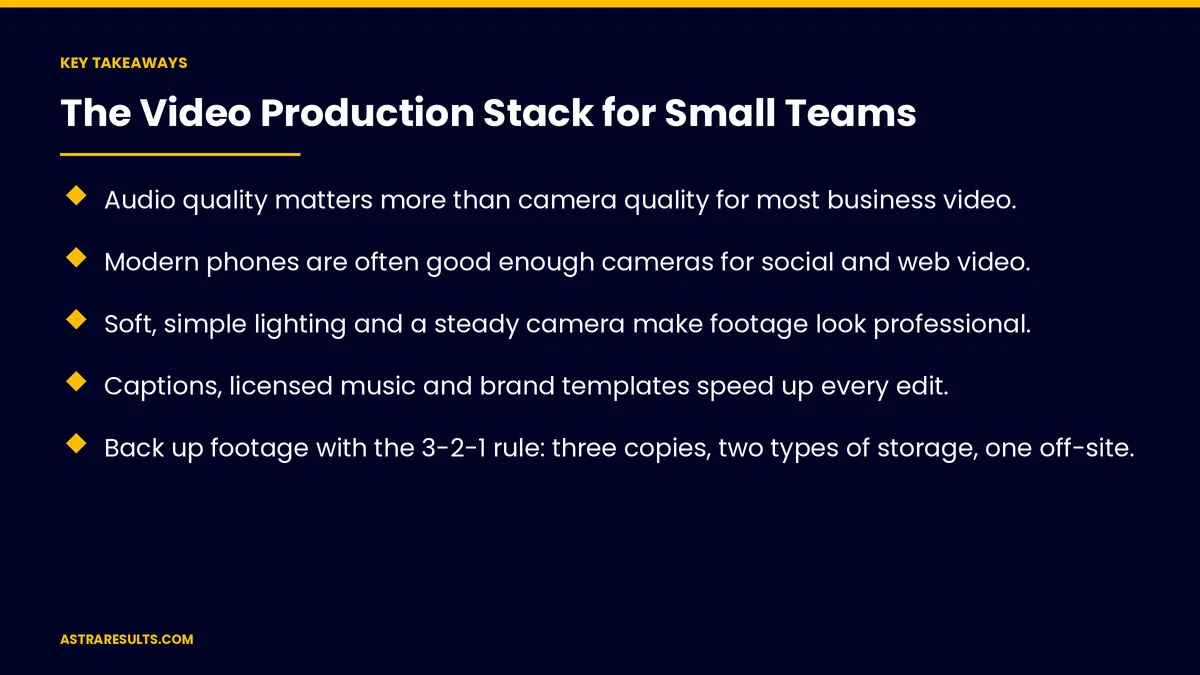
Key Takeaways
- Audio quality matters more than camera quality for most business video.
- Modern phones are often good enough cameras for social and web video.
- Soft, simple lighting and a steady camera make footage look professional.
- Captions, licensed music and brand templates speed up every edit.
- Back up footage with the 3-2-1 rule: three copies, two types of storage, one off-site.
- Bring in professionals for flagship videos, complex shoots and broadcast.
Published: October 18, 2026 | Reading Time: ~9 minutes | Category: Video Production
This guide covers the video production stack for small teams: cameras, audio, lighting, stabilization, editing, captions, music, templates, storage, AI tools, workflow and when to bring in professionals. Put plainly: get the sound right, keep it simple and make every file easy to find.
In This Playbook
- Start with audio
- Cameras
- What lighting works for small-team video?
- Teleprompters and scripts
- What editing software does a small video team need?
- Captions, music and templates
- Storage and file management
- AI tools
- A simple workflow
- When to bring in professionals
- What to measure
- The first three months
Start with audio
Viewers forgive soft video, not bad sound. Poor audio makes people stop watching.
Wireless clip-on mics. Clear voice for interviews and talking heads.
Quiet rooms. Soft furnishings reduce echo; turn off air conditioning while recording if you can.
Check sound before every take. Use headphones.
Cameras
Modern phones. Often enough for social, web and internal video.
A dedicated camera. Worth it for better low-light footage, lenses and longer recording.
Shoot in the right shape. Vertical for short social video, horizontal for web and YouTube.
Plan to reuse footage. Shoot wide enough to crop for several formats, as covered in shooting once, cutting twenty.
What lighting works for small-team video?
Soft light. A window or two soft LED panels beats harsh overhead lights.
Light the face. Light from the front and slightly to the side.
Tripods. Steady shots for interviews and demos.
Small stabilizers. For moving shots.
Teleprompters and scripts
Teleprompter apps. Help people speak clearly without memorizing.
Short scripts. Write the way people talk.
Bullet points for experts. Many sound more natural speaking from notes.
What editing software does a small video team need?
Desktop editing software. For longer videos and more control.
Mobile editing apps. For quick social clips.
Transcript-based editing. Edit by deleting words from a transcript, which speeds up interviews.
Keep a simple style. Clean cuts, readable text and consistent colors.
Captions, music and templates
Captions on every video. Many people watch without sound. Auto-captions help, but review them for errors.
Licensed music only. Use a paid library and keep licenses, as covered in video rights and releases. Check claims in scripts too, as covered in creative compliance.
Brand templates. Title cards, lower thirds and end screens ready to reuse.
Thumbnails. A consistent style helps videos get clicked.
Storage and file management
The 3-2-1 rule. Three copies of important footage, on two types of storage, with one copy off-site or in the cloud.
Name files clearly. Date, project and shot, so anyone can find them.
A shared asset library. Raw footage, final edits, music and templates in one place.
Keep releases and licenses with projects. So they're easy to find later.
AI tools
Auto-captions and transcripts. Fast first drafts to review.
Noise cleanup. Improve audio recorded in imperfect rooms.
Cut-down suggestions. Tools that find highlights for short clips.
Voices and likenesses need consent. Never clone a person's voice or face without written permission.
A simple workflow
Plan. Goal, audience, message and format, as covered in business video from brief to broadcast.
Shoot. With a shot list and audio checks.
Edit. Using templates and captions.
Review. One round of feedback from the right people.
Publish and measure. On the right channels, with results tracked, as covered in video KPIs.
Help it rank. Give important videos their own pages, as covered in video pages that rank.
When to bring in professionals
Flagship videos. Brand films, launches and homepage videos.
Complex shoots. Multiple locations, crews, drones or actors.
Broadcast and big campaigns. Where quality standards are higher.
Large volumes. Seasonal campaigns across many formats, as in seasonal creative at scale.
What to measure
Videos published. Per month, against the plan.
Time per video. From shoot to publish.
Watch time and completion. By channel.
Leads or sales. From video.
Files found. How quickly the team finds footage when needed.
The first three months
Days 1–30: set up the basics
Get wireless mics, simple lighting and a tripod. Choose editing software, a licensed music library and a captioning tool. Set up the asset library, naming rules and 3-2-1 backups.
Days 31–60: build templates and workflow
Create brand templates for titles, lower thirds and end screens. Write the workflow from planning to publishing, and produce your first set of videos.
Days 61–90: refine and measure
Track time per video, watch time and leads. Add transcript-based editing and AI audio cleanup where they save time, and plan which videos need professional help.
How Astra helps small teams with video
Astra Results Marketing helps small teams build a video setup that works. We recommend the right gear, set up editing, captions, licensed music and templates, and create storage and naming systems your team can keep up.
For flagship videos and complex shoots, we produce alongside your team. Engagements begin with a video setup review through our video production team.
Related reading
Frequently asked questions
What video equipment does a small team need?
Wireless clip-on microphones, simple soft lighting, a tripod and a modern phone or dedicated camera, plus editing software, captions, licensed music and a backup system.
Is a phone good enough for business video?
Often, yes, for social, web and internal video. A dedicated camera helps with low light, lenses and longer recording.
Why does audio matter so much?
Viewers will watch slightly soft video, but poor sound makes them leave. Good microphones and quiet rooms make the biggest difference.
How should we store video files?
Follow the 3-2-1 rule: three copies, on two types of storage, with one off-site or in the cloud. Name files clearly and keep a shared asset library.
Which AI tools help small video teams?
Auto-captions, transcripts, noise cleanup and highlight suggestions. Review AI output, and never clone voices or faces without written permission.
When should we hire professionals?
For flagship brand videos, complex shoots, broadcast work and large seasonal campaigns across many formats.
Ready to make good video without a studio? Astra Results Marketing helps small teams set up the right gear, editing, captions, music, templates and storage, and produces flagship videos alongside your team. ▸ CALL (786) 321-2866 · ▸ REQUEST YOUR CONSULTATION





