 Rated 5 star on


Video Pages That Rank: SEO for Your Own Footage
Quick answer
Your own videos rank in Google video results mainly when each one has a dedicated watch page where the video is the main content. Videos embedded as extras rarely earn video results. Add video structured data and a video sitemap. Give Google the file, a clear thumbnail, a transcript and key moments.
Many businesses spend real money on video, then bury it on a page where search engines barely notice it. A great explainer embedded halfway down a service page helps the visitors who find it, but it rarely appears in Google's video results. Getting your own footage found takes a few steps, most of them simple once you know Google's rules.
Key Takeaways
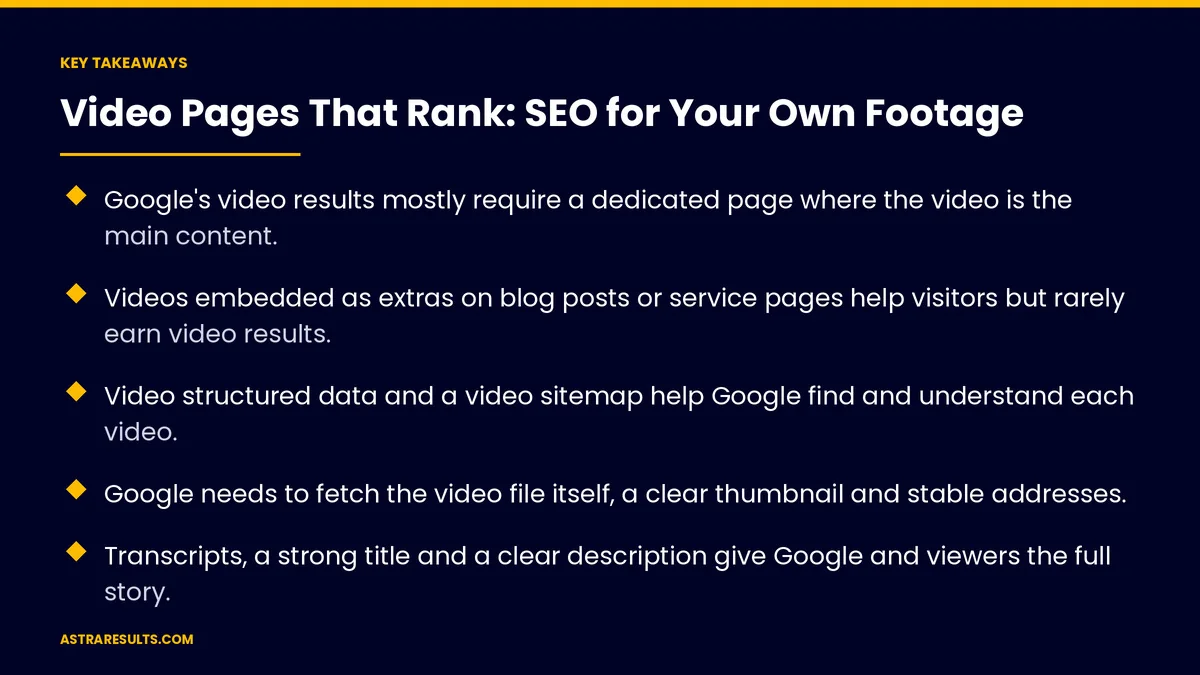
- Google's video results mostly require a dedicated page where the video is the main content.
- Videos embedded as extras on blog posts or service pages help visitors but rarely earn video results.
- Video structured data and a video sitemap help Google find and understand each video.
- Google needs to fetch the video file itself, a clear thumbnail and stable addresses.
- Transcripts, a strong title and a clear description give Google and viewers the full story.
- Key moments let searchers jump to the right part, and you can set them yourself.
Published: October 28, 2026 | Reading Time: ~9 minutes | Category: Search Engine Optimization
This guide covers how to make your own videos discoverable in Google: dedicated watch pages, video structured data and sitemaps, thumbnails, transcripts, key moments, and how YouTube fits in. Put plainly: give each important video its own page where the video is the main thing, and tell Google clearly what it contains.
In This Playbook
- Why most business videos don't rank
- Create dedicated watch pages
- Help Google understand each video
- Transcripts and text
- Key moments
- Where YouTube fits
- Keep pages fast
- Measuring results
- The first three months
Why most business videos don't rank
They're extras on other pages. Google says pages where the video supplements other content, like blog posts or product pages, aren't treated as watch pages for most video results (Google Search Central).
Google can't read them. No structured data, no sitemap, no transcript, and sometimes the video file is blocked.
No clear purpose. A vague title like "Company video" doesn't match anything people search for.
They load late or hide. Videos that only appear after a click, or behind other elements, may not be seen.
Create dedicated watch pages
One page per important video. The video is the first and main thing on the page.
A unique title and description. Written for what people search, like "How to Tell If Your Water Heater Needs Replacing."
Supporting text below. A short summary and the full transcript.
Keep the video visible. Not hidden in tabs, pop-ups or behind other elements.
Link to it from related pages. Your service pages can still embed the video and link to its watch page.
Choose the right videos. Explainers, how-tos and answers to common questions are the best candidates. Planning them is covered in business video from brief to broadcast.
Help Google understand each video
Video structured data. Markup on the watch page with the video's title, description, thumbnail, upload date, duration and file or player address.
Video sitemap. A list of your video pages and their details, submitted to Google.
Let Google fetch the file. Don't block the video file, and give it a stable address that doesn't change.
A clear thumbnail. A sharp image that represents the video, at a stable address.
Keep details consistent. Titles and descriptions in structured data should match the page and the video.
Transcripts and text
Full transcripts. Text versions of what's said help Google understand the video and help people who can't play sound.
Captions. Accurate captions improve accessibility and keep viewers watching on mute.
Headings that match questions. Break the transcript into sections that match what people ask.
Language versions. Spanish videos need Spanish pages, titles and transcripts written for that audience.
Key moments
What they are. Links in search results that jump to specific parts of a video, like chapters.
Set them yourself. Mark the start times and labels of each section with structured data.
Or let Google find them. A different type of markup tells Google how your video's time links work, so it can identify moments automatically.
On YouTube. Timestamps in the video description serve the same purpose.
Clear sections help. Videos with distinct steps or topics produce better key moments.
Where YouTube fits
YouTube is a search engine too. Many people search there directly, and YouTube videos often appear in Google results.
Use both. Publish on YouTube for reach, and keep a watch page on your own site for your own search visibility and leads.
Embedding is fine. A watch page can use an embedded YouTube player and still include structured data and a sitemap entry.
Link back. Put your website address and the related page in YouTube descriptions.
Keep pages fast
Load the player only when needed. Show a thumbnail first and load the full player on click or scroll, without hiding the video from Google.
Compress files. Smaller files load faster on phones.
Watch speed scores. Video pages should stay fast, like the rest of the site, as covered in website development. Content themes for repeat videos are covered in content pillars.
Measuring results
Video results in Search Console. Impressions and clicks for pages appearing with video features.
Watch page traffic. Visits from search to each video page.
Watch time on your site. How much of each video visitors watch, as covered in video KPIs.
Leads from video pages. Calls and forms from visitors who landed on a watch page.
Key moments shown. Whether Google displays your chapters in results.
The first three months
Days 1–30: pick and plan
List your existing videos and choose the five to ten most useful explainers and how-tos. Plan a dedicated watch page for each, with a search-friendly title, description and transcript.
Days 31–60: build the pages
Build the watch pages with visible videos, transcripts and captions. Add video structured data, key moments and a video sitemap. Link to each watch page from related service pages and YouTube.
Days 61–90: measure and expand
Check Search Console for video results and fix any issues. Track watch page traffic, watch time and leads. Plan new videos around the questions customers ask most.
How Astra does video SEO
Astra Results Marketing helps your own footage show up in Google. We pick the videos most likely to rank, build dedicated watch pages with transcripts and captions, and add structured data, key moments and video sitemaps so Google can read them.
We connect watch pages to your service pages and YouTube, keep them fast, and track video results, traffic and leads. Engagements begin with a video and search review through our search engine optimization team.
Related reading
Frequently asked questions
Why doesn't our embedded video show in Google video results?
Google's video results mostly require a dedicated watch page where the video is the main content. Videos that supplement blog posts or product pages usually aren't treated as watch pages.
What is a video watch page?
A page built around one video, where the video is the first and main thing visitors see, with a unique title, description and supporting text such as a transcript.
Do we need video structured data?
It's strongly recommended. Video structured data tells Google the title, description, thumbnail, date, duration and file location, and makes features like key moments easier to enable.
Should we host videos on YouTube or our own site?
Both. YouTube brings reach and its own search traffic. A watch page on your site, which can embed the YouTube player, builds your own search visibility and leads.
What are key moments?
Links in search results that jump to specific parts of a video. You can set them with structured data on your page, or with timestamps in a YouTube description.
Do transcripts help video SEO?
Yes. Transcripts give Google and viewers the full content of the video in text, improve accessibility, and help the page match more searches.
Ready for your videos to be found, not just filmed? Astra Results Marketing builds dedicated watch pages with transcripts, structured data, key moments and video sitemaps, connects them to your site and YouTube, and tracks the traffic and leads they bring. ▸ CALL (786) 321-2866 · ▸ REQUEST YOUR CONSULTATION





