 Rated 5 star on

App Onboarding: The First Five Minutes
Quick answer
Good app onboarding gets new users to their first win, the first moment of real value, fast. Let people browse before signing up and offer one-tap sign-in. Ask for permissions like notifications when they make sense, with a reason. Keep setup short and teach by doing. Track completion, time to first win and return visits.
Most people decide whether to keep an app within their first session. If they face a long signup form, a wall of permission requests and a tour of every feature before they can do anything useful, many give up. Good onboarding gets new users to something valuable quickly, then asks for more only when it makes sense.
Key Takeaways
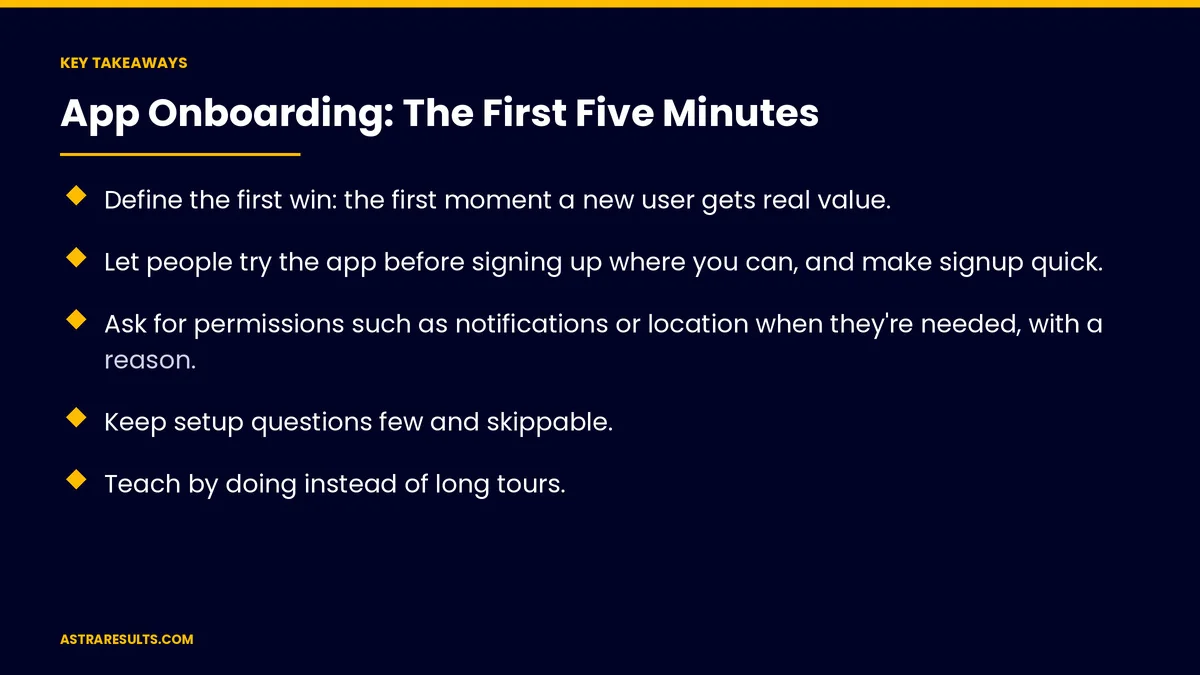
- Define the first win: the first moment a new user gets real value.
- Let people try the app before signing up where you can, and make signup quick.
- Ask for permissions such as notifications or location when they're needed, with a reason.
- Keep setup questions few and skippable.
- Teach by doing instead of long tours.
- Measure onboarding completion, time to first win and return visits.
Published: October 2, 2026 | Reading Time: ~8 minutes | Category: Mobile App Development
This guide covers how to design the first five minutes of an app: defining the first win, making signup easy, asking for permissions at the right moment, keeping setup light, teaching by doing, accessibility and language, store rules to follow and what to measure. Put plainly: get people to their first win before asking for anything they don't need yet.
In This Playbook
- Start with the first win
- Make signup easy
- Ask for permissions in context
- How many setup questions should app onboarding ask?
- Teach by doing
- Accessibility and language
- Store rules to remember
- After the first session
- What to measure
- The first three months
Start with the first win
Define it. Placing a first order, booking a class, saving a favorite or tracking a delivery.
Shorten the path. Count the steps to get there, then remove every one you can.
Match the promise. The first screen should deliver what the store listing or ad promised, the same idea covered in message match.
Measure it. Track how many new users reach the first win, as covered in iPhone app analytics.
Make signup easy
Let people look first. Browse menus, products or classes before creating an account.
Ask for an account when it's needed. Such as at checkout or when saving something.
One-tap sign-in. Offer sign-in with Apple or Google alongside email.
Follow the store rules. Apple's rules may require a privacy-focused sign-in option when you offer social logins.
Ask only for essentials. Name and email, not birthday and address on day one.
Ask for permissions in context
Notifications. Ask after a user places an order, when "we'll tell you when it's ready" makes sense.
Location. Ask when the user looks for nearby stores, not on launch.
Camera or photos. Ask when the user wants to scan or upload.
Explain first. A short message before the system prompt says why you're asking.
Respect "no". The app should still work, and users can enable permissions later in settings.
How many setup questions should app onboarding ask?
A few questions only. Preferences that change what users see, such as favorite location or dietary needs.
Make them skippable. Let people start right away.
Learn over time. Ask for more details later, as users engage.
Show the benefit. "Tell us your size to see what's in stock."
Teach by doing
Skip long tours. Few people read five screens of tips.
Helpful empty screens. "No favorites yet. Tap the heart on any item to save it."
Hints at the right moment. One tip when a user reaches a feature.
Sample content. Show what a full screen looks like so users know what to expect.
Accessibility and language
Readable text. Support larger text settings.
Screen readers. Label buttons and images clearly.
Spanish and English. Let users choose, and remember the choice.
Clear contrast. Easy to read in bright light.
Store rules to remember
Account deletion. Apps that let users create accounts must offer a way to delete them. Apple requires it in the app, and Google Play requires a way to request it.
Privacy details. Store listings must describe the data your app collects.
Tracking permission. On iPhone, tracking across other companies' apps needs consent.
Review rules. Store requirements change, as covered in Google Play review and policy basics.
After the first session
Bring people back. A useful reminder or offer, sent only with permission.
Reward early use. A welcome reward or first-order discount, as in mobile apps for loyalty.
Ask for feedback. A short question after the first win.
Keep improving. Watch where new users drop off and fix those steps first.
What to measure
Onboarding completion. Share of new users who finish setup.
Time to first win. How long it takes.
Signup rate. Visitors who create accounts, and when.
Permission opt-in. For notifications, location and camera.
Return visits. Users who come back after one day and one week.
The first three months
Days 1–30: map the first session
Define the first win and count the steps to reach it. Note where signup, permissions and setup happen, and record completion, time to first win and return visits.
Days 31–60: remove friction
Let users browse before signing up, add one-tap sign-in, move permission requests into context and cut setup questions. Replace tours with helpful empty screens and timely hints.
Days 61–90: test and refine
Compare onboarding completion, time to first win, opt-in rates and return visits with the baseline. Fix the biggest drop-off point, then test again.
How Astra designs app onboarding
Astra Results Marketing designs app onboarding that gets new users to their first win quickly. We map the first session, make signup easy, ask for permissions in context and replace long tours with learning by doing.
We follow app store rules, support accessibility and Spanish, and measure completion and return visits. Engagements begin with an app onboarding review through our mobile app development team.
Related reading
Frequently asked questions
What is the first win in an app?
The first moment a new user gets real value, such as placing an order, booking a class or tracking a delivery. Good onboarding gets people there as quickly as possible.
Should users sign up before using the app?
Where possible, let them browse first and ask for an account when it's needed, such as at checkout. Offer one-tap sign-in to make it quick.
When should apps ask for notification permission?
When it makes sense to the user, such as after placing an order. Explain the benefit in a short message before the system prompt.
Are product tours a good idea?
Usually not long ones. Helpful empty screens, sample content and a single hint when users reach a feature work better.
What app store rules affect onboarding?
Apps that let users create accounts must offer a way to delete them, store listings must describe data collected, and Apple may require a privacy-focused sign-in option alongside social logins.
How do we measure onboarding?
Track onboarding completion, time to first win, signup rate, permission opt-in and return visits after one day and one week.
Ready for onboarding that gets new users to value fast? Astra Results Marketing designs app onboarding with a clear first win, easy signup, permissions asked in context and learning by doing, measured by completion and return visits. ▸ CALL (786) 321-2866 · ▸ REQUEST YOUR CONSULTATION





