 Rated 5 star on


Mobile App Development: Native, Cross-Platform or Web?
Quick answer
Most business apps are best built cross-platform, with one team and one codebase for both app stores. Choose native when the app depends heavily on device features like the camera or Bluetooth. A web app suits occasional use without deep phone features. Start from who will use it and how often. Budget for yearly upkeep.
Most app projects start with the wrong question: iPhone or Android? The better question comes first. What will people do with it, and how often? The answer decides whether you need a native app, one cross-platform app for both stores, or a web app that runs in the browser. Pick wrong and you pay for it every year.
Key Takeaways
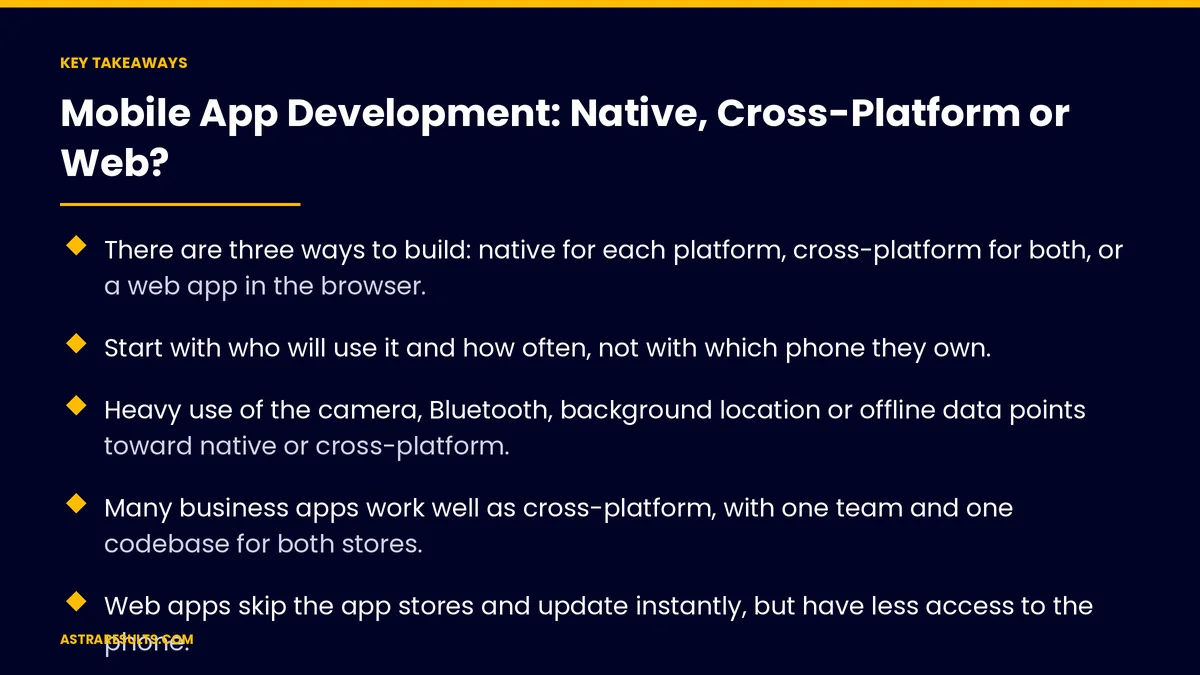
- There are three ways to build: native for each platform, cross-platform for both, or a web app in the browser.
- Start with who will use it and how often, not with which phone they own.
- Heavy use of the camera, Bluetooth, background location or offline data points toward native or cross-platform.
- Many business apps work well as cross-platform, with one team and one codebase for both stores.
- Web apps skip the app stores and update instantly, but have less access to the phone.
- Budget for upkeep every year, not just the first build.
Published: October 20, 2026 | Reading Time: ~11 minutes | Category: Mobile App Development
This guide explains the three ways to build a mobile app, the features and users that point to each, what each costs to build and keep running, and a simple way to decide. Put plainly: choose the lightest build that does the job well, and spend the savings on making it good.
Platform rules, fees and features change often. Check Apple's and Google's current terms before you commit to a plan.
In This Playbook
- Three ways to build an app
- Start with who will use it
- The features that decide it
- Native: when it's worth the cost
- Cross-platform: one codebase, two stores
- Web apps: no store, instant updates
- Cost, time and upkeep
- A simple way to decide
- Common mistakes
- How do we know a mobile app is working?
- The first three months
Three ways to build an app
Native. A separate app for each platform, written in Apple's and Google's own languages: Swift for iPhone and Kotlin for Android. You get the best performance and the fullest access to the phone, and you maintain two codebases.
Cross-platform. One codebase that ships to both app stores, usually with React Native or Flutter. Most of the code is shared, and a small part is written per platform when needed.
Web app. An app that runs in the phone's browser and can be saved to the home screen. No app store, no download, updates the moment you publish.
All three can look professional. The difference is not polish. It's what the app can do on the phone, how it reaches people, and what it costs to keep.
Start with who will use it
Customers who use it often. A loyalty app, a booking app or an account app people open every week. Store presence, notifications and speed matter, so native or cross-platform usually fits.
Customers who use it once in a while. A quote form, a menu, an order tracker. A fast web app or mobile site is often enough, and nobody has to download anything.
Your own staff. Field techs, drivers, inspectors and sales reps. Offline use, camera and location matter more than store discovery. The needs are covered in Android apps for the workforce and the customer.
Tablets at work. Clinics, showrooms and job sites often run on iPads, with their own design rules, as in iPad apps for business.
Both languages. In Miami, plan for English and Spanish from the start. Adding a second language later costs more than building it in.
The features that decide it
Camera and scanning. Photos, document capture, barcode or QR scanning at scale. Native and cross-platform handle these best.
Bluetooth and connected devices. Printers, scanners, sensors, payment readers. These usually need native code, at least in part.
Background location. Tracking a driver or a technician while the app isn't open. This needs native or cross-platform, plus careful permission handling.
Offline work. Forms and data that must work with no signal and sync later. Possible on the web, but more reliable in a native or cross-platform app.
Push notifications. Native and cross-platform apps support them fully. Since 2023, iPhones also support notifications for web apps added to the home screen, but fewer users set that up.
Payments. Selling physical goods and services in an app is usually straightforward. Selling digital content or subscriptions inside an app can bring app-store rules and fees, so check the current terms early.
Native: when it's worth the cost
When performance is the product. Heavy graphics, video, real-time features or complex animations.
When the app depends on the phone. Deep use of Bluetooth, sensors, background tasks or the newest platform features.
When one platform matters most. If nearly all your users are on iPhone, one native iPhone app can be the simplest choice. The process is covered in building an iPhone app and Swift native iOS done properly.
The trade-off. Two codebases for two platforms means roughly two builds and two sets of updates for the life of the app.
Cross-platform: one codebase, two stores
The common choice for business apps. Booking, accounts, field service, loyalty and internal tools usually work well cross-platform.
One team, both stores. Most features ship to iPhone and Android at the same time, which keeps the two versions in step. See one team, two app stores.
Native where it counts. When a feature needs the phone's deeper abilities, a small native module fills the gap without rebuilding the app.
The trade-off. You depend on the framework keeping up with Apple and Google. Choose a widely used one and keep it updated. The fuller comparison is in cross-platform apps.
Web apps: no store, instant updates
No download barrier. People open a link and start. That suits one-time or occasional use.
Updates without review. Changes go live when you publish, with no app-store approval.
One build for every device. Phones, tablets and computers, from one codebase.
The trade-off. Less access to the phone, weaker offline support, and no app-store listing for people to find. For many businesses, a fast, well-designed site does this job, as in websites that sell.
Cost, time and upkeep
Build cost. Web is usually least, cross-platform next, and two native apps most. Scope matters more than the method: a small native app can cost less than a large web app.
Time to launch. A focused first version can launch in weeks. Large apps with many integrations take months.
Yearly upkeep. Apple and Google release new versions every year. Libraries need updates, security fixes and store requirements keep changing. Plan a yearly maintenance budget from day one.
Hosting and services. Accounts, data, notifications and integrations all run on servers that cost money every month.
Store accounts. Publishing to the app stores needs developer accounts and passing each store's review.
A simple way to decide
- Occasional use, no special phone features: a web app or a fast mobile site
- Regular use by customers on both platforms: cross-platform
- Staff tools that need camera, location or offline work: cross-platform, with native modules where needed
- Heavy graphics, real-time or deep device use: native
- Nearly all users on one platform: native for that platform first
- Not sure yet: a small first version to test demand before a full build
Common mistakes
Building for both platforms before proving demand. Test with a smaller first version, then expand.
Copying the website into an app. An app should do something the site can't: faster repeat use, notifications, offline work or device features.
Ignoring upkeep. An app that isn't updated breaks within a year or two as phones change.
Skipping accessibility and language. Large text, screen readers and Spanish support are easier to build in than to add later.
How do we know a mobile app is working?
Downloads or installs. By source, so you know what brings people in.
Active users. How many people use it each week and month.
Retention. The share still using it after 30 and 90 days.
Task completion. Bookings, orders, forms or jobs finished in the app.
Crash-free sessions. Stability, tracked from launch.
Cost per active user. Build and upkeep divided by the people who use it.
The first three months
Days 1–30: decide and scope
Define who will use the app, how often and for what. List the phone features you truly need. Choose web, cross-platform or native with that list in hand. Scope a first version that does one job well, in English and Spanish.
Days 31–60: build the first version
Design the main screens and test them with real users before coding them all. Build the core features, set up accounts and data, and add analytics and crash reporting from the start.
Days 61–90: launch and learn
Test on real devices, submit to the stores if needed, and launch to a small group first. Track active users, retention and task completion. Use what you learn to plan the next release and the yearly upkeep budget.
How Astra builds apps
Astra Results Marketing starts every app with the user and the job, not the platform. We list who will use it, how often and which phone features it truly needs, then recommend the lightest build that does the job well: web, cross-platform or native.
First versions are focused, bilingual where your market needs it, and measured from launch. Every plan includes yearly upkeep, so the app keeps working as phones change. Engagements begin with a scoping session through our mobile app development team.
Related reading
Frequently asked questions
Should we build a native or a cross-platform app?
For most business apps, cross-platform: one codebase ships to both stores and keeps them in step. Choose native when performance is the product, when the app depends heavily on device features, or when nearly all your users are on one platform.
When is a web app enough?
When people use it occasionally and it doesn't need deep phone features like Bluetooth, background location or reliable offline work. A web app needs no download, updates instantly and runs on every device.
Can web apps send push notifications?
Yes. Since 2023, iPhones support notifications for web apps added to the home screen, and Android has supported them longer. Fewer people set up home-screen web apps, so native and cross-platform apps still reach more users with notifications.
How much does a mobile app cost?
It depends far more on scope than on the method. A focused first version costs much less than a large app with many integrations. Plan for yearly upkeep as well, because platform updates, security fixes and store requirements never stop.
How long does it take to build an app?
A focused first version can launch in weeks. Larger apps with accounts, payments and many integrations take months. Launching a small version first and expanding based on real use is usually faster overall.
Do we need an app at all?
Not always. If customers use it rarely and a fast mobile site can do the job, a site may serve them better. An app earns its place with frequent use, notifications, offline work or device features a site can't offer.
Ready to choose the right build for your app? Astra Results Marketing scopes your app around the user and the job, recommends web, cross-platform or native based on the features you need, and builds a focused, bilingual first version with upkeep planned from day one. ▸ CALL (786) 321-2866 · ▸ REQUEST YOUR CONSULTATION





