 Rated 5 star on


Backups and Restores: Testing Before You Need Them
Quick answer
A website backup only counts once you have restored it successfully. Back up files, the database, settings, media and DNS records. Follow the 3-2-1 rule with three copies, two types of storage and one off-site. Decide how long the site can be down, then test a full restore regularly and write down the steps.
Most businesses believe their website is backed up. Many find out otherwise after a hack or outage: the backup is incomplete, stored on the failed server or months old. A backup you've never restored is a hope, not a plan. Testing restores before you need them turns a disaster into a short delay.
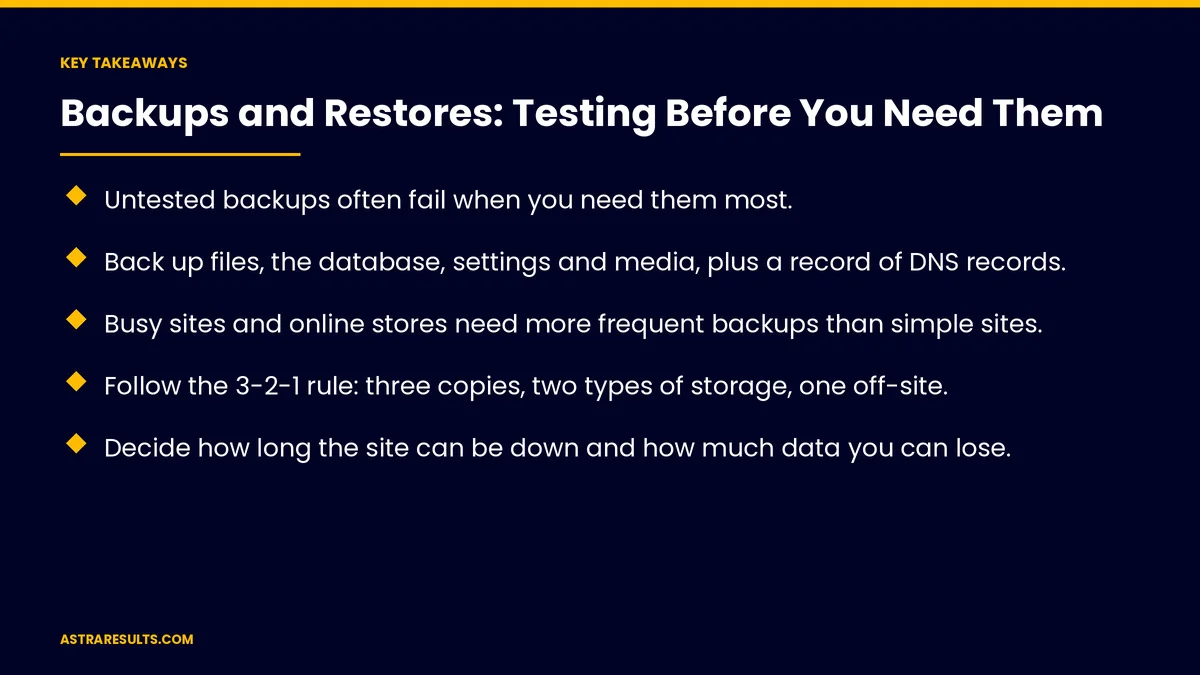
Key Takeaways
- Untested backups often fail when you need them most.
- Back up files, the database, settings and media, plus a record of DNS records.
- Busy sites and online stores need more frequent backups than simple sites.
- Follow the 3-2-1 rule: three copies, two types of storage, one off-site.
- Decide how long the site can be down and how much data you can lose.
- Test a full restore regularly, and write down the steps.
Published: October 3, 2026 | Reading Time: ~8 minutes | Category: Website Care Plans
This guide covers website backups and restores: what to back up, how often, how long to keep copies, where to store them, how long you can afford to be down, testing restores, a written recovery plan and who is responsible. Put plainly: back up everything that matters, store it somewhere else and prove you can restore it.
In This Playbook
- Why backups fail
- What to back up
- How often
- How long to keep copies
- Where to keep them
- How long can you be down?
- Testing restores
- A written recovery plan
- Who is responsible
- What to measure
- The first three months
Why backups fail
Missing pieces. Files backed up without the database, or the reverse.
Stored in the wrong place. Backups on the same server that failed or was hacked.
Too old. The latest copy is weeks or months old.
Never tested. Corrupted or incomplete backups go unnoticed until a restore fails.
Unclear ownership. Everyone assumed someone else was handling it.
What to back up
Website files. Themes, plugins, custom code and uploads.
The database. Pages, posts, orders, forms and settings.
Configuration. Server and site settings needed to rebuild.
Media. Images, videos and documents.
DNS records. A written copy of your records, so email and the site can be restored, as covered in moving hosts or domains.
Email. If email is hosted with your website, plan for it separately.
How often
Simple sites. Daily backups are a sensible baseline.
Busy sites and stores. More often, because orders and form entries change constantly.
Before every change. A fresh backup before updates or redesigns.
Match the risk. The more often content changes, the more often you back up.
How long to keep copies
Recent daily copies. For quick recovery from recent problems.
Older monthly copies. For problems discovered weeks later, such as hidden malware.
Balance cost and safety. Longer retention costs more storage but covers more situations.
Where to keep them
The 3-2-1 rule. Three copies, on two types of storage, with one off-site.
Off-site means away from your host. A separate cloud account or service.
Protected copies. Backups that can't be changed or deleted for a set time help against ransomware.
Encrypted and restricted. Only the people who need access can reach backups.
Host backups help, but aren't enough. Keep your own copies too.
How long can you be down?
Downtime you can accept. An hour, a day or a week?
Data you can afford to lose. The last hour of orders, or the last day of blog edits?
Let the answers guide the plan. Less acceptable downtime means faster restores and more frequent backups.
Count the cost. What a day offline costs in leads and sales.
Testing restores
Restore to a test copy. Use a staging site, not the live one.
Check everything. Pages, forms, checkout, logins and images.
Time the restore. Compare with the downtime you can accept.
Test regularly. Quarterly is a common rhythm, and after major changes.
Fix what fails. Update the process, then test again.
A written recovery plan
Step-by-step instructions. How to restore files, database and settings.
Contacts. Who to call at your host, care provider and registrar.
Access details. Where accounts and credentials are stored securely.
Communication. How to tell customers if the site is down for a while.
Who is responsible
Name an owner. A person or provider responsible for backups and tests.
Put it in writing. Backup frequency, storage and restore testing in your care plan or contract, as covered in maintenance contracts.
Freelancer or care plan. Either can work if responsibilities are clear, as weighed in care plan or freelancer.
Part of ongoing care. Backups belong with updates and security, as covered in what ongoing support covers.
What to measure
Backup success rate. Share of scheduled backups that completed.
Age of the latest backup. At any moment.
Restore tests passed. And how long each took.
Recovery time in real incidents. Against your target.
Off-site copies verified. That they exist and can be opened.
The first three months
Days 1–30: find out what exists
Check what's backed up today, how often, where copies are stored and who owns them. Decide how long the site can be down and how much data you can lose.
Days 31–60: fix the setup
Back up files, database, settings and media on the right schedule, add off-site and protected copies and record DNS settings. Name an owner and put it in writing.
Days 61–90: test and document
Restore a full copy to a staging site, check everything works and time it. Write the recovery plan and schedule regular restore tests.
How Astra handles backups and restores
Astra Results Marketing backs up business websites so they can be restored. We back up files, databases, settings and media on the right schedule, keep protected off-site copies and record DNS settings.
We test full restores regularly, write the recovery plan and keep everything in your name. Engagements begin with a backup and recovery review through our website care plans team.
Related reading
Frequently asked questions
Isn't our host already backing up our website?
Many hosts do, but those backups may be stored on the same systems, kept for a short time or hard to restore. Keep your own off-site copies too.
How often should a website be backed up?
Daily is a sensible baseline for simple sites. Busy sites and online stores need more frequent backups, and every site should be backed up before updates.
What is the 3-2-1 backup rule?
Three copies of your data, on two types of storage, with one copy off-site, away from your host.
How do we know a backup works?
Restore it to a staging site, check pages, forms, checkout and logins, and time the restore. Test regularly, such as quarterly.
How can backups help with ransomware?
Copies that can't be changed or deleted for a set time, stored off-site, let you restore even if attackers reach your main systems.
Who should be responsible for backups?
A named person or provider, with backup frequency, storage and restore testing written into your care plan or contract.
Ready to know your website can come back from anything? Astra Results Marketing backs up files, databases and settings on the right schedule, keeps protected off-site copies and tests full restores before you ever need them. ▸ CALL (786) 321-2866 · ▸ REQUEST YOUR CONSULTATION





