 Rated 5 star on

Custom Software for Field Service Companies
Quick answer
Field service companies need custom software only when ready-made tools stop fitting, such as with multiple trades, commercial contracts or unusual workflows. Start with discovery. Then build the part that hurts most, often dispatch and the technician app. Technician apps must work offline. Build in phases and keep the code in your name.
HVAC, plumbing, electrical, pest control, pool and appliance repair companies all run on the same cycle: a customer calls, a technician is dispatched, work gets done and an invoice goes out. Ready-made field service tools handle that cycle well for many companies. Others outgrow them, and that's when custom software pays off.
Key Takeaways
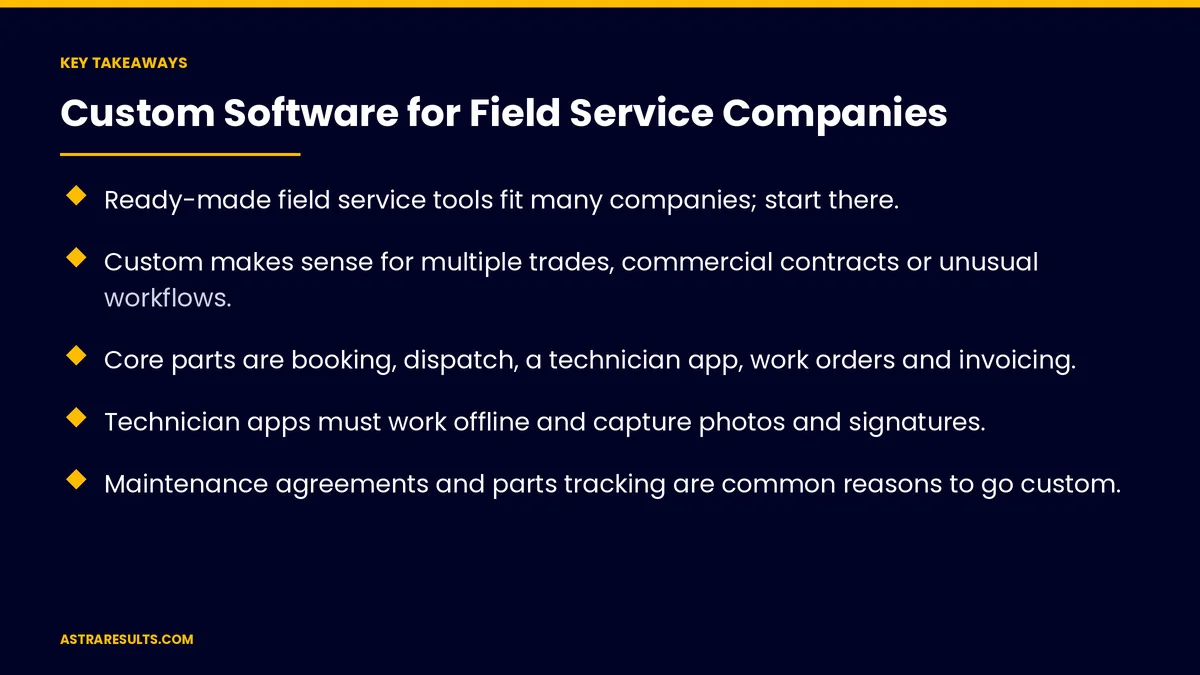
- Ready-made field service tools fit many companies; start there.
- Custom makes sense for multiple trades, commercial contracts or unusual workflows.
- Core parts are booking, dispatch, a technician app, work orders and invoicing.
- Technician apps must work offline and capture photos and signatures.
- Maintenance agreements and parts tracking are common reasons to go custom.
- Build in phases and keep the code in your name.
Published: October 10, 2026 | Reading Time: ~9 minutes | Category: Custom Software
This guide covers when off-the-shelf fits, when custom makes sense, booking, dispatch, technician apps, work orders, invoices, parts, agreements, reporting and building in phases. Put plainly: use ready-made tools while they fit, and build custom around the parts that make your business different.
In This Playbook
- When off-the-shelf fits
- When does custom field service software make sense?
- Booking and intake
- How should dispatch match technicians to jobs?
- What should a field technician app show on each job?
- Work orders
- Quotes and invoices
- Parts
- Maintenance agreements
- Customer updates
- Reporting
- Building in phases
- What to measure
- The first three months
When off-the-shelf fits
Standard workflows. Residential service calls and simple scheduling.
One trade. Common jobs and pricing.
Fewer integrations. Accounting and payments only.
The full decision is weighed in when off-the-shelf stops fitting.
When does custom field service software make sense?
Multiple trades. Different jobs, skills and pricing in one company.
Commercial contracts. Response-time promises and recurring visits.
Inspection and compliance forms. Your own checklists and reports.
Equipment histories. Every unit's service record.
Systems that won't connect. Workarounds and retyping.
Booking and intake
Every channel. Calls, forms and messages in one queue.
Smart questions. As in writing intake scripts.
Real availability. Booked into the right slot.
Ad leads tracked to jobs. As in tracking LSA leads.
How should dispatch match technicians to jobs?
Skills and location. The right technician, closest to the job.
Emergencies first. Clear priority rules.
Weather. Outdoor work rescheduled, as in home services agents.
What should a field technician app show on each job?
Job details. History, notes and equipment.
Offline. Basements, attics and rural areas, as in maintenance Android apps.
Photos and signatures. Proof of work.
Work orders
Checklists. Your steps for each job type.
Parts used. Recorded as work happens.
Time on site. For accurate billing and pay.
Quotes and invoices
On site. Options presented on the tablet.
Payment at the door. Secure card payments, as covered in integrating payment processors.
Synced to accounting. No retyping.
Parts
Van inventory. Stock on every truck.
Reorders. Triggered when stock runs low.
Synced with accounting. As covered in syncing e-commerce, inventory and accounting.
Maintenance agreements
Recurring visits. Scheduled automatically.
Member pricing. Applied on site.
Renewals. Reminders before expiry.
Customer updates
On the way. With arrival estimates.
Done. With photos and invoices.
A customer portal. History and documents, as in custom portals.
Reporting
Job profitability. Revenue minus labor and parts.
First-visit fix rate. By technician and job type.
Agreement revenue. Recurring income.
Building in phases
Start with discovery. As covered in custom software discovery.
One part at a time. Often dispatch and the technician app first.
Own the code. As covered in owning your code.
Five-year costs. As covered in what custom software costs.
What to measure
Jobs per technician per day. More with better dispatch.
First-visit fix rate. Parts and info on hand.
Invoice time. From job done to invoice sent.
Agreement renewals. Recurring revenue kept.
Office hours saved. Less retyping and calling.
The first three months
Days 1–30: discovery
Map your workflow from call to invoice, find where tools fall short and choose the first part to build.
Days 31–60: build the first part
Build dispatch and the technician app, or whichever part hurts most, connected to your existing tools.
Days 61–90: launch and plan
Launch with a few technicians, measure jobs per day and invoice time and plan the next phase.
How Astra builds field service software
Astra Results Marketing builds custom software for field service companies. We start where ready-made tools fall short, build dispatch, technician apps, invoicing and agreements in phases and keep the code in your name.
Engagements begin with a workflow discovery through our custom software team.
Related reading
Frequently asked questions
Do field service companies need custom software?
Not always. Ready-made tools fit many. Custom makes sense for multiple trades, commercial contracts or unusual workflows.
What are the core parts of field service software?
Booking, dispatch, a technician app, work orders, quotes and invoices, parts tracking and maintenance agreements.
Why must technician apps work offline?
Technicians often work in basements, attics and rural areas with weak signal.
Can technicians take payment on site?
Yes, with secure card payments that sync to accounting.
Where should we start?
With discovery, then the part that hurts most, often dispatch and the technician app.
What should we measure?
Jobs per technician per day, first-visit fix rate, invoice time, agreement renewals and office hours saved.
Ready for software that fits how your crews work? Astra Results Marketing builds field service software in phases: dispatch, technician apps, invoicing, parts and agreements, with the code in your name. ▸ CALL (786) 321-2866 · ▸ REQUEST YOUR CONSULTATION





