 Rated 5 star on

Custom Software: When Off-the-Shelf Stops Fitting
Quick answer
Off-the-shelf software stops fitting when staff copy data between systems daily, keep critical information in side spreadsheets, or train new hires on workarounds. Before building, configure, connect and extend the tools you already have. Build custom software when the process is your edge. Budget for yearly hosting, updates and security, and own the code.
Most businesses run on software they bought, not software they built, and that's usually right. Accounting, email, payroll and a CRM are solved problems. But at some point the tools stop fitting the work. People copy data between systems, keep side spreadsheets and build workarounds. That is when custom software starts to make sense.
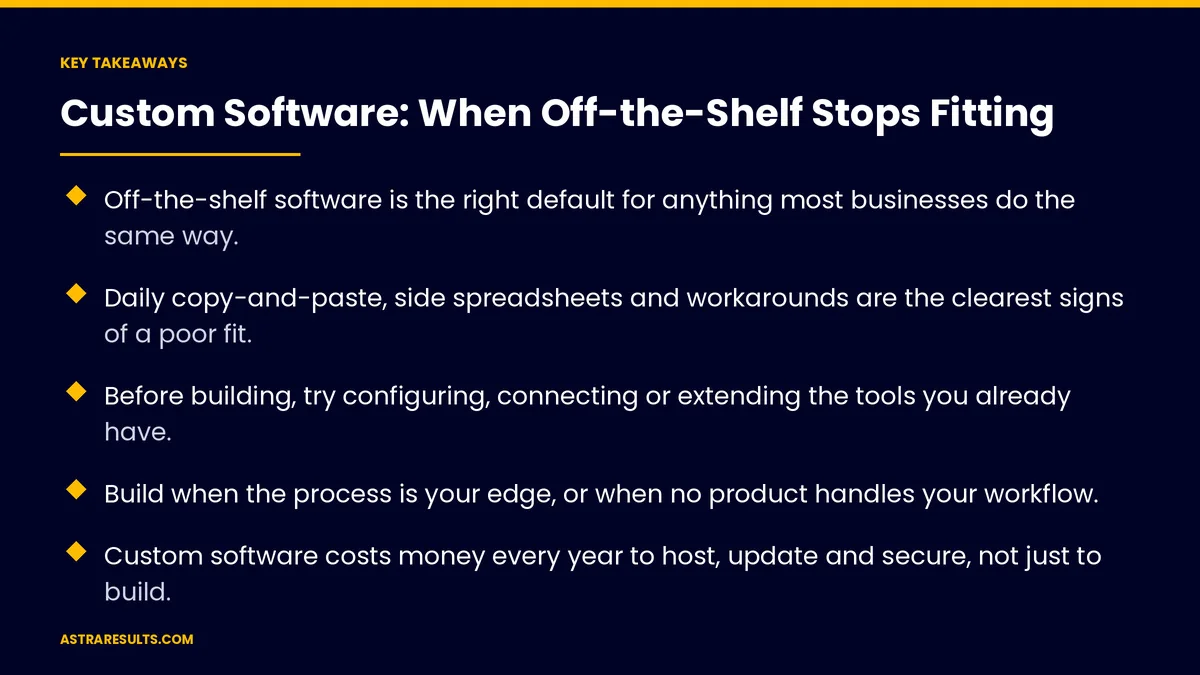
Key Takeaways
- Off-the-shelf software is the right default for anything most businesses do the same way.
- Daily copy-and-paste, side spreadsheets and workarounds are the clearest signs of a poor fit.
- Before building, try configuring, connecting or extending the tools you already have.
- Build when the process is your edge, or when no product handles your workflow.
- Custom software costs money every year to host, update and secure, not just to build.
- Own the code, the data and the documentation from day one.
Published: October 13, 2026 | Reading Time: ~11 minutes | Category: Custom Software
This guide covers the signs you've outgrown off-the-shelf tools, what to try before you build, when custom software pays for itself, what it costs to own, and how to scope it so it gets used. Put plainly: buy what everyone does the same way, and build only what makes your business different.
In This Playbook
- Signs off-the-shelf has stopped fitting
- What to try before building
- When does building custom software make sense?
- What stays off-the-shelf
- The hybrid approach most businesses need
- What custom software costs to own
- Scope it so people use it
- Own what you pay for
- Proof it pays off
- The first three months
Signs off-the-shelf has stopped fitting
Copy and paste every day. Staff move the same data from one system to another by hand: orders into accounting, leads into the scheduling tool, job notes into invoices.
Side spreadsheets run the business. The "real" schedule, price list or job tracker lives in a spreadsheet someone built, because the software can't hold it.
Workarounds become training. New hires learn which fields to misuse and which steps to skip, because the software assumes a process you don't follow.
You pay for seats you don't use. Per-user pricing for a large system when most people need one or two screens of it.
Reports take a day. Answering a simple question means exporting from three tools and stitching them together.
The software sets your process. You've changed how you work to suit the tool, and it's costing you speed or customers.
What to try before building
Configure what you have. Many tools can do more than you use: custom fields, workflows, automations and permissions. Check what the current plan already includes.
Connect the tools. Much of the copying can be removed by linking systems so data moves on its own. Integration is often faster and cheaper than replacing anything.
Automate the repetitive steps. Approvals, reminders and hand-offs can often run on their own, measured the way automation KPIs are measured: hours returned and errors removed.
Add a small custom layer. A simple portal, form or dashboard on top of your existing systems can fix the worst gap without replacing them.
Then decide. If these steps still leave daily workarounds, a custom build is worth a serious look.
When does building custom software make sense?
When the process is your edge. How you quote, schedule, inspect or serve customers is what sets you apart, and no product does it your way.
When your workflow is unusual. Niche industries often have steps no mainstream product supports.
When you need one view of your data. Customers, jobs and money live in different systems, and you need them in one place. That groundwork is described in the foundation every AI project needs.
When licensing costs keep climbing. Paying per seat for features most people never use can cost more over a few years than a focused tool you own.
When customers or partners need access. A portal for clients, patients, suppliers or franchisees, built around what they need to see and do.
What stays off-the-shelf
Accounting and payroll. Rules, taxes and audits change constantly. Use a proven product and connect to it.
Email and calendars. Universal tools with nothing to gain from rebuilding.
Payments. Use an established payment processor. Never build your own card handling.
Most CRM basics. Contacts, deals and email logs are well served by existing products. Build around them, not instead of them.
The rule of thumb. If thousands of businesses do it the same way, buy it. If you do it differently and it matters, consider building it.
The hybrid approach most businesses need
Standard systems underneath. Keep accounting, payments and email on proven products.
Custom software on top. Build the screens, workflows and reports that match how you work, connected to those systems.
Data flows between them. Information entered once reaches every system that needs it, with no retyping.
Smaller and safer. You build less, depend on proven tools for the hard parts, and can replace pieces over time.
Examples. A field-service job tracker that sends finished jobs to accounting. A property portal tied to the leasing system, like the workflows in property management automation. An approval flow on top of accounts payable.
What custom software costs to own
The build. Design, development, testing and launch. Cost depends on scope far more than on technology.
Hosting and services. Servers, databases, backups and monitoring, billed every month.
Upkeep. Security updates, library upgrades and fixes. Budget for it every year, or the software slowly breaks.
Changes. Your business will change, and the software will need to follow. Plan for a few improvements each year.
The comparison that matters. Total cost over three to five years, against licensing plus the cost of workarounds you have now. Include staff hours, errors and lost speed, not just subscription fees.
Scope it so people use it
Start with one painful workflow. The one with the most copying, the most errors or the most lost time. Fix it fully before adding more.
Watch the work first. Sit with the people who do the job. The real process is rarely the one in the manual.
Build a small first version. Something people can use in weeks, then improve based on real use. The approach is the same one used in AI pilots that fail safely.
Design for the busiest user. If the person entering data all day finds it slow, the system won't be used.
Plan for phones. Field staff often need the same tool on a phone or tablet. The options are covered in native, cross-platform or web.
Own what you pay for
The code. Your contract should give you the source code and the right to use, change and move it.
The data. Stored where you can reach it, export it and back it up.
The documentation. How it works, how to deploy it and how to run it, so another team could take over.
The accounts. Hosting, domains and services registered to your business, not to a developer.
Why it matters. Software you don't control is a risk. If the relationship ends, you should keep a working system.
Proof it pays off
Hours returned. Time staff no longer spend copying, checking and fixing.
Errors removed. Wrong orders, missed jobs and billing mistakes, before and after.
Adoption. The share of the team using the new tool every day, instead of the old workaround.
Speed. How long key tasks take, from quote to invoice or request to completion.
Total cost. Build, hosting and upkeep, compared with what you were paying before.
The first three months
Days 1–30: find the real problem
Watch the work and list every workaround, spreadsheet and copy-and-paste step. Measure the hours and errors involved. Check what your current tools can already do with better setup or connections. Decide whether to configure, connect or build.
Days 31–60: build the first piece
Scope one workflow and design it with the people who use it. Build a small first version connected to your existing systems. Set up hosting, backups and access under your own accounts.
Days 61–90: launch and improve
Roll it out to one team first. Track hours returned, errors and adoption. Fix what slows people down, write the documentation, and plan the next workflow and the yearly upkeep budget.
How Astra builds it
Astra Results Marketing starts custom software by watching the work, not by writing code. We list every workaround, measure what it costs, and check whether better setup or connections would fix it before recommending a build.
When building makes sense, we keep standard tools for accounting, payments and email and build a focused layer on top of them. First versions fix one painful workflow, then grow from real use. You own the code, data, accounts and documentation from day one. Engagements begin with a workflow review through our custom software team.
Related reading
Frequently asked questions
How do we know we've outgrown off-the-shelf software?
When staff copy data between systems every day, side spreadsheets hold critical information, workarounds are part of training, or simple reports take hours. Those are signs the tools no longer fit how you work.
Should we try anything before building custom software?
Yes. Configure your current tools fully, connect them so data moves on its own, automate repetitive steps, or add a small custom layer on top. If daily workarounds remain after that, a custom build is worth considering.
What should we never build ourselves?
Accounting, payroll, email, calendars and payment processing. These are well served by proven products with constant updates for rules and security. Build around them and connect to them instead.
What does custom software cost?
It depends mainly on scope. Plan for the build, plus monthly hosting and services, plus yearly upkeep for security, updates and changes. Compare the total over three to five years with your current licensing and the cost of workarounds.
Who owns custom software?
You should. Your contract should give you the source code and the rights to use and change it, and your data, hosting and accounts should be registered to your business. Good documentation lets another team take over if needed.
How long does a first version take?
A focused first version that fixes one workflow can often be in use within weeks. Larger systems take months. Starting small and improving from real use is usually faster and safer.
Ready to stop working around your software? Astra Results Marketing watches the work, measures what your workarounds cost, and builds focused custom software on top of the tools you keep, with you owning the code, the data and the accounts from day one. ▸ CALL (786) 321-2866 · ▸ REQUEST YOUR CONSULTATION





