 Rated 5 star on

Evaluating Android Vendors: A Buyer's Checklist
Quick answer
Choose an Android vendor by installing their live apps from Google Play and checking ratings and update history. Android runs on thousands of phone models, so insist on real-device testing. A modern stack usually means Kotlin and Jetpack Compose. Your business should own the Play Console account, code and signing keys. Agree on maintenance before launch.
Many developers say they build for Android, but Android has its own challenges: thousands of phone models, yearly Google Play deadlines and new developer rules. A vendor that treats Android as an afterthought can leave you with an app that breaks on common phones. A short checklist separates real Android experience from a polished pitch.
Key Takeaways
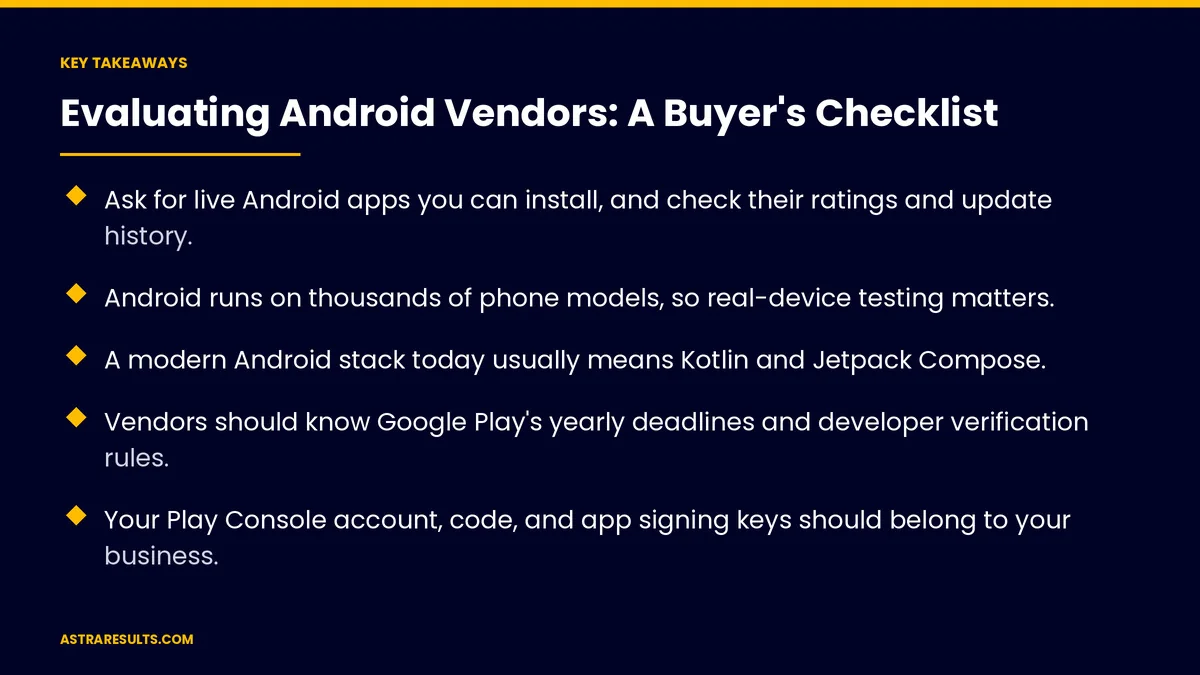
- Ask for live Android apps you can install, and check their ratings and update history.
- Android runs on thousands of phone models, so real-device testing matters.
- A modern Android stack today usually means Kotlin and Jetpack Compose.
- Vendors should know Google Play's yearly deadlines and developer verification rules.
- Your Play Console account, code, and app signing keys should belong to your business.
- Agree on maintenance before launch, because Android changes every year.
Published: October 10, 2026 | Reading Time: ~8 minutes | Category: Android App Development
This checklist covers how to evaluate an Android development partner: live apps on Google Play, testing on real devices, a modern technical stack, Google Play policy knowledge, account and code ownership, security, release process, maintenance, pricing and red flags. Put plainly: judge vendors by apps you can download, and keep every account in your name.
In This Playbook
- Live apps you can download
- Testing on real devices
- A modern technical stack
- Google Play policy knowledge
- Ownership and access
- Security practices
- What release process should an Android vendor use?
- Maintenance
- How do Android vendors price their work?
- Red flags
- What to measure after hiring
- The first three months with a vendor
Live apps you can download
Ask for Play Store links. Apps you can install today, not just screenshots.
Check ratings and reviews. Look for complaints about crashes or slow updates.
Look at update history. Regular updates show the vendor keeps apps current.
Similar apps. Workforce apps, customer apps or both, as covered in Android apps for the workforce and the customer.
Testing on real devices
Android variety is real. Many manufacturers, screen sizes and software versions.
Ask about their device lab. Which phones they test on, including budget models your customers use.
Automated tests. Key flows checked on every build.
Special hardware. Rugged devices and scanners need extra testing, as in warehouse scanning apps.
A modern technical stack
Kotlin. Google's preferred language for Android development.
Jetpack Compose. Google's modern toolkit for building app screens.
Cross-platform options. React Native or similar, if you need iPhone too. Ask how they handle Android-specific features.
No outdated tools. Old frameworks make future updates harder.
Google Play policy knowledge
Yearly target deadlines. Apps must target a recent Android version. From August 31, 2026, that's Android 16, as covered in Google Play review and policy basics.
Developer verification. Google's rollout is covered in Play Store vs direct distribution.
Testing tracks. Some new personal developer accounts must run closed tests before publishing; a business account avoids surprises.
Data safety forms. Accurate disclosures of what the app collects.
Ownership and access
Play Console in your name. Your business owns the developer account, with the vendor added as a user.
Code repository access. You own the code and can see it at any time.
App signing keys. Know where they're held and who controls them.
Clear exit terms. What happens if you change vendors.
Security practices
Secure storage and sign-in. Sensitive data protected on the device.
No secret keys in the app. Keys kept on servers.
Package management. Libraries kept current and checked for known issues.
The details are covered in cross-platform security considerations.
What release process should an Android vendor use?
Staged rollouts. Releasing to a small share of users first.
Crash monitoring. Watching reports after every release.
Clear release notes. You know what changed in each update.
Maintenance
Yearly updates. New Android versions and store deadlines every year, as covered in iOS and Android updates.
Response times. How fast urgent problems get fixed.
In the contract. As covered in maintenance contracts.
How do Android vendors price their work?
Fixed price. Clear scope, less flexibility.
Time and materials. Flexible, but needs close tracking.
Retainers. For ongoing updates and support.
Compare total cost. Building plus at least a year of maintenance.
Red flags
No live Android apps to show. Only mockups or iPhone work.
Accounts in the vendor's name. Ownership should be yours.
No real-device testing. Emulators alone miss real problems.
Vague maintenance plans. Support that ends at launch.
Unrealistic promises. Guaranteed downloads or ratings.
More questions to ask any partner are covered in what to ask before hiring a task management partner.
What to measure after hiring
Crash-free users. After each release.
Store rating. Over time.
Deadlines met. Google Play requirements handled before they block updates.
Time to fix urgent issues. Against the agreed response times.
Delivery against plan. Features shipped on schedule.
The first three months with a vendor
Days 1–30: set up ownership
Create or confirm your Play Console account, give the vendor user access, set up the code repository in your name and agree on signing key handling.
Days 31–60: build and test
Review progress on real devices, check automated tests and confirm data safety disclosures. Agree on the release and rollout plan.
Days 61–90: launch and support
Release in stages, watch crash reports and ratings, and start the maintenance plan with agreed response times.
How Astra builds Android apps
Astra Results Marketing builds Android apps with a modern stack, tests on real devices and keeps your Play Console account, code and signing keys in your name. We handle Google Play deadlines and developer verification, and support apps after launch.
Engagements begin with an Android project review through our Android app development team.
Related reading
Frequently asked questions
What should we ask an Android vendor first?
For links to live Android apps on Google Play. Install them, check ratings and reviews and look at how often they're updated.
Why does real-device testing matter for Android?
Android runs on thousands of phone models with different screens and software versions. Testing on real devices, including budget models, catches problems emulators miss.
What technical stack should an Android vendor use?
Usually Kotlin and Jetpack Compose for native apps, or a cross-platform framework if you also need iPhone, with a plan for Android-specific features.
Who should own the Play Console account?
Your business. Add the vendor as a user, and keep the code repository and app signing keys under your control.
What Google Play rules should a vendor know?
The yearly target-version deadline, developer verification, testing requirements for new accounts and accurate data safety disclosures.
What are red flags when hiring an Android vendor?
No live Android apps, accounts in the vendor's name, no real-device testing, vague maintenance plans and promises of guaranteed downloads or ratings.
Ready for an Android partner you can verify? Astra Results Marketing builds Android apps with a modern stack, real-device testing, Google Play compliance and every account in your name, with support after launch. ▸ CALL (786) 321-2866 · ▸ REQUEST YOUR CONSULTATION





