 Rated 5 star on

Android Apps for the Workforce and the Customer
Quick answer
A workforce app and a customer app are different products with different rules. The field app is judged on the worst phone in the worst signal, so it needs offline capture, battery discipline and a written list of supported devices. The customer app competes for installation. Fragmentation is a budget line, and maintenance never ends.
Android is where most of the world's phones are, and in businesses that run on field teams — logistics, construction, home services, warehousing — it is where the workforce is too. That makes it the platform for two jobs: an app customers install by choice, and an app employees use because it is how work gets done.
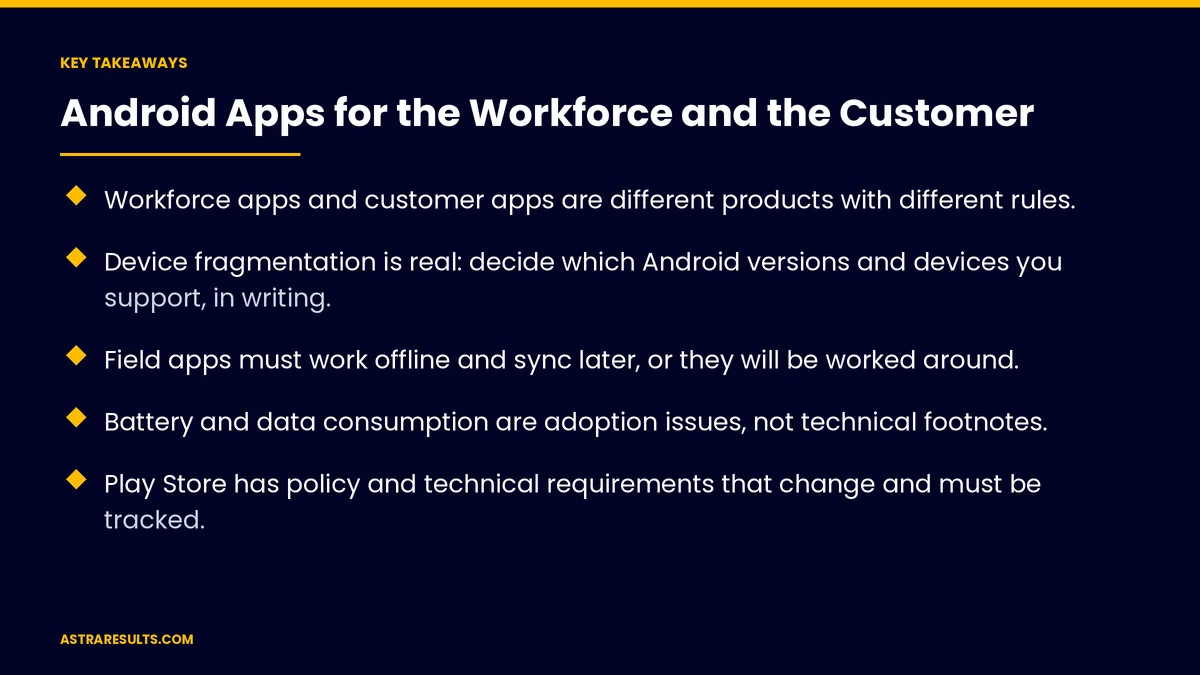
Key Takeaways
- Workforce apps and customer apps are different products with different rules.
- Device fragmentation is real: decide which Android versions and devices you support, in writing.
- Field apps must work offline and sync later, or they will be worked around.
- Battery and data consumption are adoption issues, not technical footnotes.
- Play Store has policy and technical requirements that change and must be tracked.
- Budget for maintenance from day one; an unmaintained app stops working.
Published: September 5, 2026 | Reading Time: ~14 minutes | Category: Android
Those two jobs have almost nothing in common. This guide covers both separately: what a field app has to survive, why device fragmentation is a budget line rather than a technicality, what Play Store distribution requires, and the maintenance cost nobody budgets for. The sentence to carry out of this: a field app is judged on the worst phone in the worst signal, not the newest one.
Guidance for owners and operators. Nothing here is legal or employment advice. Employee device monitoring, location tracking, data collection and bring-your-own-device arrangements carry privacy and labor obligations that vary sharply by jurisdiction and must be reviewed with counsel.
In This Playbook
- Two different products
- The field app: what it must survive
- What field apps do
- Fragmentation, plainly
- Play Store: distribution and its rules
- Managing a device fleet
- Location, monitoring and the trust question
- Native Android or cross-platform
- The maintenance nobody budgets
- Ninety days, in order
- Astra's part in it
Two different products
- The workforce app. Used daily by people who did not choose it, on devices that may be company-owned or personal, often in poor signal, sometimes with gloves on. Success is measured in tasks completed and data captured, not downloads.
- The customer app. Installed voluntarily, competing with every other app for space and attention, and deleted the moment it is not worth its place. Success is measured in retention and repeat usage.
- Why the distinction matters. A workforce app can require training, assume context and demand data entry. A customer app can assume nothing and must earn every screen.
- The most common mistake. Building the customer app the business wants rather than the workforce app the business needs. The second one returns more, faster, discussed in choosing what to build.
- Where to start. If field teams are currently using paper, WhatsApp and phone calls to coordinate, that is the app.
The field app: what it must survive
- No signal. Basements, warehouses, rural routes, elevator shafts. The app must work fully offline and sync when connection returns, with conflict handling for edits made in two places.
- Cheap devices. The phone the company bought in bulk, or the employee's four-year-old handset. Performance targets are set by that device, not by the developer's.
- Battery. An app that drains a phone by lunch will be closed by the crew, and then the data stops. Background location, constant syncing and video upload are the usual culprits.
- Data cost. Photo and video upload on a personal plan is a real cost to the employee. Compress, batch, and upload on connection where possible.
- Gloves, sun and noise. Large touch targets, high contrast, minimal typing. Voice input where typing is impractical.
- Interruption. The app must survive a phone call mid-task and return exactly where it was.
What field apps do
- Capture work. Job details, checklists, measurements, signatures, photos before and after, time on site.
- Replace paper. Delivery notes, inspection forms, safety checks, damage reports — captured once, structured, timestamped and located, according to extracting structured data.
- Direct the day. The route, the schedule, the next job, the change from dispatch.
- Answer questions. Access to the manual, the part number, the customer history, without calling the office.
- Prove completion. Photographic evidence, customer sign-off, timestamps — which resolves disputes and shortens billing.
- Feed the office. The job closed in the field closes in the system, without rekeying.
Fragmentation, plainly
The word gets used as a warning; it is really a scoping decision.
- Android versions. Deciding the oldest version supported determines how much of the workforce and market is reachable and how much extra work each older version costs.
- Screen sizes and densities. From small budget phones to large tablets, with layouts that must hold.
- Manufacturer differences. Battery optimization behaves differently across manufacturers and can silently kill background sync. This is the single most common cause of "the app stopped updating" reports.
- Rugged devices. Purpose-built handhelds and scanners with their own quirks, and older Android versions.
- The decision to make in writing. A supported device and version list, tested against real hardware, revisited annually. Without it, support requests are unbounded.
Play Store: distribution and its rules
- Policy compliance. Permissions must be justified, privacy policy provided, data handling declared, and sensitive permissions like location and storage explained. Policies change, and an app can be removed for a violation introduced by an update. Google publishes the target API requirements and the policy centre governing listings (Play Console Help).
- Technical requirements. Target API levels rise annually, and apps that do not keep up are eventually removed from the store. This alone makes maintenance non-optional.
- Review times. Usually fast, occasionally not, and a rejection close to a launch date is a real risk to plan for.
- Alternatives to the public store. Managed distribution for workforce apps, where the app is pushed to company devices without a public listing. Usually the right answer for field apps.
- Listing quality for customer apps: the screenshots, description and first impression determine installs, and the first-week reviews are disproportionately influential.
Managing a device fleet
For workforce apps, the devices are part of the project.
- Ownership. Company devices are simpler to manage and more expensive. Personal devices are cheaper and raise privacy, reimbursement and labor questions that counsel should review before the policy is set.
- Enrollment. Device management to push the app, enforce settings, and remove access when someone leaves.
- Updates. Controlled rollout so a bad version does not reach the whole field at once.
- Loss and replacement. Remote wipe, and a process for getting a working device to someone by tomorrow morning.
- Support. Someone the crew can call when the app will not load, with a path to escalate.
Location, monitoring and the trust question
The part that determines whether the app is adopted or quietly resisted.
- What the business legitimately needs. Job location for dispatch, time on site for billing, route for efficiency.
- What creates problems. Continuous tracking outside working hours, monitoring that was not explained, and data collection that exceeds what the stated purpose requires.
- The legal dimension. Location tracking of employees, especially on personal devices, is regulated differently across jurisdictions and is an area where counsel's review is not optional.
- The practical dimension. A workforce that believes it is being surveilled finds workarounds — leaving the phone in the truck, closing the app — and the data quality collapses.
- The defensible posture. Collect only what the stated purpose needs, during working hours, explained plainly before rollout, with the policy written and acknowledged.
Native Android or cross-platform
- Native Android. Best performance, full access to device capabilities, best fit for rugged hardware, scanners and heavy offline use.
- Cross-platform. One codebase serving Android and iOS, faster and cheaper when both are needed and the app is not hardware-intensive.
- The deciding questions. Does the app need deep hardware access? Is the workforce on Android only? Is there also a customer app for iOS? How long will this app live?
- The common answer. Android-only field apps built natively; customer apps serving both platforms built cross-platform.
The maintenance nobody budgets
- Why it is mandatory. Annual target API requirements, operating system releases, device changes, dependency updates and security patches. An app left alone for two years will not install on a new phone.
- What it costs. A meaningful annual percentage of the original build, every year, before any new features.
- What happens without it. The app breaks quietly, the field works around it, and the business discovers a year later that nobody has used it since the last OS update.
- Who owns it. A named person inside the business, and a maintenance agreement that specifies response times rather than best efforts.
- The build decision it affects. A cheaper build with no maintenance plan is more expensive over three years than a solid build with one.
Ninety days, in order
Days 1–30: scope and constraints
The job defined — workforce or customer — with the process it replaces mapped. The supported device and Android version list written and tested against real hardware. Offline behavior and sync conflict rules specified. Privacy, monitoring and device-ownership policy reviewed with counsel.
Days 31–60: build the core
The smallest useful version: the daily task, offline-first, with sync. Tested on the worst supported device, in poor signal, with battery measured. Managed distribution set up for workforce apps.
Days 61–90: pilot and harden
One crew or one region using it daily alongside the old method. Failure reports gathered. Battery, data use and sync reliability fixed before wider rollout. Maintenance agreement and named owner in place before launch.
Astra's part in it
Astra Results Marketing scopes the workforce app and the customer app as separate products, and usually recommends starting with the one that replaces paper, WhatsApp and phone calls in the field. The supported device and version list is written and tested on real hardware, offline operation and sync conflict handling are specified before the build, and battery and data consumption are measured as adoption risks.
Monitoring and device-ownership policy go to counsel before rollout, and the default is collecting only what the stated purpose requires. Every engagement includes a maintenance plan with a named owner, because an unmaintained Android app eventually stops installing. Engagements begin with a field-process assessment through our UI/UX development and design team.
Related reading
Frequently asked questions
What is the difference between a workforce app and a customer app?
A workforce app is used daily by people who did not choose it, on cheap devices in poor signal, and is judged on tasks completed and data captured. A customer app is installed voluntarily, competes for space on the phone and is deleted when it stops earning its place. A workforce app can require training and demand data entry; a customer app must earn every screen.
Which should a business build first?
Usually the workforce app, if field teams are currently coordinating through paper, WhatsApp and phone calls. It returns more, faster, because it removes rekeying, shortens billing and captures proof of completion. The common mistake is building the customer app the business wants rather than the workforce app the business needs.
What does "device fragmentation" mean in practice?
A scoping decision rather than a warning. The business decides in writing which Android versions, screen sizes and devices it supports, tested on real hardware and revisited annually — otherwise support requests are unbounded. The most common surprise is manufacturer-specific battery optimization silently killing background sync, which produces the "the app stopped updating" report.
Why must a field app work offline?
Because basements, warehouses, rural routes and elevator shafts have no signal, and an app that fails there gets worked around within a week. It must function fully offline, sync when connection returns, and handle conflicts when the same record was edited in two places. Battery and data consumption matter for the same reason: an app that drains a phone by lunch gets closed, and then the data stops.
What are the rules around tracking field employees?
Location tracking of employees, especially on personal devices, is regulated differently across jurisdictions and requires counsel's review before the policy is set. Practically, a workforce that believes it is being surveilled leaves the phone in the truck and the data quality collapses. The defensible posture is collecting only what the stated purpose requires, during working hours, explained plainly before rollout and acknowledged in writing.
What does app maintenance cost?
A meaningful annual percentage of the original build, every year, before any new features — driven by rising target API requirements, OS releases, device changes and security patches. An app left alone for two years will not install on a new phone. A cheaper build with no maintenance plan costs more over three years than a solid build with one.
READY TO GET THE FIELD OFF PAPER AND WHATSAPP? Astra Results Marketing scopes workforce and customer apps separately, writes the supported device list, specifies offline behavior before the build, and includes a maintenance plan with a named owner. Astra Results Marketing · 1101 Brickell Ave, Miami, FL 33131 · +1 (786) 321-2866 · sales@astraresults.com Find us on Google · Yelp ▸ CALL (786) 321-2866 · ▸ REQUEST YOUR CONSULTATION





