 Rated 5 star on


Cross-Platform Security Considerations
Quick answer
Cross-platform apps can be as secure as native apps when each platform's protections are used properly. Store sensitive data in iPhone's Keychain and Android's Keystore. Keep secret keys on your servers, never inside the app. Choose third-party packages carefully and keep them updated. Sign over-the-air updates, and test against the OWASP Mobile Top 10.
Cross-platform apps let one team build for iPhone and Android from a single codebase. That saves time and money, but it doesn't remove the work of securing each platform. Each device still needs the right storage, secrets don't belong in the app and every package adds risk. A few habits built in early protect users.
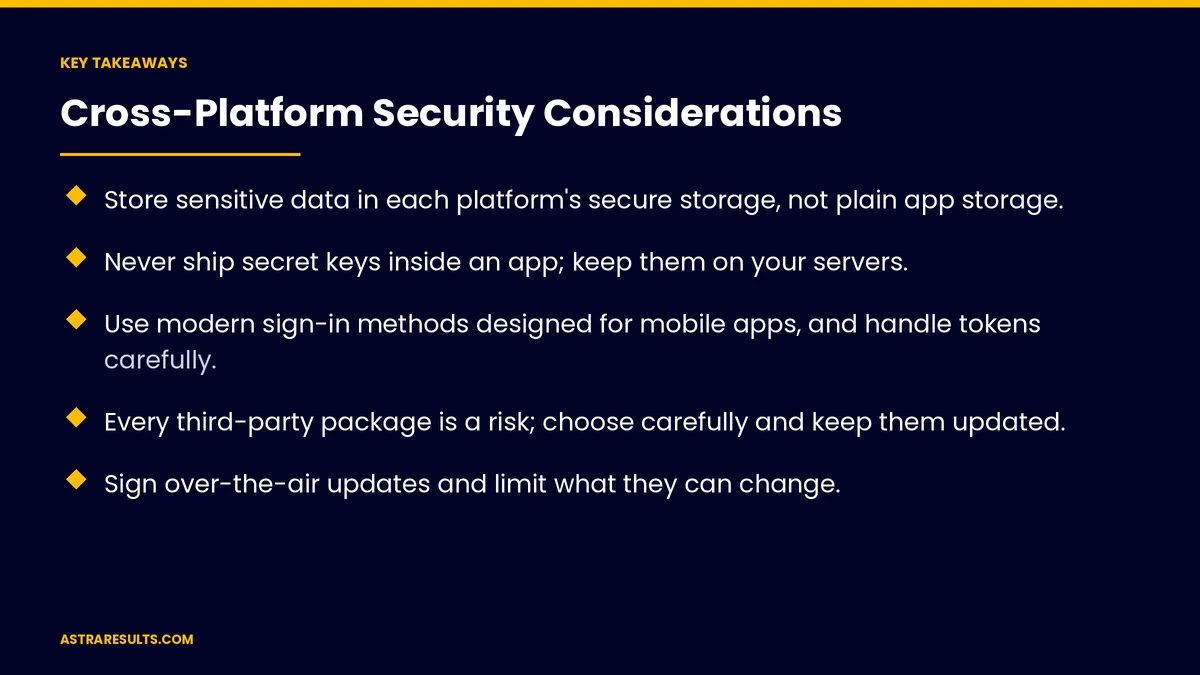
Key Takeaways
- Store sensitive data in each platform's secure storage, not plain app storage.
- Never ship secret keys inside an app; keep them on your servers.
- Use modern sign-in methods designed for mobile apps, and handle tokens carefully.
- Every third-party package is a risk; choose carefully and keep them updated.
- Sign over-the-air updates and limit what they can change.
- Test against a recognized checklist, such as the OWASP Mobile Top 10.
Published: October 4, 2026 | Reading Time: ~9 minutes | Category: Cross-Platform Apps
This guide covers the security considerations for cross-platform apps: secure storage, keeping secrets off devices, safe sign-in and tokens, network security, third-party packages, over-the-air updates, permissions and logging, web views and links, testing and ongoing maintenance. Put plainly: one codebase still needs two platforms' worth of care.
In This Playbook
- One codebase, two platforms
- Secure storage on the device
- Keep secrets off the device
- How should a cross-platform app handle sign-in?
- Network security
- Third-party packages
- Over-the-air updates
- Permissions, logs and links
- Testing
- Security is ongoing
- Which cross-platform app security metrics matter?
- The first three months
One codebase, two platforms
Shared code, separate systems. iPhone and Android have different security features and rules.
Use each platform's tools. Secure storage, permissions and sign-in options differ.
Two store reviews. Each app store checks apps against its own policies.
The trade-offs of cross-platform are covered in reaching every device once.
Secure storage on the device
Use protected storage. iPhone's Keychain and Android's Keystore are built for sensitive data such as tokens.
Avoid plain storage. Basic app storage can be read on compromised devices.
Store less. Keep only what the app needs on the device.
Clear data on sign-out. Remove tokens and cached personal data.
Keep secrets off the device
Apps can be taken apart. Anything inside the app, including keys, can be extracted.
Keep secret keys on servers. The app asks your server, which holds the keys.
Limit public keys. Keys that must be in the app should be restricted to what they can do.
Rotate keys. Change them if they may have leaked.
How should a cross-platform app handle sign-in?
Use sign-in methods built for mobile. Standard sign-in flows with extra protection for apps, such as OAuth with PKCE.
Short-lived tokens. Access tokens that expire, with secure refresh.
Protect sessions. Sign users out after inactivity where it makes sense.
Offer strong options. Biometric unlock and two-step verification for sensitive apps.
Payments through providers. Card details handled by payment providers, as with tokens in Apple Pay loyalty.
Network security
Encrypt every connection. All traffic over secure connections.
Validate on the server. Never trust data just because it came from your app.
Consider certificate pinning carefully. It can block some attacks but makes updates harder to manage.
Rate limits. Protect your servers from abuse.
Third-party packages
Every package adds risk. Abandoned or compromised packages can expose users.
Choose carefully. Prefer well-maintained packages with active communities.
Scan for known issues. Automated tools flag vulnerable packages.
Update regularly. Part of routine maintenance, as covered in React Native maintenance.
Over-the-air updates
Signed updates only. Make sure updates come from you and haven't been changed.
Limit what they change. Native changes still go through the app stores.
Test before release. Treat over-the-air updates like full releases.
Roll out in stages. Start with a small share of users.
Permissions, logs and links
Ask for minimal permissions. Only what features need, when they need it, as covered in app onboarding.
No personal data in logs. Logs and crash reports shouldn't contain passwords, tokens or health details.
Careful web views. Load only trusted pages inside the app.
Validate deep links. Links that open the app shouldn't let anyone skip sign-in or trigger actions without checks.
Testing
Use a recognized checklist. The OWASP Mobile Top 10 covers common mobile risks.
Automated scans. For code and packages on every build.
Independent testing. Security reviews or penetration tests for apps handling sensitive data.
Regulated data. Health or financial data may bring extra requirements, so check with counsel. Health data rules are covered in fitness Swift apps.
Security is ongoing
Plan for updates. Phone software, packages and threats keep changing.
Put security in contracts. Response times for security issues and incident notice, as covered in maintenance contracts.
Monitor and respond. Watch for unusual activity and fix issues fast.
Which cross-platform app security metrics matter?
Known vulnerabilities. Open issues in code and packages.
Time to patch. From discovery to fix.
Outdated packages. Count and age.
Security test results. Findings by severity.
Incidents. Security events and how fast they were handled.
The first three months
Days 1–30: review
Check where the app stores sensitive data, whether any secret keys are in the app, how sign-in and tokens work and which packages are outdated or vulnerable.
Days 31–60: fix
Move sensitive data to secure storage, move secret keys to servers, update risky packages, tighten permissions and remove personal data from logs. Make sure over-the-air updates are signed.
Days 61–90: test and maintain
Test against the OWASP Mobile Top 10, add automated scans to every build and set a schedule for package updates and security reviews.
How Astra secures cross-platform apps
Astra Results Marketing builds and reviews cross-platform apps with security in mind. We use each platform's secure storage, keep secrets on servers, set up safe sign-in, manage packages and sign updates.
We test against recognized checklists and keep apps current with ongoing maintenance. Engagements begin with an app security review through our cross-platform app development team.
Related reading
Frequently asked questions
Are cross-platform apps less secure than native apps?
Not inherently. They can be just as secure if they use each platform's security features, keep secrets off devices, manage packages carefully and are tested properly.
Where should an app store sensitive data?
In each platform's secure storage, such as iPhone's Keychain and Android's Keystore, not in plain app storage. Store as little as possible on the device.
Can we put API keys in the app?
Not secret ones. Anything in the app can be extracted. Keep secret keys on your servers and restrict any keys that must be in the app.
How do third-party packages create risk?
Abandoned or compromised packages can expose users. Choose well-maintained packages, scan for known issues and update them regularly.
Are over-the-air updates safe?
They can be, if updates are signed, limited to what store rules allow, tested like full releases and rolled out in stages.
How should we test app security?
Against a recognized checklist such as the OWASP Mobile Top 10, with automated scans on every build and independent testing for apps handling sensitive data.
Ready to secure your cross-platform app? Astra Results Marketing builds and reviews cross-platform apps with secure storage, secrets on servers, safe sign-in, managed packages, signed updates and regular testing. ▸ CALL (786) 321-2866 · ▸ REQUEST YOUR CONSULTATION





