 Rated 5 star on

Play Store vs Direct Distribution
Quick answer
Most customer Android apps belong on Google Play, while internal workforce apps usually fit private distribution to managed devices. Direct installs add friction and risk, and updates become your job. Google now requires apps on certified Android devices to come from verified developers. A global rollout is planned for 2027, so verify your developer identity now.
Android lets businesses choose how apps reach people: Google Play, private company channels or direct installs. Each fits different apps. A customer app needs Play's reach and trust, while a warehouse scanner app may never appear in a public store. Google's new developer checks now affect every path.
Key Takeaways
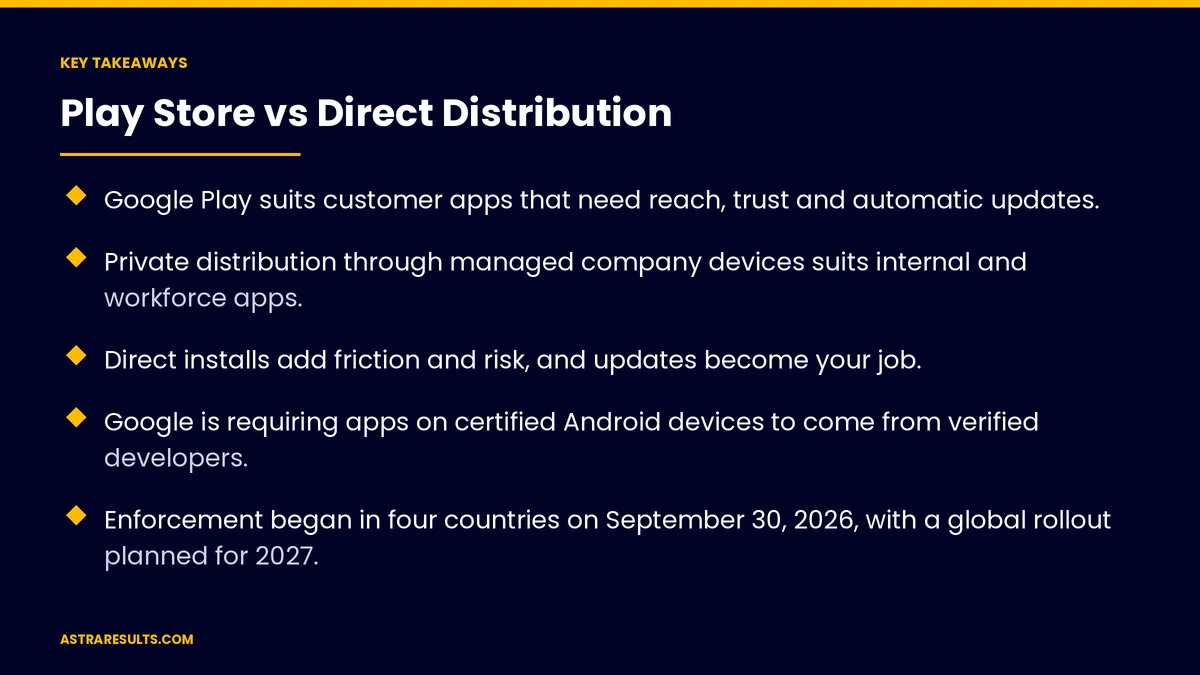
- Google Play suits customer apps that need reach, trust and automatic updates.
- Private distribution through managed company devices suits internal and workforce apps.
- Direct installs add friction and risk, and updates become your job.
- Google is requiring apps on certified Android devices to come from verified developers.
- Enforcement began in four countries on September 30, 2026, with a global rollout planned for 2027.
- Verify your developer identity now, whichever channel you use.
Published: October 26, 2026 | Reading Time: ~9 minutes | Category: Android App Development
This guide compares Android distribution options: Google Play, private distribution to company devices, direct installs, other app stores, how updates and security differ, Google's developer verification rollout and what to do now. Put plainly: match the channel to the audience, and get your developer identity verified before it's required.
Google's rules change often. Check current requirements before you plan a release.
In This Playbook
- What are the main ways to distribute an Android app?
- Google Play
- Private distribution to company devices
- Direct installs
- Other app stores
- Google's developer verification rollout
- What to do now
- Updates and security by channel
- Choosing the right channel
- What to measure
- The first three months
What are the main ways to distribute an Android app?
Google Play. The public store most Android users rely on.
Private distribution. Apps sent only to your company's managed devices.
Direct installs. App files downloaded from a website or sent by link.
Other app stores. Device makers' stores and alternatives in some regions.
Google Play
Reach and trust. Customers find and install apps the way they expect.
Automatic updates. Users get new versions without effort.
Review and policies. Apps must meet Google's rules, as covered in Google Play review and policy basics.
Testing requirements. Some new personal developer accounts must run closed tests before publishing.
Fees. Paid apps and digital goods may involve Google's service fees, so check current terms.
Private distribution to company devices
Managed devices. Company phones and rugged devices enrolled in device management.
Private apps. Internal apps can be shared privately to those devices, without a public listing.
Control. IT decides which apps install and when updates roll out.
Good fit. Workforce tools such as warehouse scanning apps and field service apps, as covered in Android apps for the workforce.
Direct installs
How it works. Users download an app file and allow installation from that source.
Friction. Security warnings and extra steps put many users off.
Updates are your job. You must deliver and prompt every update.
Security risk. Users can't easily tell real files from fakes.
When it fits. Narrow cases, such as testing or special devices, with care.
Other app stores
Device makers' stores. Some phones ship with their own app stores.
Regional differences. Store popularity varies by country, which matters for Latin American markets.
Extra maintenance. Each store has its own listing and review process.
Google's developer verification rollout
What it is. Apps on certified Android devices must be registered to a developer whose identity Google has verified.
It checks identity, not content. It confirms who made the app.
Where it applies first. Since September 30, 2026, participating app stores, including Google Play, only install or update apps from verified developers in Brazil, Indonesia, Singapore and Thailand.
What's next. Google plans to roll the requirement out globally in 2027, including apps installed outside stores.
Exceptions remain. Advanced options let technical users install unverified apps, and limited accounts exist for students and hobbyists.
What to do now
Verify your developer identity. Through Play Console or Google's developer console for apps distributed outside Play.
Register your apps. Make sure every app you distribute is linked to your verified account.
Plan for 2027. Apps shared by direct install will need verified developers too.
Keep accounts in your name. Developer accounts should belong to your business, not an agency or freelancer.
Updates and security by channel
Play. Automatic updates and Google's protections.
Private. Updates pushed by your device management system.
Direct. Manual updates, signing and file security are on you.
Every channel. Secure coding and regular maintenance, as covered in cross-platform security considerations and React Native maintenance.
Choosing the right channel
Customer apps. Google Play, almost always, such as restaurant ordering apps.
Employee and device apps. Private distribution through device management.
Partners and pilots. Closed testing on Play or private channels.
Direct installs. Rarely, and only with a clear reason.
What to measure
Installs and active users. By channel.
Update adoption. Share of users on the latest version.
Install support requests. Problems users report while installing.
Verification status. Accounts verified and apps registered.
Security incidents. By channel.
The first three months
Days 1–30: review channels and accounts
List every Android app you distribute and how. Confirm developer accounts are in your business's name, and start developer verification if it isn't done.
Days 31–60: register and tidy up
Register each app to your verified account. Move workforce apps to private distribution where possible, and plan to replace direct installs.
Days 61–90: plan for 2027
Check update adoption by channel, document how each app is distributed and set reminders to review Google's rollout before the global requirement arrives.
How Astra handles Android distribution
Astra Results Marketing helps businesses choose and manage Android distribution. We publish customer apps on Google Play, set up private distribution for workforce apps, keep developer accounts in your name and complete developer verification and app registration.
We plan updates and security for each channel and track Google's rollout. Engagements begin with an app distribution review through our Android app development team.
Related reading
Frequently asked questions
Should our Android app be on Google Play?
For customer apps, almost always. Play gives reach, trust and automatic updates. Internal workforce apps usually fit private distribution better.
Can we distribute an app privately to employees?
Yes. Apps can be shared privately to company devices managed by device management, without a public listing.
What is Android developer verification?
A Google requirement that apps on certified Android devices come from developers whose identity Google has verified. It checks who the developer is, not what the app contains.
When does developer verification apply?
Since September 30, 2026, participating stores in Brazil, Indonesia, Singapore and Thailand require it. Google plans to roll it out globally in 2027.
Can we still install apps directly?
Yes, but direct installs add friction and security risk, and updates become your job. Google's global rollout will require verified developers for these apps too.
What should we do now?
Verify your developer identity, register every app you distribute, keep accounts in your business's name and plan for the 2027 global rollout.
Ready to get your Android distribution in order? Astra Results Marketing publishes customer apps on Google Play, sets up private distribution for workforce apps and completes developer verification before it's required. ▸ CALL (786) 321-2866 · ▸ REQUEST YOUR CONSULTATION





