 Rated 5 star on

Insurance Swift Apps With Secure Document Access
Quick answer
An insurance iPhone app should give clients ID cards, policies, certificates and claim filing securely. Face ID or Touch ID offers fast sign-in, backed by a strong password and two-step verification. Encrypt every connection and use the file protection built into iOS. ID cards should work offline, including from Apple Wallet. Licensed people decide claims.
A driver at the side of the road after an accident needs their insurance card. A homeowner needs their policy number for a storm claim. Both reach for their phone. An insurance app that opens fast, works without signal and keeps sensitive documents locked down turns those moments into proof that your agency or company has their back.
Key Takeaways
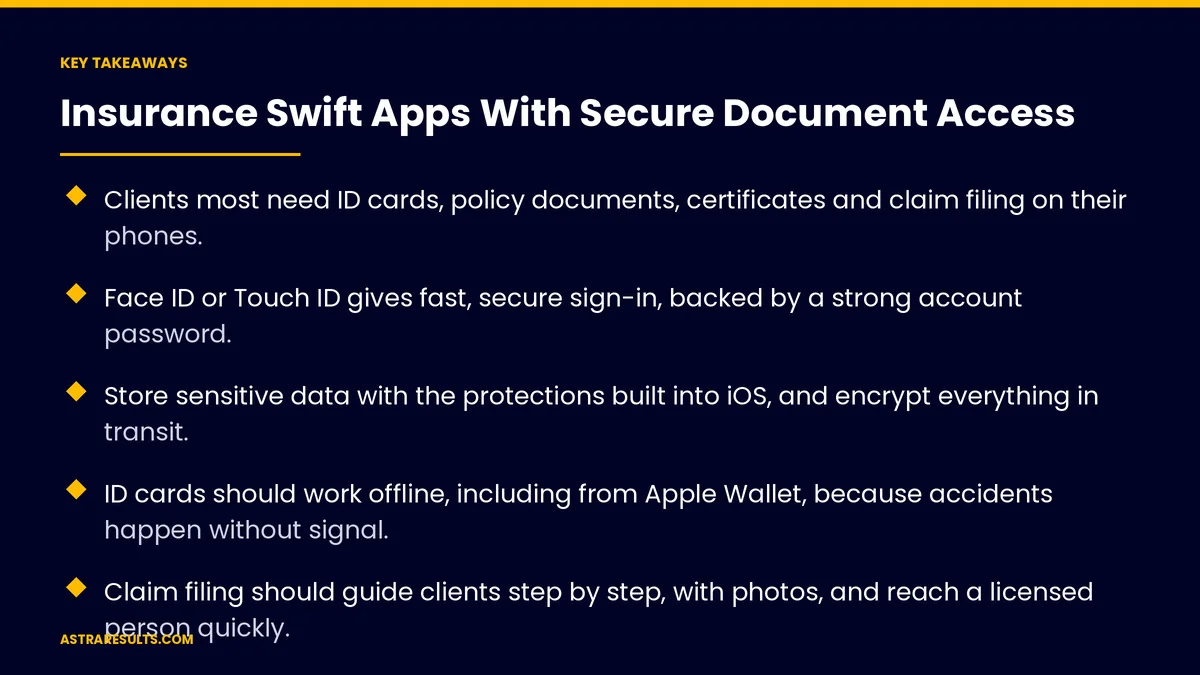
- Clients most need ID cards, policy documents, certificates and claim filing on their phones.
- Face ID or Touch ID gives fast, secure sign-in, backed by a strong account password.
- Store sensitive data with the protections built into iOS, and encrypt everything in transit.
- ID cards should work offline, including from Apple Wallet, because accidents happen without signal.
- Claim filing should guide clients step by step, with photos, and reach a licensed person quickly.
- Measure use, claim speed and support calls avoided, not just downloads.
Published: October 12, 2026 | Reading Time: ~10 minutes | Category: Swift Development
This guide covers how to build an iPhone app in Swift that gives insurance clients secure access to ID cards, policies, certificates and claims: what it should do, how to secure it, how to handle offline use and claims, and what to measure. Put plainly: make documents easy to reach for the client and hard to reach for anyone else.
Insurance privacy and security rules vary by state and line of business. Confirm your app's design with your compliance team and counsel.
In This Playbook
- What clients need from the app
- Why native Swift for this app
- Sign-in that's fast and safe
- Protecting documents
- Working offline
- Claims that move fast
- Privacy and compliance
- Keeping it secure over time
- Which numbers should an insurance app track?
- The first three months
What clients need from the app
ID cards. Auto insurance cards that are always available, including offline.
Policy documents. Declarations pages, endorsements and renewal notices in one place.
Certificates of insurance. Requested and shared in a few taps for business clients.
Claims. Start a claim, add photos and track its status.
Payments and renewals. Pay a bill and see what's coming up.
A way to reach a person. Call, message or book time with an agent, as in insurance engagement.
Why native Swift for this app
Built-in security features. Face ID, Touch ID, secure storage and file protection are part of iOS and easiest to use well from Swift.
Wallet and camera. Insurance cards in Apple Wallet and smooth photo capture for claims.
Speed and reliability. A fast app that opens instantly when a client needs it most.
Android still matters. Plan the Android version too, natively or with a cross-platform approach, as weighed in native, cross-platform or web. The Swift approach itself is covered in Swift native iOS done properly.
Sign-in that's fast and safe
Face ID or Touch ID. Quick sign-in after the first login, using the phone's built-in biometrics. The app never sees or stores the face or fingerprint itself.
Strong account security. A solid password or passkey, with two-step verification for new devices.
Timeouts. The app locks after a period of inactivity.
Remote sign-out. Clients and staff can sign out lost devices.
Limited staff access. Agency staff see only the clients and documents their role needs, following the principles in agent security.
Protecting documents
Encrypt in transit. Every connection between the app and your systems is encrypted.
Protect data on the phone. Use the file protection built into iOS, and store passwords and keys in the phone's secure storage, never in plain files.
Download only what's needed. Keep most documents on your servers and fetch them when requested.
No sensitive data in notifications. Notifications say "a new document is ready," not the document's contents.
Logs and alerts. Record who accessed which document and when, and flag unusual activity.
Working offline
ID cards must always open. Store the current card securely on the device so it works with no signal.
Apple Wallet. Offer the ID card as a Wallet pass for even faster access.
Draft claims offline. Let clients take photos and notes at the scene and submit when they're back online.
Show what's current. Mark when cards and documents were last updated.
Claims that move fast
Guided steps. Simple questions in order: what happened, when, where, who was involved.
Photos with the claim. Clients add photos of damage directly from the camera.
Location with permission. Offer to add the location, and explain why.
Reach a person quickly. Claims go to a licensed adjuster or agent, with status updates in the app.
Clear next steps. What happens now, what to expect and who to contact.
Privacy and compliance
Collect only what's needed. Personal and financial information is protected by federal and state rules.
Explain data use. A plain-language privacy notice, and accurate privacy details in the App Store listing.
Licensed people decide. Coverage advice and claim decisions stay with licensed staff, as covered in insurance agency AI.
Accessibility and language. Large text, screen reader support and Spanish where your clients need it.
Keeping it secure over time
Regular updates. iOS releases, security patches and library updates every year, as covered in app maintenance.
Security testing. Test sign-in, storage and connections before launch and after major changes.
Plan for incidents. Know who responds, how to sign out affected users and how to notify clients if something goes wrong.
Which numbers should an insurance app track?
Active users. Clients using the app each month.
Document access. ID cards, policies and certificates viewed or shared in the app.
Claim speed. Time from first report to first contact and to resolution.
Support calls avoided. Requests handled in the app instead of by phone.
Security events. Failed sign-ins, unusual access and how fast they were handled.
App rating. Reviews mentioning ease and reliability.
The first three months
Days 1–30: plan and secure
List the documents and tasks clients need most. Map where documents live and how the app will reach them. Design sign-in, storage, timeouts and staff access with your compliance team.
Days 31–60: build the core
Build sign-in with Face ID, document access, offline ID cards with Wallet, and guided claim filing with photos. Encrypt every connection and protect data on the device. Test with real clients.
Days 61–90: launch and watch
Launch to a group of clients first. Track active use, document access, claim speed and support calls avoided. Run security tests, fix issues and plan the next release.
Where Astra comes in
Astra Results Marketing builds iPhone apps for insurance agencies and carriers that make documents easy for clients and hard for anyone else. We use Face ID sign-in, built-in iOS data protection, encrypted connections, offline ID cards with Wallet and guided claim filing that reaches a licensed person fast.
Every design is reviewed with your compliance team, and the app is kept current and tested over time. Engagements begin with a client needs and security review through our Swift app development team.
Related reading
Frequently asked questions
What should an insurance app let clients do?
View ID cards, policies and certificates, start and track claims with photos, pay bills, see renewals and reach an agent. ID cards should work offline.
Is Face ID secure enough for insurance documents?
Face ID and Touch ID use the phone's built-in biometrics, and the app never sees the face or fingerprint. Pair them with a strong account password or passkey and two-step verification for new devices.
How should documents be protected on the phone?
Encrypt every connection, use the file protection built into iOS, keep passwords and keys in secure storage, download only what's needed and keep sensitive details out of notifications.
Why should ID cards work offline?
Clients often need their card at accident scenes or in areas without signal. Store the current card securely on the device and offer it as an Apple Wallet pass.
Do we need an Android version too?
Usually, yes. Many clients use Android. Build it natively or use a cross-platform approach, with the same security standards on both platforms.
Who handles claims submitted through the app?
Licensed adjusters or agents. The app guides clients through reporting and photos, but decisions about coverage and claims stay with licensed people.
Ready to put secure insurance documents in your clients' pockets? Astra Results Marketing builds iPhone apps with Face ID sign-in, built-in iOS data protection, offline ID cards in Wallet and guided claims, reviewed with your compliance team and kept current over time. ▸ CALL (786) 321-2866 · ▸ REQUEST YOUR CONSULTATION





