 Rated 5 star on

App Maintenance Services: Updates, Fixes and Support
Quick answer
Every app needs ongoing maintenance, because phones, operating systems, app stores and libraries keep changing. Both stores raise their minimum requirements, and apps that fall behind can be blocked from updates. Maintenance covers security patches, crash fixes and care for servers, accounts and certificates. Good support sets response times by severity and names one owner.
An app is never finished. Apple and Google release new versions of their systems every year. The stores raise their requirements. Libraries your app depends on get updates and security fixes. Phones change size and shape. An app that nobody looks after doesn't stay the same. It slowly stops working, and then it stops being allowed.
Key Takeaways
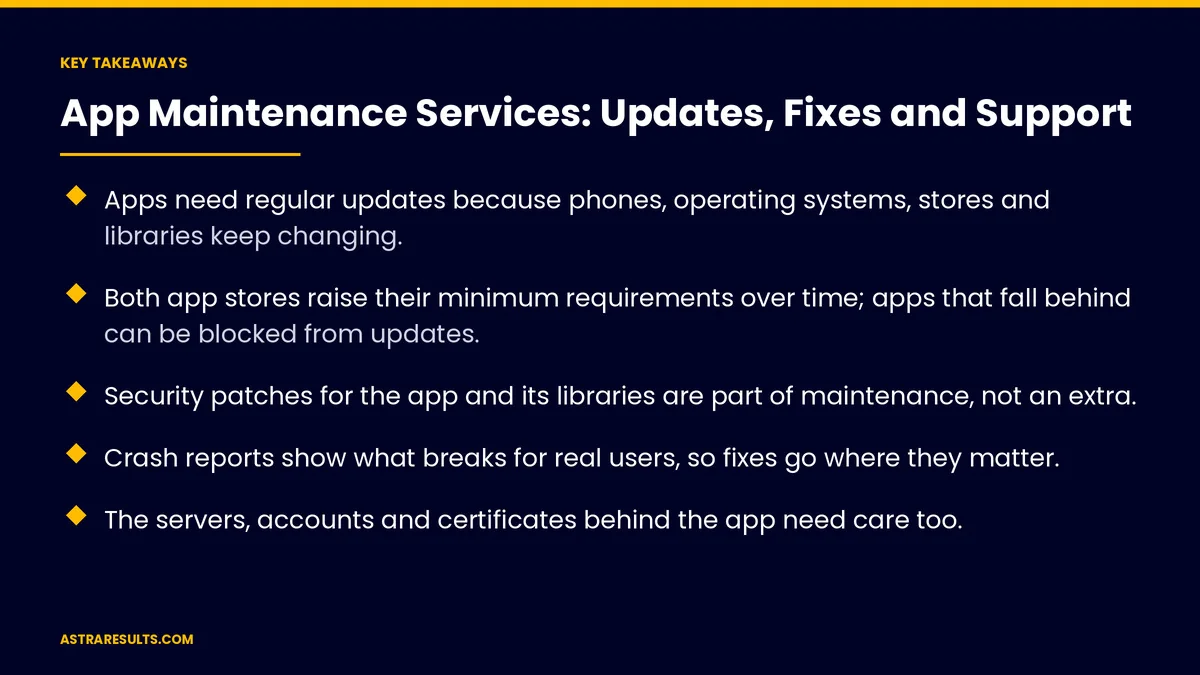
- Apps need regular updates because phones, operating systems, stores and libraries keep changing.
- Both app stores raise their minimum requirements over time; apps that fall behind can be blocked from updates.
- Security patches for the app and its libraries are part of maintenance, not an extra.
- Crash reports show what breaks for real users, so fixes go where they matter.
- The servers, accounts and certificates behind the app need care too.
- Good support has clear response times by severity and one named owner.
Published: October 7, 2026 | Reading Time: ~10 minutes | Category: App Maintenance
This guide explains what app maintenance covers after launch: platform updates, store rules, security, crash fixes, the servers behind the app, and the support your users and team need. Put plainly: maintenance is what keeps the money you spent on the build working.
In This Playbook
- Why apps need maintenance
- What maintenance covers
- Crash reports and monitoring
- The parts behind the app
- Releases done safely
- Support: who answers when it breaks
- When you inherit an app
- What it costs, briefly
- Health numbers to watch
- The first three months
Why apps need maintenance
The platforms change every year. New versions of iOS and Android bring new screen sizes, new permissions and changed behavior. Features that worked last year can break.
The stores raise the bar. Apple and Google regularly update the tools and system versions new builds must target. An app that falls too far behind can be blocked from updates or harder for new users to find.
Libraries age. Most apps rely on outside code for maps, payments, login and analytics. Those libraries release updates and security fixes that your app needs to adopt.
Your business changes. New services, prices, locations and rules all need to show up in the app.
Users notice neglect. Slow screens, crashes and features that stop working show up as bad reviews and lost customers.
What maintenance covers
Platform updates. Testing the app on each new iOS and Android version, fixing what breaks and adopting required changes.
Store requirements. Keeping builds current with each store's rules for system versions, privacy details and permissions.
Dependency updates. Moving libraries and frameworks to supported versions before old ones stop working. For apps built cross-platform, this includes the framework itself, as covered in one team, two app stores.
Security patches. Applying fixes to the app, its libraries and its servers as soon as practical.
Bug and crash fixes. Fixing problems found by users or by crash reports.
Performance. Keeping launch time, screen speed and battery use in good shape as the app grows.
Small improvements. Text, content and minor feature changes so the app keeps up with the business.
Crash reports and monitoring
See what real users hit. Crash reporting shows where and how often the app fails, on which devices and system versions.
Fix by impact. A crash affecting many users on a common phone comes before a rare one on an old device.
Track crash-free sessions. The share of sessions with no crash is the simplest health number for an app. Watch it after every release.
Watch the servers too. Many "app problems" are slow or failing servers. Monitor response times and errors behind the app as well as in it.
Alert someone. Serious failures should notify a named person immediately, not wait for a review.
The parts behind the app
Servers and databases. Hosting, backups and capacity for accounts, orders and data.
Connections to other systems. Payments, booking, CRM and accounting links, which break when either side changes. The approach to keeping them healthy is in API integration.
Certificates and keys. Push notification, signing and security certificates expire. A missed renewal can stop notifications or block releases.
Developer accounts. Apple and Google developer accounts must stay active and in good standing, registered to your business.
Domains and email. The web addresses and email services the app relies on.
Releases done safely
A regular rhythm. Small updates on a steady schedule are safer than rare, large ones.
Test on real devices. Including older phones your customers still use, not just the newest.
Release in stages. Both stores let you roll out an update to a share of users first. Watch crashes before releasing to everyone.
Be ready to roll back. If a release causes problems, have a fix or a previous version ready.
Write release notes. A short record of what changed in each version, for your team and your users.
Support: who answers when it breaks
Severity levels. Not every issue is urgent. A payment failure is critical; a typo is not. Agree on levels and how fast each one gets a response.
Response times you can count on. Written down and measured, not "as soon as possible."
One named owner. A person who gets the alerts, decides on fixes and talks to you.
A simple way to report problems. One place for your staff and users to send issues, with screenshots and device details.
Regular reviews. A short monthly summary of releases, crashes, fixes and what's coming.
When you inherit an app
Start with an audit. Before changing anything, check the code, libraries, accounts, certificates, servers and store listings.
Get access to everything. Source code, developer accounts, hosting and keys, registered to your business. The ownership rules are the same as for any custom software.
Fix the risky gaps first. Expiring certificates, unsupported libraries and security issues come before new features.
Document as you go. So the next team, or your own, isn't starting from zero.
What it costs, briefly
A yearly budget, planned at the start. Maintenance is a running cost, like hosting or insurance, not a surprise.
It depends on the app. More platforms, more integrations and more users mean more upkeep.
Neglect costs more. An app left alone for two years often needs a large, expensive catch-up just to be updated again.
Health numbers to watch
Crash-free sessions. Overall and after each release.
Time to fix. How long issues take to resolve, by severity.
Response times. Against the times you agreed.
Store rating. Average rating and recent reviews after each release.
Platform coverage. Whether the app is tested and working on the latest iOS and Android versions.
Release rhythm. How often updates ship, and how many needed a rollback.
The first three months
Days 1–30: audit and secure
Review the code, libraries, accounts, certificates, servers and store listings. Move every account under your business's name. Set up crash reporting and server monitoring. Fix urgent risks such as expiring certificates and known security issues.
Days 31–60: catch up and stabilize
Update libraries and system targets to supported versions. Fix the crashes affecting the most users. Agree on severity levels, response times and one named owner. Set up a single place to report issues.
Days 61–90: steady rhythm
Start a regular release schedule with staged rollouts. Test on the devices your customers use. Begin monthly reviews of crashes, fixes and releases, and plan for the next major iOS and Android versions.
How does Astra handle app maintenance?
Astra Results Marketing looks after apps the way they need it: on a steady schedule, not only when something breaks. We start with an audit, move every account and certificate under your business's name, and set up crash reporting and server monitoring.
Then we keep the app current with each iOS and Android release and store requirement, patch security issues, fix what affects users most and release in stages. Support has agreed severity levels, response times and one named owner. Engagements begin with an app health audit through our app maintenance team.
Related reading
Frequently asked questions
Why does an app need maintenance after launch?
Because Apple and Google update their systems every year, the stores raise their requirements, the libraries an app uses release updates and security fixes, and your business changes. Without maintenance, an app gradually breaks and can be blocked from updates.
What does app maintenance include?
Platform updates, store requirements, library and framework updates, security patches, bug and crash fixes, performance work, small improvements, and care for the servers, connections, certificates and accounts behind the app.
How often should an app be updated?
On a steady schedule, often every few weeks for active apps, plus testing for each major iOS and Android release. Small, regular updates released in stages are safer than rare, large ones.
What happens if we stop maintaining our app?
It slowly stops working as phones and systems change, security gaps go unpatched, and the stores may block updates once it falls behind their requirements. Catching up after a long gap usually costs far more than steady upkeep.
What should we check when taking over an app from another developer?
Start with an audit of the code, libraries, developer accounts, certificates, servers and store listings. Make sure every account and key is registered to your business, then fix expiring certificates and security issues before adding features.
How should app support be organized?
With agreed severity levels, response times for each, one named owner, a single place to report problems, and a monthly review of releases, crashes and fixes.
Ready to keep your app working as everything around it changes? Astra Results Marketing audits your app, moves every account under your business's name, keeps it current with each iOS, Android and store change, and supports it with clear severity levels, response times and one named owner. ▸ CALL (786) 321-2866 · ▸ REQUEST YOUR CONSULTATION





