 Rated 5 star on

Is an AI Task Manager Right for a Team of Five?
Quick answer
An AI task manager helps a team of five only when work is slipping between people. It captures tasks from email, chat and meetings, assigns owners and follows up on its own. If a shared list already works, it adds cost without much gain. Start with one workflow and judge a 30-day test by missed follow-ups.
A team of five can run on a shared list and good habits. Many do. But as clients and projects pile up, cracks appear. Follow-ups slip, the owner becomes the reminder system, and "where are we on this?" eats an hour a day. An AI task manager can help, or it can become one more tool nobody updates.
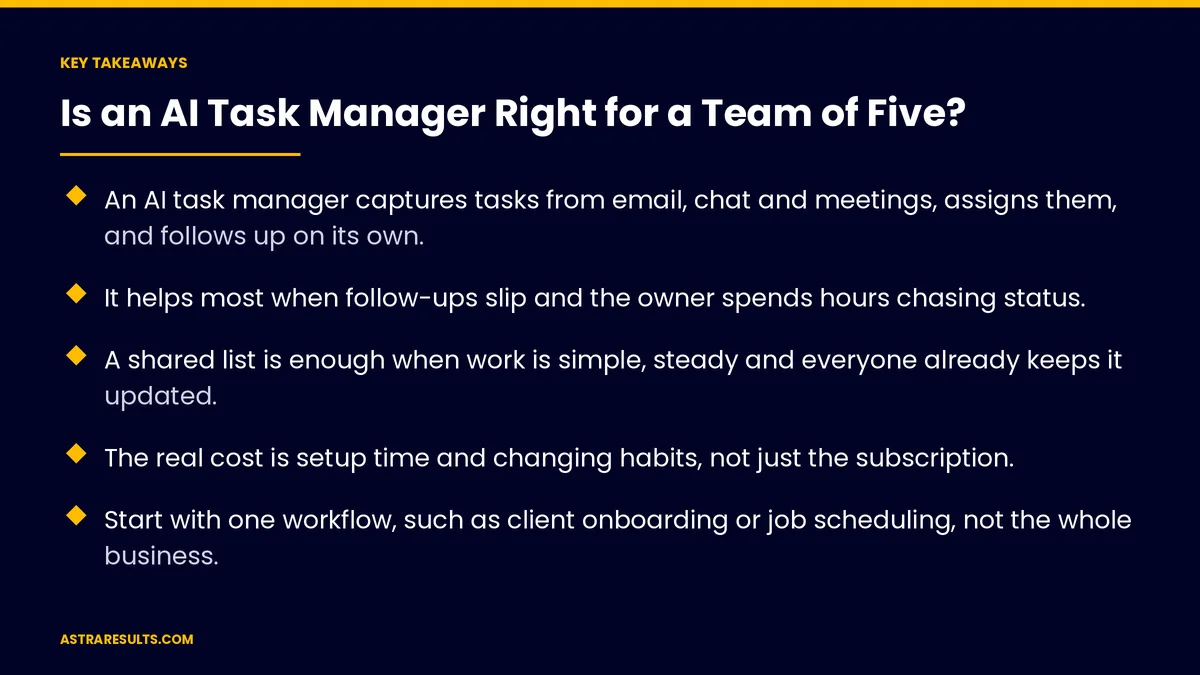
Key Takeaways
- An AI task manager captures tasks from email, chat and meetings, assigns them, and follows up on its own.
- It helps most when follow-ups slip and the owner spends hours chasing status.
- A shared list is enough when work is simple, steady and everyone already keeps it updated.
- The real cost is setup time and changing habits, not just the subscription.
- Start with one workflow, such as client onboarding or job scheduling, not the whole business.
- Test for 30 days and judge it by missed follow-ups and time spent chasing.
Published: October 3, 2026 | Reading Time: ~9 minutes | Category: AI Task Manager
This guide helps a small team decide. It covers what the tool does, signs you need one, signs you don't, what it costs and how to test it for 30 days. Put plainly: if work is falling through the cracks between five people, a tool can catch it; if it isn't, keep the list.
In This Playbook
- What an AI task manager does
- Signs your team needs one
- Signs a shared list is enough
- What it really costs
- Start with one workflow
- Rules that make it stick
- Test it for 30 days
- How to judge the test
- The first three months
What an AI task manager does
Captures tasks where they start. It turns emails, chat messages and meeting notes into tasks, so nobody has to retype them.
Assigns and dates them. Each task gets an owner and a due date, based on rules you set.
Follows up for you. It reminds people before deadlines and nudges when something stalls, instead of the owner doing it.
Summarizes status. It answers "where are we on this?" with a short update, so meetings and messages shrink.
Handles the repeating work. Weekly reports, monthly invoices and client check-ins appear on schedule. The bigger picture is covered in AI task management.
Signs your team needs one
Follow-ups slip. A client was promised a call back and nobody called.
The owner is the reminder system. One person spends hours a week chasing everyone else.
Tasks live in people's heads. When someone is out sick, nobody knows what they were working on.
Work arrives from many places. Email, texts, WhatsApp, calls and meetings, with no single list.
The same questions repeat. "Did we send that?" "Who's handling this?" several times a day.
Clients notice. Late replies and missed steps show up in reviews or lost repeat business.
Signs a shared list is enough
The work is simple and steady. The same few tasks each week, done by the same people.
Everyone already updates the list. If the current system works, a new tool adds cost without much gain.
Little arrives by message. Most work is planned in advance, not requested on the fly.
One person does most of the coordinating easily. And it takes minutes, not hours.
Nobody would use it. A tool the team ignores is worse than a list they keep.
What it really costs
The subscription. Usually per user per month. For five people, it's often the smallest part of the cost.
Setup time. Connecting email and chat, setting rules for who gets what, and moving current work in.
Changing habits. Everyone has to send work through one place. This is the hardest part.
Ongoing care. Someone owns the rules and cleans up the list each week.
Data access. The tool reads email and messages, so check what it can see, where it stores data and who can access it. The access rules are similar to those for any AI tool, as covered in agent security.
Start with one workflow
Pick the one that hurts most. Client onboarding, job scheduling, quote follow-ups or month-end tasks.
Map the steps. Who does what, in what order, and where it usually breaks.
Set simple rules. New client email creates an onboarding checklist; each step has an owner and a date.
Connect only what that workflow needs. One inbox, one chat channel, one calendar. More can come later, as covered in API integration.
Keep everything else as it is. Prove the tool on one workflow before moving the rest.
Rules that make it stick
One place for tasks. If it isn't in the tool, it isn't a task.
Every task has one owner. Shared ownership means no ownership.
A five-minute daily check. Each person reviews their list each morning.
A weekly cleanup. Close finished work, reassign stuck tasks, adjust the rules.
Turn off noisy alerts. Too many notifications and people ignore them all.
Test it for 30 days
Measure before you start. Count missed follow-ups and estimate hours spent chasing status in a normal week.
Run one workflow in the tool. Everyone uses it for that work only.
Check in weekly. What got easier, what got harder, which rules need changing.
Decide on evidence. Keep it if missed follow-ups and chasing time dropped. Drop it if they didn't. The careful-test approach is the same as in AI pilots that fail safely.
How to judge the test
Missed follow-ups. Promises to clients or teammates that slipped, before and after.
Time spent chasing. Hours the owner or manager spends asking for status each week.
On-time completion. The share of tasks finished by their due date.
Tasks captured automatically. How many arrived from email, chat or meetings without retyping.
Team use. Whether all five people use it daily after the first month, the way automation KPIs track adoption.
The first three months
Days 1–30: decide and test
Count missed follow-ups and hours spent chasing in a normal week. Pick the one workflow that hurts most. Set up the tool for that workflow only, with simple rules and one owner per task. Hold a short weekly check-in.
Days 31–60: keep or drop
Compare missed follow-ups and chasing time with the starting week. If they dropped, keep the tool and add a second workflow. If they didn't, fix the rules once more or go back to the shared list.
Days 61–90: settle the habits
Make the daily check and weekly cleanup routine. Turn off noisy alerts. Review what data the tool can access, and track on-time completion and team use each month.
How Astra helps
Astra Results Marketing helps small teams decide whether an AI task manager fits before they spend on one. We measure where work slips today, pick the one workflow that hurts most, and set up simple rules so tasks are captured, assigned and followed up automatically.
We run a 30-day test with a clear before-and-after, and if a shared list is enough, we'll say so. Engagements begin with a workflow review through our AI task manager team.
Related reading
Frequently asked questions
Does a team of five need an AI task manager?
Only if work is slipping between people: missed follow-ups, the owner chasing status for hours, tasks arriving from many places. If a shared list already works and everyone updates it, a new tool adds cost without much gain.
What does an AI task manager do that a list doesn't?
It captures tasks from email, chat and meetings, assigns owners and dates by rules, follows up automatically, summarizes status and handles repeating work, so nobody has to be the reminder system.
What's the biggest cost of adopting one?
Changing habits. The subscription is usually small for five people. The real work is setting up rules, connecting the right inboxes and getting everyone to send work through one place.
Where should we start?
With the one workflow that hurts most, such as client onboarding, job scheduling or quote follow-ups. Connect only what that workflow needs and prove it before moving anything else.
How do we know if it's working?
Measure missed follow-ups and hours spent chasing status before you start, then again after 30 days. If both dropped and the team uses it daily, keep it.
Is it safe to let a tool read our email?
It can be, with care. Check what it can access, where it stores data, who can see it, and whether you can limit it to specific inboxes or folders. Give it only the access your chosen workflow needs.
Ready to find out if a tool would help your team? Astra Results Marketing measures where work slips today, sets up an AI task manager for your most painful workflow, and runs a 30-day test with a clear before-and-after, and tells you plainly if a shared list is enough. ▸ CALL (786) 321-2866 · ▸ REQUEST YOUR CONSULTATION





