 Rated 5 star on


API Integration: Connecting the Systems You Own
Quick answer
API integration lets your systems pass data to each other, so nobody retypes it. Most retyping between a CRM, booking tool, store and accounting system can be removed without replacing tools. Pick one source of truth for each kind of data first. Every integration needs error alerts, retries, limited access keys and a named owner.
A typical business runs on six to ten pieces of software: a CRM, a booking tool, a store, accounting, email and payments. Each one works. The trouble is between them. A new customer is typed into three places, an order is copied into the books by hand, and nobody is sure which system has the right phone number.
Key Takeaways
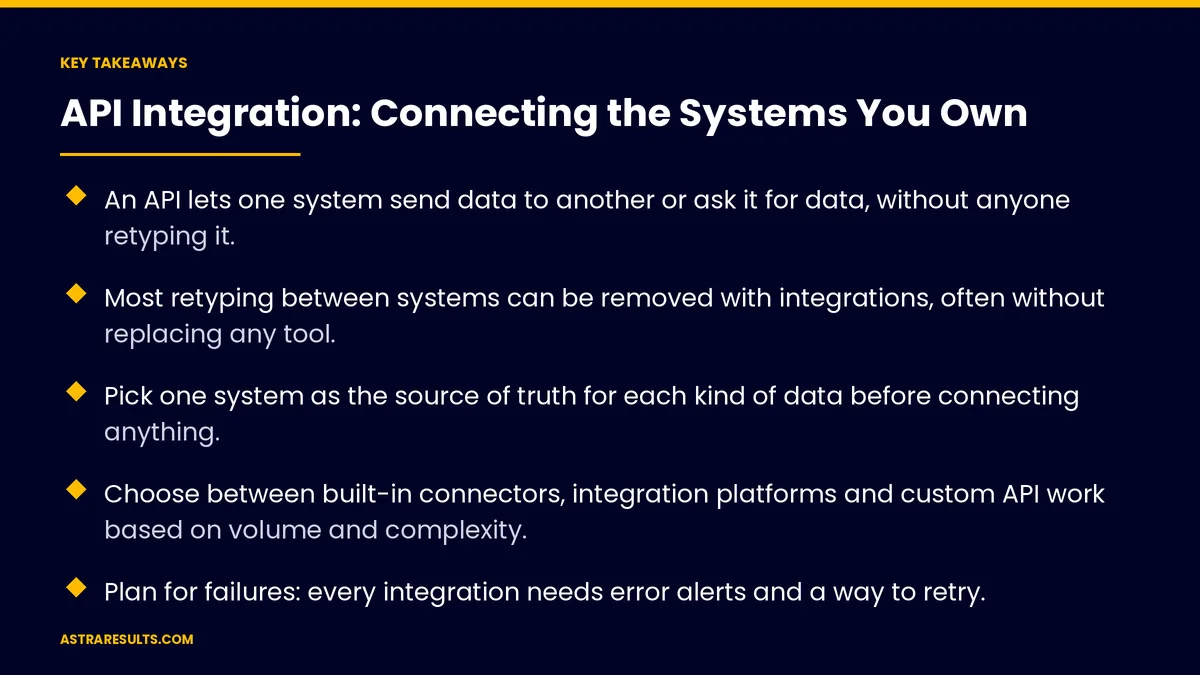
- An API lets one system send data to another or ask it for data, without anyone retyping it.
- Most retyping between systems can be removed with integrations, often without replacing any tool.
- Pick one system as the source of truth for each kind of data before connecting anything.
- Choose between built-in connectors, integration platforms and custom API work based on volume and complexity.
- Plan for failures: every integration needs error alerts and a way to retry.
- Use limited access keys, log every change and document who owns each connection.
Published: October 1, 2026 | Reading Time: ~11 minutes | Category: API Integration
API integration fixes the gaps. It lets your systems pass data to each other automatically, so it is entered once and reaches everywhere it is needed. This guide covers the options, planning, error handling, security and cost. Put plainly: connect the tools you have before you replace any of them.
In This Playbook
- What an API integration is
- Which systems do businesses connect most with APIs?
- Three ways to integrate
- Plan before you connect
- Plan for failure
- Keep it secure
- Own and document it
- When to integrate and when to replace
- Signs it's working
- The first three months
- The Astra approach
What an API integration is
An API is a door into a system. It lets other software read or write data in a controlled way, such as "create this customer" or "send me today's orders."
An integration uses that door. It moves data between two or more systems when something happens, or on a schedule.
Triggers start it. A new booking, a paid order, a signed form or a status change.
Actions follow. Create the customer in the CRM, add the invoice to accounting, send the confirmation, update the stock count.
The result is one entry. Data typed or captured once reaches every system that needs it.
Which systems do businesses connect most with APIs?
Forms and ads to the CRM. Every lead lands in one place with its source, instead of in an inbox someone forwards.
CRM to booking. A won deal or a new client becomes an appointment without retyping.
Store to inventory and accounting. Orders update stock and create sales records. Shipping updates go back to the customer, as in e-commerce engagement.
Payments to accounting. Paid invoices and fees are recorded automatically.
Bills to approvals. Supplier invoices route for approval and post to the books, as in accounts payable automation.
Everything to one record of the customer. Calls, messages, orders and support history in one view, the record layer described in the engagement stack explained.
Three ways to integrate
Built-in connectors. Many tools include ready-made connections to popular systems. Turn them on and configure them. Try these first.
Integration platforms. Tools that sit between your systems and run "when this happens, do that" flows without much code. Good for low to moderate volume and simple logic.
Custom API work. Code written for your systems and rules. Best for high volume, complex logic, systems without connectors, or data that must be handled with extra care.
Most businesses use a mix. Built-in connectors where they exist, a platform for simple flows, and custom work for the few connections that matter most.
Cost grows differently. Platforms often charge by the number of tasks run, which can climb with volume. Custom work costs more to build but less per task.
Plan before you connect
Choose the source of truth. For each kind of data, decide which system owns it: customers in the CRM, prices in the store, invoices in accounting. Other systems read from it.
Map the data. List each field, where it comes from and where it goes. "Phone" in one system may be "mobile" in another, and dates may be stored differently.
Decide the direction. One-way sync is simpler and safer. Two-way sync needs clear rules for which change wins.
Decide the timing. Real time for bookings and payments. Hourly or nightly for reports and less urgent data.
Clean the data first. Duplicate customers and old records will spread to every connected system. Fix them before you connect, the groundwork covered in the foundation every AI project needs.
Plan for failure
Integrations break. A password changes, a system updates its API, a field is renamed, a service goes down. Assume it will happen.
Alert someone. Every failure should notify a named person, not fail silently.
Retry automatically. Short outages should be retried without anyone stepping in.
Keep a queue. Data that can't be delivered waits safely until it can, instead of being lost.
Check for gaps. A daily comparison between systems catches records that went missing.
Watch for duplicates. If a message is sent twice, the receiving system should not create the customer twice.
Keep it secure
Limited access keys. Each integration gets its own key with only the access it needs. An integration that reads orders shouldn't be able to delete customers.
Store keys safely. Never in spreadsheets, emails or shared documents.
Log every change. What was sent, when and by which connection, so you can trace any problem.
Protect sensitive data. Health, payment and personal information may carry legal rules. Move only what each system needs.
Remove old connections. When a tool is retired or a vendor leaves, shut off its access.
Own and document it
A list of every integration. What it connects, what it moves, how often and who owns it.
Accounts in your name. Integration platforms, keys and servers registered to your business, not to a contractor.
Simple documentation. Enough that another team could fix or change it.
One owner per connection. A named person who gets the alerts and decides on changes.
This is the same ownership rule that applies to any custom software you pay for.
When to integrate and when to replace
Integrate when each tool works well alone. The problem is the gaps between them.
Replace when a tool is the problem. It can't hold the data you need, has no API, or forces the wrong process even when connected.
Integrate first, then decide. Connecting your tools often shows which one is really holding you back.
Signs it's working
Hours returned. Time staff no longer spend retyping and checking, counted the way automation KPIs are counted.
Errors removed. Wrong prices, missed orders, duplicate customers and billing mistakes, before and after.
Sync delay. How long data takes to reach each system.
Failures caught. Alerts raised and fixed before anyone noticed a problem.
Cost per month. Platform fees, hosting and upkeep for all integrations together.
The first three months
Days 1–30: map the gaps
List every system and every place data is retyped. Measure the hours and errors. Choose the source of truth for each kind of data. Clean duplicates and old records. Pick the two or three connections that would save the most time.
Days 31–60: build the first connections
Turn on built-in connectors where they exist. Build the rest with an integration platform or custom code. Add alerts, retries and logs from the start. Give each connection its own limited key and a named owner.
Days 61–90: monitor and expand
Run daily gap checks and fix what they find. Measure hours returned and errors removed. Document every integration. Then plan the next set of connections, or the tool that needs replacing.
The Astra approach
Astra Results Marketing connects the systems you already own before recommending anything new. We map where data is retyped, choose a source of truth for each kind of data, and clean the records before connecting them.
Each integration uses the simplest method that fits: built-in connectors, a platform or custom API work. Every connection has alerts, retries, logs, limited access and a named owner, all under your business's accounts. Reporting covers hours returned, errors removed and sync health. Engagements begin with a systems map through our API integration team.
Related reading
Frequently asked questions
What is an API integration?
A connection that lets two systems exchange data automatically through their APIs. When something happens in one, such as a new booking or a paid order, the integration updates the others, so data is entered once instead of retyped.
Should we use an integration platform or custom code?
Use built-in connectors first, an integration platform for simple, low-volume flows, and custom API work for high volume, complex rules, systems without connectors or sensitive data. Most businesses end up with a mix.
What is a source of truth?
The one system that owns a kind of data, such as customers in the CRM or prices in the store. Other systems read from it. Deciding this before connecting prevents conflicting records.
What happens when an integration breaks?
A well-built integration alerts a named person, retries short outages automatically, holds undelivered data in a queue, and runs daily checks for missing records. Without these, failures go unnoticed until a customer complains.
How do we keep integrations secure?
Give each integration its own key with only the access it needs, store keys safely, log every change, move only the data each system needs, and remove access for retired tools and vendors.
Should we integrate or replace our software?
Integrate when each tool works well on its own and the problem is the gaps between them. Replace a tool when it can't hold the data you need, has no API, or forces the wrong process even when connected.
Ready to enter data once and stop retyping? Astra Results Marketing maps where your data is copied by hand, chooses a source of truth for each kind of data, and connects your systems with alerts, retries, logs and limited access, all under accounts you own. ▸ CALL (786) 321-2866 · ▸ REQUEST YOUR CONSULTATION





