 Rated 5 star on

School Social Media for Enrollment and Parents
Quick answer
Private and charter schools use social media to show families daily school life and keep current parents connected. Get written parent permission before posting any student's photo, video or name. Never share last names with photos or reveal locations. Target ads to parents, not students. Measure tour bookings, applications and enrollment, not likes.
Parents choosing a school look for proof of what daily life is like: happy classrooms, caring teachers, real activities. Current parents want updates, reminders and a sense of connection. Social media can serve both audiences well. It also involves children, so every post must respect parent permission and student privacy, with no exceptions.
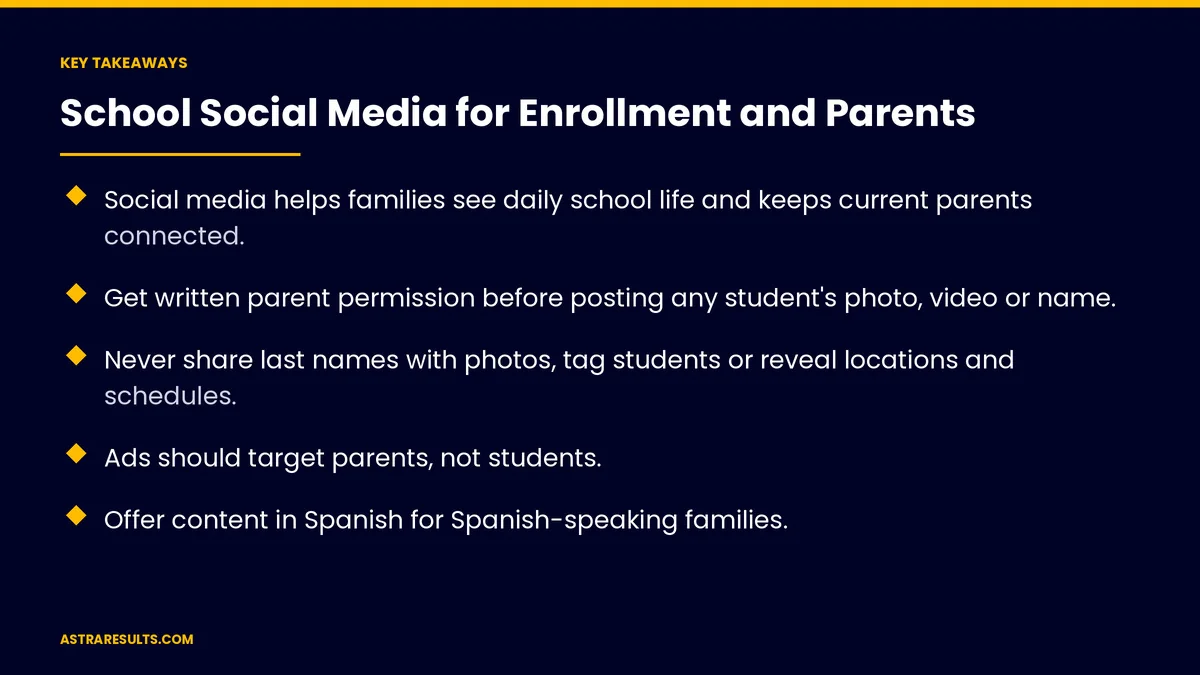
Key Takeaways
- Social media helps families see daily school life and keeps current parents connected.
- Get written parent permission before posting any student's photo, video or name.
- Never share last names with photos, tag students or reveal locations and schedules.
- Ads should target parents, not students.
- Offer content in Spanish for Spanish-speaking families.
- Measure tour bookings, applications and enrollment, not just likes.
Published: October 12, 2026 | Reading Time: ~9 minutes | Category: Social Media Marketing
This guide covers how private schools, charter schools and early learning centers use social media: student consent and privacy, content for prospective and current families, ads aimed at parents, Spanish-speaking families and measuring enrollment. Put plainly: show school life to families, and protect every student while you do it.
This is general information, not legal advice. Have counsel confirm which privacy rules apply to your school.
In This Playbook
- Two audiences, two goals
- Student consent and privacy
- Content for prospective families
- Content for current parents
- Ads aimed at parents
- Spanish-speaking families
- Staff and comment rules
- How can school social media be more accessible?
- What to measure
- The first three months
Two audiences, two goals
Prospective families. Show what makes the school special and invite them to visit.
Current parents. Share updates, reminders and celebrations that keep them connected.
Different channels can help. Public pages for prospective families; private groups or apps for current parents.
Plan content themes. Consistent topics that work across platforms, as covered in content pillars that survive algorithm changes.
Student consent and privacy
Written parent permission first. Collect media permission forms before posting any student's image, video or name, as covered in video rights and releases.
Honor every opt-out. Keep a current list, and check it before posting.
No last names with photos. First names only, or none.
No tagging students. And turn off features that let others tag them.
Never reveal locations or schedules. Avoid posts that show where a child will be and when.
Student records rules. Federal student records privacy rules apply to schools receiving federal education funds. Counsel can confirm what applies to yours.
Content for prospective families
Classroom moments. Learning in action, with permission.
Teacher spotlights. Who teaches, and why they love it.
Facilities. Classrooms, playgrounds, labs and safety features.
Programs. Arts, sports, languages and special services.
Parent stories. In parents' own words, with any rewards for sharing disclosed.
Clear next steps. Book a tour or attend an open house.
Content for current parents
Reminders. Events, deadlines and early dismissals.
Celebrations. Achievements, performances and milestones, with permission.
Behind the scenes. What students are learning this week.
Emergency updates. Clear and calm, through official channels first.
Private groups for sensitive news. Not everything belongs on public pages.
Ads aimed at parents
Target adults. Reach parents by location and interests, not students.
Match the ad to the page. Ads for tours lead to a tour booking page, as covered in message match.
Plan around the enrollment calendar. Open houses, application deadlines and summer programs, as covered in seasonal campaign planning.
Use permitted images. Only students whose parents agreed to promotional use.
Spanish-speaking families
Post in both languages. Or run Spanish accounts where families prefer them.
Write naturally. Not word-for-word translation, as covered in bilingual marketing beyond translation.
Answer messages in Spanish. Families notice when the school speaks their language.
Staff and comment rules
Official accounts only. Staff post school content through school accounts.
No private messaging with students. Staff communicate with families through approved channels.
Moderate comments. Remove inappropriate comments quickly, and never share private details in replies.
Train staff. A short policy everyone understands.
How can school social media be more accessible?
Captions on video. For deaf and hard-of-hearing families, and for silent viewing.
Image descriptions. Alt text for photos.
Readable graphics. Clear fonts and strong contrast.
What to measure
Tour and open house bookings. From social media.
Applications and enrollment. Traced to social channels where possible.
Parent engagement. Reads, replies and event sign-ups.
Re-enrollment. Current families staying year to year.
Consent compliance. Posts checked against the permission list.
The first three months
Days 1–30: permissions and policy
Collect media permission forms, build the opt-out list and write a short social media policy for staff. Set up tracking for tour bookings and applications.
Days 31–60: build the content plan
Plan content themes for prospective families and current parents, in English and Spanish. Start posting classroom moments, teacher spotlights and reminders, checking every post against permissions.
Days 61–90: promote and measure
Run parent-targeted ads around open houses and deadlines, leading to matching booking pages. Measure tour bookings, applications and engagement.
How Astra builds school social media
Astra Results Marketing helps schools use social media for enrollment and parent communication. We set up permission tracking and staff policies, plan content in English and Spanish and run parent-targeted ads that lead to tour booking pages.
Every post respects parent permission and student privacy, and results are measured in tours, applications and enrollment. Engagements begin with a social media and enrollment review through our social media marketing team.
Related reading
Frequently asked questions
Do schools need permission to post student photos?
Yes. Get written parent permission before posting any student's photo, video or name, honor every opt-out and check posts against a current permission list.
What should schools never post about students?
Last names with photos, tags, or anything that reveals where a child will be and when. Keep sensitive news in private channels.
Which privacy laws apply to schools on social media?
Federal student records privacy rules apply to schools receiving federal education funds, and other rules may apply. Ask counsel to confirm what applies to your school.
Who should school ads target?
Parents and guardians, by location and interests, not students. Use only images of students whose parents agreed to promotional use.
What content helps enrollment?
Classroom moments, teacher spotlights, facilities, programs and parent stories, with a clear invitation to book a tour or attend an open house.
How do we measure social media for a school?
Track tour and open house bookings, applications, enrollment, parent engagement and re-enrollment, not just likes and followers.
Ready to show families what makes your school special? Astra Results Marketing builds school social media that attracts families and keeps parents connected, with parent permission, student privacy and bilingual content built in. ▸ CALL (786) 321-2866 · ▸ REQUEST YOUR CONSULTATION





