 Rated 5 star on

AI Agents: Software That Does the Work
Quick answer
An AI agent is given an objective and a set of tools, then decides which steps to take and reports what it did. That is different from automation, which follows a fixed path. Agents earn their place on workflows where the next step depends on what was just found. Permissions, stopping conditions and a readable log are the safety story.
A chatbot answers. An automation follows a fixed path. An agent is given a goal, decides which steps to take, uses real tools to take them, and reports what it did. That difference is large in practice, because an agent handles the cases a fixed path cannot: the ones where what to do next depends on what it just found.
Key Takeaways
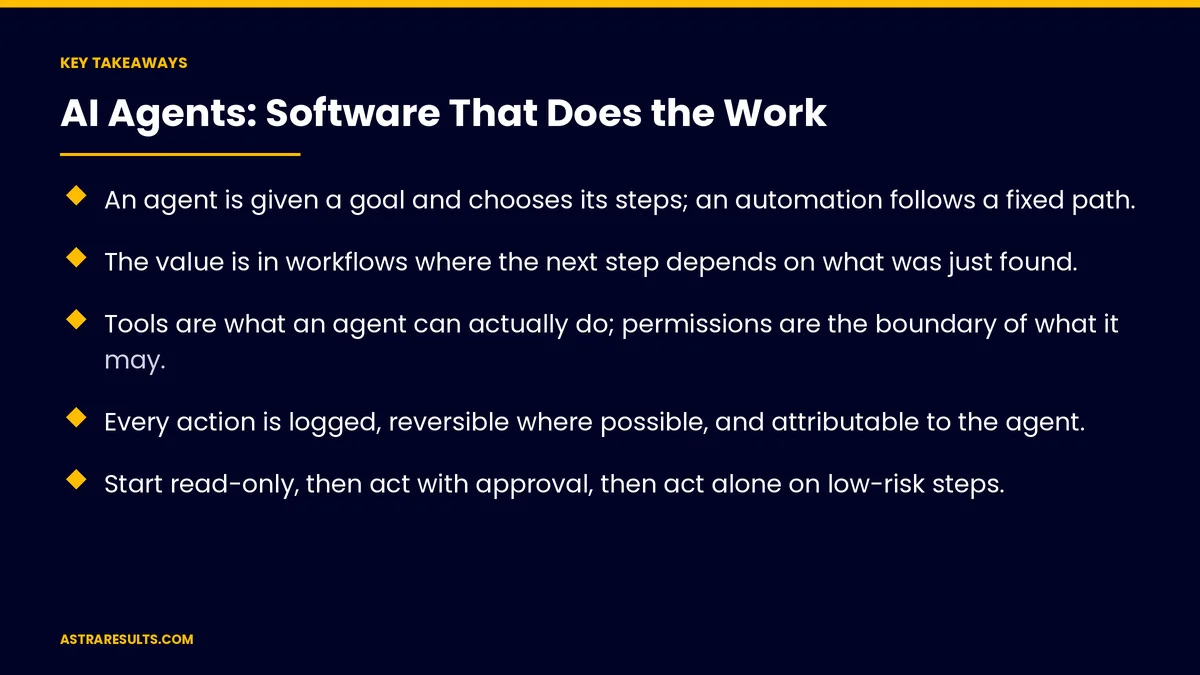
- An agent is given a goal and chooses its steps; an automation follows a fixed path.
- The value is in workflows where the next step depends on what was just found.
- Tools are what an agent can actually do; permissions are the boundary of what it may.
- Every action is logged, reversible where possible, and attributable to the agent.
- Start read-only, then act with approval, then act alone on low-risk steps.
- Measure tasks completed end to end, escalations and errors caught.
Published: September 2, 2026 | Reading Time: ~13 minutes | Category: AI Agents
This guide explains agents in operator terms. What separates them from the automation you may already have, what they need to work safely, why permissions and logs matter more than capability, and which workflows are worth giving one. The sentence to carry out of this: an agent should have the smallest permissions that let it finish the job.
Guidance for owners and operators. Nothing here is legal, financial or technical advice. Any system taking actions in business systems, or touching customer, employee or financial data, carries obligations that vary by jurisdiction and sector and must be reviewed with counsel before deployment.
In This Playbook
- Agent, automation, chatbot
- What an agent consists of
- Where do agents fit in a business?
- Permissions: the whole safety story
- Testing before it touches anything
- The log is the product
- Single agent or several
- What it costs
- How agents fail
- How the first quarter runs
Agent, automation, chatbot
Three different things with overlapping marketing.
- A chatbot takes a message and produces a reply. Useful for answering.
- An automation runs a defined sequence when triggered. If this arrives, do these five things in this order. Useful when the path is known, which is the subject of what automation does.
- An agent is given an objective and a set of tools, and decides what to do. It might check three systems, discover the invoice is missing, look for it in a fourth place, find a mismatch, and escalate — a path nobody wrote in advance.
- When the distinction matters. If every case follows the same steps, build an automation; it is cheaper, more predictable and easier to audit. Agents earn their complexity when the steps genuinely vary.
- The ratio in practice. Most business workflows are automations. A minority need agents. Vendors blur this because "agent" sells better.
What an agent consists of
- A goal. Stated precisely: resolve this exception, prepare this report, reconcile these records, follow up until answered or three attempts pass.
- Tools. The specific things it can do: read a record, create a task, send a message, query a system, update a field. An agent without tools is a chatbot with ambition.
- Permissions. What each tool may touch, for which records, within what limits. Read-only on most things, write on few, spend on none unless explicitly designed.
- Memory. What it knows from earlier in the task, and what it carries between runs.
- Stopping conditions. When it is done, when it gives up, when it escalates, and a hard limit on steps so it cannot loop indefinitely.
- A log. Every step, every tool call, every decision, retrievable afterward.
Where do agents fit in a business?
The pattern is workflows with branches that depend on findings.
- Exception handling. An order did not ship. The agent checks the order system, the warehouse system and the carrier, determines which stage failed, applies the rule for that case or escalates with everything gathered.
- Reconciliation. Two systems disagree. The agent investigates each discrepancy, resolves the ones that match known patterns, and presents the rest with its findings.
- Multi-step follow-up. Chasing a missing document across people and systems, adapting to who responds and what they send.
- Research and preparation. Assembling everything a person needs for a decision: the account history, the contract terms, the open issues, the relevant policy.
- Onboarding and provisioning. Running a multi-system setup, checking each step succeeded, fixing what did not, and reporting what needs a human.
- What does not fit. Anything with a fixed path, anything requiring judgment about people, anything where a wrong action is expensive and irreversible.
Permissions: the whole safety story
Capability without boundaries is the risk. Boundaries are a design decision.
- Least privilege. The agent gets exactly the access the job needs and nothing else. Read-only wherever reading suffices.
- Scoped writes. If it must change something, scope it: this field, on these record types, within these value ranges.
- No money by default. Refunds, payments, purchases, credit limits — prepared by the agent, executed by a person, unless there is a compelling reason and a hard cap.
- Rate limits. Maximum actions per run and per day. A misbehaving agent that can send five messages is a nuisance; one that can send five thousand is an incident.
- Identity. The agent acts as itself, with its own credentials, so every action is attributable. Never under a person's login.
- Revocation. One action removes its access, tested before launch, examined in the kill switch.
Testing before it touches anything
Agents fail in ways fixed automations do not, because their paths are not enumerated in advance.
- Read-only first. The agent runs the whole workflow and reports what it would do. A person compares that to what they would have done. Days or weeks of this.
- Adversarial cases. Missing data, contradictory records, a system that times out, an ambiguous instruction. The question is whether it stops safely or invents.
- Loop testing. Confirm the step limit works and the agent cannot chase itself in circles.
- Permission testing. Attempt actions it should not be able to take and confirm they fail at the permission layer, not at the agent's discretion.
- Rollback. For every write the agent makes, know how to undo it.
- Graduated release. Read-only, then act-with-approval, then act alone on the low-risk subset, then widen. Each stage earns the next.
The log is the product
An agent nobody can audit is an agent nobody should run.
- What gets logged. The goal, each step, each tool call with its inputs and outputs, each decision and why, the outcome, and any escalation.
- Who reads it. The named owner, weekly at first. Not because something is wrong, but because that is how anyone learns what the agent does.
- What the log answers. Why did it do that? What did it see? Where did it go wrong? Could it have known better?
- Retention. Long enough to investigate a problem discovered later, and within the privacy rules for whatever data the log contains.
- The audit use. For regulated processes, the log is the record that a decision was made on a defensible basis, according to regulated industry requirements.
Single agent or several
- One agent, many tools is the right default. Simpler to reason about, simpler to debug, simpler to bound.
- Multiple agents are justified when workflows are genuinely separate, need different permissions, or run at different cadences. A research agent that only reads, and an action agent with narrow write access, is a defensible split.
- Agents talking to agents is where complexity grows faster than value for most businesses. Each handoff is a place for error to compound, and debugging becomes archaeology.
- The guidance. Start with one. Add a second when the first is doing two jobs that want different permissions.
What it costs
- Build. Scoping the goal, the tools, the permissions and the stopping conditions, then integrating with the systems the agent must touch. The integrations dominate.
- Run. Model usage per task, which varies with how many steps a task takes. Agents that check many systems cost more per run than a simple automation.
- Oversight. The owner's review time, meaningful in the first months and lighter after.
- Maintenance. Systems change, and an agent whose tool broke silently is worse than no agent. Monitoring for tool failures is part of the build.
- The comparison. Against the hours the workflow consumes today, and the cost of the errors and delays in the current process.
How agents fail
- Too much autonomy too early. Acting alone before the read-only phase proved it right.
- Over-broad permissions. Write access to everything because scoping was tedious.
- No step limit. The agent loops, consuming budget and making a mess.
- Silent tool failure. A system stopped responding, the agent worked around it in a way nobody wanted, and no alert fired.
- No owner. Nobody reads the log, so drift is discovered by a customer.
- Agent where automation belonged. Complexity, cost and unpredictability bought for a workflow that had one path all along.
How the first quarter runs
Days 1–30: choose and scope
The candidate workflows listed, and the ones with genuine branching separated from the ones that are automations. One chosen. Its goal, tools, permissions, stopping conditions and escalation path written. Counsel consulted where regulated data or actions are involved. The owner named.
Days 31–60: read-only
The agent built with full workflow logic and no write access. It reports what it would do; the owner compares daily. Adversarial cases tested. Permissions tested by attempting what should fail. Rollback procedures written.
Days 61–90: graduated release
Act-with-approval on every action, then autonomous on the low-risk subset. Rate limits in place. Weekly log review. Tasks completed end to end, escalation rate and errors caught, measured against the manual baseline.
Where Astra fits in
Astra Results Marketing separates the workflows that need an agent from the ones that are automations, and says so — because an agent bought for a fixed path costs more and behaves less predictably. For the ones that qualify, the goal, tools, permissions and stopping conditions are written before anything is built.
Every deployment starts read-only and earns each widening of scope. The agent runs under its own identity with least-privilege access, a hard step limit, rate limits and a tested revocation. The log is treated as part of the deliverable, and a named owner reviews it. Engagements begin with a workflow assessment through our AI agent development team.
Related reading
Frequently asked questions
What is the difference between an AI agent and an automation?
An automation runs a defined sequence when triggered: if this arrives, do these five things in this order. An agent is given a goal and a set of tools and decides which steps to take, which lets it handle cases where the next step depends on what it just found. If every case follows the same steps, an automation is cheaper, more predictable and easier to audit.
Which workflows are worth giving an agent?
Ones with branches that depend on findings: exception handling across several systems, reconciliation of records that disagree, multi-step follow-up that adapts to who responds, assembling everything a person needs for a decision, and multi-system onboarding where each step must be checked. What does not fit is anything with a fixed path, anything requiring judgment about people, and anything where a wrong action is expensive and irreversible.
How are agents kept safe?
Through permissions rather than good intentions. Least privilege, read-only wherever reading suffices, writes scoped to specific fields and record types, no money movement by default, rate limits so a misbehaving agent is a nuisance rather than an incident, its own identity so every action is attributable, a hard step limit, and a tested one-action revocation of access.
How should an agent be tested before launch?
Read-only first, for days or weeks: the agent runs the full workflow and reports what it would do while a person compares that to what they would have done. Then adversarial cases — missing data, contradictory records, timeouts, ambiguous instructions — to see whether it stops safely or invents. Then permission tests that confirm forbidden actions fail at the permission layer, and a written rollback for every write.
Why does the log matter so much?
Because an agent nobody can audit is an agent nobody should run. The log records the goal, every step and tool call with inputs and outputs, every decision and why, the outcome and any escalation. It answers why it did that, what it saw and where it went wrong. For regulated processes it is also the record that a decision was made on a defensible basis.
Should a business run one agent or several?
One agent with many tools is the right default: simpler to reason about, debug and bound. Several are justified when workflows are separate, need different permissions or run at different cadences — a read-only research agent and a narrow-write action agent is a defensible split. Agents talking to agents grows complexity faster than value for most businesses.
READY TO HAND A GOAL TO SOFTWARE THAT CAN ACTUALLY FINISH IT? Astra Results Marketing separates agent work from automation work explicitly, writes the goal, tools, permissions and stopping conditions before building, and starts every deployment read-only. Astra Results Marketing · 1101 Brickell Ave, Miami, FL 33131 · +1 (786) 321-2866 · sales@astraresults.com Find us on Google · Yelp ▸ CALL (786) 321-2866 · ▸ REQUEST YOUR CONSULTATION





