 Rated 5 star on

App Maintenance: The Cost After Launch
Quick answer
Keeping an app running after launch costs money every month, and skipping maintenance only moves the bill later. Costs come from platform updates, hosting, outside services, monitoring, support and fixes. Apple charges $99 a year and Google Play a one-time $25 fee. Build an estimate from your own app's parts and users, not a generic percentage.
Most app budgets end at launch day. The bills don't. Servers run every month, outside services charge by use, and Apple and Google change their systems every year. Someone has to keep up. Businesses that plan for this keep a working app. Businesses that don't usually face a large, urgent catch-up bill a year or two later.
Key Takeaways
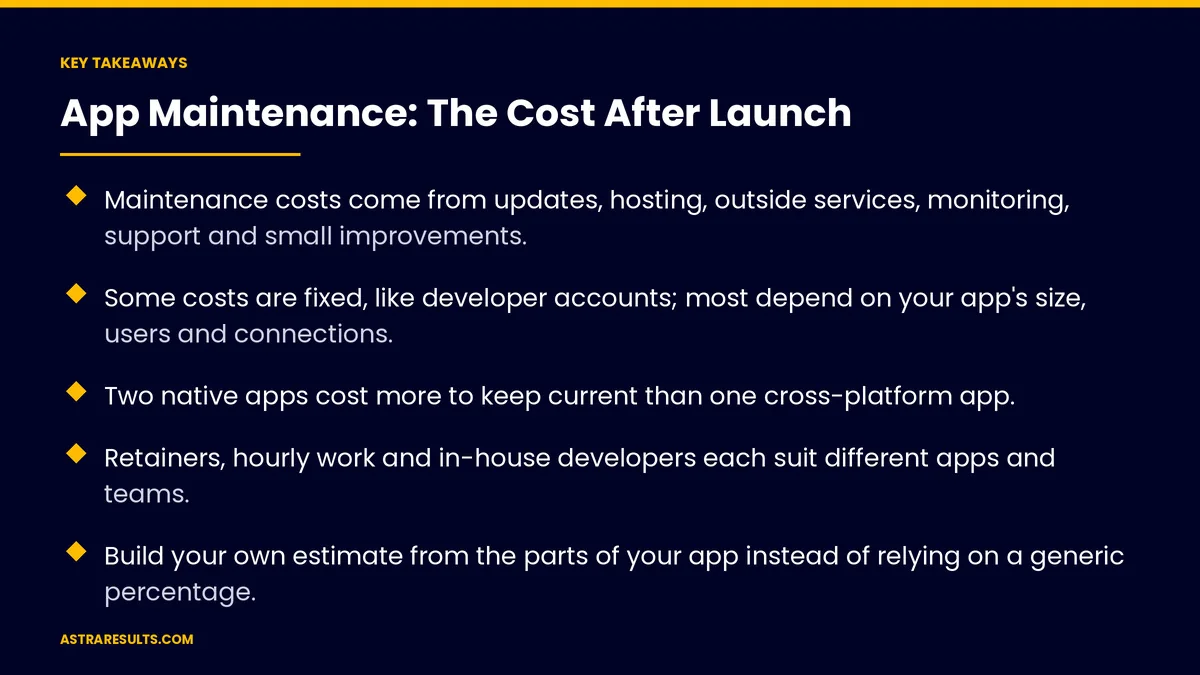
- Maintenance costs come from updates, hosting, outside services, monitoring, support and small improvements.
- Some costs are fixed, like developer accounts; most depend on your app's size, users and connections.
- Two native apps cost more to keep current than one cross-platform app.
- Retainers, hourly work and in-house developers each suit different apps and teams.
- Build your own estimate from the parts of your app instead of relying on a generic percentage.
- Skipping maintenance doesn't save money; it moves the cost to a bigger bill later.
Published: October 13, 2026 | Reading Time: ~9 minutes | Category: App Maintenance
This guide breaks down what maintaining an app costs after launch, what makes that cost go up or down, the common ways to pay for it, and how to build a realistic yearly budget for your own app. Put plainly: the cheapest maintenance is the kind you plan for and do steadily.
In This Playbook
- Where the money goes
- What makes it cost more or less
- Ways to pay for maintenance
- How to build your own budget
- Ways to keep costs down
- The real cost of skipping it
- What should an app maintenance budget track?
- The first three months
Where the money goes
Platform updates. Testing and fixing the app for each new iOS and Android release, and meeting new store requirements. What this involves is covered in app maintenance services.
Library and security updates. Keeping the code your app depends on current and patched.
Bug and crash fixes. Problems found by users or crash reports.
Hosting and databases. The servers that run accounts, data and the app's back end, billed monthly.
Outside services. Maps, text messages, email, push notifications, payments and analytics, often charged by use.
Monitoring tools. Crash reporting and server monitoring.
Developer accounts. Apple's Developer Program costs $99 a year. Google Play charges a one-time $25 registration fee.
Support and small improvements. Answering issues, updating content and making small changes as the business evolves.
What makes it cost more or less
Number of platforms. Two native apps mean two codebases to update. One cross-platform app usually costs less to keep current, as covered in one team, two app stores.
Number of connections. Each link to payments, CRM, booking or accounting is something that can break when either side changes. See API integration.
Number of users. More users mean more server load, more outside-service fees and more support requests.
Age and quality of the code. Old libraries and rushed code take longer to update.
Release pace. Frequent new features cost more than keeping a stable app current.
Rules you must follow. Health, payment and personal data bring extra security and review work.
Where your users are. Supporting older phones and several languages, as in Android apps for Latin American markets, adds testing.
Ways to pay for maintenance
Monthly retainer. A set fee for a set amount of care each month: updates, monitoring, fixes and some improvement hours. Predictable, and the best fit for apps in active use.
Hourly, as needed. You pay only when work happens. Cheaper in quiet months, but updates tend to wait until something breaks.
In-house developer. Full control and deep knowledge of the app, but it costs a salary, and one person is a single point of failure.
A mix. An in-house person for small changes, with a partner for platform updates, security and larger work.
Whatever the model, agree on response times, what's included and who owns the accounts and code.
How to build your own budget
List the fixed costs. Developer accounts, monitoring tools and any fixed service plans.
Estimate hosting and services. Look at current monthly bills, then adjust for expected user growth.
Estimate yearly update work. Hours to test and update for one major iOS and one major Android release, plus library updates through the year.
Add fixes and support. Look at the last few months of bug reports and support requests to estimate a monthly amount.
Reserve for improvements. Set aside hours for small changes the business will need.
Add a buffer. Something always comes up: a store rule, a broken connection, a security patch.
Review every quarter. Compare actual spend with the budget and adjust.
Ways to keep costs down
Update steadily. Small, regular updates cost less than rare, large catch-ups.
Use fewer libraries. Every outside dependency is something to update and secure.
Automate testing. Automated checks catch problems before release and cut manual testing time.
Monitor from day one. Catching a crash early is cheaper than fixing angry reviews later.
Prefer standard tools. Use well-supported services instead of building your own where possible, the same rule as in custom software.
Choose the build carefully. Cross-platform or web may cost less to maintain, as weighed in native, cross-platform or web.
The real cost of skipping it
Catch-up projects. An app left alone for a year or two often needs major work just to be updated again.
Store problems. Apps that fall too far behind store requirements can be blocked from updates.
Security risk. Unpatched libraries leave gaps attackers look for.
Lost users. Crashes, slow screens and broken features drive customers away and show up in reviews.
Expired accounts and certificates. A lapsed certificate can stop notifications or block releases.
What should an app maintenance budget track?
Monthly maintenance spend. Total, and split by updates, hosting, services and support.
Spend against budget. Reviewed every quarter.
Time to fix. How long issues take to resolve.
Crash-free sessions. Stability over time.
Cost per active user. Maintenance cost divided by people who use the app.
Update backlog. How far the app is behind current platform and library versions.
The first three months
Days 1–30: count the costs
List every account, service, server and tool the app uses, with current monthly costs. Check the app's update backlog. Review the last few months of bugs and support requests.
Days 31–60: build the budget
Estimate yearly update work, fixes, support and improvements. Add fixed costs, hosting and a buffer. Choose a payment model that fits your app and team, with response times and ownership in writing.
Days 61–90: run and review
Start the regular maintenance routine. Track spend against the budget, crash-free sessions and time to fix. Remove unused services and libraries, and adjust the budget at the end of the quarter.
Where Astra comes in
Astra Results Marketing helps businesses budget for life after launch, not just the build. We list every cost your app carries, estimate yearly update and support work from your app's real size and history, and recommend a maintenance model that fits.
Then we keep the app current on a steady schedule, so costs stay predictable and catch-up projects never pile up. Engagements begin with an app cost and health review through our app maintenance team.
Related reading
Frequently asked questions
What does it cost to maintain an app?
It depends on the app. Costs come from platform and library updates, hosting, outside services, monitoring, developer accounts, fixes, support and small improvements. Build an estimate from your app's parts, users and connections rather than a generic percentage.
What are the fixed costs?
Apple's Developer Program costs $99 a year, and Google Play charges a one-time $25 registration fee. Monitoring tools and some service plans add fixed monthly costs. Hosting and usage-based services vary with your users.
Why does maintaining two apps cost more?
Two native apps mean two codebases to test and update for every iOS and Android release. A cross-platform app shares most of its code, which usually lowers ongoing update work.
Should we pay a retainer or hourly?
A retainer suits apps in active use, because updates happen on schedule and costs are predictable. Hourly work suits stable, rarely used apps, but updates tend to wait until something breaks.
How can we lower maintenance costs?
Update steadily, use fewer libraries, automate testing, monitor from day one and prefer well-supported services over custom-built ones. Small, regular updates cost less than large catch-up projects.
What happens if we skip maintenance?
The cost moves to later and grows: a large catch-up project, possible store blocks, security gaps, crashes that drive users away and expired certificates that stop notifications or releases.
Ready to know what your app will cost to keep running? Astra Results Marketing lists every cost your app carries, builds a yearly budget from its real size and history, recommends the right maintenance model, and keeps the app current on a steady schedule. ▸ CALL (786) 321-2866 · ▸ REQUEST YOUR CONSULTATION





