 Rated 5 star on

Auto Dealer iPad Apps: Sales Floor Presentations
Quick answer
A dealer iPad app lets salespeople present at the vehicle instead of the desk. Connect it to the dealer system so inventory stays accurate. Show condition photos and vehicle history to build trust. Label every payment figure as an estimate, with final terms from the finance office. Capture customer details once, straight into the CRM.
On the sales floor, the best conversations happen at the car, not at a desk. An iPad app puts everything there: live inventory, features, condition photos and next steps. Built well, it shortens visits; built carelessly, it shows wrong payment numbers or loses customer details.
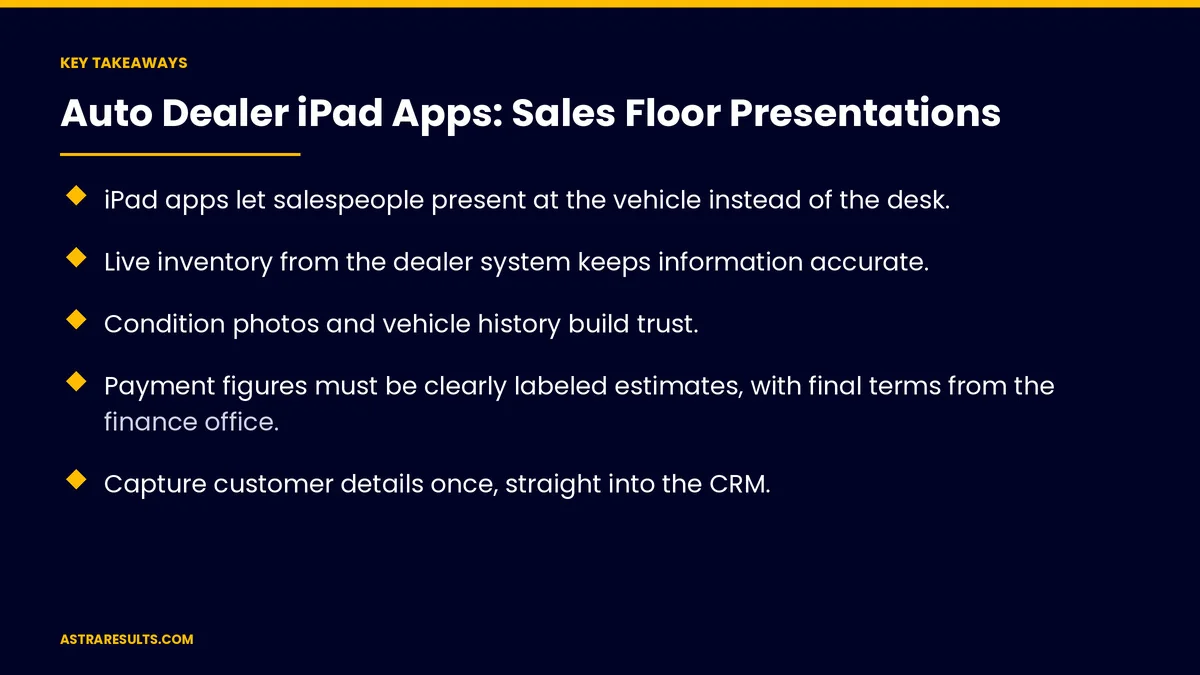
Key Takeaways
- iPad apps let salespeople present at the vehicle instead of the desk.
- Live inventory from the dealer system keeps information accurate.
- Condition photos and vehicle history build trust.
- Payment figures must be clearly labeled estimates, with final terms from the finance office.
- Capture customer details once, straight into the CRM.
- Manage shared iPads centrally and plan for weak lot Wi-Fi.
Published: October 4, 2026 | Reading Time: ~8 minutes | Category: iPad App Development
This guide covers auto dealer iPad apps for the sales floor: live inventory, vehicle presentations, condition and history, trade-ins, payment estimates, test drives, capturing customer details, Spanish presentations, managed devices and what to measure. Put plainly: bring live inventory and clear information to the car, label every estimate and capture every detail once.
In This Playbook
- Live inventory
- Vehicle presentations
- Condition and history
- How can the iPad help with trade-in appraisals?
- Payment estimates
- Test drives
- Capture customer details
- Spanish presentations
- How should dealers manage shared sales floor iPads?
- Beyond the sale
- What to measure
- The first three months
Live inventory
Connected to the dealer system. Stock, prices and status in real time.
Search and filter. By model, trim, color and features.
Similar vehicles. When the first choice isn't right.
Vehicle presentations
Features and specs. Clear, visual and searchable.
Comparisons. Side by side with competing models.
Short videos. Technology and safety features explained.
Accurate descriptions. As with auto dealer generative AI.
Condition and history
Condition photos. From inspection and reconditioning, as in vehicle damage documentation.
History reports. Easy to share with the buyer.
Service records. Where available.
How can the iPad help with trade-in appraisals?
Photos at the car. Guided angles for appraisal.
Details captured once. Mileage, condition and options.
Sent to the appraiser. For a faster offer.
Payment estimates
Clearly labeled estimates. Not final terms.
Disclosure rules apply. Federal truth-in-lending and lease rules govern payment terms.
Final terms from finance. The finance office confirms everything.
Check with counsel. Before showing payment tools.
Test drives
Schedule from the iPad. At the car, or booked ahead as in AI intake for test drives.
License scan. Stored securely and only as long as needed.
Route and time. Recorded for the dealership.
Capture customer details
Straight into the CRM. No paper notes.
Interests and preferences. For accurate follow-up.
Consent for texts. Recorded clearly.
Spanish presentations
Switch languages instantly. For Spanish-speaking buyers, as covered in bilingual mobile apps.
Spanish videos and documents. Where available.
How should dealers manage shared sales floor iPads?
Shared iPads. Signed in by each salesperson.
Central management. Updates, lost device locks and data protection, as covered in enterprise mobile apps.
Offline mode. For weak Wi-Fi on the lot.
Showroom kiosks too. As in iPad kiosk apps.
Beyond the sale
Delivery photos. Shared with buyers and on social, as in auto dealer social.
Is an iPad app right for you? As weighed in is an iPad app right for your operation.
The customer app. As in auto dealer apps across platforms.
What to measure
Time per visit. From arrival to decision.
Test drives. Scheduled from the iPad.
Leads captured. Complete records in the CRM.
Accessory and add-on sales. Shown during presentations.
Customer satisfaction. After the visit.
The first three months
Days 1–30: plan
Connect live inventory and the CRM, choose presentation content and review payment estimate wording with counsel.
Days 31–60: build and test
Build presentations, condition photos, trade-in capture and test-drive scheduling, then test on the lot.
Days 61–90: roll out and measure
Train salespeople, manage devices centrally and track visit time, test drives and complete records.
How Astra builds dealer iPad apps
Astra Results Marketing builds iPad apps for dealership sales floors. We connect live inventory and the CRM, present features and condition clearly, label payment estimates properly and manage shared devices securely.
Engagements begin with an app planning session through our iPad app development team.
Related reading
Frequently asked questions
What can a dealer iPad app do on the sales floor?
Show live inventory, present features and comparisons, display condition photos, capture trade-ins, schedule test drives and record customer details.
Can the iPad show payment figures?
Yes, as clearly labeled estimates. Federal disclosure rules apply, and final terms come from the finance office.
How does inventory stay accurate?
By connecting the app to the dealer management system in real time.
How should customer details be handled?
Captured once, straight into the CRM, with clear consent for texts and secure handling of license scans.
What about weak Wi-Fi on the lot?
Offline mode keeps presentations working and syncs details when the connection returns.
What should we measure?
Visit time, test drives, complete CRM records, add-on sales and customer satisfaction.
Ready to sell at the car, not the desk? Astra Results Marketing builds dealer iPad apps with live inventory, clear presentations, labeled estimates and CRM capture on securely managed devices. ▸ CALL (786) 321-2866 · ▸ REQUEST YOUR CONSULTATION





