 Rated 5 star on

Bilingual Mobile Apps: English and Spanish Done Right
Quick answer
A bilingual app done right lets each person use the whole app in English or Spanish. iPhone and Android let users pick a language per app. Design layouts for Spanish text, which often runs longer. Write Spanish natively, reviewed by fluent people. Send notifications in each user's language and localize the store listings too.
For businesses in Miami and many other markets, a large share of customers prefer Spanish. An app that's only in English, or that translates its welcome screen and nothing else, tells them they're an afterthought. A bilingual app done right lets each person use the whole app in their language: every screen, message, notification and store listing.
Key Takeaways
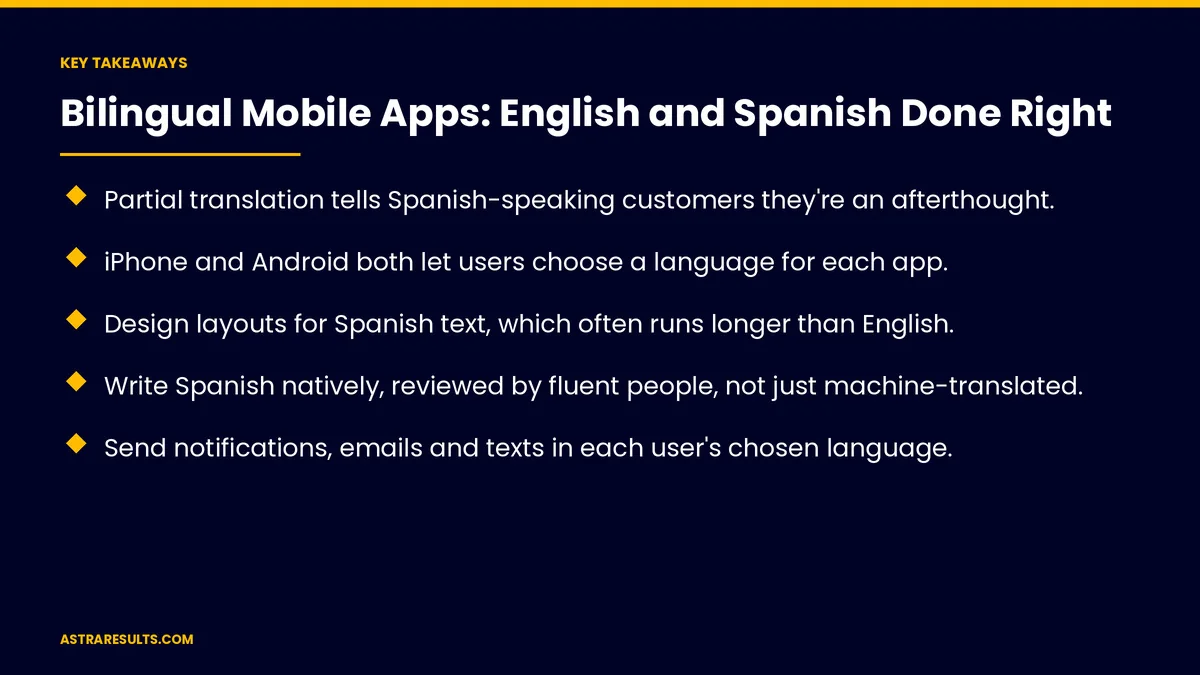
- Partial translation tells Spanish-speaking customers they're an afterthought.
- iPhone and Android both let users choose a language for each app.
- Design layouts for Spanish text, which often runs longer than English.
- Write Spanish natively, reviewed by fluent people, not just machine-translated.
- Send notifications, emails and texts in each user's chosen language.
- Localize the App Store and Google Play listings too.
Published: October 11, 2026 | Reading Time: ~8 minutes | Category: Mobile App Development
This guide covers bilingual mobile apps: how language is chosen, every screen in both languages, layouts for longer text, writing natively, notifications and emails, dates and numbers, AI features, store listings, support, testing and what to measure. Put plainly: let each person choose their language once and see it everywhere, written by fluent people.
For websites, see bilingual websites.
In This Playbook
- How language is chosen
- Every screen in both languages
- Layouts for longer text
- Write natively
- Notifications, emails and texts
- How should a bilingual app format dates and numbers?
- AI features
- Store listings
- Support
- Testing
- What to measure
- The first three months
How language is chosen
Follow the phone's setting. By default, apps use the device language.
Per-app language. iPhone and Android both let users pick a language for each app.
An in-app switch. Easy to find in settings.
Remember the choice. Across devices and sign-ins.
Every screen in both languages
Not just the welcome screen. Menus, forms, errors and confirmations.
Help and policies. Terms, privacy and FAQs.
Content from your systems. Product names and descriptions in both languages where possible.
First use matters most. As covered in app onboarding.
Layouts for longer text
Spanish often runs longer. Buttons and labels need room.
Flexible layouts. Text wraps instead of being cut off.
Test both languages on small screens. Where space runs out first.
Write natively
Fluent writers and reviewers. Not raw machine translation.
Consistent terms. A shared glossary for both languages.
Local Spanish. Words your customers use.
The same care as landing pages, as covered in Spanish landing pages.
Notifications, emails and texts
In the chosen language. Every message.
Templates for both. Written and reviewed together.
Consent rules apply. In any language.
How should a bilingual app format dates and numbers?
Local formats. Dates, times and numbers follow the language and region.
Currency clear. Especially for cross-border customers.
AI features
Answers in the user's language. Chat and search, as covered in integrating AI into a mobile app.
Test accuracy in Spanish. Not just English.
Store listings
Localized App Store and Google Play pages. Descriptions, screenshots and keywords.
Spanish screenshots. Show the app in Spanish.
Reviews in both languages. Reply in the reviewer's language.
Support
Spanish-speaking help. Chat, phone or email.
Self-service in both languages. Help articles and FAQs.
Other languages where needed. As in school apps and iPad kiosk apps.
Testing
Fluent testers. Real users in each language, as covered in beta testing.
Every flow in both languages. Sign-up, checkout and support.
Accessibility. Screen readers in Spanish too.
What to measure
Users by language. Share choosing Spanish.
Completion rates by language. Sign-up, orders and bookings.
Support questions by language. Signs of confusing screens.
Ratings by language. Store reviews in each.
Retention by language. Whether both groups stay.
The first three months
Days 1–30: plan
List every screen, message and listing, create a shared glossary and set up language selection and storage.
Days 31–60: write and build
Write Spanish natively with fluent review, make layouts flexible and localize notifications and store listings.
Days 61–90: test and measure
Test every flow with fluent users, launch and compare completion, ratings and retention by language.
How Astra builds bilingual apps
Astra Results Marketing builds mobile apps that work fully in English and Spanish. We support per-app language choice, design for longer text, write natively with fluent review and localize notifications, store listings and support.
Engagements begin with an app planning session through our mobile app development team.
Related reading
Frequently asked questions
How should users choose a language in an app?
By default the app follows the phone's language. iPhone and Android also let users pick a language for each app, and an in-app switch helps.
Do we have to translate every screen?
Yes. Menus, forms, errors, help and policies should all be in both languages.
Why does layout matter?
Spanish text often runs longer than English, so buttons and labels need room and should wrap rather than cut off.
Is machine translation enough?
No. Write Spanish natively or have fluent people review it, using a shared glossary.
Should store listings be in Spanish too?
Yes. Localize descriptions, screenshots and keywords in the App Store and Google Play.
How do we measure success?
Compare users, completion rates, support questions, ratings and retention by language.
Ready for an app that speaks your customers' language? Astra Results Marketing builds apps that work fully in English and Spanish, with flexible layouts, native writing and localized messages and store listings. ▸ CALL (786) 321-2866 · ▸ REQUEST YOUR CONSULTATION





