 Rated 5 star on

Enterprise Mobile Apps: Security First
Quick answer
Secure enterprise iPad apps by planning the app and devices together. Manage iPads through Apple Business Manager and a device management tool. Distribute apps privately. Use company accounts so access ends when someone leaves. Keep work data in work apps, and lock or wipe lost devices remotely.
When a company hands iPads to field crews, nurses, drivers or store staff, every device carries company data out the door. A lost tablet or files slipping into personal email can become a serious problem. Apple's business tools prevent most of it, if app and devices are planned together.
Key Takeaways
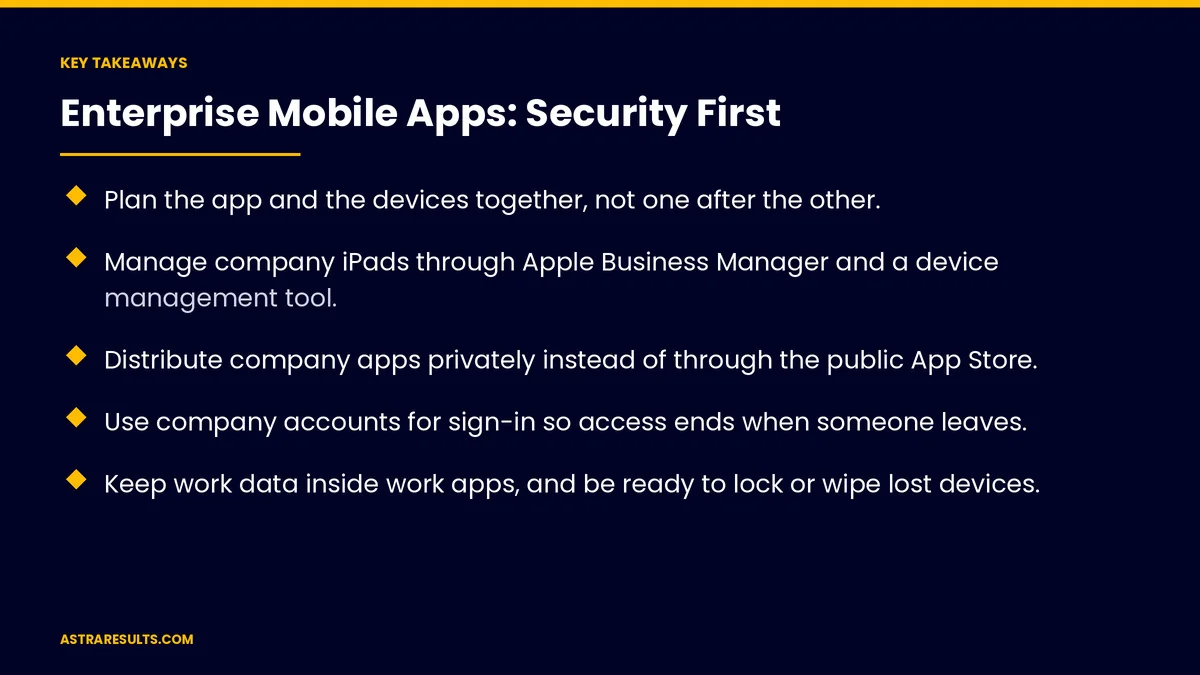
- Plan the app and the devices together, not one after the other.
- Manage company iPads through Apple Business Manager and a device management tool.
- Distribute company apps privately instead of through the public App Store.
- Use company accounts for sign-in so access ends when someone leaves.
- Keep work data inside work apps, and be ready to lock or wipe lost devices.
- Use Shared iPad or single-app modes when devices are shared or fixed in place.
Published: October 9, 2026 | Reading Time: ~9 minutes | Category: iPad App Development
This guide covers security for company iPad apps: managing devices, distributing apps privately, company sign-in, keeping work data in work apps, network access, lost devices, shared iPads, kiosk mode, audits and what to measure. Put plainly: manage the devices, sign in with company accounts and keep work data where it belongs.
In This Playbook
- Which tool should a company use to manage its iPads?
- Distribute apps privately
- Company sign-in
- Keep work data in work apps
- Network access
- Lost and stolen devices
- How can several staff members share one iPad?
- Kiosk and single-app modes
- Audits and logs
- Building the app for this
- What to measure
- The first three months
Which tool should a company use to manage its iPads?
Apple Business Manager. Apple's free portal for enrolling company devices and managing accounts and apps.
A device management tool. Pushes settings, apps and restrictions to every iPad.
Managed Apple Accounts. Company-owned accounts for staff, separate from personal ones.
Enroll at purchase. Devices set up automatically when first turned on.
Distribute apps privately
Custom apps. Distributed through Apple Business Manager, not listed publicly.
Installed automatically. Pushed to the right devices and groups.
Updates controlled. Roll out new versions to a test group first.
Company sign-in
Use company accounts. Sign in through your company's identity system.
Access ends when people leave. Disable one account, and every app follows.
Two-step sign-in. For sensitive apps and data.
Role-based access. Staff see only what their job needs, as with task manager security.
Keep work data in work apps
Managed apps only. Work files open only in approved apps.
No copying into personal apps. Block sharing to personal email or storage where needed.
Settings pushed to the app. Server addresses and options set centrally.
Store little on the device. As covered in mobile app security basics.
Network access
A private connection for the app. Company systems reached through a secure connection for that app only.
Encrypted traffic. Everywhere.
Server checks. Every request checked for the right user and role, as covered in cross-platform security considerations.
Lost and stolen devices
Encryption. iPads encrypt data when a passcode is set; require one.
Lost Mode. Lock the device and show a contact message.
Remote wipe. Erase company data or the whole device.
Report fast. A simple process for staff to report losses.
How can several staff members share one iPad?
Shared iPad mode. Several staff use one device, each with their own sign-in and data.
Sign out between shifts. Automatically after inactivity.
Good fits. Retail floors, warehouses and clinical units, as in logistics proof of delivery.
Kiosk and single-app modes
One app only. Lock an iPad to a check-in, ordering or survey app.
Fixed locations. Lobbies, counters and job sites.
No access to settings. Staff and visitors can't leave the app.
Audits and logs
Device reports. Which devices are managed, updated and encrypted.
App logs. Who did what, and when.
Regular reviews. Remove access that's no longer needed, as with agent security.
Regulated data. Health or financial data may bring extra rules; check with counsel.
Building the app for this
Support managed settings. So IT can configure it centrally.
Support company sign-in. From day one.
Native tools. Swift apps fit Apple's business features well, as weighed in SwiftUI vs UIKit.
Device choice. As weighed in iPad vs Android tablet for business.
What to measure
Managed devices. Share of company iPads enrolled.
Up-to-date devices. On current iPadOS.
Lost devices locked or wiped. And how fast.
Access removed on departure. Within a set time.
Security issues found. In reviews and tests.
The first three months
Days 1–30: set up management
Enroll company iPads through Apple Business Manager and a device management tool, and set passcode and update rules.
Days 31–60: secure the app
Add company sign-in and managed settings, keep work data in work apps and distribute the app privately.
Days 61–90: shared devices and reviews
Set up Shared iPad or single-app modes where needed, test lost-device steps and start regular access reviews.
How Astra builds secure enterprise iPad apps
Astra Results Marketing builds company iPad apps with security planned from the start. We support managed devices, private distribution, company sign-in and managed settings, keep work data in work apps and set up shared and kiosk modes.
Engagements begin with a security review through our iPad app development team.
Related reading
Frequently asked questions
How do companies manage fleets of iPads?
Through Apple Business Manager and a device management tool, which enroll devices, push apps and settings and enforce restrictions.
Can we distribute our app without the public App Store?
Yes. Custom apps can be distributed privately through Apple Business Manager to your own devices.
How do we stop work data from leaving the app?
Allow work files to open only in approved apps, block sharing to personal apps where needed and store little on the device.
What happens if an iPad is lost?
Put it in Lost Mode to lock it, then wipe company data or the whole device remotely.
Can several staff share one iPad securely?
Yes. Shared iPad mode gives each person their own sign-in and data, with automatic sign-out between shifts.
Can an iPad be locked to one app?
Yes. Single-app modes keep a device on one app, such as check-in or ordering, without access to settings.
Ready for company iPads you don't have to worry about? Astra Results Marketing builds secure enterprise iPad apps with managed devices, private distribution, company sign-in, protected work data and shared and kiosk modes. ▸ CALL (786) 321-2866 · ▸ REQUEST YOUR CONSULTATION





