 Rated 5 star on

Clickable Prototypes: Testing Before Writing Code
Quick answer
Test a clickable prototype with real users before writing any code. It looks real but has no working code behind it, so changes take hours, not weeks. Test the main tasks, wording and navigation. Give users tasks, not tours, and avoid leading questions. A handful of users usually reveals the biggest problems.
The most expensive time to discover a confusing screen is after it's built. A clickable prototype is a set of linked screens that looks and feels like the real product, without any working code behind it. Real users tap through it while you watch. Fixing a prototype takes hours; fixing built software can take weeks.
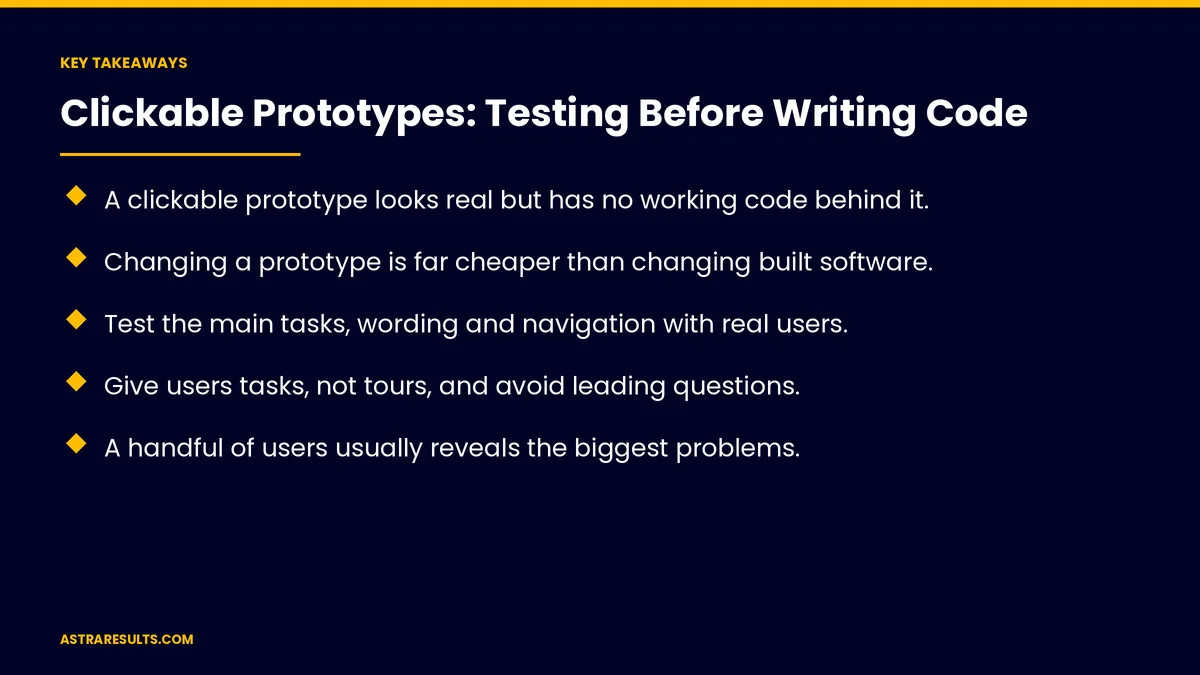
Key Takeaways
- A clickable prototype looks real but has no working code behind it.
- Changing a prototype is far cheaper than changing built software.
- Test the main tasks, wording and navigation with real users.
- Give users tasks, not tours, and avoid leading questions.
- A handful of users usually reveals the biggest problems.
- Prototypes can't prove speed, real data handling or willingness to pay.
Published: October 5, 2026 | Reading Time: ~8 minutes | Category: MVP Development
This guide covers clickable prototypes: what they are, why test before code, what to include, what to test, finding users, running sessions, fixing and retesting, what prototypes can't tell you, handing off to developers and what to measure. Put plainly: test the design with real users while changes are still cheap.
For checking whether people want the product at all, see validating demand before you build anything.
In This Playbook
- What a clickable prototype is
- Why test before code
- What should a clickable prototype include?
- What to test
- Who should test a clickable prototype?
- Running sessions
- Fix and retest
- What prototypes can't tell you
- Handing off to developers
- Established businesses too
- What to measure
- The first three to six weeks
What a clickable prototype is
Linked screens. Tap a button, see the next screen.
Realistic design. Looks close to the finished product.
No working code. Data and logic are faked.
Why test before code
Cheaper changes. Hours, not weeks.
Fewer arguments. Real users settle debates.
Better specs. Developers build from tested screens, as covered in writing a software spec.
What should a clickable prototype include?
The main tasks. Sign up, book, buy or submit.
Key screens only. Not every setting.
Real wording. Not placeholder text.
The smallest scope, as covered in scoping an MVP.
What to test
Can people finish the task? Without help.
Do they understand the offer? In their own words.
Is the wording clear? Buttons, labels and messages.
Is navigation obvious? Where to go next.
First impressions. As covered in app onboarding.
Who should test a clickable prototype?
Real customers or likely ones. Not coworkers.
A handful per round. Usually enough to find the biggest problems.
Both languages. If you serve Spanish speakers.
Running sessions
Give tasks, not tours. "Book a cleaning for next Tuesday."
Ask them to think aloud. What they expect and why.
Don't help or lead. Watch where they get stuck.
Record notes. With permission.
Fix and retest
Fix the biggest problems first. Where most users got stuck.
Retest quickly. A new round with new users.
Stop when tasks are smooth. Then build.
What prototypes can't tell you
Speed. Real loading times come later.
Real data. Edge cases and errors.
Willingness to pay. Test demand separately.
Real-world use. That's for beta testing, as covered in beta testing.
Handing off to developers
Final screens. With notes on behavior.
Design system. Colors, fonts and components, as covered in design systems.
Open questions listed. Decided before building.
Established businesses too
Testing new lines. As in MVPs for established businesses.
Faster timelines overall. As covered in MVP timelines and budgets.
What to measure
Task completion. Share of users who finish.
Time on task. How long each takes.
Points of confusion. Where users get stuck.
Changes made. Before writing code.
Rework after launch. Lower with prototype testing.
The first three to six weeks
Week one: build the prototype
Link the key screens for the main tasks, with real wording and a realistic design.
Weeks two and three: test and fix
Run sessions with a handful of real users, fix the biggest problems and retest.
Weeks four to six: hand off
Finalize screens, document behavior and open questions and hand off to developers.
How Astra uses clickable prototypes
Astra Results Marketing tests products with clickable prototypes before writing code. We build realistic screens for the main tasks, run sessions with real users, fix what confuses them and hand developers tested designs.
Engagements begin with an MVP planning session through our MVP development team.
Related reading
Frequently asked questions
What is a clickable prototype?
Linked screens that look like the real product, with no working code behind them, so users can tap through the main tasks.
Why test a prototype instead of building first?
Because fixing a prototype takes hours, while fixing built software can take weeks.
How many users should test it?
A handful per round usually reveals the biggest problems. Fix them and test again.
How should test sessions run?
Give users tasks, ask them to think aloud and don't help or lead them.
What can't a prototype test?
Speed, real data handling, willingness to pay and real-world use over time.
What should we measure?
Task completion, time on task, points of confusion and changes made before coding.
Ready to test your product before writing code? Astra Results Marketing builds clickable prototypes, tests them with real users and hands developers designs that already work for your customers. ▸ CALL (786) 321-2866 · ▸ REQUEST YOUR CONSULTATION





