 Rated 5 star on


Writing a Software Spec Your Developers Can Use
Quick answer
A usable software spec describes the problem, the people and the rules, not the technical solution. Write workflows as short stories about who needs to do what, and why. List the data, connected systems and record owners. Spell out unusual cases, state what is out of scope, and rank features as must, should and could.
Most custom software problems start before any code is written. A vague request like "we need a portal for clients" leaves developers guessing, and guesses become delays, change requests and surprise costs. A good spec needs no technical language: just the problem, the people, their work and the rules, clear enough to build and check.
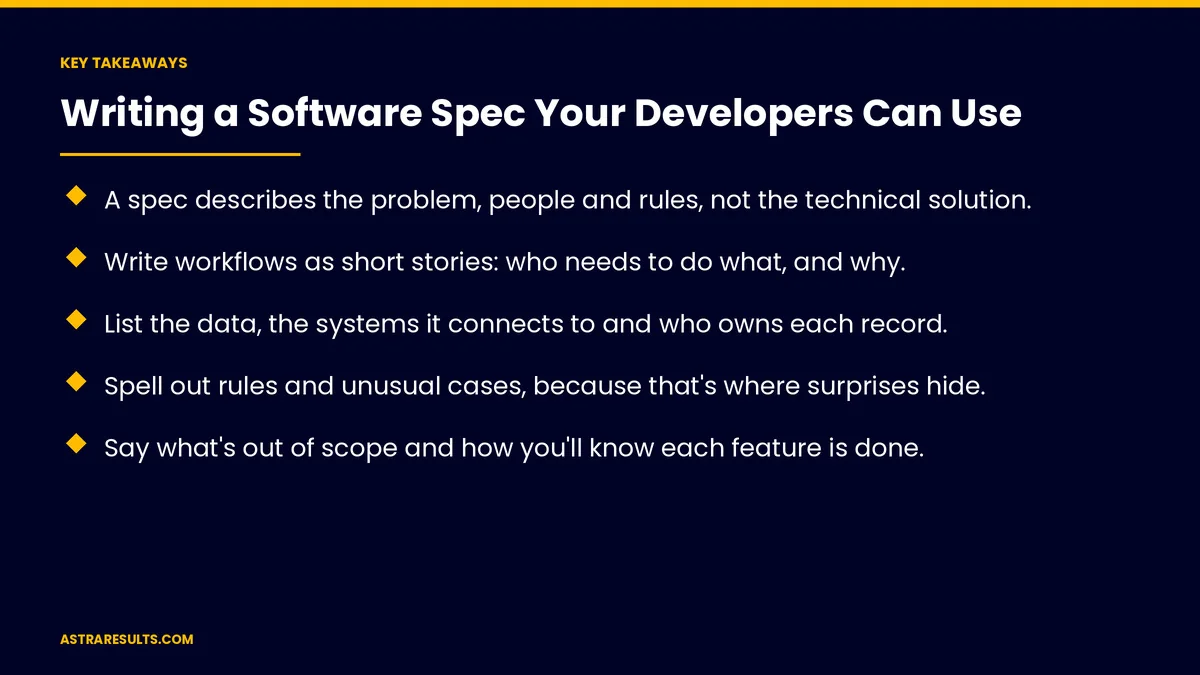
Key Takeaways
- A spec describes the problem, people and rules, not the technical solution.
- Write workflows as short stories: who needs to do what, and why.
- List the data, the systems it connects to and who owns each record.
- Spell out rules and unusual cases, because that's where surprises hide.
- Say what's out of scope and how you'll know each feature is done.
- Rank features as must, should and could, so budgets and timelines stay realistic.
Published: October 29, 2026 | Reading Time: ~9 minutes | Category: Custom Software
This guide covers writing a spec developers can use: goals, users, workflows, data, integrations, screens, rules, permissions, reports, scope, acceptance checks, priorities and common mistakes. Put plainly: describe what people need to do and why, and let developers decide how.
In This Playbook
- Start with the problem and goal
- Users and roles
- Workflows as short stories
- Data and ownership
- Integrations
- Screens and sketches
- Rules and unusual cases
- Permissions and security
- Reports
- Other requirements
- What's out of scope
- How you'll know it's done
- Priorities
- What are common mistakes in a software spec?
- Keep it a living document
- How do we measure whether a software spec works?
- The first three months
Start with the problem and goal
The problem. What's slow, error-prone or impossible today?
The goal. What changes when the software works: hours saved, fewer errors, faster service?
How you'll measure it. A number to check after launch.
When software is the answer is weighed in when off-the-shelf stops fitting.
Users and roles
Who uses it. Staff, managers, customers or partners.
What each role can do. View, create, edit, approve or delete.
How many users. Now and in a few years.
Where they work. Office, field, phone or tablet.
Workflows as short stories
Use a simple pattern. "As a dispatcher, I need to see today's jobs on a map so I can assign the nearest technician."
Cover the full journey. From the first step to the last, including approvals.
Describe today's process. What happens now, even if it's a spreadsheet, as in replacing spreadsheets.
Include the unhappy paths. What happens when something is missing, late or wrong.
Data and ownership
What's stored. Customers, orders, jobs, documents and history.
Where it comes from. Typed in, imported or synced from other systems.
Who owns each record. Which system is the source of truth, as covered in planning an integration.
How long it's kept. And who can delete it.
Integrations
List connected systems. CRM, accounting, booking, email or payment tools.
What moves between them. And how often.
Instant or scheduled. Some updates need to happen right away, as covered in webhooks explained.
Screens and sketches
Rough sketches help. Paper drawings or screenshots of tools you like.
Describe purpose, not design. "A screen to approve timesheets in bulk."
Leave design to designers. But share brand and accessibility needs.
Rules and unusual cases
Business rules. "Orders over $5,000 need manager approval."
Unusual cases. Refunds, partial payments, cancellations and duplicates.
Deadlines and timing. What happens at month-end or after hours.
This is where surprises hide. Spend extra time here.
Permissions and security
Who sees what. By role, location or team.
Sensitive data. Health, financial or personal information.
Sign-in needs. Two-step sign-in or company accounts.
Reports
What you need to see. Daily, weekly and monthly.
Who sees each report. And whether it's exported.
Other requirements
Speed. How fast key screens should load.
Devices. Desktop, phone or tablet.
Availability. Hours the system must be up.
Accessibility. Usable with screen readers and keyboards.
What's out of scope
Say what you're not building. For now.
Avoid scope creep. Clear limits keep budgets steady.
Save ideas for later. A parking list for future versions.
How you'll know it's done
Acceptance checks for each feature. "A manager can approve 20 timesheets at once, and each employee gets a notification."
Testing with real users. People who do the work every day.
Priorities
Must have. The software fails without it.
Should have. Important, but can wait a little.
Could have. Nice to add if time and budget allow.
Start small. The first version covers the musts, as in scoping an MVP. Later versions follow the evidence, as covered in MVP metrics.
What are common mistakes in a software spec?
Too vague. "Make it user-friendly" can't be built or tested.
Too technical. Prescribing databases or frameworks limits better options.
No priorities. Everything urgent means nothing is.
Skipping unusual cases. They cost the most when found late.
Writing alone. Involve the people who do the work.
Keep it a living document
Update as you learn. Discovery and testing reveal gaps.
Track changes. Note what changed, when and why.
A short discovery phase helps. As covered in custom software discovery.
Costs follow scope. As covered in what custom software costs over five years.
How do we measure whether a software spec works?
Questions from developers. Fewer questions usually means a clearer spec.
Change requests. After development starts.
Features accepted on first review. Against acceptance checks.
Budget and timeline. Against estimates.
The goal. The number you set at the start.
The first three months
Days 1–30: write the first draft
Describe the problem, goal, users and today's process. Write workflows as short stories, list data and integrations and note rules and unusual cases with the people who do the work.
Days 31–60: review with developers
Walk through the spec with your development team, answer questions, add acceptance checks and rank features as must, should and could.
Days 61–90: build and refine
Start with the must-haves, test each feature against its acceptance checks and update the spec as you learn.
How does Astra help write software specs?
Astra Results Marketing helps businesses turn ideas into specs developers can build from. We interview the people who do the work, map workflows, data, integrations and rules, write acceptance checks and rank features by priority.
Clear specs keep budgets and timelines realistic. Engagements begin with a discovery session through our custom software team.
Related reading
Frequently asked questions
What should a software spec include?
The problem and goal, users and roles, workflows, data and ownership, integrations, rules and unusual cases, permissions, reports, other requirements, what's out of scope, acceptance checks and priorities.
Does a spec need technical language?
No. It should describe what people need to do and why. Developers decide how to build it.
How detailed should workflows be?
Detailed enough to cover every step, approvals and what happens when something goes wrong. Short stories like "As a manager, I need to..." work well.
Why list what's out of scope?
It prevents scope creep, keeps budgets steady and gives future ideas a place to wait.
How do we know a feature is done?
Write acceptance checks for each feature, then test with the people who do the work every day.
Who should write the spec?
The business owner or project lead, with input from the people who do the work and review by the development team.
Ready to turn your idea into a spec developers can build? Astra Results Marketing maps your workflows, data, rules and priorities into a clear spec, with acceptance checks that keep budgets and timelines realistic. ▸ CALL (786) 321-2866 · ▸ REQUEST YOUR CONSULTATION





