 Rated 5 star on

Scoping an MVP: What to Cut and What to Keep
Quick answer
Scope an MVP around one job for one type of user, written in a single sentence. Map the shortest path to finish that job and build only those steps. Sort features into must have, nice to have and later. Many features can run by hand at first. Never cut security, login, privacy, analytics or feedback.
Every MVP starts small on paper. Then someone adds an admin dashboard, a second user role, a few integrations and a settings page, and the "minimum" version takes six months. Scoping is the skill that stops that. It decides what the first version must do, what can be done by hand, and what waits until users ask for it.
Key Takeaways
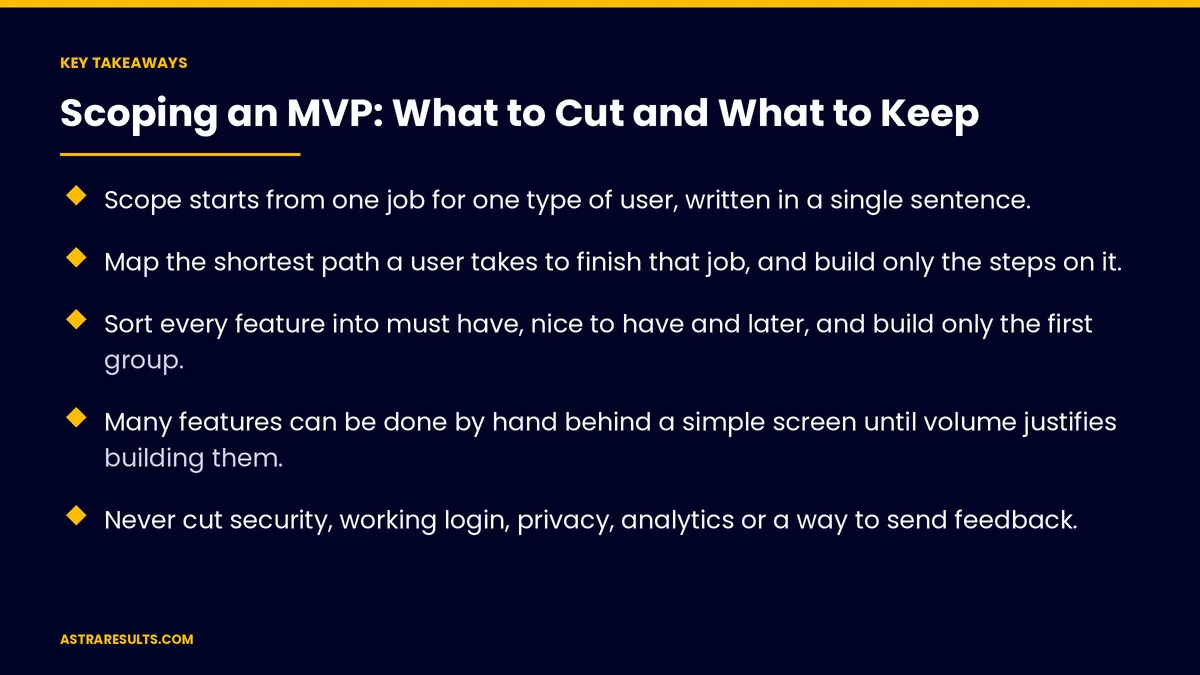
- Scope starts from one job for one type of user, written in a single sentence.
- Map the shortest path a user takes to finish that job, and build only the steps on it.
- Sort every feature into must have, nice to have and later, and build only the first group.
- Many features can be done by hand behind a simple screen until volume justifies building them.
- Never cut security, working login, privacy, analytics or a way to send feedback.
- Protect the scope with a written list, a parking lot for new ideas and a fixed launch date.
Published: October 26, 2026 | Reading Time: ~10 minutes | Category: MVP Development
This guide gives a practical method for scoping an MVP: start from one job, map the shortest path, sort every feature, fake what you can, keep the few things you must never cut, and protect the scope once it's set. Put plainly: if a feature doesn't help the first user finish the one job, it waits.
In This Playbook
- Start from one job
- Map the shortest path
- Sort every feature
- Common scope traps
- Fake what you can
- What you never cut
- Protect the scope
- Two quick examples
- How do we know the MVP scope was right?
- The first three months
Start from one job
Write it in one sentence. "A homeowner books a same-week repair from a verified local technician." That's the job.
Name the user. The specific person who has the job and feels the problem most.
Name the result. What success looks like for that user: a booked repair, an approved quote, a filed claim.
Everything is judged against it. Each feature either helps that user finish that job, or it waits. The bigger picture is covered in MVP development.
Map the shortest path
List the steps. From the moment the user arrives to the moment the job is done.
Remove every step you can. Can sign-up happen after the first action? Can one screen replace three?
Mark the steps that need software. Some steps can be a simple form, an email or a phone call at first.
Build only the path. Side paths, like editing a profile or browsing history, come later.
Sort every feature
Must have. Without it, the user can't finish the job. Build these.
Nice to have. Makes the job easier, but users can finish without it. Wait.
Later. Useful once there are many users, or for a different user. Wait.
Be strict. If more than a handful of features end up as must have, the job is probably too big. Narrow it.
Write the list down. Everyone on the team should see the same list, the way scope is set during custom software discovery.
Common scope traps
Admin dashboards. Early on, your team can manage data with a simple internal tool or a spreadsheet. Build a full admin panel later.
Many user roles. Start with one user type and one internal role. Add more when they're needed.
Integrations everywhere. Connect only what the job requires. Others can be manual for now, or handled with a simple tool, as weighed in integration platforms vs custom API work.
Settings and preferences. Choose sensible defaults instead of building options.
Every edge case. Handle the common path well. Route rare cases to a person.
Native apps on both platforms. A web app or one cross-platform app often reaches enough users first, as covered in native, cross-platform or web.
Polished design. Clean and clear is enough. Polish comes after the idea is proven.
Fake what you can
Do it by hand behind the scenes. Matching, approvals, reports and data entry can be done by your team while users see a simple screen.
Learn what to automate. Doing a step by hand shows exactly what the software needs to do, and how often.
Use existing tools. Forms, scheduling tools and payment links can stand in for custom features.
Be clear about speed. If a step is manual, set expectations, such as "we'll confirm within two hours."
Automate when volume demands it. When the manual step becomes the bottleneck, it earns its place in the build.
What you never cut
Security. Safe login, protected data and limited access from day one. The principles are in agent security.
Working sign-up and login. If users can't get in, nothing else matters.
Privacy. Collect only what you need, explain why, and follow the rules for your industry.
Analytics. You can't learn from an MVP you didn't measure.
A way to send feedback. A simple button or email that reaches the team.
Accessibility basics. Readable text, enough contrast and labels on forms.
The languages your users need. In Miami, that often means English and Spanish from the start.
Protect the scope
A written scope. The one job, the path, the must-have list and the launch date.
A parking lot. New ideas go on a list for later instead of into the current build.
A fixed launch date. Scope flexes to meet the date, not the other way around.
One decision maker. One person approves any change to the must-have list.
Weekly review. Check progress against the list, and cut rather than delay.
Two quick examples
A home services booking MVP. Must have: choose a service, pick a time, enter address and contact, get confirmation. Done by hand: assigning technicians and sending reminders. Later: ratings, saved addresses, a technician app.
A B2B ordering portal MVP. Must have: login for existing customers, view their price list, place an order, get confirmation. Done by hand: account setup and invoicing. Later: order history search, multiple users per account, accounting integration.
How do we know the MVP scope was right?
Time to launch. Whether the first version shipped by the date you set.
Job completion. The share of first users who finish the one job.
Feature requests. Which parked ideas users ask for most, telling you what to build next.
Manual load. How much time the hand-run steps take, and which to automate first.
Learning per week. What you found out about users each week, the test applied in AI pilots that fail safely.
The first three months
Days 1–30: scope it
Write the one job, the user and the result. Map the shortest path and mark which steps need software. Sort every feature into must have, nice to have and later. Decide which steps to run by hand. Set the launch date and the parking lot.
Days 31–60: build the path
Build only the must-have features on the shortest path, with security, login, privacy, analytics, feedback and the languages users need. Set up the manual processes behind the scenes.
Days 61–90: launch and adjust
Launch to a small group of real users. Track job completion, manual load and feature requests. Pick the next features from what users ask for and what slows the manual work most.
How Astra scopes MVPs
Astra Results Marketing scopes every MVP from one job for one user. We map the shortest path, sort features with you into must have, nice to have and later, and decide which steps your team can run by hand until volume justifies building them.
Security, login, privacy, analytics and feedback are never cut, and the scope is protected with a written list, a parking lot and a fixed launch date. Engagements begin with a scoping workshop through our MVP development team.
Related reading
Frequently asked questions
How do we decide what goes into an MVP?
Start from one job for one type of user. Map the shortest path to finish that job, then sort every feature into must have, nice to have and later. Build only the must-have features on that path.
What features are usually cut from an MVP?
Full admin dashboards, multiple user roles, most integrations, settings pages, rare edge cases, native apps for every platform and polished design. Most can wait until real users show they're needed.
What should never be cut?
Security, working sign-up and login, privacy protections, analytics, a way for users to send feedback, accessibility basics and the languages your users need.
Can we run parts of the MVP by hand?
Yes. Matching, approvals, reports and data entry can often be done by your team behind a simple screen. It's faster to launch and shows exactly what to automate later.
How do we stop scope creep?
Write the scope down, put new ideas on a parking-lot list, fix the launch date so scope flexes instead of the date, and give one person authority over the must-have list.
How many must-have features is too many?
If the list grows beyond a handful, the job is probably too big. Narrow the job or the user until the first version can launch within your set timeframe.
Ready for an MVP small enough to ship and strong enough to learn from? Astra Results Marketing scopes your MVP from one job and one user, maps the shortest path, decides what to run by hand, keeps the guardrails you can't skip and protects the scope so you launch on time. ▸ CALL (786) 321-2866 · ▸ REQUEST YOUR CONSULTATION





