 Rated 5 star on


Construction iPad Apps: Plans on Site
Quick answer
Construction iPad apps pay off most by keeping every crew on the current drawing revision. Large screens show plans clearly, and Apple Pencil makes markups natural. Plans, forms and photos must work offline and sync later, since job sites often lack signal. Punch lists, photos and daily logs captured on site save hours of office work.
On a job site, the most expensive mistake is building from the wrong drawing. A superintendent working from last month's printout, a subcontractor who never saw the revision, a punch list on paper that gets wet and lost. An iPad app that always shows the current plans, works without signal and records what happened on site can prevent costly rework.
Key Takeaways
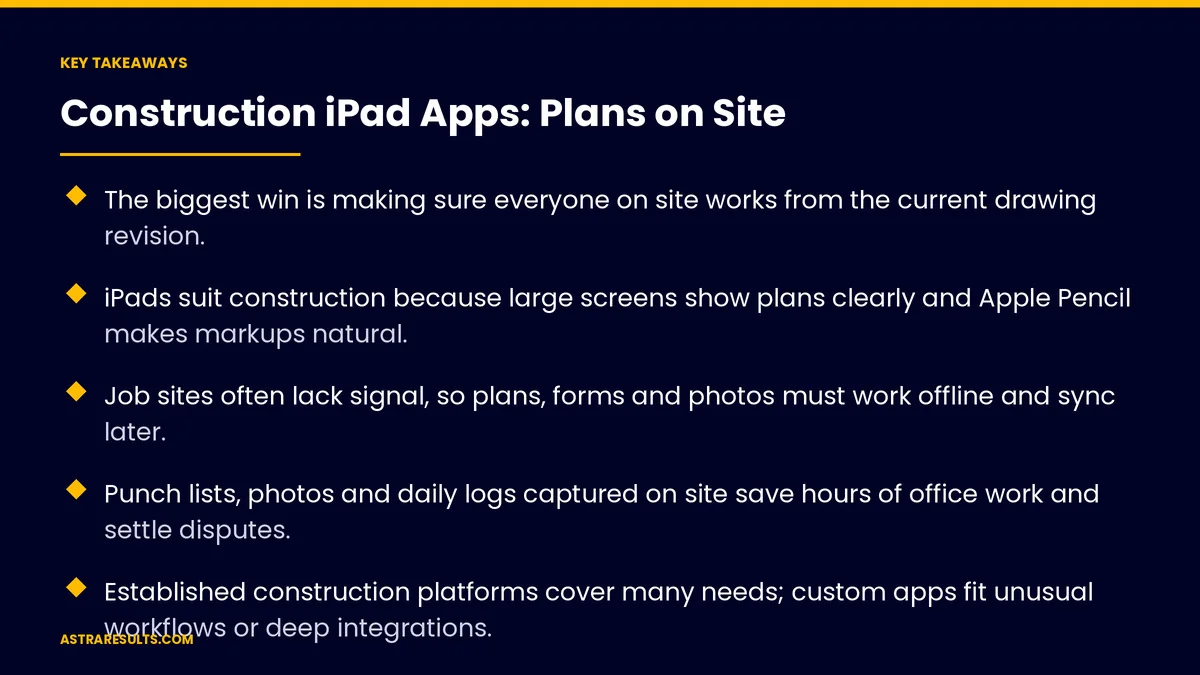
- The biggest win is making sure everyone on site works from the current drawing revision.
- iPads suit construction because large screens show plans clearly and Apple Pencil makes markups natural.
- Job sites often lack signal, so plans, forms and photos must work offline and sync later.
- Punch lists, photos and daily logs captured on site save hours of office work and settle disputes.
- Established construction platforms cover many needs; custom apps fit unusual workflows or deep integrations.
- Measure rework, time to close punch items and hours saved on paperwork.
Published: October 4, 2026 | Reading Time: ~10 minutes | Category: iPad App Development
This guide covers iPad apps in the field: drawings and revisions, Apple Pencil markups, offline use, punch lists, photos and daily logs, and syncing with the office. It also covers when an established platform is enough and when custom makes sense. Put plainly: put the current plan in every hand on site, and capture what happens there.
In This Playbook
- Why iPads on construction sites
- Always the current drawing
- How do crews mark up drawings on an iPad?
- Built for no signal
- Punch lists, photos and daily logs
- Sharing with the whole team
- Platform or custom app
- Rolling it out to crews
- Field numbers to watch
- The first three months
Why iPads on construction sites
Big screens for big drawings. Plans are readable without zooming in on a phone.
Apple Pencil for markups. Circling, sketching and noting directly on drawings feels like paper, without the paper.
Cameras built in. Photos tied to the exact spot on the plan.
Rugged cases. Protective cases make tablets practical in dust, rain and on ladders.
Familiar to crews. Most workers already know how to use a tablet. The tablet design principles are covered in iPad apps for business.
Always the current drawing
One source of truth. Drawings come from the project's document system, not from email attachments.
Superseded sheets flagged. Old revisions are clearly marked or hidden, so nobody builds from them.
Revision alerts. Crews see when a sheet they use has changed, and what changed.
Linked documents. Specs, RFIs and submittals linked to the sheets they affect.
Sync before the shift. Updated plans download in the morning on site Wi-Fi or before leaving the office.
How do crews mark up drawings on an iPad?
Mark up with Apple Pencil. Notes, sketches and dimensions on the drawing.
Share markups. With the office, the architect or specific subcontractors.
Raise questions from the plan. Start an RFI from the exact spot that needs clarification, with a photo attached.
Keep a record. Every markup and question saved with who made it and when.
Built for no signal
Offline first. Plans, forms and checklists work without a connection.
Capture now, sync later. Photos, punch items and logs save on the device and upload when signal returns.
Handle conflicts. If two people change the same item offline, the app shows both and asks which to keep.
Show sync status. Crews can see what's waiting to upload.
Punch lists, photos and daily logs
Punch lists on the plan. Drop a pin, add a photo, assign the trade and a due date.
Close items with proof. A photo of the fix closes the item.
Daily logs. Weather, crew counts, deliveries, delays and work completed, in a few minutes at the end of the day.
Safety checklists. Daily and weekly inspections completed and signed on the tablet.
Photos with time and place. Progress photos stamped with date and location help settle disputes later.
Sharing with the whole team
Subcontractors see what they need. Their sheets, their punch items, their deadlines.
Owners and architects stay informed. Progress photos and reports without site visits for every question.
Permissions by role. Field crews, subcontractors, managers and clients each see the right information.
Android crews too. Many field workers carry Android devices, so plan for both, as covered in Android apps for the workforce.
Platform or custom app
Established platforms. Several construction software platforms already handle drawings, punch lists and daily logs well. For many companies, setting one up properly is the right move.
When custom makes sense. Unusual workflows, specialty trades, unique inspection forms, or deep connections to your estimating, scheduling or accounting systems.
The hybrid. A platform for core project management, plus a custom app or connections for what it doesn't cover. The decision is covered in custom software.
Connect the office. Field data should flow into the office systems that need it, as covered in API integration.
Rolling it out to crews
Start with one project. Prove it with a willing superintendent.
Train on the job. Short sessions on site, focused on the three or four things crews do every day.
Keep paper as backup at first. Then retire it once the team trusts the app.
Keep the app current. iOS updates and fixes continue after launch, as covered in app maintenance.
Field numbers to watch
Rework from wrong drawings. Incidents where work used an outdated sheet.
Punch item close time. Days from item created to closed.
Paperwork hours. Time spent on daily logs, reports and punch lists, before and after.
RFI turnaround. Days from question to answer.
Adoption. The share of crews using the app daily.
The first three months
Days 1–30: choose and prepare
Decide between a platform, a custom app or both. Connect the document system so drawings come from one source. Set up roles, punch list categories, daily log forms and safety checklists.
Days 31–60: pilot one project
Equip one project team with iPads and rugged cases. Train on site. Track rework, punch close time and paperwork hours, and fix what slows crews down.
Days 61–90: expand
Roll out to more projects, connect field data to office systems and retire paper forms where the team is ready. Compare results across projects.
How Astra builds construction apps
Astra Results Marketing builds iPad apps and setups for construction teams that keep the current plan in every hand. We connect drawings to one source of truth, enable Apple Pencil markups and offline work, and make punch lists, photos and daily logs fast to capture.
We help you choose between an established platform, a custom app or both, connect field data to your office systems and roll out project by project. Engagements begin with a field workflow review through our iPad app development team.
Related reading
Frequently asked questions
Why use iPads on construction sites?
Large screens show drawings clearly, Apple Pencil makes markups natural, built-in cameras capture site conditions, and rugged cases protect them in the field.
How do we make sure crews use the current drawing?
Pull drawings from one document system, flag or hide superseded sheets, alert crews when sheets change, and sync updated plans before each shift.
What happens on sites without internet?
A good app works offline: plans, forms and photos stay on the device, and everything syncs automatically when a connection returns.
Should we buy a construction platform or build a custom app?
Established platforms cover many needs. A custom app or custom connections make sense for unusual workflows, specialty trades or deep links to estimating, scheduling or accounting systems.
How do subcontractors fit in?
Give them access to their own sheets, punch items and deadlines, with permissions by role. Plan for Android devices too, since many field workers use them.
How do we know the app is working?
Track rework from wrong drawings, punch item close time, paperwork hours, RFI turnaround and how many crews use it daily.
Ready to put the current plan in every hand on site? Astra Results Marketing builds iPad apps and setups that keep drawings current, work offline, capture punch lists, photos and daily logs, and connect field data to your office systems. ▸ CALL (786) 321-2866 · ▸ REQUEST YOUR CONSULTATION





