 Rated 5 star on

Retail Swift Apps With Apple Pay Loyalty
Quick answer
Native Swift apps let retailers join Apple Pay and loyalty so points are never missed at checkout. Apple Pay inside the app speeds checkout. Wallet loyalty passes stay one swipe away. Tap to Pay on iPhone lets staff take payments without card readers, and App Clips let shoppers join loyalty without the full app.
Most loyalty programs fail at the register. The shopper forgets the card, can't find the app, or the cashier is too busy to ask. Every missed scan loses points, data and a reason to return. Native Swift apps can join payment and loyalty in one tap, so nobody has to remember.
Key Takeaways
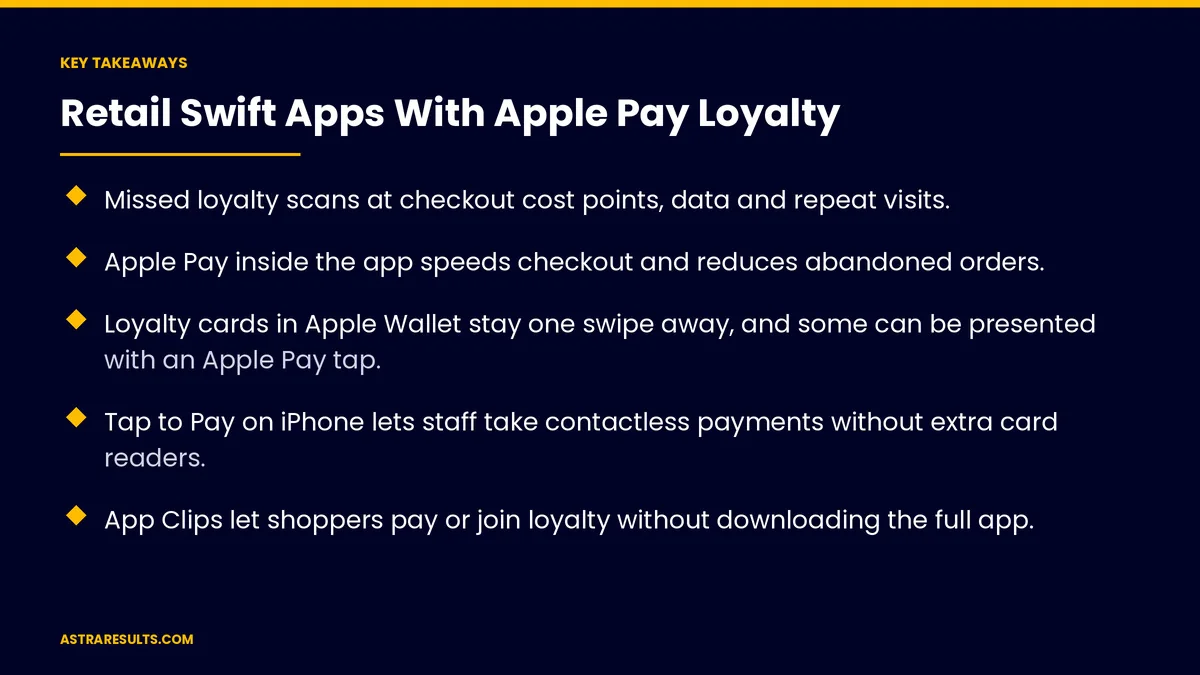
- Missed loyalty scans at checkout cost points, data and repeat visits.
- Apple Pay inside the app speeds checkout and reduces abandoned orders.
- Loyalty cards in Apple Wallet stay one swipe away, and some can be presented with an Apple Pay tap.
- Tap to Pay on iPhone lets staff take contactless payments without extra card readers.
- App Clips let shoppers pay or join loyalty without downloading the full app.
- Apple Pay protects card numbers, so retailers handle less sensitive data.
Published: October 23, 2026 | Reading Time: ~9 minutes | Category: Swift Development
This guide covers how retailers use native Swift apps to combine Apple Pay and loyalty: in-app and web checkout, Wallet loyalty passes, passes that work with an Apple Pay tap, Tap to Pay on iPhone for staff, App Clips, order updates and privacy. Put plainly: make paying and earning the same moment.
Apple's payment and Wallet features have their own requirements and approvals. Check current rules with Apple and your payment provider before you plan.
In This Playbook
- Why do retail loyalty programs break at checkout?
- Apple Pay inside the app
- Wallet loyalty passes
- Tap to Pay on iPhone for staff
- App Clips for quick actions
- Order updates and live status
- Privacy and security
- Why native Swift for this
- Connecting to store systems
- What should a retail loyalty app measure?
- The first three months
Why do retail loyalty programs break at checkout?
Forgotten cards. Plastic cards and key tags stay at home.
Hard-to-find apps. Opening an app and finding a barcode takes too long in line.
Busy cashiers. Asking for a loyalty number slows the line, so it gets skipped.
Lost data. Every missed scan is a purchase you can't connect to a customer.
The fix. Combine payment and loyalty so one action does both, building on the loyalty basics in mobile apps for loyalty.
Apple Pay inside the app
Faster checkout. Shoppers pay with Face ID or Touch ID instead of typing card details.
Fewer abandoned orders. Less typing usually means fewer people giving up.
Pickup and delivery. Order ahead in the app and pay with Apple Pay.
Points earned automatically. Every in-app purchase is tied to the customer's account.
Wallet loyalty passes
Always one swipe away. A loyalty card in Apple Wallet doesn't need the app to be opened.
Live updates. Point balances and offers can update on the pass.
Location reminders. Passes can appear on the lock screen near your stores.
Passes that work with an Apple Pay tap. At compatible terminals, an approved loyalty pass can be presented automatically when the shopper pays. This needs Apple's approval and checkout systems that support it.
A step before an app. Wallet passes can work on their own, as weighed in when to add a mobile app.
Tap to Pay on iPhone for staff
Payments anywhere in the store. Staff take contactless payments on an iPhone, without separate card readers.
Shorter lines. Staff can check out shoppers in the aisle during busy times.
Pop-ups and events. Sell at markets and events with just a phone.
Through a payment provider. Tap to Pay works through supported payment providers, so check yours.
App Clips for quick actions
No full download. A small part of your app opens instantly from a code, link or tag.
Quick checkout or signup. Pay for an item or join the loyalty program in seconds.
A path to the full app. Shoppers who like the experience can download the full app later.
Good for first visits. Turn new shoppers into loyalty members on the spot.
Order updates and live status
Live Activities. Order and pickup status on the lock screen.
Notifications people want. "Your order is ready," not daily promotions.
Widgets. Points balance or offers on the home screen.
Privacy and security
Card numbers stay protected. Apple Pay replaces card numbers with tokens, so retailers don't handle the real numbers.
Collect only what you need. Loyalty data should support rewards and service, not unrelated tracking.
Be clear in your privacy details. Describe what the app collects in the App Store listing.
Protect accounts. Secure login and careful handling of purchase history.
Why native Swift for this
Full access to Apple's tools. Apple Pay, Wallet, App Clips and Live Activities work best in native apps, as covered in Swift native iOS done properly.
Speed and polish. Checkout should feel instant.
When it's worth it. The business case is covered in making the case for native iOS.
Android too. Plan matching features for Android shoppers.
Connecting to store systems
Point of sale. Purchases and loyalty must sync with your checkout system.
Loyalty platform. Points, tiers and rewards update everywhere at once.
Customer records. Purchase history links to profiles where customers agree.
Plan the connections. Decide which system owns each record, as covered in planning an integration.
What should a retail loyalty app measure?
Loyalty capture rate. The share of purchases linked to a member.
Apple Pay use. Share of in-app and in-store payments.
Checkout time. In the app and in the store.
Repeat visits. Members compared with non-members, as in retail chain apps.
App and pass activity. Using the measures in iPhone app analytics.
The first three months
Days 1–30: plan and check
Measure your current loyalty capture rate at checkout. Confirm what your checkout system and payment provider support, including Apple Pay, Wallet passes and Tap to Pay. Map connections to your loyalty platform and customer records.
Days 31–60: build the core
Add Apple Pay checkout in the app and create Wallet loyalty passes with live balances. Start applying for any Apple approvals you need, and test with staff.
Days 61–90: launch and measure
Launch in a few stores, add Tap to Pay for busy times and test an App Clip for new members. Compare loyalty capture, checkout time and repeat visits with the baseline.
How Astra builds retail Swift apps
Astra Results Marketing builds native Swift apps for retailers that join payment and loyalty. We add Apple Pay checkout, create Wallet loyalty passes, set up Tap to Pay on iPhone and App Clips where they fit, and connect everything to your checkout and loyalty systems.
Card numbers stay protected, data collection stays limited and results are measured by loyalty capture and repeat visits. Engagements begin with a checkout and loyalty review through our Swift app development team.
Related reading
Frequently asked questions
How does Apple Pay help a loyalty program?
It makes paying fast inside the app, and every in-app purchase earns points automatically. At compatible terminals, an approved Wallet loyalty pass can be presented when the shopper pays with Apple Pay.
What is a Wallet loyalty pass?
A loyalty card stored in Apple Wallet, with live point balances and offers. It's one swipe away and doesn't need the app to be opened.
What is Tap to Pay on iPhone?
A way for staff to accept contactless payments on an iPhone without separate card readers, through a supported payment provider. It helps shorten lines and sell at events.
What are App Clips?
Small parts of an app that open instantly from a code, link or tag, without a full download. They're useful for quick checkout or joining loyalty on a first visit.
Is Apple Pay secure for retailers?
Apple Pay replaces card numbers with tokens, so retailers don't handle the real numbers. Retailers still need secure accounts and careful data handling.
Why build in Swift instead of cross-platform?
Native Swift gives the fullest access to Apple Pay, Wallet, App Clips and Live Activities, with the speed checkout needs. Plan matching features for Android shoppers too.
Ready to make paying and earning the same moment? Astra Results Marketing builds native Swift apps with Apple Pay checkout, Wallet loyalty passes, Tap to Pay and App Clips, connected to your checkout and loyalty systems. ▸ CALL (786) 321-2866 · ▸ REQUEST YOUR CONSULTATION





