 Rated 5 star on

Fitness Swift Apps With Apple Watch and Health
Quick answer
A native Swift app lets gyms, studios and coaches connect workouts and check-ins to Apple Watch and Apple Health. Members track heart rate and classes from the wrist. Each type of health data needs member permission. Apple prohibits using health data for advertising, and the FTC's Health Breach Notification Rule may apply.
Many fitness members wear an Apple Watch to every class. When a studio's app connects to the watch and to Apple Health, workouts track themselves, check-in takes a tap and progress shows up where members already look. Native Swift apps give the deepest access, with strict health data rules that shape the build from day one.
Key Takeaways
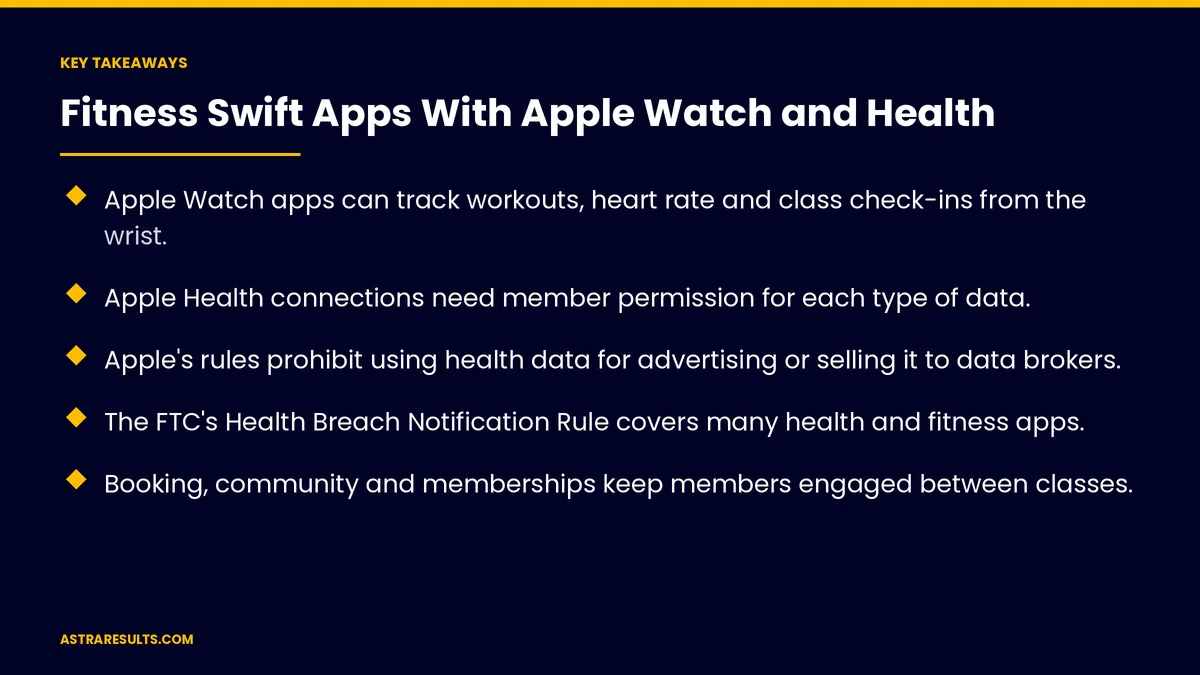
- Apple Watch apps can track workouts, heart rate and class check-ins from the wrist.
- Apple Health connections need member permission for each type of data.
- Apple's rules prohibit using health data for advertising or selling it to data brokers.
- The FTC's Health Breach Notification Rule covers many health and fitness apps.
- Booking, community and memberships keep members engaged between classes.
- Measure active members, attendance and retention, not just downloads.
Published: October 5, 2026 | Reading Time: ~9 minutes | Category: Swift Development
This guide covers how gyms, studios and coaches use native Swift apps with Apple Watch and Apple Health: workouts on the wrist, Health app connections, class booking and check-in, community and challenges, memberships, health data privacy, security and what to measure. Put plainly: make workouts effortless to track, and treat health data with the highest care.
Health data rules are strict and can change. Review Apple's current guidelines and check with counsel.
In This Playbook
- Why native Swift for fitness
- Workouts on the wrist
- Connecting to Apple Health
- Can members book fitness classes in the app?
- Community and challenges
- Memberships and payments
- Health data privacy
- Security
- What to measure
- The first three months
Why native Swift for fitness
Deep access to Apple features. Apple Watch, Apple Health, widgets and lock-screen updates work best in native apps, as covered in Swift native iOS done properly.
Smooth performance. Workout screens and timers need to feel instant.
Android still matters. Plan features for Android members too. A cross-platform approach is covered in fitness apps in React Native.
Workouts on the wrist
Start and track workouts. From the watch, with time, heart rate and calories.
Class timers and intervals. Rounds, rest periods and coach cues.
Check-in with a tap. Members check in to class from the watch or phone.
Summaries after class. Results sent to the phone app.
Connecting to Apple Health
Ask permission for each data type. Members choose what to share, such as workouts or heart rate.
Read and write carefully. Save completed workouts to Health only with permission.
Explain the benefit. Tell members why the app asks, before the system prompt, as covered in app onboarding.
Respect "no". The app should still work for members who don't share health data.
Can members book fitness classes in the app?
Book classes in seconds. Schedules, waitlists and reminders.
Lock-screen countdowns. Class start times and check-in reminders.
Instructor updates. Changes and cancellations sent quickly.
Attendance records. Automatic, from check-ins.
Community and challenges
Group challenges. Monthly goals, team competitions and milestones.
Leaderboards with consent. Members choose whether to appear.
Celebrate progress. Personal records and attendance streaks.
Keep it positive. Avoid features that pressure people unhealthily.
Memberships and payments
Sign up and renew in the app. With Apple Pay where suitable, as covered in Apple Pay loyalty.
Payment rules. In-person services such as classes can usually use regular payments; digital content may fall under Apple's in-app purchase rules.
Class packs and rewards. Clear balances and easy top-ups.
Know the payback. The value of an app is covered in the business case for an app, in numbers.
Health data privacy
No advertising use. Apple's rules prohibit using health data for advertising or marketing, or selling it to data brokers.
Clear privacy policy. Explain what's collected and why.
Breach rules. The FTC's Health Breach Notification Rule covers many health and fitness apps that hold health data.
HIPAA usually doesn't apply. Consumer fitness apps generally fall outside HIPAA unless a covered healthcare provider is involved; check with counsel.
Collect less. Only the health data features need.
Security
Protect health data. Secure storage, encryption and limited access.
Careful with third parties. Analytics and other tools shouldn't receive health data.
Regular testing. Security reviews and updates, as covered in cross-platform security considerations.
What to measure
Active members. Weekly and monthly app use.
Class attendance. Booked versus attended.
Retention. Members renewing, app users versus non-users.
Watch use. Workouts tracked from the watch.
Health sharing opt-in. Share of members who choose to connect Health. More measures are covered in iPhone app analytics.
The first three months
Days 1–30: plan and privacy
Choose core features: booking, check-in, watch workouts and Health connections. Write the privacy policy, define what health data is collected and confirm rules with counsel.
Days 31–60: build and test
Build booking and check-in, the watch app and permission flows for Health. Test with a small group of members and instructors.
Days 61–90: launch and measure
Launch with challenges and membership features, promote the app in classes and track active members, attendance, retention and Health opt-in.
How Astra builds fitness Swift apps
Astra Results Marketing builds native Swift apps for gyms, studios and coaches. We connect Apple Watch and Apple Health with member permission, add booking, check-in, challenges and memberships, and build privacy and security in from the start.
Health data is never used for advertising, and results are measured in attendance and retention. Engagements begin with a fitness app planning review through our Swift app development team.
Related reading
Frequently asked questions
What can an Apple Watch fitness app do?
Track workouts with time, heart rate and calories, run class timers and intervals, check members in with a tap and send summaries to the phone app.
How does Apple Health integration work?
Members grant permission for each type of data, such as workouts or heart rate. The app reads or saves only what members allow, and still works if they decline.
Can we use health data for marketing?
No. Apple's rules prohibit using health data for advertising or marketing, or selling it to data brokers.
Does HIPAA apply to fitness apps?
Usually not for consumer fitness apps, unless a covered healthcare provider is involved. The FTC's Health Breach Notification Rule may apply. Check with counsel.
Why build in Swift instead of cross-platform?
Native Swift gives the deepest access to Apple Watch, Apple Health and lock-screen features. Plan matching features for Android members too.
What should a fitness app measure?
Active members, class attendance, retention for app users versus non-users, workouts tracked from the watch and Health sharing opt-in.
Ready for a fitness app members use every class? Astra Results Marketing builds native Swift fitness apps with Apple Watch workouts, Apple Health connections, booking, challenges and memberships, with health data privacy built in. ▸ CALL (786) 321-2866 · ▸ REQUEST YOUR CONSULTATION





