 Rated 5 star on

React Native Maintenance and Upgrades
Quick answer
A React Native app stays current through small, regular upgrades, which cost less than rare, large ones. The framework, its libraries and app store rules all change often. Apple and Google keep raising minimum versions for updates. Replace old libraries that block upgrades early. Over-the-air updates fix some issues fast, and staged releases catch crashes.
A React Native app that worked perfectly at launch can be hard to update two years later. The framework moves on, its libraries change, and Apple and Google keep raising the versions needed to publish updates. Skip upgrades long enough and a small bug fix turns into a rebuild. Regular maintenance keeps the app current at a steady, predictable cost.
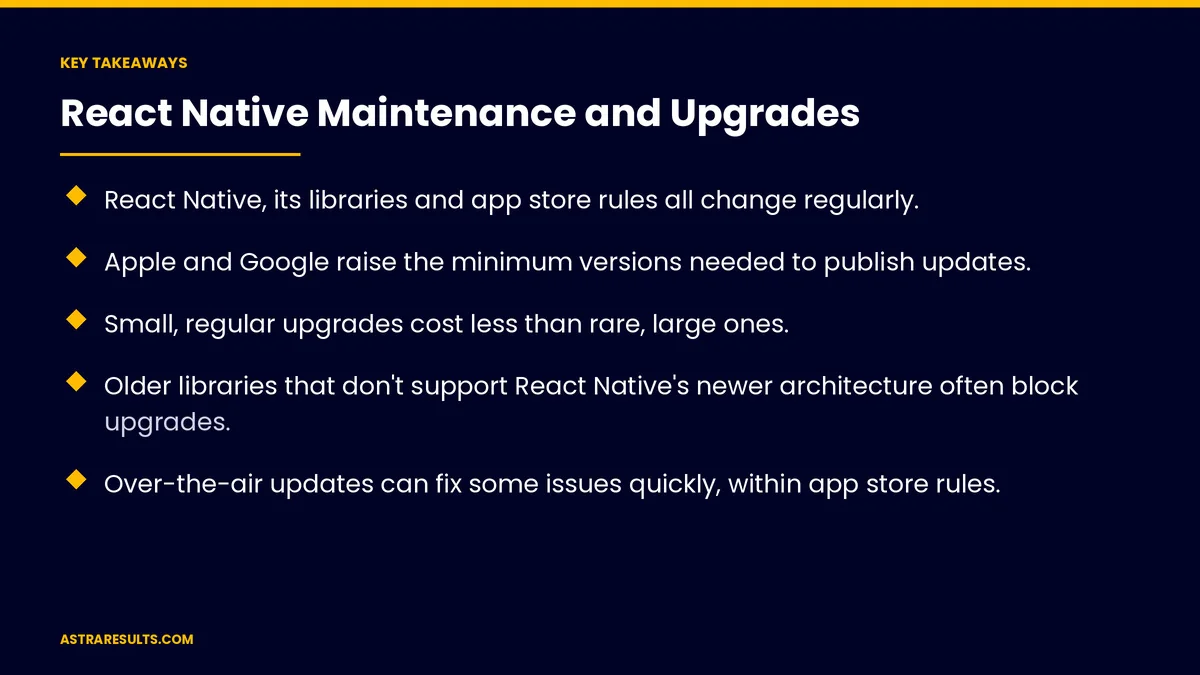
Key Takeaways
- React Native, its libraries and app store rules all change regularly.
- Apple and Google raise the minimum versions needed to publish updates.
- Small, regular upgrades cost less than rare, large ones.
- Older libraries that don't support React Native's newer architecture often block upgrades.
- Over-the-air updates can fix some issues quickly, within app store rules.
- Test thoroughly and release in stages, watching crashes before full rollout.
Published: October 17, 2026 | Reading Time: ~9 minutes | Category: React Native Development
This guide covers how to keep a React Native app healthy: why apps fall behind, app store requirements, framework and library upgrades, over-the-air fixes, testing and staged rollouts, a sensible maintenance rhythm and choosing who does the work. Put plainly: upgrade a little and often, so you never have to rebuild.
In This Playbook
- Why React Native apps fall behind
- App store requirements
- Framework upgrades
- Library and dependency updates
- Over-the-air updates
- Testing and staged rollouts
- A maintenance rhythm
- Budgeting for maintenance
- Choosing who maintains the app
- What should we measure in React Native maintenance?
- The first three months
Why React Native apps fall behind
The framework moves. React Native releases new versions regularly, with improvements and changes.
Libraries age. Third-party packages for maps, payments or cameras stop being updated or change how they work.
Phones change. New iOS and Android versions add features and retire old ones.
Stores change rules. Minimum version requirements rise every year.
Gaps grow. The longer you wait, the more changes pile up between your version and the current one.
App store requirements
Google Play. New apps and updates must target a recent Android version. From August 31, 2026, that means Android 16 (API level 36). The wider rules are covered in Google Play review and policy basics.
Apple. Apple periodically requires apps to be built with a recent version of its tools to submit updates.
Miss a deadline, miss updates. Falling behind can block you from releasing fixes.
Plan ahead. Check the stores' announced deadlines each year.
Framework upgrades
Know where you are. Note your React Native version and how far behind the current one it is.
Upgrade in steps. Moving one or two versions at a time is easier than jumping several.
The newer architecture. React Native's New Architecture has been the default since late 2024. Libraries that don't support it are a common blocker.
Expo projects. Apps built with Expo follow its release cycle, which bundles many upgrades together.
Read the notes. Each release lists changes that may need code updates.
Library and dependency updates
List every library. Know what each one does and whether it's still maintained.
Update regularly. Small monthly updates are easier than yearly catch-ups.
Replace abandoned libraries. Find maintained alternatives before they block an upgrade.
Watch security alerts. Patch libraries with known security issues quickly.
Use fewer libraries. Every dependency is something to maintain.
Over-the-air updates
Quick fixes for app code. Some changes to an app's JavaScript can be delivered without a full store release.
Within store rules. Over-the-air updates can't change what the app fundamentally does, and native changes still need a store release.
Use them carefully. Test over-the-air updates as thoroughly as store releases.
Choose a maintained service. Older services have been retired, so check what your setup supports.
Testing and staged rollouts
Automated tests. Check key flows such as login, checkout and booking on every change.
Real devices. Test on a range of iPhones and Android phones, including older ones.
Staged releases. Both stores let you release to a small share of users first.
Watch crashes. Track crash-free users before expanding, using the measures in iPhone app analytics.
Respond fast. Severity levels and response times are covered in app maintenance response times.
A maintenance rhythm
Monthly. Library updates, security patches and crash review.
Quarterly. React Native minor upgrades and device testing.
Yearly. Store requirement deadlines and larger upgrades.
As needed. Fixes for new phone software and urgent issues.
Business apps too. The same rhythm applies to company apps on rugged devices, such as warehouse scanning apps.
Budgeting for maintenance
Plan it from the start. Maintenance is an ongoing cost, as covered in the cost after launch.
Steady beats sudden. Regular upgrades spread cost evenly; delays create big bills.
One team, two platforms. React Native lets one team maintain iPhone and Android, as covered in one team, two app stores.
Choosing who maintains the app
In-house or partner. Small teams often use a partner for upgrades and urgent fixes.
Ask the right questions. Access, ownership, response times and how you'd leave, the same questions covered in what to ask before hiring a task management partner.
Keep accounts in your name. App store accounts, code repositories and services.
Document everything. Versions, libraries and release steps.
What should we measure in React Native maintenance?
Versions behind. How far your React Native version is from current.
Outdated libraries. The number with available updates or known issues.
Crash-free users. Before and after each release.
Release frequency. How often you ship updates.
Store deadlines met. Requirements handled before they block releases.
The first three months
Days 1–30: check health
Record your React Native version, every library and its status, upcoming store deadlines and crash rates. Make sure accounts and code are in your name and documented.
Days 31–60: catch up
Update libraries, replace abandoned ones and upgrade React Native in steps. Test on real devices and release in stages.
Days 61–90: set the rhythm
Set monthly, quarterly and yearly maintenance tasks, add automated tests for key flows and agree on response times for urgent issues.
How does Astra maintain React Native apps?
Astra Results Marketing keeps React Native apps current with small, regular upgrades. We track framework and library versions, meet app store deadlines, replace abandoned libraries and test on real devices before staged releases.
Accounts and code stay in your name, and you get a clear maintenance rhythm. Engagements begin with an app health review through our React Native app development team.
Related reading
Frequently asked questions
How often should a React Native app be upgraded?
Library updates and security patches monthly, React Native minor upgrades quarterly and larger upgrades around yearly store deadlines. Small, regular upgrades cost less than rare, large ones.
What happens if we don't upgrade?
Changes pile up, libraries stop working and app store requirements can block you from releasing updates, turning a small fix into a large project.
What are the current app store requirements?
Google Play requires new apps and updates to target Android 16 (API level 36) from August 31, 2026. Apple periodically requires apps to be built with recent tools. Check both stores' announced deadlines each year.
Can we fix bugs without a store release?
Some JavaScript changes can be delivered as over-the-air updates, within app store rules. Native changes still need a store release.
Why do upgrades get stuck?
Often because of older libraries that aren't maintained or don't support React Native's newer architecture. Replace them early.
Should maintenance be in-house or with a partner?
Small teams often use a partner. Keep app store accounts and code in your name, document everything and agree on response times for urgent issues.
Ready to keep your React Native app current without rebuilds? Astra Results Marketing maintains React Native apps with small, regular upgrades, store deadlines met, abandoned libraries replaced and staged releases tested on real devices. ▸ CALL (786) 321-2866 · ▸ REQUEST YOUR CONSULTATION





