 Rated 5 star on

Hotel Creative That Matches the Room
Quick answer
Hotel photos and video should look good and match the room a guest actually gets. Shoot every room type you sell, and name each view accurately. Keep amenities, hours and seasonal closures current. Use the same photos and descriptions on your site, Google and every booking channel. Refresh images after renovations and at least yearly.
A guest books a room because of a photo. They walk in, look around, and compare it with what they saw. If the room is smaller, the view is partial or the pool is closed, the disappointment shows up in a review before they check out. Beautiful creative that oversells costs more than plain creative that's accurate.
Key Takeaways
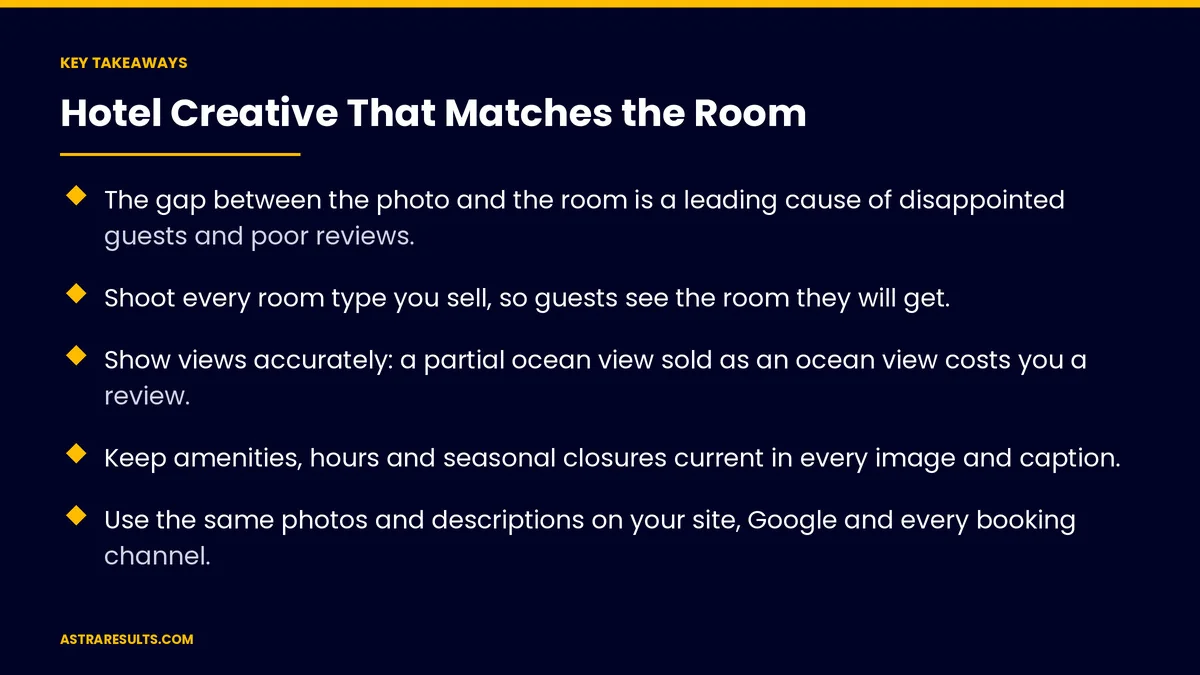
- The gap between the photo and the room is a leading cause of disappointed guests and poor reviews.
- Shoot every room type you sell, so guests see the room they will get.
- Show views accurately: a partial ocean view sold as an ocean view costs you a review.
- Keep amenities, hours and seasonal closures current in every image and caption.
- Use the same photos and descriptions on your site, Google and every booking channel.
- Refresh photos after any renovation and review them at least once a year.
Published: October 21, 2026 | Reading Time: ~10 minutes | Category: Creative Marketing
This guide covers how hotels can create photos, video and ads that sell rooms without setting up disappointment: shooting each room type as it is, showing views accurately, keeping amenities current, matching every listing and refreshing images on a schedule. Put plainly: the best hotel photo is the one a guest recognizes when they open the door.
In This Playbook
- Why accurate creative sells better
- Shoot every room type you sell
- Show the view as it is
- Keep amenities current
- Video that shows the stay
- People in photos
- Match every listing
- Ads and social creative
- Refresh on a schedule
- How do we know accurate hotel photos are working?
- The first three months
- What Astra does here
Why accurate creative sells better
Expectations set the review. Guests judge a stay against what they expected. Overselling makes a good room feel like a letdown.
Reviews outlast campaigns. One "not as pictured" review stays on your listings for years and is read by every future guest.
Accurate photos book the right guests. A guest who knows what to expect is less likely to complain, cancel or ask for a refund.
It protects direct bookings. Guests who trust your own site book there instead of a booking site, the goal covered in hotel direct bookings.
Shoot every room type you sell
One set per room type. If you sell standard, deluxe and suite, each needs its own photos. Using the suite photo for every room invites complaints.
Show the whole room. A wide shot from the door, the bed, the bathroom, the work area and storage.
Avoid lens distortion. Very wide lenses make rooms look larger than they are. Use them carefully and keep proportions natural.
Natural light, real times of day. Shoot when light looks like it will during a stay, not only at golden hour.
Clean, but real. Make the room ready for a guest, without props or furniture that aren't normally there.
Accessible rooms too. Show accessible rooms and bathrooms clearly. Guests who need them check these photos closely.
Show the view as it is
Name the view accurately. Ocean, partial ocean, city, garden or courtyard. Use the same names in photos, descriptions and booking options.
Shoot from inside the room. The view guests see from the bed and window, not from the roof.
Show what's in the frame. If a building, road or construction is part of the view, the photo should not hide it.
Price the view, don't oversell it. A clearly described partial view sells well at the right rate. A misdescribed one generates complaints.
Keep amenities current
Photograph what's open. If the rooftop bar is closed for the season, don't lead with it.
Caption with hours. "Pool open 8 a.m. to 8 p.m." prevents surprises.
Remove what's gone. Retire photos of the old gym, the closed restaurant or the spa partner you no longer work with.
Show fees plainly. If parking, resort fees or amenity fees apply, state them near the photos and rates.
Answer questions fast. When guests ask about amenities before booking, reply quickly and accurately, as covered in hotel intake.
Video that shows the stay
Walk-through tours. A short video from the door through the room helps guests understand size and layout better than photos alone.
Keep it real-time. Avoid heavy speed-ups and dramatic angles that distort space.
Show the neighborhood. A short clip of the street, the beach access or the nearby restaurants sets expectations about the area.
Plan the shoot. A shot list per room type and amenity keeps production efficient. The process is covered in business video from brief to broadcast.
Subtitles and language. Add captions, and Spanish versions for Spanish-speaking guests, following what changes when Spanish is a channel.
People in photos
Use real releases. Anyone recognizable in a photo or video, whether staff, models or guests, should sign a release.
Show real use, not fantasy. A couple enjoying breakfast on the balcony works if the balcony fits a table for two.
Avoid crowds that won't be there. Or empty spaces that are usually busy. Both set the wrong expectation.
Guest photos with permission. Sharing guest content can build trust, but always ask first and credit them.
Match every listing
One set of photos everywhere. Your website, Google Business Profile and every booking channel should show the same current images.
Same descriptions. Room names, sizes, beds and views described identically across channels.
Update all at once. When photos change, update every listing the same week.
Check your Google profile. Guests often see your Google photos first. Keep them current, as covered in Google Business Profile for Miami practices.
Ads and social creative
Lead with what's real. The rooftop at sunset is great if guests can go there. Use the same standard for ads as for listings.
Match the landing page. An ad showing a suite should lead to the suite, not the home page, as covered in landing pages.
Show the experience. Breakfast, the walk to the beach, the welcome at the desk. Real moments sell stays.
Fresh, not fake. The ideas behind attention-grabbing creative are covered in creative marketing. For hotels, the rule is to grab attention without overpromising.
Refresh on a schedule
After every renovation. New rooms, new furniture, new lobby: update photos before selling them.
Once a year at least. Walk every room type with the current photos and check they still match.
Seasonally for amenities. Pools, rooftops and outdoor areas change with the season.
When reviews say so. If guests mention "smaller than pictured" or "view not as shown," review that room's photos first.
How do we know accurate hotel photos are working?
"Not as pictured" mentions. Reviews and complaints mentioning photos, views or size. These should fall.
Review scores. Overall rating and room-specific comments over time.
Booking conversion. The share of room-page visitors who book.
Direct booking share. The share of bookings made on your own site.
Refund and room-move requests. Fewer guests asking to switch rooms on arrival.
The first three months
Days 1–30: audit and plan
Compare current photos with every room type, view and amenity. Read reviews for photo-related complaints. List what's missing, outdated or misleading. Write a shot list for each room type and amenity.
Days 31–60: shoot and update
Photograph and film every room type, view and open amenity as guests experience them. Get releases for anyone recognizable. Update your website, Google profile and booking channels with the same images and descriptions in the same week.
Days 61–90: measure and maintain
Track "not as pictured" mentions, review scores, booking conversion and direct booking share. Fix any room whose photos still draw complaints. Set the yearly and seasonal refresh schedule.
What Astra does here
Astra Results Marketing creates hotel photos, video and ads that guests recognize when they arrive. We shoot every room type and view as it is, keep amenities and hours current, and use the same images and descriptions across your site, Google and every booking channel.
Then we watch reviews for any gap between the picture and the room, and refresh creative after renovations and each season. Engagements begin with a creative and review audit through our creative marketing team.
Related reading
Frequently asked questions
Why shouldn't hotel photos make rooms look as good as possible?
They should look good, but accurate. Guests judge a stay against what they expected. Photos that oversell size, views or amenities lead to disappointment and "not as pictured" reviews that stay on your listings for years.
Do we need photos of every room type?
Yes. If you sell several room types, each needs its own photos, so guests see the room they will get. Using suite photos for every room is one of the most common causes of complaints.
How should we show the view?
Name it accurately, such as ocean, partial ocean, city or garden, shoot it from inside the room as guests will see it, and use the same name in photos, descriptions and booking options.
Should we use video tours?
Yes. A short, real-time walk-through shows size and layout better than photos alone. Avoid heavy speed-ups and dramatic angles, and add captions and Spanish versions where your guests need them.
How often should we update hotel photos?
After every renovation, seasonally for pools and outdoor areas, and at least once a year for every room type. Update immediately when reviews mention that rooms or views don't match the pictures.
Do photos need to match across booking sites?
Yes. Use the same current photos and descriptions on your website, Google Business Profile and every booking channel, and update them all in the same week when anything changes.
Ready for hotel creative guests recognize at check-in? Astra Results Marketing shoots every room type, view and amenity as guests experience them, keeps your images and descriptions consistent across every channel, and refreshes them before reviews have to tell you. ▸ CALL (786) 321-2866 · ▸ REQUEST YOUR CONSULTATION





