 Rated 5 star on

Real Estate Apps in React Native: Search and Alerts
Quick answer
A React Native real estate app keeps buyers with your brokerage through fast search and timely alerts. One codebase reaches iPhone and Android users. Useful filters keep buyers searching in your app. Saved searches with quick alerts bring them back, and one tap connects them to an agent. Follow MLS display rules and describe homes factually.
Home buyers check listings constantly, and the first to hear about a new home often gets the first showing. A real estate app that searches fast and sends alerts the moment a match appears gives buyers a reason to stay with your brokerage. Built once in React Native, it reaches iPhone and Android users alike.
Key Takeaways
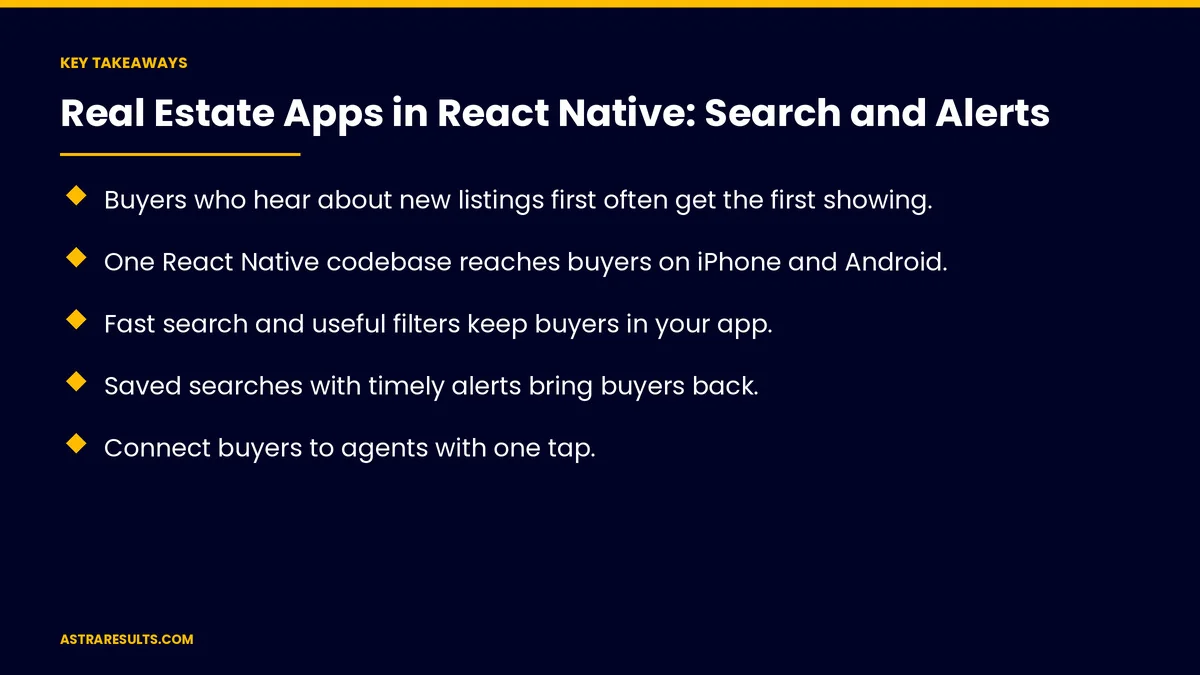
- Buyers who hear about new listings first often get the first showing.
- One React Native codebase reaches buyers on iPhone and Android.
- Fast search and useful filters keep buyers in your app.
- Saved searches with timely alerts bring buyers back.
- Connect buyers to agents with one tap.
- Follow MLS display rules and describe homes and areas factually.
Published: October 21, 2026 | Reading Time: ~8 minutes | Category: React Native Development
This guide covers real estate search and alert apps in React Native: why one codebase fits, fast search, filters, saved searches, timely alerts, connecting buyers to agents, listing data rules, fair housing, Spanish, performance and what to measure. Put plainly: make search fast, make alerts timely and keep every listing within MLS and fair housing rules.
For native maps, room scans and AR, see real estate Swift apps.
In This Playbook
- Why one codebase fits
- Fast search
- Which search filters do home buyers need first?
- Saved searches
- When should new listing alerts reach buyers?
- Connect buyers to agents
- Listing data rules
- Fair housing
- Spanish
- Beyond buying
- What to measure
- The first three months
Why one codebase fits
Buyers use both platforms. One app serves them all.
Features ship together. New filters reach everyone at once.
The case is weighed in the business case for one codebase.
Fast search
Instant results. As buyers type or move the map.
Map and list views. Switch easily.
Smooth on budget phones. As covered in performance where it matters.
Which search filters do home buyers need first?
The basics. Price, beds, baths and area.
What buyers care about. Pools, garages, waterfront and pet policies.
Commute and schools. From official sources, described factually.
Saved searches
One tap to save. With the filters intact.
Synced across devices. Phone, tablet and website.
Easy to edit. As needs change.
When should new listing alerts reach buyers?
New listings. Sent soon after they appear.
Price changes. Drops on saved homes.
Status changes. Pending, back on market or sold.
Opt-in and adjustable. Buyers choose how often.
Connect buyers to agents
One tap to an agent. Call, message or request a showing.
Context attached. Which home and which search.
AI follow-up. As in real estate follow-up agents.
Follow-up. As covered in real estate showings and follow-ups.
Listing data rules
MLS display rules. Required details and update timing, as covered in real estate brokerage sites.
Accurate status. Sold and pending homes updated promptly.
Labeled photos. Virtually staged images marked clearly.
Fair housing
Describe homes, not buyers. Features and facts only.
No steering. Areas described by facts, not suggested groups.
The same rules in ads. As in real estate ChatGPT ads.
Spanish
Full Spanish app. Search, alerts and listings, as covered in bilingual mobile apps.
Spanish-speaking agents. Easy to find.
Beyond buying
Rentals and residents. As in property management apps.
Team strategy. As covered in React Native: one team, two app stores.
What to measure
Saved searches. Active buyers.
Alert opens. And listings viewed after alerts.
Showing requests. From the app.
Speed of alerts. Time from listing to notification.
Buyer retention. Months of active use.
The first three months
Days 1–30: data and rules
Connect listing data under MLS rules, define filters and review descriptions for fair housing.
Days 31–60: search and alerts
Build fast search, saved searches and opt-in alerts in one codebase, with agent contact in one tap.
Days 61–90: launch and measure
Launch on both stores, add Spanish and track saved searches, alert opens and showing requests.
How Astra builds real estate apps
Astra Results Marketing builds real estate apps in React Native. We make search fast on every phone, send timely alerts, connect buyers to agents and keep listings within MLS and fair housing rules.
Engagements begin with an app planning session through our React Native app development team.
Related reading
Frequently asked questions
Why build a real estate app in React Native?
One codebase reaches buyers on both iPhone and Android, and new features ship to everyone at once.
What makes search work well?
Instant results, map and list views, useful filters and smooth performance on budget phones.
How fast should alerts be?
Soon after a matching listing appears, since early buyers often get the first showings.
What rules apply to listings in apps?
MLS display rules for listing data and fair housing rules for how homes and areas are described.
Should the app be in Spanish?
Yes, if many of your buyers speak Spanish: search, alerts and listings, plus Spanish-speaking agents.
What should we measure?
Saved searches, alert opens, showing requests, alert speed and buyer retention.
Ready for a real estate app buyers keep checking? Astra Results Marketing builds React Native apps with fast search and timely alerts on every phone, connected to your agents and within MLS and fair housing rules. ▸ CALL (786) 321-2866 · ▸ REQUEST YOUR CONSULTATION





