 Rated 5 star on

Performance in React Native: Where It Matters
Quick answer
Focus React Native performance work on the screens people feel: app start, long lists, search, checkout, maps and camera. Detail pages and forms matter some. Settings and help pages only need to be reasonable. Set speed targets by tier, test on everyday phones and add native code only where measurement shows it's needed.
Every screen in an app doesn't need the same speed work. A settings page that takes a moment to load bothers almost no one. A checkout that stutters loses sales, and a clock-in screen that hangs makes workers late. Spending equal effort everywhere wastes budget; spending it where people feel delays makes the app feel fast for less.
Key Takeaways
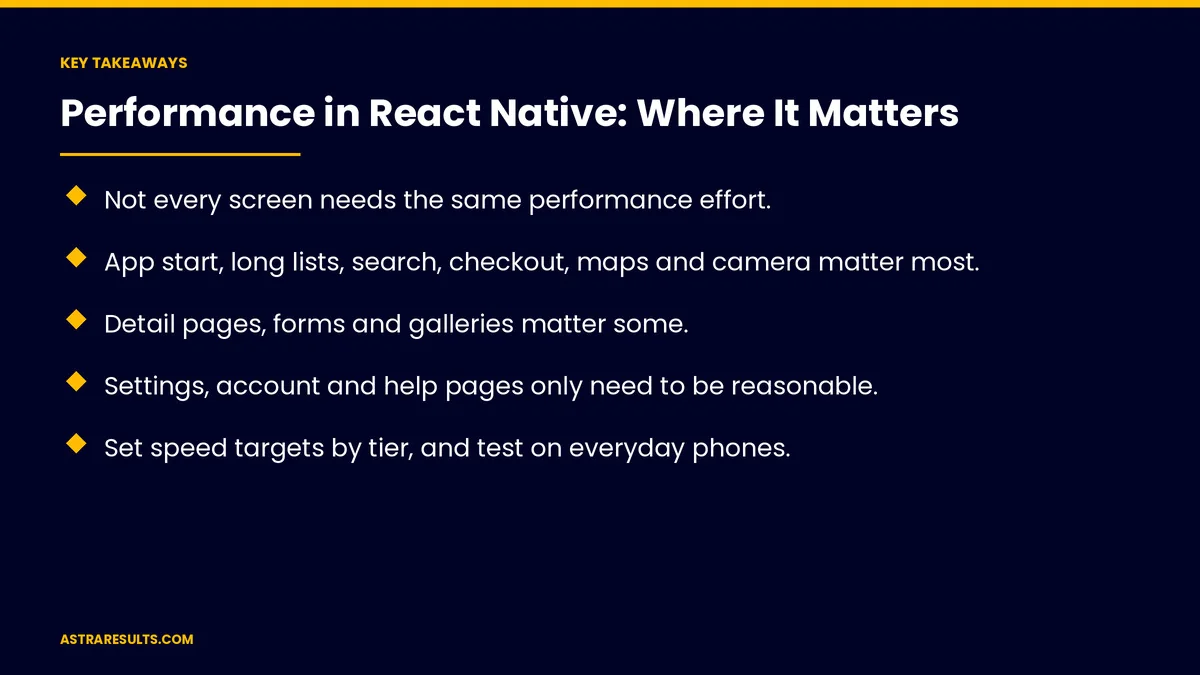
- Not every screen needs the same performance effort.
- App start, long lists, search, checkout, maps and camera matter most.
- Detail pages, forms and galleries matter some.
- Settings, account and help pages only need to be reasonable.
- Set speed targets by tier, and test on everyday phones.
- Measure real users' experience on the screens that drive results.
Published: October 9, 2026 | Reading Time: ~8 minutes | Category: React Native Development
This guide is a priority map for React Native performance: screens that matter most, screens that matter some, screens that can wait, speed targets by tier, priorities by app type, when native code is worth it and how to measure. Put plainly: make the screens people use most feel instant, and keep the rest reasonable.
For the questions to ask a development partner, see React Native: the performance questions to ask.
In This Playbook
- Screens that matter most
- Screens that matter some
- Screens that can wait
- Speed targets by tier
- Priorities by app type
- When native code is worth it
- Keep it fast over time
- What to measure
- The first three months
Screens that matter most
App start and the first screen. First impressions decide whether people stay.
Long lists and catalogs. Menus, products, jobs and feeds people scroll every visit.
Search as you type. Results should keep up with typing.
Checkout and payment. Any lag here costs money.
Maps and location. Panning and zooming must stay smooth.
Camera and scanning. Barcode, document and photo capture should respond immediately.
Frequent gestures. Swipes and taps people repeat many times.
Screens that matter some
Detail pages. Product, job or appointment details.
Forms. Sign-up, booking and request forms; fast feedback on errors.
Photo galleries. Images loading at the right size.
Notifications and inbox. Quick to open and mark read.
Screens that can wait
Settings. Opened rarely.
Account and profile pages. Fine if they take a moment.
Help and legal pages. Simple content, little effort needed.
Reasonable still matters. Not instant, but never broken.
Speed targets by tier
Top tier. Feels instant on mid-range phones.
Middle tier. Loads quickly, with a clear loading state.
Low tier. Acceptable on older phones.
Test on everyday devices. Including budget Android phones, as covered in staffing agency Android apps.
Priorities by app type
Restaurant ordering. Menu scrolling and checkout first, as in restaurant apps in React Native.
Fitness and booking. Class schedules, booking and workout screens, as in fitness apps in React Native.
Field service. Offline job lists, camera and fast sync.
Staffing. Shift offers and clock-in, which must open fast.
Retail. Catalog scrolling, search and checkout.
When native code is worth it
Top-tier screens only. Camera processing, maps or heavy animation.
After measuring. Confirm the slow part first.
Keep it small. Native code for specific needs, React Native for the rest, as weighed in React Native cross-platform strategy.
Keep it fast over time
Check after each release. New features can slow old screens.
Library updates. Upgrades often bring speed gains, as covered in React Native maintenance.
Watch crash and freeze reports. As covered in crash reports.
What to measure
App start time. On typical phones.
Top-tier screen load times. First screen, lists, checkout.
Smooth scrolling. Dropped frames on long lists.
Conversion on fast screens. Checkout and booking completion.
Freezes. By screen.
The first three months
Days 1–30: map the screens
List every screen, sort them into top, middle and low tiers by use and business value, and set targets for each.
Days 31–60: speed up the top tier
Measure top-tier screens on everyday phones, fix the slowest first and add native code only where measurement shows it's needed.
Days 61–90: protect the gains
Check speed after each release, track completion on fast screens and review the tier map as the app grows.
How Astra prioritizes React Native performance
Astra Results Marketing focuses performance work where users feel it. We map screens by use and business value, set targets by tier, test on everyday phones and fix the screens that drive results first.
Engagements begin with a performance review through our React Native app development team.
Related reading
Frequently asked questions
Which screens in a React Native app need the most speed work?
App start and the first screen, long lists, search, checkout, maps, camera and the gestures people repeat most.
Do settings pages need to be fast?
They need to be reasonable and never broken, but they deserve far less effort than checkout or lists.
How should we set performance targets?
By tier: top-tier screens feel instant on mid-range phones, middle-tier screens load quickly with a clear loading state, and low-tier screens are acceptable on older phones.
When is native code worth adding?
For top-tier screens where measurement shows React Native is too slow, such as heavy camera processing, maps or complex animation.
Which phones should we test on?
Everyday devices, including mid-range and budget Android phones, not just the newest models.
How do we keep the app fast as it grows?
Check speed after each release, keep libraries updated and watch freeze reports by screen.
Ready to make your app fast where it counts? Astra Results Marketing maps your screens by use and value, sets speed targets by tier and fixes the screens that drive results first, tested on the phones your customers own. ▸ CALL (786) 321-2866 · ▸ REQUEST YOUR CONSULTATION





