 Rated 5 star on

Restaurant iPhone Apps: Order, Loyalty, Reorder
Quick answer
A restaurant's own iPhone app brings direct orders and customer relationships that delivery apps keep for themselves. The menu, prices and sold-out items must sync with the point-of-sale in real time. Pickup time slots protect the kitchen at peak times. Apple Pay and saved favorites speed reorders, and allergen details must stay accurate.
A regular who orders the same lunch twice a week shouldn't have to scroll a delivery app and wait in line. A restaurant's own app lets them reorder in a few taps, pay with Apple Pay and walk in to a bag with their name on it. The restaurant gets direct orders and a kitchen that sees orders coming.
Key Takeaways
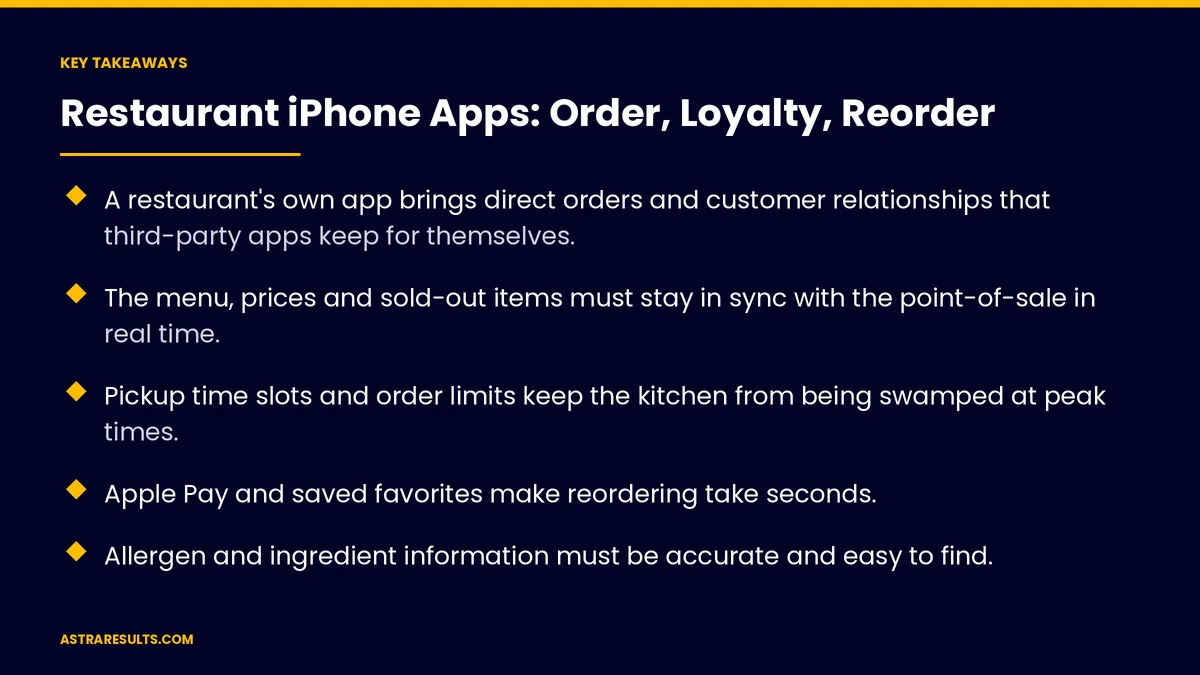
- A restaurant's own app brings direct orders and customer relationships that third-party apps keep for themselves.
- The menu, prices and sold-out items must stay in sync with the point-of-sale in real time.
- Pickup time slots and order limits keep the kitchen from being swamped at peak times.
- Apple Pay and saved favorites make reordering take seconds.
- Allergen and ingredient information must be accurate and easy to find.
- Lock Screen order updates and scan-to-order at the table are useful iPhone features.
Published: October 16, 2026 | Reading Time: ~10 minutes | Category: iPhone App Development
This guide covers how restaurants build iPhone ordering apps that work: a menu that stays in sync with the point-of-sale, pickup times that protect the kitchen, fast checkout, accurate allergen information, quick reorders and loyalty. Put plainly: make ordering faster for the guest and steadier for the kitchen.
In This Playbook
- Why restaurants build their own app
- A menu that matches the kitchen
- Protecting the kitchen
- Fast checkout and reorder
- Allergens and dietary information
- iPhone features worth using
- Pickup, curbside and delivery
- Loyalty and repeat visits
- What should a restaurant iPhone app measure?
- The first three months
Why restaurants build their own app
Direct orders. Orders come straight to you, without a marketplace standing between you and the guest.
Your customer list. You know who ordered, what they like and when they last visited.
Regulars first. The app is built for people who already love the food, not for browsing every restaurant in town.
Loyalty in the same place. Earning and redeeming happen where ordering happens. The wider loyalty picture is covered in loyalty apps.
Keep marketplaces for discovery. Third-party apps still help new guests find you. Your app turns them into regulars.
A menu that matches the kitchen
Synced with the point-of-sale. Items, prices and modifiers come from the same system the kitchen uses. Connections are covered in API integration.
Sold-out items disappear fast. When the kitchen runs out, the app stops selling it within minutes.
Clear modifiers. Sizes, sides, extras and substitutions shown simply, with prices.
Photos that match the plate. Real photos of real dishes set the right expectation.
Location-specific menus. Different menus, prices and hours for each location, as with franchise apps.
Protecting the kitchen
Pickup time slots. Guests choose a time, and each slot accepts a set number of orders.
Order limits at peak. When the kitchen is full, the next available time moves later automatically.
Realistic prep times. Times based on the order size and how busy the kitchen is.
Orders to the right station. Tickets go straight to the kitchen display or printer, in the right format.
A pause switch. Staff can pause app orders for a few minutes when things get out of hand.
Fast checkout and reorder
Apple Pay. Checkout in a tap, with no card typing.
Saved favorites. "My usual" in one tap, with the same modifiers.
Recent orders. Reorder anything from history.
Guest checkout too. First-time guests can order without creating an account.
Tips and notes. Simple tipping and a short note for the kitchen.
Allergens and dietary information
Accurate and current. Ingredients and allergen information must match the recipe the kitchen uses today.
Easy to find. Filters for common needs, like vegetarian or gluten-free, and clear allergen notes on each item.
Careful wording. Don't promise "allergen-free" if the kitchen can't guarantee it. Say what's in the dish and how it's prepared.
Updated with the menu. Recipe changes must update the app the same day.
iPhone features worth using
Lock Screen order updates. Live Activities can show order status on the Lock Screen: received, cooking, ready.
Scan to order at the table. App Clips let guests order and pay from a QR code without downloading the full app.
Notifications that matter. "Your order is ready" beats daily promotions.
Build it well. Native Swift makes these features smooth and reliable, as covered in Swift native iOS done properly.
Android guests too. Plan an Android version, or a cross-platform build, so every regular can order.
Pickup, curbside and delivery
Clear pickup spot. Where to go, and what to say.
Curbside check-in. "I'm here" with a parking spot number.
Delivery options. Your own drivers or a delivery partner, with clear fees and times.
Order status for staff. A simple view of what's waiting, cooking and ready.
Answer questions fast. Order problems need quick replies, as covered in restaurant engagement.
Loyalty and repeat visits
Earn on every app order. Points or visits added automatically.
Rewards that fit restaurants. A free item after a set number of visits, a birthday treat, early access to new dishes.
Offers by habit. A lunch offer to lunch regulars, not to dinner-only guests.
Count the cost. Rewards should cost less than the extra visits they bring.
What should a restaurant iPhone app measure?
App orders per week. By location and time of day.
Repeat order rate. The share of app guests who order again within 30 days.
Average order value. App orders compared with counter orders.
Order accuracy. Wrong or missing items per hundred orders.
Pickup wait. Time from promised pickup to order handed over.
App rating. Reviews mentioning speed and accuracy.
The first three months
Days 1–30: menu and kitchen
Connect the menu, prices and modifiers to the point-of-sale. Set pickup slots, order limits and prep times with the kitchen. Confirm allergen information for every item.
Days 31–60: build and test
Build ordering, Apple Pay checkout, favorites and reorder, and order status. Add loyalty if it's ready. Test with staff and regulars during real service.
Days 61–90: launch and refine
Launch to regulars first with a welcome reward. Track orders, repeat rate, accuracy and pickup waits. Adjust slots, limits and offers from what you see.
How Astra builds restaurant apps
Astra Results Marketing builds restaurant iPhone apps that make ordering faster for guests and steadier for the kitchen. We sync the menu with your point-of-sale, set pickup slots and order limits with your team, and build Apple Pay checkout, favorites, order status and loyalty.
Allergen information is checked with the kitchen, and the app launches to regulars first. Engagements begin with a menu and kitchen workflow review through our iPhone app development team.
Related reading
Frequently asked questions
Why build a restaurant app instead of using delivery apps?
Your own app brings direct orders, your customer list and loyalty in one place. Third-party apps still help new guests find you; your app turns them into regulars.
How does the app stay in sync with the kitchen?
By connecting to your point-of-sale, so items, prices, modifiers and sold-out status come from the same system the kitchen uses and update within minutes.
How do we stop app orders from overwhelming the kitchen?
Use pickup time slots with a set number of orders each, move the next available time later when the kitchen is full, and give staff a switch to pause app orders briefly.
How should allergen information be shown?
Accurately, matching today's recipes, with clear notes on each item and filters for common needs. Avoid promising "allergen-free" unless the kitchen can guarantee it.
Which iPhone features help restaurant apps?
Apple Pay for fast checkout, Live Activities for order status on the Lock Screen, and App Clips for scan-to-order at the table without downloading the full app.
Do we need an Android version too?
Usually, yes. Many regulars use Android. Plan an Android version or a cross-platform build so everyone can order the same way.
Ready for an ordering app your regulars and kitchen both love? Astra Results Marketing builds restaurant iPhone apps synced with your point-of-sale, with pickup slots that protect the kitchen, Apple Pay checkout, accurate allergen information, quick reorders and loyalty. ▸ CALL (786) 321-2866 · ▸ REQUEST YOUR CONSULTATION





