 Rated 5 star on

Staffing Agency Ads That Find Employers, Not Job Seekers
Quick answer
Staffing agencies reach employers instead of job seekers by aiming keywords, wording and pages at hiring managers. Add negative keywords like jobs, apply and hiring near me. Target searches by industry and role. Write ads about fill rates, speed and reliability. Send clicks to business landing pages, and track client leads separately from applicants.
Staffing agencies have two audiences: the businesses that hire them and the workers they place. Search ads meant for employers often attract job seekers instead, because so many searches include words like "staffing" and "jobs." Every job seeker click on an employer ad is wasted budget. The fix is keywords, wording and pages aimed at hiring managers.
Key Takeaways
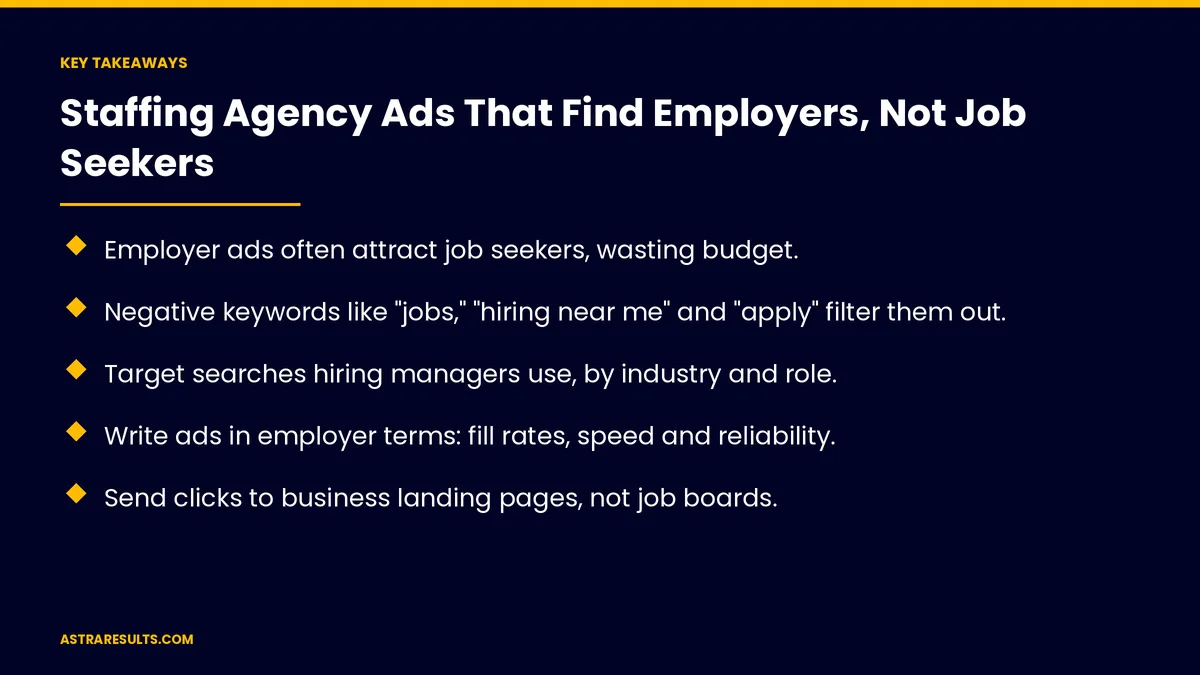
- Employer ads often attract job seekers, wasting budget.
- Negative keywords like "jobs," "hiring near me" and "apply" filter them out.
- Target searches hiring managers use, by industry and role.
- Write ads in employer terms: fill rates, speed and reliability.
- Send clicks to business landing pages, not job boards.
- Track client leads separately from applicants.
Published: October 28, 2026 | Reading Time: ~8 minutes | Category: Pay-Per-Click Advertising
This guide covers staffing ads that reach employers: why job seekers click, negative keywords, employer searches, employer-focused wording, landing pages for businesses, LinkedIn, separating applicant traffic, tracking client leads and what to measure. Put plainly: block job seeker searches, speak to hiring managers and count client leads separately.
In This Playbook
- Why do job seekers click on employer staffing ads?
- Negative keywords
- Employer searches
- Employer-focused wording
- Landing pages for businesses
- Separating applicant traffic
- Tracking client leads
- What to measure
- The first three months
Why do job seekers click on employer staffing ads?
Shared words. "Staffing" and "temp" appear in both kinds of searches.
Broad matching. Ads show for loosely related searches.
Unclear ads. Wording that sounds like a job posting.
Negative keywords
Job seeker terms. "Jobs," "hiring near me," "apply," "salary" and "resume."
Pay and schedule terms. "Part-time," "weekly pay" and "no experience."
Reviewed weekly. Search terms show what slips through.
Employer searches
Service searches. "Warehouse staffing agency," "temp staffing for events."
Industry and role. Light industrial, hospitality, office and healthcare support.
Local searches. "Staffing agency in Miami" for local businesses.
The full playbook is in Google Ads for service businesses.
Employer-focused wording
Business outcomes. Positions filled fast, reliable workers and less turnover.
Industry experience. Examples from their field.
Clear next step. "Request workers" or "talk to a staffing manager."
Landing pages for businesses
Separate from job pages. No job listings on employer pages.
Proof. Clients served, industries and fill times.
Short request form. Role, number of workers and start date.
Match the ad, as covered in message match.
Target by job title. HR managers, operations managers and owners.
By company size and industry. Businesses that use staffing.
Outreach alongside ads. As in staffing agency outbound.
Separating applicant traffic
Separate campaigns for workers. With their own budgets and pages.
Never mixed in reports. Applicants and clients counted apart.
Recruiting elsewhere too. As in driver recruiting on social.
Tracking client leads
Forms and calls tracked. As in call tracking.
Lead quality scored. As in lead scoring.
Placements and revenue. Connected in the CRM, as in staffing data.
What to measure
Client leads. Not total clicks.
Cost per client lead. By campaign and industry.
Job seeker clicks on employer ads. Fewer over time.
Placements from ad leads. Revenue from new clients.
Wasted spend. Search terms that never bring clients, as covered in why impression share is a vanity metric.
The first three months
Month one: clean up
Review search terms, add job seeker negatives and split employer and applicant campaigns.
Month two: rebuild
Write employer-focused ads, build business landing pages and launch LinkedIn targeting by job title.
Month three: measure
Track client leads, cost per client lead and placements, and keep refining negatives weekly.
How Astra runs staffing agency ads
Astra Results Marketing runs ads that reach employers for staffing agencies. We block job seeker searches, write in employer terms, build business landing pages and track client leads through to placements.
Engagements begin with an account review through our pay-per-click advertising team.
Related reading
Frequently asked questions
Why do staffing ads attract job seekers?
Because employer and job seeker searches share words like "staffing" and "temp," and broad matching shows ads to both.
Which negative keywords help?
Job seeker terms like "jobs," "hiring near me," "apply," "salary," "resume," "part-time" and "weekly pay."
What should employer ads say?
Business outcomes: positions filled fast, reliable workers and industry experience, with a clear next step.
Should employer and applicant ads be separate?
Yes, with separate campaigns, budgets, landing pages and reports.
Does LinkedIn help reach employers?
Yes. It can target HR and operations managers by job title, company size and industry.
What should we measure?
Client leads, cost per client lead, job seeker clicks on employer ads, placements and wasted spend.
Ready for ads that bring in clients, not applicants? Astra Results Marketing runs staffing ads that reach hiring managers, filter out job seekers and track client leads through to placements. ▸ CALL (786) 321-2866 · ▸ REQUEST YOUR CONSULTATION





