 Rated 5 star on

Staffing Apps for a Workforce on Mixed Devices
Quick answer
A staffing app for mixed devices must run well on every worker's phone, from new iPhones to old budget Androids. Build shift offers, clock-in and timesheets first. Check location only at clock-in and clock-out, with consent. Offer workers' languages, keep the app light and give clients a portal to approve hours.
Staffing agency workers don't get company phones. They use what they own: a new iPhone, an old Android, a budget phone or one shared with family. An app that only runs well on new devices leaves shifts unfilled and timesheets late. A cross-platform app built for every phone keeps workers, recruiters and clients on the same page.
Key Takeaways
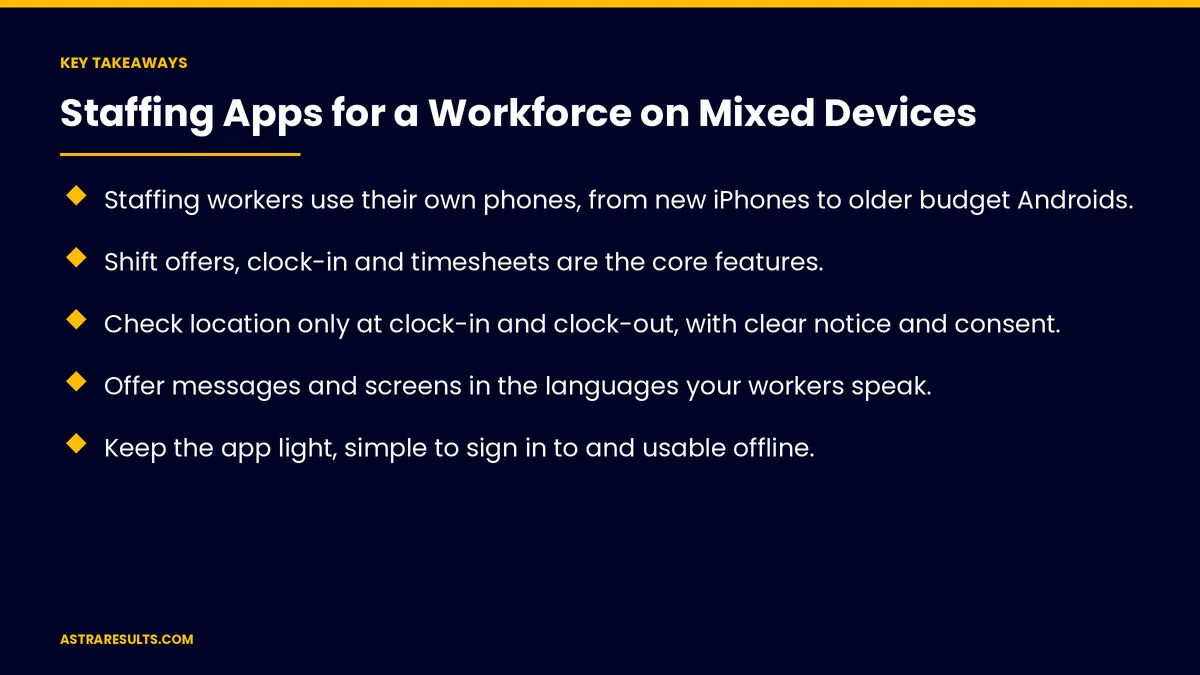
- Staffing workers use their own phones, from new iPhones to older budget Androids.
- Shift offers, clock-in and timesheets are the core features.
- Check location only at clock-in and clock-out, with clear notice and consent.
- Offer messages and screens in the languages your workers speak.
- Keep the app light, simple to sign in to and usable offline.
- Give clients a portal to approve hours, and keep time records accurate.
Published: October 25, 2026 | Reading Time: ~8 minutes | Category: Cross-Platform Apps
This guide covers staffing apps for workers on mixed devices: shifts, availability, clock-in, timesheets, onboarding, languages, any-phone design, a client portal, privacy and measurement. Put plainly: build for the phone your workers already have, and make every shift easy to accept and record.
In This Playbook
- How should a staffing app send shift offers?
- Availability
- Clock-in and location
- Timesheets and approvals
- Onboarding
- Which languages should staffing app messages use?
- Works on any phone
- A client portal
- Privacy and security
- What to measure
- The first three months
How should a staffing app send shift offers?
Offers sent to the right workers. By skills, location and availability.
Accept in one tap. First come, first served or by priority.
Clear details. Location, pay rate, hours, dress code and supervisor.
Reminders. The day before and an hour before.
Availability
Workers set their own availability. Days, hours and travel range.
Easy updates. Changes take seconds.
Better matches. Recruiters see who can work before calling.
Clock-in and location
Clock in and out from the app. At the job site.
Location check at clock-in only. Confirm the worker is on site, then stop.
Clear notice and consent. Explain what's collected and why.
No tracking off shift. Never.
Timesheets and approvals
Hours recorded automatically. From clock-in and clock-out.
Breaks and corrections. Workers can flag missed punches.
Accurate records. Wage-and-hour rules require accurate time records; check your policies with counsel.
Approved hours flow to payroll. Without retyping, as in staffing data.
Onboarding
Forms on the phone. Personal details, tax forms and policies, signed electronically where allowed.
Document uploads. Licenses and certifications, with expiration reminders.
Profiles from resumes. Parsed automatically, as covered in staffing agency resume parsing.
Which languages should staffing app messages use?
English and Spanish at minimum. Plus other languages your workforce speaks.
Screens and notifications. Not just messages.
Two-way messaging. Workers can reply with questions.
Works on any phone
Older and budget phones. Test on them, as covered in React Native performance questions.
Small download, low data use. Many workers have limited plans.
Simple sign-in. Phone number and a one-time code.
Offline mode. Clock-in saved and sent when the signal returns.
A web option. For workers who won't download an app.
One build for every device is covered in cross-platform apps.
A client portal
Supervisors approve hours. From any device.
Request workers. New job orders sent to recruiters, as in staffing agency outbound.
Rate workers. Simple feedback after each assignment.
Privacy and security
Personal phones, company data. Keep work data inside the app.
Sign out on shared phones. And short sessions.
Minimal data. Only what's needed for placement and pay.
The basics are covered in mobile app security basics.
What to measure
Shift fill rate. Shifts filled through the app.
Time to fill. From offer to acceptance.
On-time clock-ins. And missed punches.
Timesheet approval time. From clock-out to approval.
App use by device type. Making sure no group is left behind.
The first three months
Days 1–30: plan
Survey workers' phones and languages, define the core features and agree on location and time record rules with counsel.
Days 31–60: build and test
Build shift offers, availability, clock-in and timesheets, and test on older and budget phones in every language.
Days 61–90: launch and measure
Launch to one client or region, add the client portal and track fill rate, time to fill and timesheet approval time.
How Astra builds staffing apps
Astra Results Marketing builds cross-platform staffing apps that work on the phones workers already own. We build shift offers, availability, clock-in, timesheets and onboarding in workers' languages, test on budget devices and add client portals for approvals.
Location checks stay limited and time records stay accurate. Engagements begin with a workforce app review through our cross-platform app development team.
Related reading
Frequently asked questions
What should a staffing app include?
Shift offers, availability, clock-in and clock-out, timesheets with approvals, onboarding forms and messages in workers' languages.
How do we handle workers' different phones?
Build one cross-platform app, test it on older and budget phones, keep it light and offer a web option for workers who won't download it.
Can we track workers' location?
Check location only at clock-in and clock-out to confirm they're on site, with clear notice and consent. Never track workers off shift.
Which languages should the app support?
English and Spanish at minimum, plus any other languages your workforce speaks, across screens, notifications and messages.
How do clients approve hours?
Through a client portal where supervisors review and approve timesheets from any device, with approved hours flowing to payroll.
Do time records need to meet legal rules?
Yes. Wage-and-hour rules require accurate time records, so agree on clock-in, break and correction rules with counsel.
Ready for a staffing app every worker can use? Astra Results Marketing builds staffing apps for any phone, with shift offers, clock-in, timesheets and onboarding in workers' languages, plus a client portal for approvals. ▸ CALL (786) 321-2866 · ▸ REQUEST YOUR CONSULTATION





