 Rated 5 star on

Mobile App Security Basics for Business Apps
Quick answer
Business app security starts on the server, where many serious breaches happen. The server must confirm on every request that each user sees only their own data. Offer strong sign-in such as two-step sign-in or biometrics. Collect only the data the app needs, review third-party tools, keep store disclosures accurate and test before launch.
Business owners don't need to be security engineers to protect their apps, but they do need to ask the right questions. Most serious app breaches don't come from clever phone hacks. They come from servers that hand out the wrong data, weak sign-in, too much data and unreviewed third-party tools.
Key Takeaways
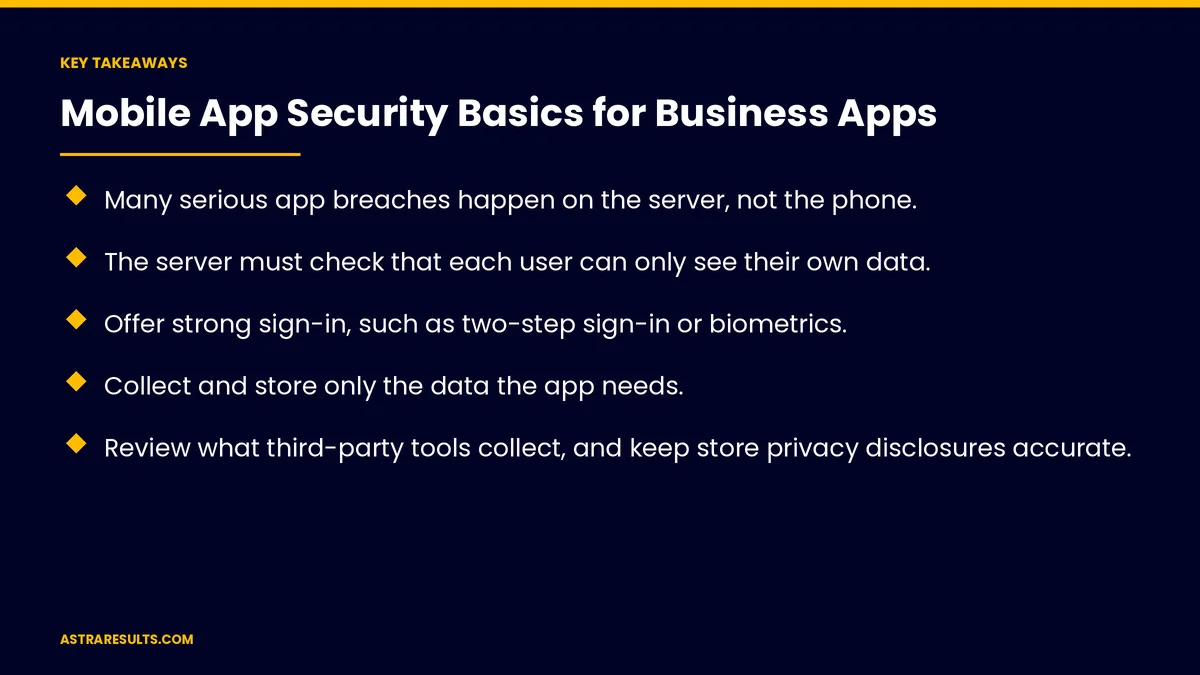
- Many serious app breaches happen on the server, not the phone.
- The server must check that each user can only see their own data.
- Offer strong sign-in, such as two-step sign-in or biometrics.
- Collect and store only the data the app needs.
- Review what third-party tools collect, and keep store privacy disclosures accurate.
- Test security before launch and have a plan for incidents.
Published: October 26, 2026 | Reading Time: ~8 minutes | Category: Mobile App Development
This guide covers mobile app security basics for business owners: protecting the server, sign-in, keeping data to a minimum, encrypted connections, third-party tools, app store privacy disclosures, lost and company devices, payments, regulated data, testing and having a plan when something goes wrong. Put plainly: protect the server, the sign-in and the data your app shares.
In This Playbook
- Protect the server
- Sign-in
- Keep data to a minimum
- Encrypted connections
- Third-party tools
- Store privacy disclosures
- Lost and company devices
- How should a business app handle payments?
- Regulated data
- Test and plan
- Which business app security metrics should we track?
- The first three months
Protect the server
The app talks to your server. That's where customer data lives.
Check access on every request. The server must confirm each user can only see and change their own records.
A common serious flaw. Servers that return another user's data when an ID is changed. It tops the OWASP list of API security risks.
Don't trust the app alone. Rules enforced only in the app can be bypassed.
Sign-in
Strong options. Two-step sign-in, biometrics such as Face ID or fingerprint, and passkeys where supported.
Sessions that expire. Sign users out after long inactivity for sensitive apps.
Secure password resets. Reset links that expire and can't be guessed.
Keep data to a minimum
Collect only what's needed. Every extra field is extra risk.
Store little on the phone. And use secure storage for what must stay, as covered in cross-platform security considerations.
Delete what you don't need. Old data is still a liability.
Keep logs clean. No personal data in crash reports, as covered in crash reports.
Encrypted connections
All traffic encrypted. Between the app and every server.
Verify incoming messages. Systems that send data to your server should be verified, as with webhook signatures.
Third-party tools
Analytics, ads and chat tools. Each may collect user data.
Know what they collect. And where it goes.
Fewer is safer. Remove tools you don't use.
Keep them updated. Vendors fix security problems in updates.
Store privacy disclosures
Apple. Privacy details and privacy manifests must match what the app and its tools collect, as covered in Swift app maintenance.
Google Play. The data safety form must be accurate.
Update them. Whenever data collection changes.
Lost and company devices
Company devices. Manage them centrally, with remote lock and wipe, as covered in Play Store vs direct distribution.
Personal devices. Sign-out options and short sessions protect company data.
How should a business app handle payments?
Use payment providers. Card details handled by providers, never stored by your app. Websites work the same way, as covered in website integrations.
Store rules apply. As covered in in-app payments.
Regulated data
Health, financial and children's data. Extra rules may apply.
Check with counsel. Before collecting regulated data.
Vendor agreements. Some rules require signed agreements with vendors that handle the data.
Test and plan
Security testing before launch. Independent reviews for apps handling sensitive data.
Ask your vendor. About their security practices, as covered in evaluating Android vendors.
An incident plan. Who investigates, who decides and how users are told.
Practice it. A short exercise once a year.
Which business app security metrics should we track?
Security issues found. In testing, by severity.
Time to fix. From discovery to release.
Third-party tools. Count and review dates.
Disclosure accuracy. Store privacy details checked each release.
Incidents. And how quickly they were handled.
The first three months
Days 1–30: review
Ask your team or vendor how the server checks access, how sign-in works, what data is collected and stored and which third-party tools are in the app.
Days 31–60: fix the basics
Fix any access gaps on the server, strengthen sign-in, remove unneeded data and tools and update store privacy disclosures.
Days 61–90: test and prepare
Run an independent security test for sensitive apps, write the incident plan and schedule regular reviews.
How Astra secures business apps
Astra Results Marketing builds business apps with security from the server up. We check access on every request, set up strong sign-in, keep data to a minimum, review third-party tools and keep store privacy disclosures accurate.
We test before launch and help prepare incident plans. Engagements begin with an app security review through our mobile app development team.
Related reading
Frequently asked questions
Where do most app security problems happen?
Often on the server, not the phone: servers that return the wrong user's data, weak sign-in and too much data collected or shared.
What's the most important server check?
Confirming on every request that the user can only see and change their own data. Never rely on the app alone to enforce it.
What sign-in options should a business app offer?
Two-step sign-in, biometrics such as Face ID or fingerprint, passkeys where supported and sessions that expire for sensitive apps.
Do third-party tools affect app security?
Yes. Analytics, ads and chat tools may collect user data. Know what they collect, remove unused tools and keep them updated.
Do store privacy disclosures matter for security?
Yes. Apple's privacy details and Google Play's data safety form must match what the app and its tools collect, and they should be updated when that changes.
Do we need a security test before launch?
For apps handling sensitive data, an independent security review before launch is strongly recommended, along with an incident plan.
Ready to secure your business app from the server up? Astra Results Marketing builds apps with server access checks, strong sign-in, minimal data, reviewed third-party tools and accurate store disclosures, tested before launch. ▸ CALL (786) 321-2866 · ▸ REQUEST YOUR CONSULTATION





