 Rated 5 star on


Website Care Plan Pricing: What You Should Pay
Quick answer
What you should pay for a website care plan depends on what the site does for your business. Match the plan to the cost of downtime, lost leads and emergency fixes. Basic tiers cover updates, backups and monitoring, while higher tiers add hours and faster response. Check exclusions such as malware cleanup and major updates.
Website care plans range from cheap automatic updates to large retainers with a dedicated team. Both can be the right price, for different sites. The cheapest plan can cost the most if a broken form goes unnoticed, and the priciest is wasted on a site that rarely changes. The right number depends on what your site does for the business.
Key Takeaways
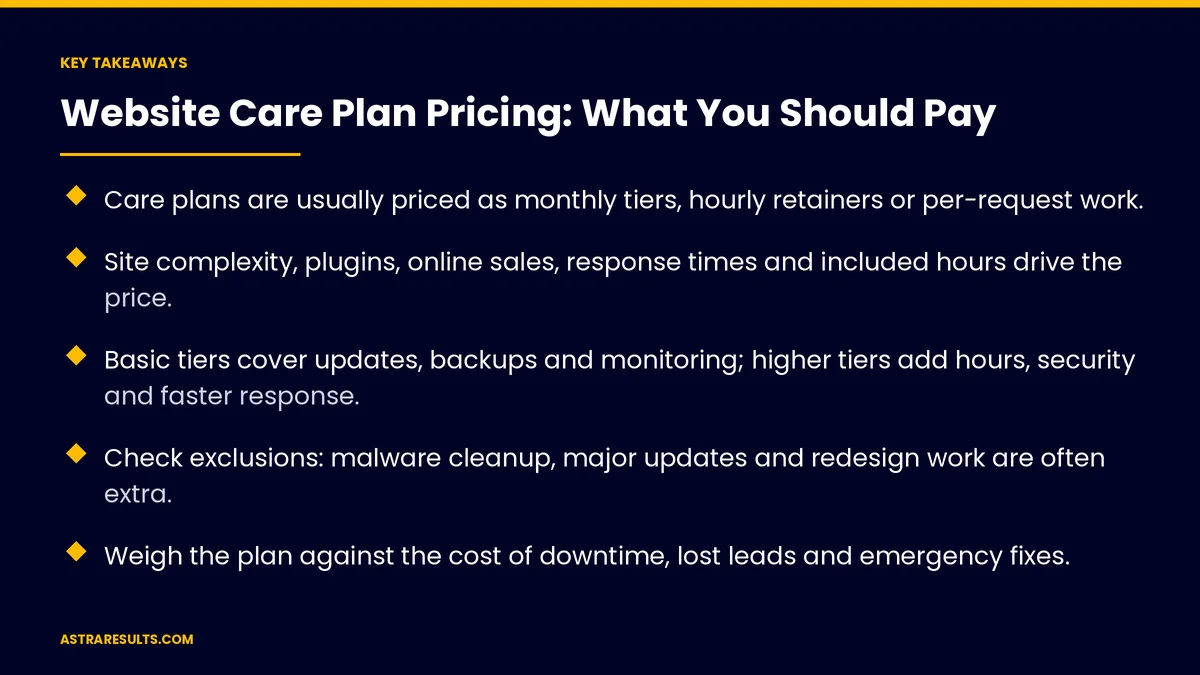
- Care plans are usually priced as monthly tiers, hourly retainers or per-request work.
- Site complexity, plugins, online sales, response times and included hours drive the price.
- Basic tiers cover updates, backups and monitoring; higher tiers add hours, security and faster response.
- Check exclusions: malware cleanup, major updates and redesign work are often extra.
- Weigh the plan against the cost of downtime, lost leads and emergency fixes.
- Keep accounts in your name and avoid long contracts before you've seen the service.
Published: October 20, 2026 | Reading Time: ~9 minutes | Category: Website Care Plans
This guide explains how care plans are priced, what each level usually includes, the exclusions to check and how to work out what's worth paying for your site. Put plainly: pay for the level of care that matches what an hour offline or a broken form would cost you.
In This Playbook
- How care plans are priced
- What drives the price
- What each level usually includes
- Exclusions to check
- Working out what's worth paying
- Part of the full cost of a website
- Red flags
- Care numbers to track
- The first three months
How care plans are priced
Monthly tiers. A fixed monthly fee for a defined set of tasks and hours. The most common model.
Hourly retainers. A set number of hours each month, used for updates, fixes or changes.
Per request. Paying only when something needs doing. Cheap until something urgent happens.
What a plan covers is explained in website care plans.
What drives the price
Site complexity. Number of pages, templates and custom features.
Platform and add-ons. More plugins and integrations mean more updates and more that can break.
Online sales. Stores and booking sites need closer monitoring and faster fixes, as covered in what an online store costs.
Response times. Round-the-clock response costs more than business-hours support.
Included hours. Time for content updates, small changes and improvements.
Security services. Firewalls, malware scanning and cleanup.
Reporting. Monthly reports on updates, uptime, speed and leads.
What each level usually includes
Basic. Software updates, daily backups, uptime monitoring and security alerts.
Growth. Everything in basic, plus monthly hours for content and small changes, form testing, speed checks and malware scanning.
Priority. Everything above, plus faster response, more hours, restore testing and regular improvement work.
Response levels. Clear severity levels and response times, the same idea as app maintenance response times.
Exclusions to check
Malware cleanup. Some plans only detect problems; fixing them costs extra.
Major updates. Platform version jumps or theme replacements.
New features and pages. Often billed separately from maintenance hours.
Hosting. Included in some plans, separate in others.
Third-party licenses. Paid plugins and tools may be extra.
Unused hours. Whether they roll over or expire each month.
Working out what's worth paying
Estimate the cost of a bad day. Leads lost per day if the site is down or a form is broken.
Count the emergencies. What an urgent fix or malware cleanup costs without a plan.
Value your team's time. Hours your staff would spend on updates and fixes.
Match the tier to the risk. A site that brings leads every day needs more care than a simple information site.
Check the numbers. Leads and conversion before and after, as covered in website KPIs.
Part of the full cost of a website
Budget care from the start. Running costs belong in the website budget, as covered in what a business website costs.
Security is the core. Updates, backups and protection are covered in website security and maintenance.
Red flags
No restore testing. Backups that have never been restored may not work.
Accounts in the provider's name. Hosting, domain or site access you don't control.
Long contracts upfront. A year or more before you've seen the service.
No reports. Nothing to show what was done each month.
Vague response times. "As soon as possible" instead of written targets.
Care numbers to track
Uptime. Time the site was available each month.
Response and fix times. Against the targets in your agreement.
Updates applied. Platform and plugins kept current.
Hours used. Against hours included.
Leads and conversion. Stable or improving over time.
The first three months
Days 1–30: assess the site
List your platform, add-ons, integrations and how the site brings in business. Estimate what a day offline or a broken form would cost. Decide which level of care fits.
Days 31–60: compare plans
Compare what each plan includes, excludes, how hours work and response times. Check ownership of accounts and contract length.
Days 61–90: start and review
Start the plan, confirm backups and a restore test, and review the first monthly reports. Adjust the tier if hours or response times don't fit.
How Astra prices care plans
Astra Results Marketing prices care plans to match what your website does for the business. We spell out what each tier includes and excludes, how hours work and the response times for each severity level.
Every plan includes backups with restore testing, monthly reports and accounts kept in your name. Engagements begin with a site assessment through our website care plans team.
Related reading
Frequently asked questions
How much should a website care plan cost?
It depends on what your site does for the business. Match the plan to the cost of downtime, lost leads and emergency fixes, plus how complex the site is and how fast you need responses.
What do care plan tiers usually include?
Basic tiers cover updates, backups, monitoring and alerts. Higher tiers add monthly hours, form testing, speed checks, security scanning, restore testing and faster response.
What's often excluded from care plans?
Malware cleanup, major platform updates, new features or pages, hosting, paid plugin licenses and, in some plans, unused hours that don't roll over.
Is a cheap care plan good enough?
For a simple site that rarely changes, maybe. For a site that brings leads or sales every day, cheap plans without monitoring, restore testing or fast response often cost more in the end.
Should hosting be part of the care plan?
It can be, but either way, keep the hosting account and domain in your business's name.
What are red flags in a care plan?
No restore testing, accounts in the provider's name, long contracts upfront, no monthly reports and vague response times.
Ready for a care plan priced to what your site does for you? Astra Results Marketing matches your care plan to your site's risk, spells out what's included and excluded, tests backups by restoring them and keeps every account in your name. ▸ CALL (786) 321-2866 · ▸ REQUEST YOUR CONSULTATION





