 Rated 5 star on

What an Online Store Costs to Build and Run
Quick answer
An online store costs a one-time build plus running costs that grow with sales. The build covers setup, design, product data, integrations and testing. Running costs include the platform, apps, upkeep and payment fees, which are usually the largest. Compare options by total three-year cost divided by orders, not by monthly price.
Ask what an online store costs and you'll hear "it depends." It does, but on things you can list and estimate. The build is a one-time cost. Running the store is a monthly one that grows with every app, order and payment. Owners who count both before launch make better platform choices and avoid surprise bills a year later.
Key Takeaways
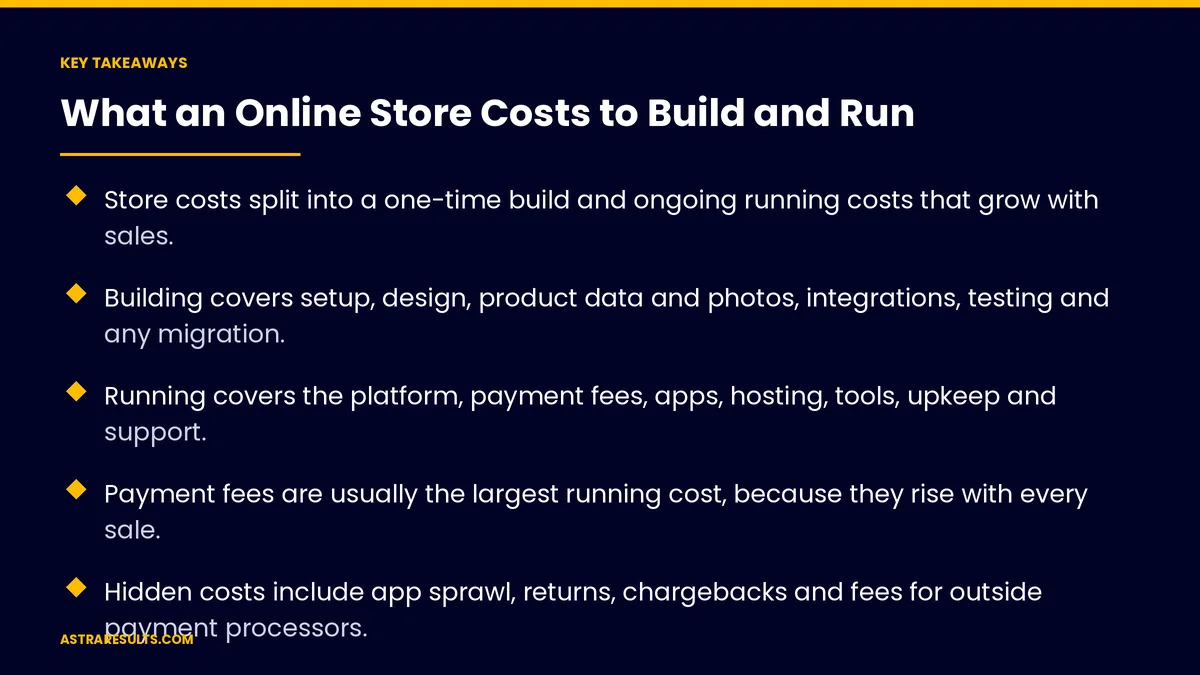
- Store costs split into a one-time build and ongoing running costs that grow with sales.
- Building covers setup, design, product data and photos, integrations, testing and any migration.
- Running covers the platform, payment fees, apps, hosting, tools, upkeep and support.
- Payment fees are usually the largest running cost, because they rise with every sale.
- Hidden costs include app sprawl, returns, chargebacks and fees for outside payment processors.
- Compare options by total three-year cost divided by orders, not by monthly price.
Published: October 30, 2026 | Reading Time: ~10 minutes | Category: E-Commerce Stores
This guide lists every cost of building and running an online store, explains what drives each one, points out the hidden costs owners miss, and shows how to estimate your cost per order. Put plainly: judge a store by what it costs per order over three years, not by the monthly plan price.
Platform plans, payment fees and app prices change often. Check current pricing before you commit to a budget.
In This Playbook
- The build: one-time costs
- Running: monthly and yearly costs
- The costs owners miss
- What drives the total
- How to estimate cost per order
- Ways to keep costs down
- Which cost numbers should an online store track?
- The first three months
The build: one-time costs
Platform setup. Configuring the store, settings, shipping zones, taxes, payment methods and checkout.
Design. A theme adjusted to your brand, or a custom design for key pages. Custom design costs more but can set you apart.
Product data and photos. Entering products, writing titles and descriptions, and shooting photos. For large catalogs this is often the biggest build cost. AI can help with copy if it sticks to the facts, as covered in generative AI product copy.
Integrations. Connecting inventory, accounting, shipping, point of sale and email, as covered in API integration.
Content. About, shipping, returns, sizing and FAQ pages.
Languages and markets. Spanish versions, currencies and tax settings for each country you sell to.
Testing. Test orders, payments, emails and connections before launch.
Migration. Moving products, customers, orders and redirects from an old store, if you have one.
Running: monthly and yearly costs
Platform subscription. A monthly plan on hosted platforms. Higher plans add features and lower some fees.
Payment processing. A percentage of each sale plus a small fixed fee, charged by your payment provider. This grows directly with revenue.
Apps and plugins. Reviews, subscriptions, loyalty, search, shipping and email tools, each with its own monthly fee.
Hosting. Included on hosted platforms; a separate cost for custom or self-hosted stores.
Domain and email. Small yearly and monthly fees.
Shipping and tax tools. Label software, rate tools and tax calculation services.
Marketing tools. Email platform, reviews, analytics and ad tools.
Upkeep and changes. Developer or agency hours for updates, fixes and new features.
Customer service. Staff time or tools for order questions, returns and support. Order updates that answer "where is my order" before it's asked reduce this, as covered in e-commerce engagement.
The costs owners miss
App sprawl. Each app is cheap. Twenty apps add up, slow the store and overlap in what they do.
Fees for outside payment processors. Some platforms charge extra transaction fees if you use a payment provider other than their own. Check before choosing.
Returns. Shipping, restocking and lost product. Clear descriptions and sizing reduce them.
Chargebacks. Disputed payments cost the sale plus a fee. Fraud screening helps.
Currency and international fees. Selling abroad can add conversion and cross-border fees.
Rebuilds. Stores that outgrow a cheap setup often need a costly rebuild. Choose with growth in mind, as weighed in Shopify or custom.
What drives the total
Catalog size. More products mean more data entry, photos and upkeep.
Order volume. Payment fees, shipping tools and service costs rise with orders.
Custom features. Product configurators, B2B pricing and unusual checkouts add build and upkeep cost.
Number of connections. Each integration is something to build, monitor and fix, as weighed in integration platforms vs custom API work.
Markets and languages. Each new country adds settings, translations and rules.
Platform choice. Hosted platforms trade higher monthly fees for lower build and upkeep costs; custom stores reverse that.
How to estimate cost per order
Add up the build. Every one-time cost in the list above.
Add three years of running costs. Platform, apps, tools, hosting, upkeep and service.
Add payment fees. Your expected revenue times the provider's percentage, plus the fixed fee times expected orders.
Divide by expected orders. The total over three years, divided by orders over three years, gives cost per order.
Compare options this way. A platform with a cheaper plan but higher fees or more apps can cost more per order.
Revisit yearly. As orders grow, costs per order usually fall; check that they do.
Ways to keep costs down
Start with fewer apps. Add tools only when a clear need appears, and remove ones you don't use.
Use your platform's built-in features. Many common needs are already included.
Fix product data first. Clean data reduces returns, support questions and ad problems.
Automate order updates. Fewer "where is my order" messages means less service cost.
Plan upkeep. Steady care costs less than emergency fixes, the same principle as website care plans and app maintenance costs.
Which cost numbers should an online store track?
Cost per order. Total running costs divided by orders each month.
Payment fees as a share of revenue. Watch for changes as volume and methods shift.
App spend. Total monthly app fees, reviewed every quarter.
Return rate and cost. By category and reason.
Support contacts per order. A signal of unclear pages or missing order updates.
Upkeep hours. Developer or agency time per month.
The first three months
Days 1–30: list and estimate
List every build and running cost for each platform option you're considering. Estimate three years of orders and revenue. Work out total cost and cost per order for each option.
Days 31–60: build lean
Choose the option with the best cost per order for your needs. Build with built-in features first, the integrations you truly need and clean product data. Install only essential apps.
Days 61–90: launch and track
Launch and track cost per order, payment fees, app spend, returns and support contacts monthly. Remove unused apps and fix the pages that drive returns and questions.
How Astra prices stores
Astra Results Marketing helps you see the full cost of an online store before you build it. We list every build and running cost for each platform option, estimate three years of orders and fees, and compare options by cost per order.
Then we build lean, with clean product data, essential apps only and the connections you need, and track costs after launch so they fall as you grow. Engagements begin with a store cost review through our e-commerce stores team.
Related reading
Frequently asked questions
What does it cost to build an online store?
It depends mainly on catalog size, design, integrations and markets. Build costs include setup, design, product data and photos, integrations, content, testing and any migration. List each one for your store rather than relying on a generic figure.
What are the ongoing costs of running a store?
Platform subscription, payment processing fees, apps, hosting if self-hosted, domain and email, shipping and tax tools, marketing tools, upkeep and customer service.
What is usually the largest running cost?
Payment processing, for most stores, because it is a percentage of every sale and grows with revenue. Compare providers and check whether your platform charges extra fees for outside processors.
How do we compare platforms on cost?
Add the build cost to three years of running costs and payment fees, then divide by expected orders. Cost per order shows which option is cheaper, even when monthly plan prices suggest otherwise.
What hidden costs should we watch for?
App sprawl, extra fees for outside payment processors, returns, chargebacks, international fees and the cost of rebuilding a store that outgrew a cheap setup.
How can we lower store costs?
Start with fewer apps, use built-in features, fix product data to reduce returns, automate order updates to cut support contacts, and plan steady upkeep instead of emergency fixes.
Ready to know what your store will cost per order? Astra Results Marketing lists every build and running cost, compares platform options by three-year cost per order, and builds a lean store with clean data and essential apps, then tracks costs as you grow. ▸ CALL (786) 321-2866 · ▸ REQUEST YOUR CONSULTATION





