 Rated 5 star on


Domain, SSL and Email: The Renewals That Bite
Quick answer
Domain, certificate and email renewals take sites down when they lapse quietly. An expired domain stops both the website and email. Certificate lifetimes drop to 100 days on March 15, 2027, so renewal must be automatic. Keep every account in your business's name. Use a renewal calendar with alerts before anything expires.
Some of the worst website outages aren't caused by hackers or bugs. A domain expires because the card on file did. A security certificate lapses and browsers warn visitors away. Email stops because a subscription wasn't renewed. These renewals happen quietly in the background, until one doesn't, and then the website and email go down together.
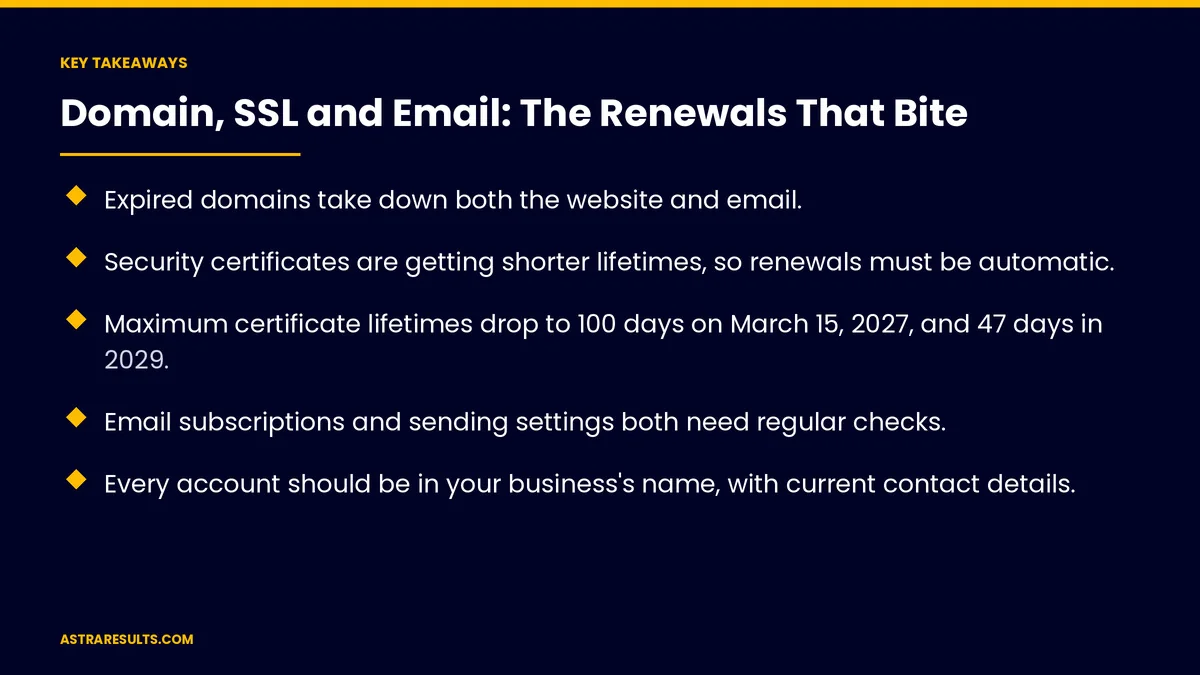
Key Takeaways
- Expired domains take down both the website and email.
- Security certificates are getting shorter lifetimes, so renewals must be automatic.
- Maximum certificate lifetimes drop to 100 days on March 15, 2027, and 47 days in 2029.
- Email subscriptions and sending settings both need regular checks.
- Every account should be in your business's name, with current contact details.
- Keep a renewal calendar and get alerts before anything expires.
Published: October 10, 2026 | Reading Time: ~8 minutes | Category: Website Care Plans
This guide covers the renewals that take businesses offline: domains, security certificates and their shrinking lifetimes, email subscriptions, email sending settings, other renewals, account ownership, a renewal calendar and what to measure. Put plainly: automate every renewal you can, own every account and watch every expiry date.
In This Playbook
- How do you keep a business domain from expiring?
- Security certificates
- Shrinking certificate lifetimes
- Email subscriptions
- Email sending settings
- Other renewals
- Account ownership
- A renewal calendar
- What to measure
- The first three months
How do you keep a business domain from expiring?
Auto-renew on. With a payment card that won't expire soon.
Longer terms. Renew for several years where it makes sense.
Current contact email. Renewal notices must reach someone.
Locked and protected. Transfer lock and two-step sign-in on the registrar account.
Related domains. Common misspellings and other endings you own.
Security certificates
What they do. Encrypt connections and show the padlock.
When they lapse. Browsers warn visitors away from your site.
Automatic renewal. Most hosts can renew certificates on their own; confirm yours does.
Shrinking certificate lifetimes
200 days since March 2026. The current maximum for public certificates.
100 days from March 15, 2027. Renewals roughly every three months.
47 days from March 2029. Renewals every six to seven weeks.
Manual renewal won't keep up. Automation is the only practical answer.
Email subscriptions
Business email accounts. Renewed with the provider, per user.
Departing staff. Accounts handled properly, not left to lapse.
Billing contact current. So warnings aren't missed.
Email sending settings
Authentication records. Settings that prove your emails are really from you.
Required by big providers. Gmail and Yahoo require authentication from bulk senders, as covered in email and SMS flows.
Check after changes. New tools that send email need their records added.
Other renewals
Hosting plans. As covered in hosting choices.
Plugin and theme licenses. As covered in plugin and theme updates.
App developer accounts. Yearly memberships for app stores.
Account ownership
In your business's name. Not a former employee's or designer's, as covered in how to choose a web design partner.
Shared access. At least two people can reach each account.
Passwords stored safely. In a password manager.
A renewal calendar
Every domain, certificate and subscription. With renewal dates.
Alerts 30 days ahead. Plus expiry monitoring, as in uptime monitoring.
Reviewed monthly. As part of monthly website reports.
Covered by a care plan. As in website care plans.
What to measure
Renewals on auto. Share of all renewals.
Expiry alerts acted on. Before deadlines.
Outages from expirations. Should be zero.
Accounts in your name. All of them.
Email delivery. Messages reaching inboxes.
The first three months
Month one: inventory
List every domain, certificate, email subscription and license, with owners and renewal dates.
Month two: automate
Turn on auto-renew, confirm automatic certificate renewal before the March 2027 change and check email settings.
Month three: watch
Set alerts 30 days ahead, add expiry monitoring and review the calendar in monthly reports.
How Astra manages renewals
Astra Results Marketing keeps domains, certificates and email renewals from taking businesses offline. We inventory every renewal, automate what we can, move accounts into your name and alert you well before anything expires.
Engagements begin with a care plan review through our website care plans team.
Related reading
Frequently asked questions
What happens if a domain expires?
The website and email using that domain stop working, and the domain can eventually be lost.
Why are certificate renewals becoming more frequent?
Industry rules are shortening maximum certificate lifetimes: 200 days now, 100 days from March 15, 2027 and 47 days from March 2029.
How do we keep certificates from lapsing?
Use automatic renewal through your host or certificate provider, and monitor expiry dates.
What email settings need checking?
Authentication records that prove your emails are from you, especially after adding new sending tools.
Who should own these accounts?
Your business, with at least two people able to access each one.
What should we measure?
Renewals on auto, alerts acted on, outages from expirations, accounts in your name and email delivery.
Ready to stop surprise expirations? Astra Results Marketing inventories your domains, certificates and email, automates renewals and alerts you well before anything expires. ▸ CALL (786) 321-2866 · ▸ REQUEST YOUR CONSULTATION





