 Rated 5 star on

Plugin and Theme Updates Without Breaking the Site
Quick answer
Plugin and theme updates fix security problems, so update safely rather than skipping them. Back up before every update and test on a staging copy first. Update a few plugins at a time so problems are easy to trace. Keep customizations in a child theme. Check forms, checkout and key pages afterward.
Plugin and theme updates fix security holes and bugs, so skipping them leaves a website exposed. But updating everything at once on the live site is how contact forms stop sending, layouts break and checkouts fail on a busy Monday. The answer isn't avoiding updates; it's a simple routine that makes them safe.
Key Takeaways
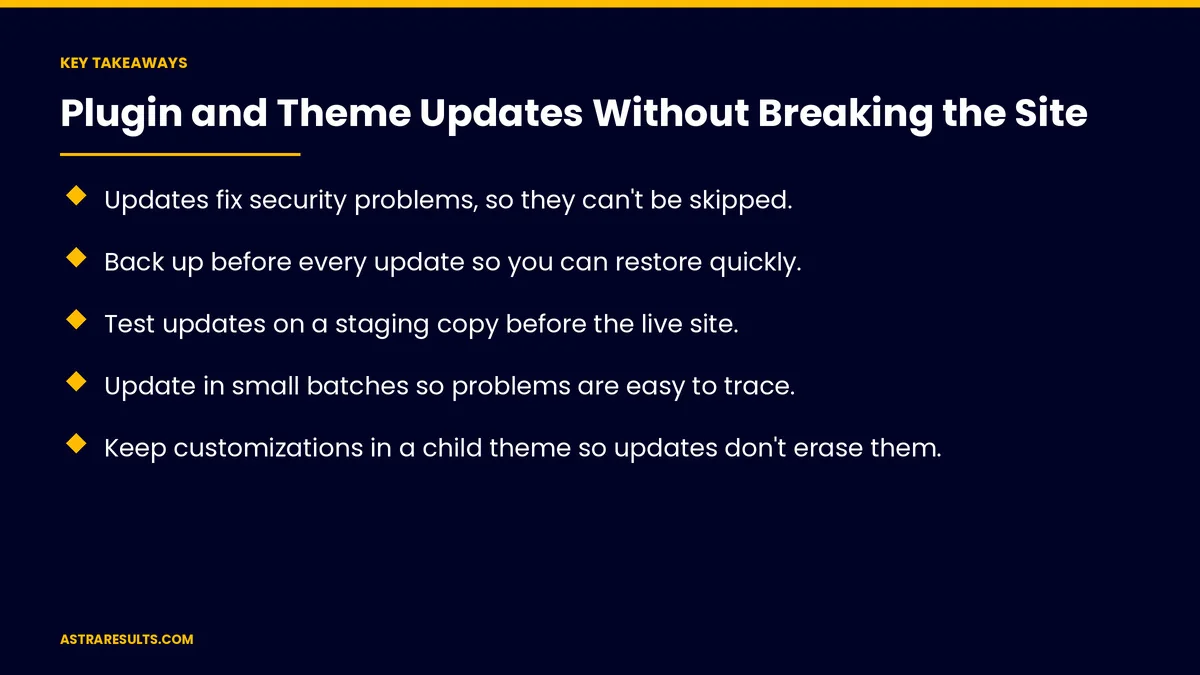
- Updates fix security problems, so they can't be skipped.
- Back up before every update so you can restore quickly.
- Test updates on a staging copy before the live site.
- Update in small batches so problems are easy to trace.
- Keep customizations in a child theme so updates don't erase them.
- Check forms, checkout and key pages after every update, and keep a record.
Published: October 15, 2026 | Reading Time: ~8 minutes | Category: Website Care Plans
This guide covers safe plugin and theme updates: what's installed, backups, staging tests, small batches, protecting customizations, automatic updates, server software, abandoned plugins, checks after updates, rollback and record keeping. Put plainly: back up, test on a copy, update in small groups and check what matters.
In This Playbook
- Why updates matter
- Know what's installed
- What should we do before updating plugins?
- Test on a staging copy
- Update in small batches
- Protect customizations
- Automatic updates
- Server software and abandoned plugins
- What should we check after a plugin update?
- Roll back when needed
- Keep a record
- Who should do it
- What to measure
- The first three months
Why updates matter
Security fixes. Many website hacks use known weaknesses that updates already fixed.
Bug fixes and compatibility. Updates keep plugins working with new browsers and server software.
Skipping costs more later. Months of missed updates are harder to apply safely.
Part of ongoing care. As covered in website security and maintenance after launch.
Know what's installed
A plugin and theme list. Name, version, purpose and who installed it.
Remove what you don't use. Inactive plugins can still be a risk.
Avoid overlap. Two plugins doing the same job can conflict.
Fewer is safer. Every plugin adds updates to manage.
What should we do before updating plugins?
A fresh backup before updating. Files and database.
Know how to restore. And how long it takes, as covered in backups and restores.
Test on a staging copy
A staging site. A private copy of your website for testing.
Update there first. Check pages, forms and checkout before touching the live site.
Match the live setup. Same server software and settings, so tests are realistic.
Update in small batches
A few plugins at a time. If something breaks, you know which update caused it.
Security updates promptly. Apply critical fixes quickly, with a quick check.
Major versions carefully. Read release notes and test more thoroughly.
Quiet hours. Update the live site when traffic is low.
Protect customizations
Use a child theme. Custom changes live separately, so theme updates don't overwrite them.
Don't edit plugin files directly. Changes disappear with the next update.
Document custom code. So anyone can see what was changed and why.
Automatic updates
Small security updates. Often safe to run automatically.
Major updates. Better done by hand, after testing.
Review automatic updates. Check the site after they run.
Server software and abandoned plugins
Keep server software current. Hosts retire old versions, and plugins stop supporting them.
Check compatibility. Before upgrading server software, confirm plugins support it.
Replace abandoned plugins. Plugins without recent updates become risks.
Renew premium licenses. Expired licenses can stop updates.
What should we check after a plugin update?
Forms. Send a test message and confirm it arrives.
Checkout and booking. Run a test purchase or booking.
Key pages. Homepage, services, contact and top landing pages.
Speed and errors. Watch for slow pages and error messages.
Content editing. Make sure editors can still update pages, as covered in website content management.
Roll back when needed
Have a plan. Restore the previous version or the backup.
Act fast. Don't leave a broken checkout live while investigating.
Then fix properly. Find the cause on the staging copy.
Keep a record
An update log. Date, what was updated and any problems.
Patterns help. Repeated problems may point to a plugin to replace.
When updates keep breaking things, the site may need deeper work, as weighed in redesign vs rebuild.
Who should do it
In-house or care plan. Either works with a clear routine, as weighed in care plan or freelancer.
Same idea for apps. Apps need a similar routine, as covered in crash reports.
What to measure
Updates applied on time. Especially security updates.
Problems after updates. And time to fix them.
Outdated or abandoned plugins. Count over time.
Uptime. Site availability.
Form and checkout tests passed. After each update.
The first three months
Days 1–30: list and prepare
List every plugin and theme, remove unused ones, set up a staging copy and confirm backups restore. Move customizations into a child theme.
Days 31–60: catch up safely
Apply missed updates in small batches on staging, then on the live site, checking forms, checkout and key pages each time. Replace abandoned plugins.
Days 61–90: set the routine
Set a regular update schedule, decide which small updates run automatically and keep an update log.
How Astra handles plugin and theme updates
Astra Results Marketing keeps websites updated without breaking them. We back up first, test on a staging copy, update in small batches, protect customizations and check forms, checkout and key pages after every update.
We keep an update log and roll back fast if something goes wrong. Engagements begin with a website update review through our website care plans team.
Related reading
Frequently asked questions
Why do plugin and theme updates matter?
They fix security problems and bugs and keep plugins compatible with browsers and server software. Skipping them leaves the website exposed.
How do we update without breaking the site?
Back up first, test updates on a staging copy, update a few plugins at a time and check forms, checkout and key pages afterward.
Should updates run automatically?
Small security updates often can. Major updates are better done by hand after testing on a staging copy.
How do we keep custom changes from being erased?
Keep them in a child theme, never edit plugin files directly and document custom code.
What if an update breaks the site?
Roll back to the previous version or restore the backup right away, then find the cause on the staging copy.
How often should we update?
On a regular schedule, such as weekly or every two weeks, with critical security updates applied promptly.
Ready to keep your website updated without the risk? Astra Results Marketing updates plugins and themes with backups, staging tests, small batches and checks after every update, so security stays current and nothing breaks. ▸ CALL (786) 321-2866 · ▸ REQUEST YOUR CONSULTATION





