 Rated 5 star on


Hosting Choices for Small Business Websites
Quick answer
Most small business websites do well on managed hosting with updates, backups and caching included. The cheapest plan often lacks speed and support when you need them. Back up daily, off-site, and test restores. Keep the hosting account in your business's name. Compare total costs, since introductory prices rise at renewal.
Website hosting is easy to ignore until something goes wrong: the site slows during a promotion, goes down on a busy weekend or gets hacked with no recent backup. The cheapest plan often looks fine on paper. The differences that matter (speed, uptime, backups, security and support) only show up when you need them most.
Key Takeaways
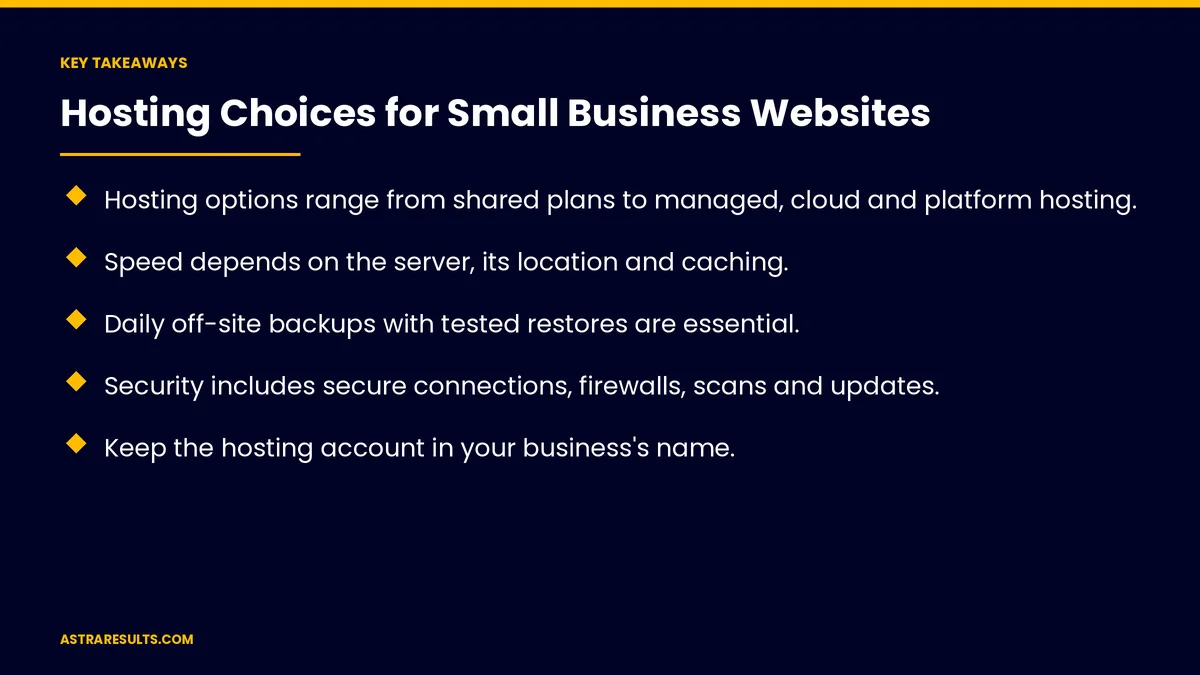
- Hosting options range from shared plans to managed, cloud and platform hosting.
- Speed depends on the server, its location and caching.
- Daily off-site backups with tested restores are essential.
- Security includes secure connections, firewalls, scans and updates.
- Keep the hosting account in your business's name.
- Watch for introductory prices that rise at renewal.
Published: October 15, 2026 | Reading Time: ~8 minutes | Category: Website Care Plans
This guide covers hosting choices for small business websites: the main hosting options, speed, uptime, backups, security, support, traffic spikes, email, ownership, renewal costs and who manages it all. Put plainly: choose hosting for speed, backups and support, keep the account in your name and know who's watching it.
In This Playbook
- What are the main website hosting options?
- Speed
- Uptime
- Backups
- Security
- Support
- Traffic spikes
- Whose name should the hosting account be in?
- Renewal costs
- Who manages it
- What to measure
- The first three months
What are the main website hosting options?
Shared hosting. Many sites on one server; cheapest, but slower and more limited.
Managed hosting. Built for a platform like WordPress, with updates, backups and caching included.
Cloud or private servers. More power and control, but someone must manage them.
Website builders and store platforms. Hosting included; less control over the setup.
Static sites with a delivery network. Fast and secure for simple sites.
Speed
Server quality. Faster servers load pages faster.
Location. Servers near your customers, or a delivery network that serves pages nearby.
Caching. Pages stored ready to serve.
Mobile speed is covered in landing page speed and store speed.
Uptime
Monitoring. Alerts when the site goes down, as covered in uptime monitoring.
A track record. Ask about past outages and response times.
Backups
Daily. At minimum.
Off-site. Stored separately from the server.
Tested restores. A backup you can't restore isn't a backup.
Kept for weeks. To recover from problems found late.
Security
Secure connections. Included and renewed automatically, as certificate lifetimes shrink; see the renewals that bite.
Firewall and malware scans. Blocking and detecting attacks.
Software updates. As covered in plugin and theme updates.
Support
Real people. Reachable when it matters.
Response times. Stated clearly.
Technical help. Not just billing.
Traffic spikes
Campaigns and seasons. Promotions, holidays and storm-related surges.
Room to grow. Plans that handle spikes without crashing.
Keep email separate. A dedicated business email provider is more reliable than a basic hosting mailbox.
Delivery settings. Authenticated sending so emails reach inboxes.
Whose name should the hosting account be in?
Your account, your name. Not the designer's, as covered in how to choose a web design partner.
Your domain. Registered to your business.
Easy to move. Avoid setups that lock you in.
Confirm it at launch. As in the website launch checklist.
Renewal costs
Introductory prices. Often rise at renewal.
Total cost. Compare over several years, as covered in what a business website costs.
Who manages it
You, your designer or a care plan. Someone must watch updates, backups and uptime.
Care plans include hosting oversight. As covered in website care plans.
Reported monthly. As in monthly website reports.
What to measure
Page speed. On phones.
Uptime. And outage length.
Backup restore tests. Done and successful.
Security incidents. Should be zero.
Support response time. When you need help.
The first three months
Month one: review
Check who owns the hosting and domain, your current speed and uptime and how backups work.
Month two: improve or move
Upgrade the plan or move hosts if speed, backups or support fall short, keeping everything in your name.
Month three: monitor
Set uptime alerts, test a backup restore and add hosting checks to your monthly report.
How Astra handles hosting
Astra Results Marketing helps small businesses choose and manage hosting. We match the option to your site, keep accounts in your name, set up backups, security and uptime monitoring and report on hosting health every month.
Engagements begin with a care plan review through our website care plans team.
Related reading
Frequently asked questions
What kind of hosting does a small business need?
It depends on the site. Many do well on managed hosting with updates, backups and caching included.
Is the cheapest hosting good enough?
Sometimes, but cheap plans often lack speed, backups and support when you need them most.
How often should a website be backed up?
At least daily, stored off-site and tested by restoring.
Should business email run on our web host?
Usually not. A dedicated business email provider is more reliable.
Who should own the hosting account?
Your business, in your name, along with your domain.
What should we watch for in pricing?
Introductory prices that rise at renewal. Compare total costs over several years.
Ready for hosting you don't have to worry about? Astra Results Marketing chooses and manages hosting with speed, backups, security and uptime monitoring, keeping every account in your name. ▸ CALL (786) 321-2866 · ▸ REQUEST YOUR CONSULTATION





