 Rated 5 star on


Monthly Website Reports Owners Will Read
Quick answer
Owners read monthly website reports that fit on one page and speak plainly. Lead with calls, forms, bookings and sales, compared with last month and last year. Confirm uptime, speed, updates and working forms. List work completed, open risks and next month's plan. Define any term you must use.
Most monthly website reports go unread. They arrive as long exports full of charts, jargon and numbers that don't connect to the business. Owners skim one page and close the file. A good report fits on one page, speaks plainly and answers three questions: did the site bring business, is it healthy, and what happens next?
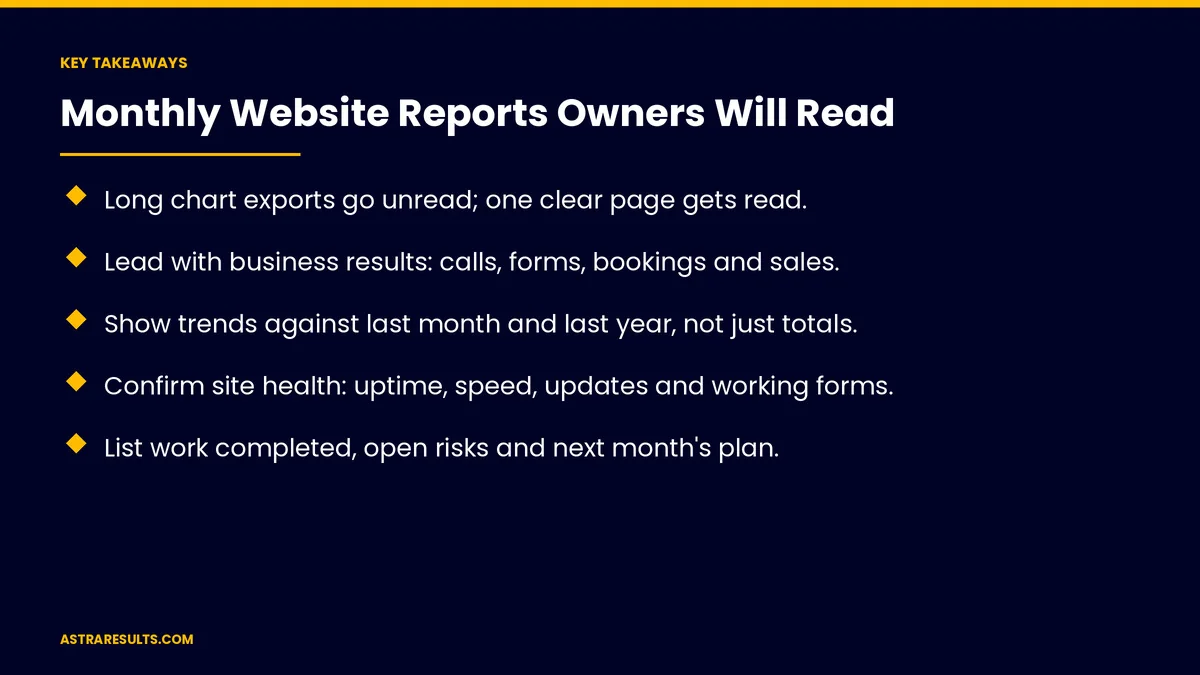
Key Takeaways
- Long chart exports go unread; one clear page gets read.
- Lead with business results: calls, forms, bookings and sales.
- Show trends against last month and last year, not just totals.
- Confirm site health: uptime, speed, updates and working forms.
- List work completed, open risks and next month's plan.
- Use plain language and define any term you must use.
Published: October 21, 2026 | Reading Time: ~8 minutes | Category: Website Care Plans
This guide covers monthly website reports owners will read: the one-page summary, results, site health, work completed, issues and risks, next month's plan, supporting detail, plain language, delivery and what to measure. Put plainly: lead with leads, show the site is healthy and say what happens next.
In This Playbook
- The one-page summary
- Which results should open a monthly website report?
- Site health
- Work completed
- Issues and risks
- Next month's plan
- Supporting detail
- How plain should the language in a website report be?
- Delivery
- When results drop
- What to measure
- The first three months
The one-page summary
Results. What the site brought in.
Site health. Is it up, fast and secure?
Work completed. What was done this month.
Issues and risks. What needs attention.
Next month. What's planned.
Which results should open a monthly website report?
Leads. Calls, forms, bookings and chats.
Sales where tracked. Revenue from website leads.
Trends. This month against last month and the same month last year.
The measures that matter are covered in website KPIs.
Site health
Uptime. Any downtime and how long it lasted, as covered in uptime monitoring.
Speed. Key pages on phones.
Updates and security. Plugins and software updated, as covered in plugin and theme updates.
Forms tested. Every form reached the right person, as covered in website forms that reach the right person.
Backups. Confirmed and restorable.
Work completed
Content updates. Pages edited, posts added, as covered in care plan content updates.
Fixes. Problems found and solved.
Hours used. Against the plan.
Issues and risks
What needs a decision. Expiring licenses, outdated tools or budget questions.
What could go wrong. Unsupported plugins or security warnings.
Recommendations. With a cost or time estimate.
Next month's plan
Planned work. Updates, fixes and improvements.
Seasonal items. Holiday hours, promotions or hurricane notices.
Questions for the owner. Anything the team needs.
Supporting detail
Traffic by source. Search, ads, social and direct, briefly.
Top pages. Where visitors went.
Search visibility. Rankings and AI mentions for key terms, tied to results as in what SEO costs.
Keep it short. Detail on later pages, for those who want it.
How plain should the language in a website report be?
No jargon. "Visits from Google" instead of "organic sessions."
Define what's needed. One short line per term.
Say what it means. "Calls rose after the new service page went live."
Skip vanity numbers. Followers and impressions without results.
Delivery
Same day each month. Owners know when to expect it.
A short email. The summary in the body, details attached.
A brief call. Quarterly or when decisions are needed.
When results drop
Diagnose before redesigning. As weighed in is a new website the fix.
Explain the cause. Seasonality, tracking changes or real problems.
Propose a next step. With a clear owner.
What to measure
Reports opened. And questions asked.
Decisions made. From report recommendations.
Issues resolved. Month over month.
Results trend. Leads and sales over time.
Owner confidence. A quick check-in on whether the report helps.
The first three months
Month one: the template
Agree on the one-page layout: results, health, work, risks and next steps, with plain-language definitions.
Month two: connect the data
Pull leads, uptime, speed, updates and form tests into the report automatically where possible.
Month three: refine
Ask the owner what helped and what didn't, trim what nobody reads and keep the report on a fixed day.
How Astra reports on websites
Astra Results Marketing sends monthly website reports owners read. We lead with leads and sales, confirm site health, list work and risks in plain language and set clear next steps every month.
Engagements begin with a care plan review through our website care plans team.
Related reading
Frequently asked questions
What should a monthly website report include?
Results, site health, work completed, issues and risks and next month's plan, on one page.
Why lead with leads?
Because owners care most about calls, forms, bookings and sales. Traffic matters only as it leads to those.
How long should the report be?
One page for the summary, with supporting detail on later pages for anyone who wants it.
Which terms should we avoid?
Jargon like "organic sessions" or "bounce rate" without explanation. Use plain words and define anything essential.
How should the report be delivered?
By email on the same day each month, with the summary in the body and a brief call when decisions are needed.
What if results drop?
Explain the cause, diagnose before redesigning and propose a clear next step with an owner.
Ready for website reports you'll read? Astra Results Marketing sends one-page monthly reports that lead with results, confirm site health and set clear next steps in plain language. ▸ CALL (786) 321-2866 · ▸ REQUEST YOUR CONSULTATION





