 Rated 5 star on


Event Swift Apps With Wallet Tickets
Quick answer
Apple Wallet tickets make event entry faster than emailed tickets. Guests find them easily at the gate, and they work without signal. Tickets update automatically when times or gates change. Unique or rotating codes help stop screenshot fraud. Tap-to-enter needs Apple's approval. Plan Google Wallet or web tickets for Android guests.
Event tickets buried in emails slow everyone down: guests search their inboxes at the gate, lines grow and staff squint at screenshots. Tickets in Apple Wallet appear when guests arrive, update when details change and scan quickly. A native iPhone app built in Swift adds the rest of the event: schedules, maps, updates and offers.
Key Takeaways
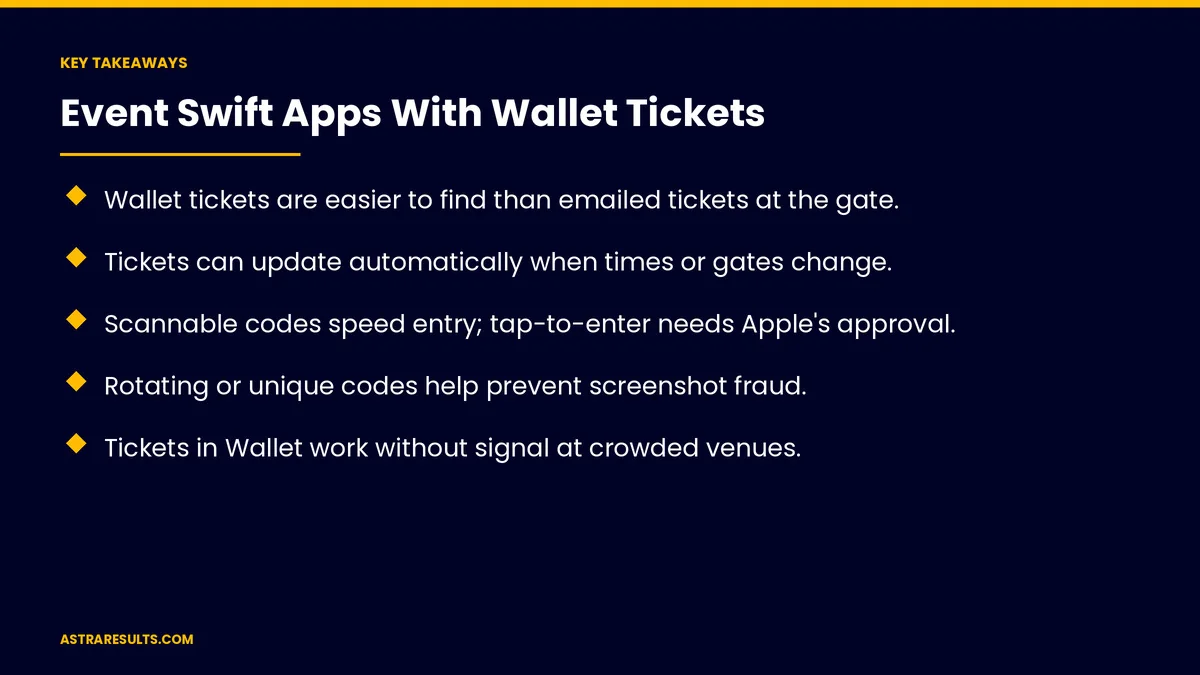
- Wallet tickets are easier to find than emailed tickets at the gate.
- Tickets can update automatically when times or gates change.
- Scannable codes speed entry; tap-to-enter needs Apple's approval.
- Rotating or unique codes help prevent screenshot fraud.
- Tickets in Wallet work without signal at crowded venues.
- Plan Google Wallet or web tickets for Android guests too.
Published: October 10, 2026 | Reading Time: ~8 minutes | Category: Swift Development
This guide covers event apps with Wallet tickets: adding tickets to Wallet, event-day updates, faster entry, fraud protection, offline access, the event app around the ticket, Android guests, accessibility, privacy and payments and what to measure. Put plainly: put the ticket in Wallet, keep it updated and make entry fast and secure.
In This Playbook
- Adding tickets to Wallet
- What happens to Wallet tickets when event times change?
- Faster entry
- Fraud protection
- Why do event tickets need to work offline?
- The event app around the ticket
- Android guests
- Accessibility
- Privacy and payments
- Planning events
- What to measure
- The first three months
Adding tickets to Wallet
One tap after purchase. From the app, email or website.
Group tickets. Several passes added together.
Wallet basics are covered in Apple ecosystem integration.
What happens to Wallet tickets when event times change?
Time and gate changes. Updated on the ticket automatically.
Lock-screen reminders. As the event approaches.
Weather and delays. Notices sent to ticket holders.
Faster entry
Scannable codes. Quick checks at the gate.
Tap to enter. Phone-based tap entry needs Apple's approval and compatible scanners.
Self-service gates. As in iPad kiosk apps.
Fraud protection
Unique codes. Each ticket scans once.
Rotating codes where needed. Screenshots don't work.
Transfers tracked. Resale and gifting handled in the app.
Security is covered in Swift security and privacy by design.
Why do event tickets need to work offline?
Crowded venues. Signal often drops near gates.
Tickets work offline. Stored on the phone.
Scanners plan for it too. Entry continues without a connection.
The event app around the ticket
Schedules and maps. Stages, sessions, food and restrooms.
Personal agendas. Saved sessions and reminders.
Offers. Food, merch and upgrades, as in hotel iPhone apps.
Android guests
Google Wallet or web tickets. Nobody left out.
Same scanning. One entry system for all.
Accessibility
Larger text and VoiceOver. Every screen readable.
Accessible entrances. Shown on maps.
Languages. As covered in bilingual mobile apps.
Privacy and payments
Minimal data. Only what tickets and entry need.
Secure payments. As covered in integrating payment processors.
Clear consent. For notifications and marketing.
Planning events
Proposals for venues. As in event venue proposals.
What to measure
Wallet adds. Share of tickets.
Entry time. Average and peak.
Fraud attempts caught. Duplicate or invalid scans.
App use during events. Maps, schedules and offers.
In-app sales. Food, merch and upgrades.
The first three months
Days 1–30: tickets
Set up Wallet tickets with unique codes, offline access and updates, and plan Android and web tickets.
Days 31–60: entry
Test scanners at a pilot event, measure entry time and check fraud protection.
Days 61–90: the app
Add schedules, maps and offers, and track Wallet adds, entry time and in-app sales.
How Astra builds event apps
Astra Results Marketing builds native event apps with Apple Wallet tickets. We set up unique, updatable tickets, fast and secure entry, offline access and an app around the ticket with schedules, maps and offers.
Engagements begin with an app planning session through our Swift app development team.
Related reading
Frequently asked questions
Why put event tickets in Apple Wallet?
They're easy to find at the gate, update automatically and work without signal.
Can tickets update after purchase?
Yes. Time, gate and other changes can update the ticket and send reminders.
Can guests tap their phones to enter?
Tap entry needs Apple's approval and compatible scanners. Scannable codes work widely.
How do Wallet tickets prevent fraud?
Unique codes scan once, rotating codes stop screenshot reuse and transfers are tracked.
What about Android guests?
Offer Google Wallet or web tickets that use the same entry system.
What should we measure?
Wallet adds, entry time, fraud attempts caught, app use and in-app sales.
Ready for faster, safer event entry? Astra Results Marketing builds event apps with Apple Wallet tickets that update automatically, work offline and scan fast at the gate. ▸ CALL (786) 321-2866 · ▸ REQUEST YOUR CONSULTATION





