 Rated 5 star on

Apple Ecosystem Integration: Watch, Pay, Wallet
Quick answer
Build the Apple integration that saves your customers the most time first. Apple Pay speeds checkout for physical goods and services, while digital goods generally use in-app purchase. Wallet passes hold loyalty cards and tickets that update automatically. Watch apps suit quick updates and simple actions. Widgets and Siri shortcuts surface key information.
Apple users don't just use their iPhone; they use their Watch, Apple Pay and Wallet every day. Apps that connect to them feel faster: checkout with a double-click and order updates on the wrist. But each integration takes work, so the best apps choose the ones their customers will notice.
Key Takeaways
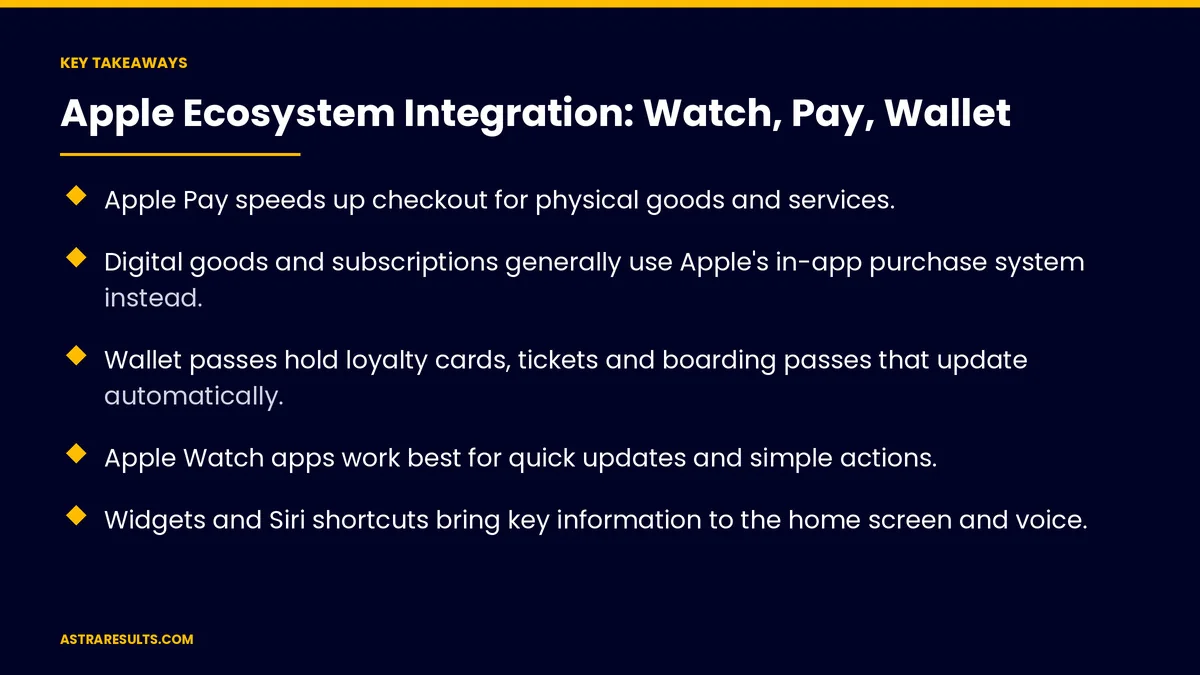
- Apple Pay speeds up checkout for physical goods and services.
- Digital goods and subscriptions generally use Apple's in-app purchase system instead.
- Wallet passes hold loyalty cards, tickets and boarding passes that update automatically.
- Apple Watch apps work best for quick updates and simple actions.
- Widgets and Siri shortcuts bring key information to the home screen and voice.
- Build the integration that saves customers the most time first.
Published: October 4, 2026 | Reading Time: ~8 minutes | Category: Swift Development
This guide covers Apple ecosystem integration: Apple Pay, Wallet passes, Apple Watch, widgets and Siri, privacy, examples by industry, choosing what to build first and what to measure. Put plainly: add the Apple features your customers already use, starting with the one that saves them the most time.
In This Playbook
- Apple Pay
- Wallet passes
- Apple Watch
- What can home screen widgets show customers?
- Privacy
- Examples by industry
- Choosing what to build first
- Keeping it current
- What to measure
- The first three months
Apple Pay
Faster checkout. No typing card numbers.
For physical goods and services. Food orders, retail, tickets and bookings.
Not for digital goods. Those generally use in-app purchase, as covered in in-app payments.
Works with your processor. Most major payment processors support it.
Wallet passes
Loyalty cards. Points and rewards in Wallet, as in loyalty apps.
Tickets and boarding passes. Scannable and always handy.
Automatic updates. Gate changes, new balances or event times.
Location relevance. Passes can surface near the right place.
Apple Watch
Quick updates. Order ready, appointment soon, delivery arriving.
Simple actions. Confirm, check in or reorder.
Not a full app. Keep Watch screens to one or two taps.
When it fits. Frequent, time-sensitive moments.
What can home screen widgets show customers?
Home screen widgets. Order status, balances or next appointment.
Lock screen and Live Activities. Progress for deliveries and rides.
Siri shortcuts. "Reorder my usual" by voice.
Privacy
Ask only when needed. Location and notification permissions at the right moment.
Minimal data. Passes and Watch apps share only what they need.
Clear disclosures. Accurate App Store privacy details.
Examples by industry
Restaurants. Apple Pay checkout, loyalty passes and order-ready alerts, as in restaurant iPhone apps.
Events and venues. Tickets in Wallet with updates.
Retail. Loyalty passes that appear near stores.
Front desks. Tap to pay at self-service kiosks, as in iPad kiosk apps.
Events. Tickets in Wallet, as in event Swift apps.
Services. Appointment reminders on the Watch.
Choosing what to build first
Apple Pay. Usually the fastest win for apps that sell.
Wallet passes. Strong for loyalty and ticketing.
Watch and widgets. For frequent, time-sensitive updates.
Fit the whole app. As covered in Swift: native iOS done properly.
Keeping it current
Apple updates every year. Integrations need testing with each release, as covered in Swift app maintenance.
Modern tools. As weighed in SwiftUI vs UIKit.
Ask your partner. As covered in what to ask before hiring an iOS partner.
What to measure
Checkout time and conversion. Before and after Apple Pay.
Passes added to Wallet. And used.
Watch and widget use. Active users.
Repeat orders. From quick actions.
Opt-ins. For notifications and location.
The first three months
Days 1–30: choose
List the moments customers repeat most, and pick the integration that saves them the most time.
Days 31–60: build
Add Apple Pay, Wallet passes or Watch updates, with clear permissions and accurate privacy details.
Days 61–90: measure and expand
Track checkout conversion, passes added and quick actions, then add the next integration.
How Astra integrates Apple features
Astra Results Marketing builds iPhone apps that connect to Apple Pay, Wallet, Apple Watch, widgets and Siri. We choose the integrations customers will notice, follow Apple's payment and privacy rules and keep them working with every iOS update.
Engagements begin with an app planning session through our Swift app development team.
Related reading
Frequently asked questions
What can Apple Pay be used for in an app?
Physical goods and services, such as food orders, retail, tickets and bookings. Digital goods generally use in-app purchase.
What are Wallet passes?
Loyalty cards, tickets and boarding passes stored in Apple Wallet, which can update automatically and appear near relevant places.
Does every app need an Apple Watch version?
No. Watch apps work best for frequent, time-sensitive updates and simple actions.
What are widgets and Live Activities?
Home and lock screen displays that show order status, balances or delivery progress without opening the app.
Which integration should we build first?
Usually Apple Pay for apps that sell, or Wallet passes for loyalty and ticketing.
How do we keep integrations working?
Test them with each year's iOS release and keep the app updated.
Ready to connect your app to Apple Pay, Wallet and Watch? Astra Results Marketing builds the Apple integrations your customers will notice, following payment and privacy rules and keeping them current with every iOS update. ▸ CALL (786) 321-2866 · ▸ REQUEST YOUR CONSULTATION





