 Rated 5 star on

Swift Security and Privacy by Design
Quick answer
Build security and privacy into an iPhone app from the first day, because fixing them after launch costs more. Keep tokens and secrets in the Keychain. Turn on Apple's file protection and offer Face ID for sign-in. Keep secure connections on. Ship privacy manifests and ask before tracking users or sharing data with third-party AI.
Security and privacy are easiest to get right at the start of an iPhone app, and expensive to fix after launch. Apple gives native apps strong built-in protections and sets privacy rules the App Store enforces. Using both from day one protects users and keeps the app approved.
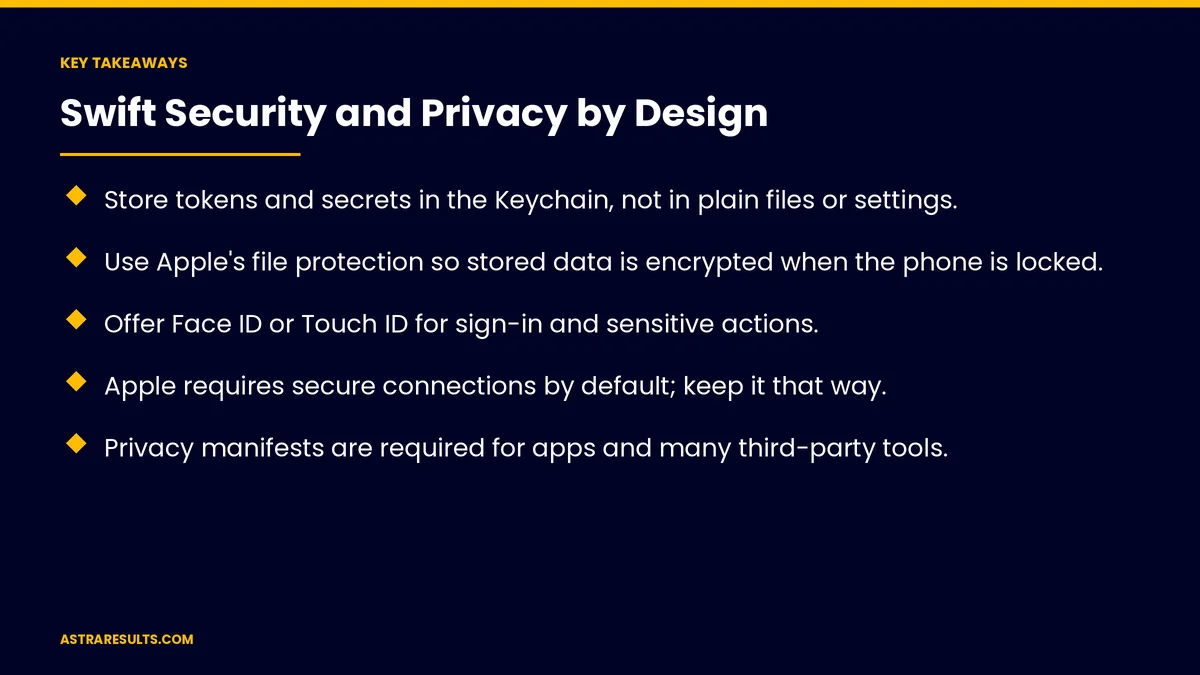
Key Takeaways
- Store tokens and secrets in the Keychain, not in plain files or settings.
- Use Apple's file protection so stored data is encrypted when the phone is locked.
- Offer Face ID or Touch ID for sign-in and sensitive actions.
- Apple requires secure connections by default; keep it that way.
- Privacy manifests are required for apps and many third-party tools.
- Ask for tracking permission before tracking users across other companies' apps.
Published: October 21, 2026 | Reading Time: ~9 minutes | Category: Swift Development
This guide covers security and privacy by design in Swift apps: storing secrets, protecting files, Face ID and passcodes, secure connections, server checks, privacy manifests, tracking permission, data collection, AI features, updates and what to measure. Put plainly: use Apple's built-in protections from day one and collect only what the app needs.
For security basics across all platforms, see mobile app security basics; for Android, see Android security.
In This Playbook
- Where does a Swift app keep its tokens and secrets?
- Protecting files
- Face ID and passcodes
- Secure connections
- Server checks
- When did Apple start requiring privacy manifests?
- Tracking permission
- Data collection
- AI features
- Updates
- What to measure
- The first three months
Where does a Swift app keep its tokens and secrets?
The Keychain. Apple's secure storage for tokens and passwords.
Never in plain files. Or in app settings.
No service keys in the app. Requests go through your server, as covered in integrating AI into a mobile app.
Protecting files
File protection. Stored data encrypted when the phone is locked.
Choose the right level. Stricter for sensitive documents, as in insurance Swift apps.
Clear cached data. On sign-out.
Face ID and passcodes
Fast, secure sign-in. Face ID or Touch ID.
Sensitive actions. Confirm payments or changes.
A fallback. Passcode or password when biometrics aren't available.
Secure connections
Required by default. Apple's network rules require secure connections.
Don't turn it off. Exceptions weaken protection.
Extra checks for high-risk apps. Certificate pinning where appropriate.
Server checks
The server decides access. Every request checked for the right user, as covered in API security.
Never trust the app alone. Apps can be tampered with.
When did Apple start requiring privacy manifests?
Required since 2024. For apps and many common third-party tools.
Declare data use. What's collected and why.
Keep them current. With every update, as covered in Swift app maintenance.
Tracking permission
Ask first. Before tracking users across other companies' apps and websites.
Respect the answer. No tracking if they decline.
Explain the value. Briefly, before Apple's prompt.
Data collection
Only what's needed. Less data, less risk.
Accurate App Store details. Privacy labels match reality.
Sign in with Apple. Where offering other social sign-in options.
AI features
Disclosure and permission. Before sharing personal data with third-party AI, as covered in AI support inside the app.
On-device options. Keep some processing on the phone.
Updates
Library updates. Security fixes applied quickly, as covered in dependency updates.
New iOS versions. Tested each year.
Ask your partner. As covered in what to ask before hiring an iOS partner.
What to measure
Secrets in secure storage. All of them.
Open security issues. By severity.
App Review privacy rejections. Should be zero.
Tracking opt-in rate. Where used.
Time to patch. Critical issues.
The first three months
Days 1–30: design
List the data the app needs, plan Keychain storage and file protection and draft the privacy manifest.
Days 31–60: build
Add Face ID sign-in, keep secure connections, check access on the server and add tracking and AI consent screens.
Days 61–90: verify
Test security and privacy, confirm App Store privacy details and set an update routine.
How Astra builds secure Swift apps
Astra Results Marketing builds native iPhone apps with security and privacy designed in. We use the Keychain and file protection, add Face ID, keep connections secure, check access on the server and keep privacy manifests and App Store details accurate.
Engagements begin with an app planning session through our Swift app development team.
Related reading
Frequently asked questions
Where should an iPhone app store passwords and tokens?
In the Keychain, Apple's secure storage, never in plain files or settings.
What is file protection?
Apple's encryption for stored data, which keeps it protected when the phone is locked.
Does Apple require secure connections?
Yes, by default. Keep secure connections on and avoid exceptions.
What are privacy manifests?
Files that declare what data an app and its third-party tools collect and why. Apple has required them since 2024.
When do apps need tracking permission?
Before tracking users across other companies' apps and websites.
What about AI features?
Apps must disclose and get explicit permission before sharing personal data with third-party AI.
Ready for an iPhone app that's secure from day one? Astra Results Marketing builds Swift apps with Keychain storage, file protection, Face ID, secure connections and accurate privacy manifests built in. ▸ CALL (786) 321-2866 · ▸ REQUEST YOUR CONSULTATION





