 Rated 5 star on

iPad vs Android Tablet for Business
Quick answer
The right business tablet depends on the job. iPads suit field sales, service and design work, with consistent hardware, long software support and Apple Pencil. Rugged Android tablets suit warehouses and harsh sites, and some include barcode scanners. Both can be managed centrally. Mixed fleets work well with cross-platform apps built once for both.
Choosing tablets for a team is more than a brand preference. The right device depends on where it's used, what it must do and how long it must last. A sales team in client offices needs something different from a warehouse crew. Both iPads and Android tablets can be the right answer.
Key Takeaways
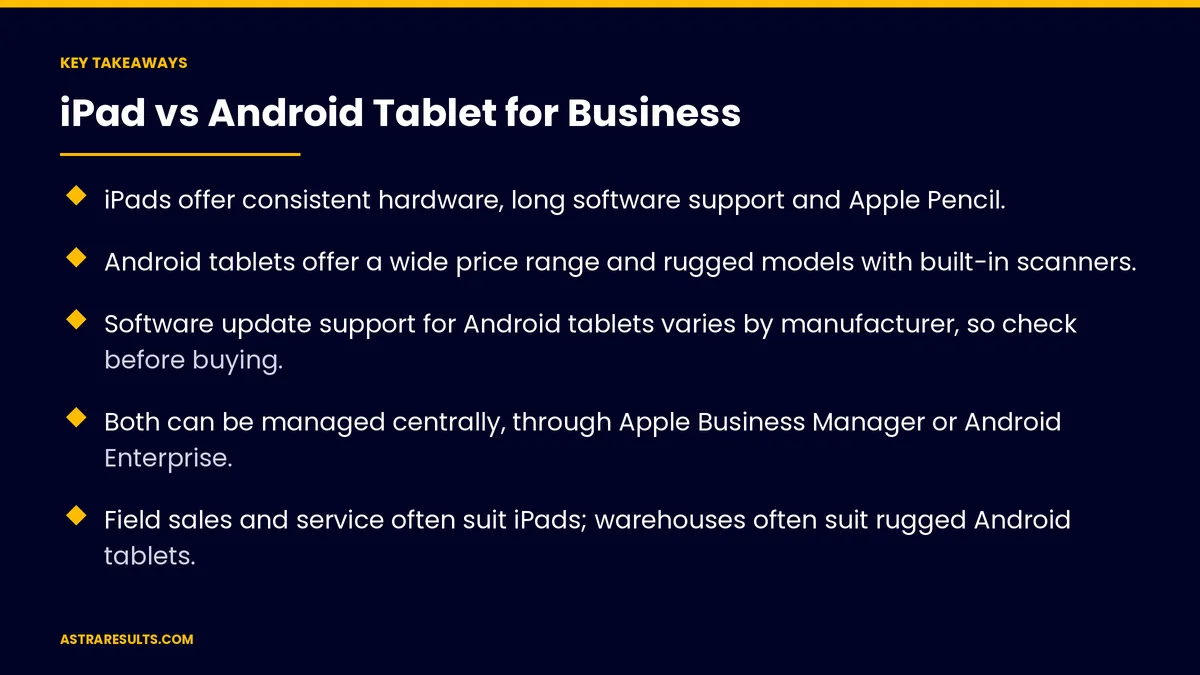
- iPads offer consistent hardware, long software support and Apple Pencil.
- Android tablets offer a wide price range and rugged models with built-in scanners.
- Software update support for Android tablets varies by manufacturer, so check before buying.
- Both can be managed centrally, through Apple Business Manager or Android Enterprise.
- Field sales and service often suit iPads; warehouses often suit rugged Android tablets.
- Mixed fleets work well with cross-platform apps.
Published: October 16, 2026 | Reading Time: ~9 minutes | Category: iPad App Development
This guide compares iPads and Android tablets for business: hardware and choice, rugged options, software support, device management, apps, security, typical uses by industry, mixed fleets and total cost. Put plainly: match the device to the job and the environment, then build apps that fit.
In This Playbook
- iPad strengths
- Android tablet strengths
- Software support
- Device management
- Apps
- Security
- Typical uses by industry
- Mixed fleets
- Total cost
- How should a business decide between tablets?
- What should we measure in a tablet fleet?
- The first three months
iPad strengths
Consistent hardware. A small range of models makes apps easier to build and test.
Long software support. iPads typically receive updates for years.
Apple Pencil. Useful for markups, signatures and forms.
Strong app selection. Many business apps work well on iPad.
The larger screen used well is covered in iPad apps for business.
Android tablet strengths
Price range. From low-cost models to premium devices.
Rugged options. Drop-resistant, water-resistant models built for tough sites.
Built-in scanners. Some rugged models include barcode scanners, as used in warehouse scanning apps.
Variety. Many sizes and features from different manufacturers.
Software support
iPads. Apple usually supports iPads with updates for several years.
Android tablets. Update support varies by manufacturer and model.
Check before buying. Confirm how long security updates are promised.
Plan replacements. Devices that stop getting updates become security risks.
Device management
Apple Business Manager. Set up and manage iPads across the company.
Android Enterprise. Manage Android tablets centrally.
Remote control. Install apps, push settings and lock or wipe lost devices.
Private apps. Distribute internal apps without public listings, as covered in Play Store vs direct distribution.
Apps
Check your must-have apps. Make sure they run well on your chosen tablets.
Custom apps. Built for one platform or both.
On-device AI. Some tasks can run on the tablet itself, as in iPad + industry AI.
Offline use. Important for job sites and warehouses.
Security
Encryption and passcodes. Required on every device.
Central updates. Keep software current across the fleet.
Lost devices. Remote lock and wipe.
Access by role. Staff see only what their job requires.
Typical uses by industry
Field sales. iPads for presentations, catalogs and orders.
Field service and construction. iPads for plans and photos, as in construction iPad apps, or rugged Android for harsh sites.
Warehouses and logistics. Rugged Android tablets with scanners.
Restaurants and retail. Either, for checkout, ordering and kiosks.
Healthcare. Either, with privacy and compliance checked.
Mixed fleets
Different teams, different devices. Sales on iPads, warehouse on rugged Android.
Cross-platform apps. One codebase for both, as covered in cross-platform apps.
One management plan. Policies for each platform, managed together.
Total cost
Device price. Only part of the cost.
Cases, mounts and accessories. Especially for field use.
Management and support. Software and staff time.
Replacement cycle. How long devices stay supported and survive daily use.
Downtime. Broken or outdated devices cost productivity.
How should a business decide between tablets?
Start with the job. Where it's used, what it does and how rough the conditions are.
Pilot both if unsure. A small test with real users.
Ask whether you need an app at all. As weighed in is an iPad app right for your operation.
For phones. The same thinking applies, as in is an iPhone app right for your business.
What should we measure in a tablet fleet?
Device uptime. Working devices versus broken or outdated ones.
Support tickets. Per device type.
Task time. How fast staff complete work on each device.
Total cost per device per year. Including accessories and support.
User satisfaction. From the people using them daily.
The first three months
Days 1–30: define needs
List each team's tasks, environment, must-have apps and how long devices must last. Check software support promises and management options.
Days 31–60: pilot
Test iPads and Android tablets with small groups in real conditions. Track task time, problems and feedback.
Days 61–90: decide and roll out
Choose devices per team, set up central management and plan apps for one platform or both. Track uptime, support tickets and total cost.
How Astra helps choose tablets
Astra Results Marketing helps businesses choose between iPads and Android tablets. We review each team's tasks and conditions, compare support and management options, run pilots and build apps for one platform or both.
Devices and apps are chosen for the job, not the brand. Engagements begin with a device and app review through our iPad app development team.
Related reading
Frequently asked questions
Are iPads or Android tablets better for business?
It depends on the job. iPads suit field sales, service and design work; rugged Android tablets suit warehouses and harsh sites. Many businesses use both.
Which lasts longer?
iPads typically receive software updates for years. Android tablet support varies by manufacturer and model, so check update promises before buying.
Can we manage tablets centrally?
Yes. iPads can be managed through Apple Business Manager, and Android tablets through Android Enterprise, including installing apps and wiping lost devices.
Do rugged tablets matter?
For warehouses, construction and outdoor work, yes. Rugged Android models resist drops and water, and some include barcode scanners.
What if different teams need different tablets?
Use a mixed fleet with cross-platform apps built once for both, and one management plan for all devices.
How should we compare costs?
Include the device, accessories, management, support, replacement cycle and downtime, not just the purchase price.
Ready to choose tablets that fit the job? Astra Results Marketing reviews your teams' tasks and conditions, pilots iPads and Android tablets and builds apps for one platform or both, managed securely across your fleet. ▸ CALL (786) 321-2866 · ▸ REQUEST YOUR CONSULTATION





