 Rated 5 star on

iPad + Industry AI: Models on the Tablet
Quick answer
Modern iPads can run AI models on the device, so field apps analyze photos and text without an internet connection. On-device AI responds instantly and keeps sensitive data on the tablet. Larger tasks may still use the cloud. Common uses include inspections, delivery checks and quote drafting. People review the findings and correct mistakes.
Field teams often work where the signal is weak: a roof, a warehouse dock or a job site. Sending every photo to the cloud can be slow or impossible. Modern iPads can run AI models on the device itself, so inspectors, drivers and sales reps get answers instantly, even offline, while sensitive data stays on the tablet.
Key Takeaways
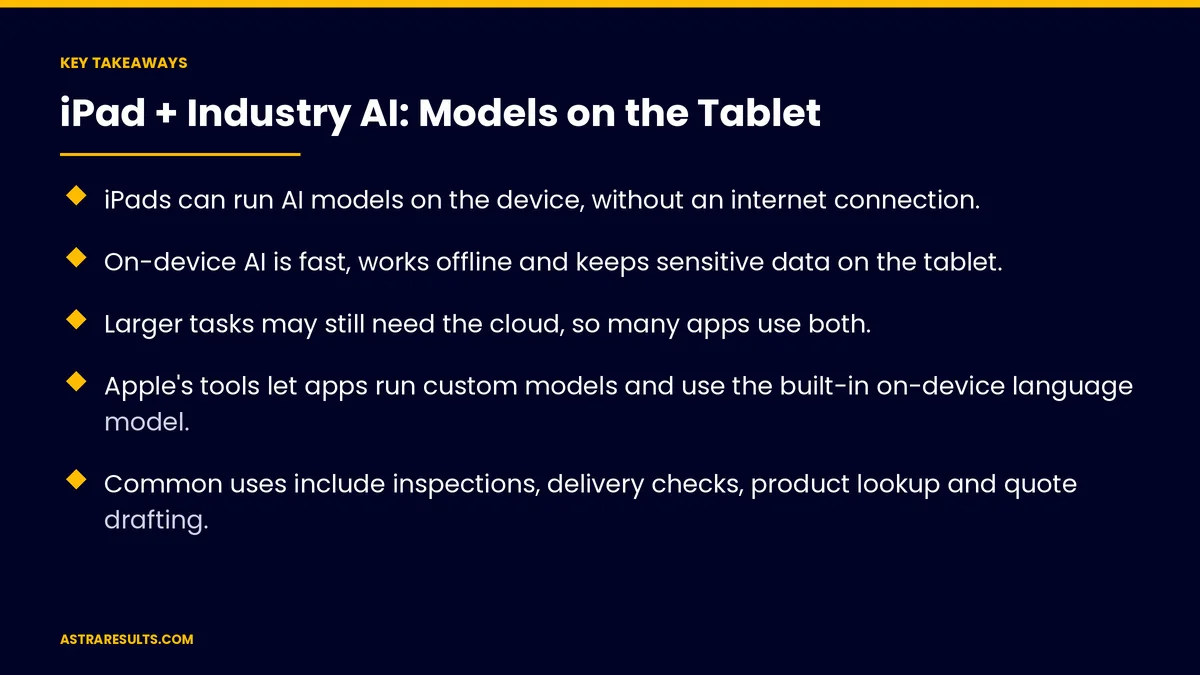
- iPads can run AI models on the device, without an internet connection.
- On-device AI is fast, works offline and keeps sensitive data on the tablet.
- Larger tasks may still need the cloud, so many apps use both.
- Apple's tools let apps run custom models and use the built-in on-device language model.
- Common uses include inspections, delivery checks, product lookup and quote drafting.
- People review what the model finds, and accuracy is checked over time.
Published: October 11, 2026 | Reading Time: ~9 minutes | Category: iPad App Development
This guide covers how businesses run industry AI on iPads: why on-device AI helps, the trade-offs with cloud AI, Apple's tools, use cases by industry, keeping models accurate, people reviewing results, security and device management, and what to measure. Put plainly: put the model where the work happens, and keep people checking what it finds.
In This Playbook
- Why run AI on the iPad
- On the device or in the cloud
- Apple's tools
- Use cases by industry
- Keeping models accurate
- People stay in charge
- Security and device management
- Is it right for you?
- What to measure
- The first three months
Why run AI on the iPad
Works offline. Job sites, basements and rural roads often lack signal.
Instant answers. No waiting for uploads and responses.
Privacy. Photos and notes can stay on the device instead of going to the cloud.
Lower ongoing costs. Fewer cloud calls for routine tasks.
The broader case for iPads is covered in iPad apps for business.
On the device or in the cloud
On-device fits quick checks, photo analysis, text suggestions and offline work.
Cloud fits large models, heavy analysis and tasks that combine data from many sources.
Hybrid is common. The iPad handles first checks; the cloud handles deeper work when connected.
Models explained. How models are built and served is covered in the ML stack explained.
Apple's tools
Running custom models. Apple's frameworks let apps run models trained on your own data, such as defect detection.
The built-in language model. Newer iPad software gives apps access to Apple's on-device language model for tasks like summarizing and drafting.
Vision features. Text recognition, object detection and image analysis on the device.
Hardware matters. Newer iPads run models faster, so check which devices your team uses.
Use cases by industry
Inspections. Detect cracks, corrosion or missing parts in photos, then flag them for the inspector, as with computer vision.
Construction. Read plan notes and check site photos against specs, building on construction iPad apps and construction vision.
Logistics. Check packages for damage at delivery, as in proof of delivery apps.
Retail. Help store staff look up products and suggest alternatives.
Sales visits. Draft quotes and summaries from meeting notes, reviewed before sending.
Translation. Help field staff communicate with Spanish-speaking customers.
Keeping models accurate
Train on your data. Your products, defects and conditions.
Update models. Ship improved models with app updates or downloads.
Check results regularly. Compare model findings with what people confirm.
Watch for drift. New products or conditions can reduce accuracy.
People stay in charge
The model flags; people decide. Inspectors confirm defects, drivers confirm damage.
Easy corrections. One tap to mark a finding wrong, which improves the model.
Actions with approval. Findings can create tasks or reports for people to approve, as covered in the action layer.
Clear limits. Tell users what the model can and can't do.
Security and device management
Central device management. Updates, security settings and remote lock.
Protect stored data. Encryption and limited access on the device.
Sync securely. Upload findings over secure connections when online.
Plan for lost devices. Remote wipe and strong passcodes.
Is it right for you?
Good fit. Repeated visual or text checks in the field, often offline.
Less fit. Rare tasks or ones needing large amounts of data at once.
Start small. One task, one team, as weighed in is an iPad app right for your operation.
What to measure
Time per task. Inspections or checks, before and after.
Accuracy. Model findings confirmed by people.
Missed issues. Problems found later that the model missed.
Offline use. How often the app works without a connection.
Corrections. How often users fix model findings.
The first three months
Days 1–30: choose the task
Pick one repeated field task, such as an inspection or delivery check. Collect examples to train or test a model, and confirm which iPads your team uses.
Days 31–60: build and pilot
Build the app with the model on the device, add easy corrections and test with a small team in real conditions, including offline.
Days 61–90: measure and expand
Compare time per task, accuracy and missed issues with the baseline. Update the model from corrections, then expand to more teams or tasks.
How Astra builds AI on the iPad
Astra Results Marketing builds iPad apps that run industry AI where the work happens. We choose the right task, train or adapt models for your data, run them on the device for offline speed and keep people reviewing results.
We manage devices securely and measure accuracy over time. Engagements begin with a field task review through our iPad app development team.
Related reading
Frequently asked questions
Can AI models run on an iPad without the internet?
Yes. Modern iPads can run AI models on the device, so apps can analyze photos and text offline.
Why run AI on the device instead of the cloud?
It works offline, responds instantly and keeps sensitive data on the tablet. Larger tasks may still use the cloud when connected.
What can on-device AI do in the field?
Detect defects in inspection photos, check deliveries for damage, help staff look up products, draft quotes and summaries, and assist with translation.
How do we keep the model accurate?
Train it on your own data, check its findings against what people confirm, update it regularly and watch for changes that reduce accuracy.
Do people still need to review AI findings?
Yes. The model flags issues; people confirm them and correct mistakes, which also improves the model.
Which iPads can run these models?
Newer iPads run models faster. Check which devices your team uses before planning features.
Ready to put AI in your field team's hands? Astra Results Marketing builds iPad apps that run industry AI on the device, working offline with data kept on the tablet and people reviewing every finding. ▸ CALL (786) 321-2866 · ▸ REQUEST YOUR CONSULTATION





