 Rated 5 star on


Landing Page Speed on Mobile Connections
Quick answer
Make landing pages show the main content within 2.5 seconds on phones and respond to taps within 200 milliseconds. Heavy images and too many scripts cause most slow pages. Load chat widgets after a short delay. Test on real budget phones over cellular connections. Then confirm faster pages bring more leads.
Most ad clicks happen on phones, often on cellular connections in cars, stores and waiting rooms. A landing page that loads instantly on office Wi-Fi can crawl on a phone with weak signal. Every extra second gives visitors a reason to leave before they see the offer. Fast pages decide whether ad money turns into leads.
Key Takeaways
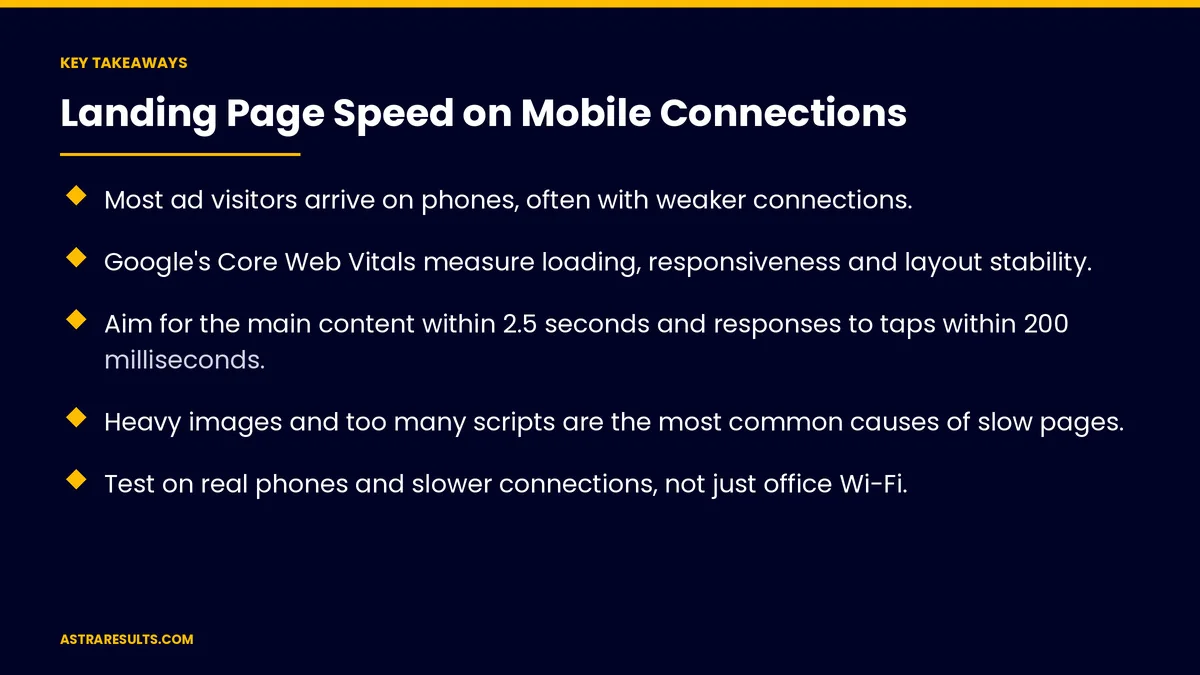
- Most ad visitors arrive on phones, often with weaker connections.
- Google's Core Web Vitals measure loading, responsiveness and layout stability.
- Aim for the main content within 2.5 seconds and responses to taps within 200 milliseconds.
- Heavy images and too many scripts are the most common causes of slow pages.
- Test on real phones and slower connections, not just office Wi-Fi.
- Check that faster pages bring more leads, not just better scores.
Published: October 5, 2026 | Reading Time: ~8 minutes | Category: Landing Pages
This guide covers landing page speed on mobile: why it matters, Google's Core Web Vitals, heavy images, too many scripts, chat and tracking widgets, fonts, video, testing on real phones, keeping pages fast and what to measure. Put plainly: show the offer fast, respond to taps instantly and keep the layout still.
In This Playbook
- Why speed matters
- How fast should the main content appear on a phone?
- Heavy images
- Too many scripts
- When should chat widgets load on a landing page?
- Fonts
- Video
- Test on real phones
- Keep pages fast
- Speed and the rest of the page
- What to measure
- The first three months
Why speed matters
Phones and weak signal. Visitors don't wait.
Ad money at stake. Slow pages waste clicks you paid for.
First impressions. A slow page feels unreliable.
One page, one job. As covered in one page, one offer, one action.
How fast should the main content appear on a phone?
Loading. The main content should appear within 2.5 seconds.
Responsiveness. Taps and clicks should respond within 200 milliseconds; this measure replaced an older one in March 2024.
Stability. The layout shouldn't jump as the page loads.
Field data matters. Scores from real visitors count more than lab tests.
Heavy images
Compress and resize. Serve the size phones need.
Modern formats. Smaller files with the same quality.
Load below-the-fold images later. Only what's visible loads first.
Reserve space. Set image sizes so text doesn't jump.
Too many scripts
Count them. Every tool adds weight.
Remove what you don't use. Old tests, retired tools and duplicate tags.
Load the rest later. After the main content appears.
Store apps add up too. As covered in Shopify apps.
When should chat widgets load on a landing page?
Load chat on interaction. Or after a short delay.
Keep tracking lean. One tag manager, only the tags you need.
Track calls without slowing pages. Number swapping should load quickly.
Fonts
Fewer font files. One or two weights.
System fonts as fallback. Text shows right away.
Video
No autoplay on mobile. Show a still image with a play button.
Load the player on tap. Not on page load.
Test on real phones
Older and budget phones. Not just new flagships.
Slower connections. Test on cellular data.
Spanish pages too. As covered in Spanish landing pages.
Keep pages fast
Check after every change. New tools or images can undo gains.
Monitor regularly. Alongside uptime, as covered in uptime monitoring.
Speed before redesign. Often the cheaper fix, as weighed in is a new website the fix.
Speed and the rest of the page
Short forms load faster. As covered in form length.
Proof without heavy widgets. As covered in trust on a landing page.
Test changes. As covered in landing page testing.
What to measure
Core Web Vitals. From real visitors on phones.
Bounce rate on mobile. Before and after.
Conversion rate on mobile. The result that matters.
Cost per lead. Faster pages often lower it.
Page weight. Total size of the page.
The first three months
Days 1–30: measure
Check Core Web Vitals from real visitors, test key pages on budget phones and list every script and widget.
Days 31–60: fix
Compress images, remove unused scripts, delay chat and video and reduce fonts.
Days 61–90: confirm
Recheck speed, compare mobile conversion and cost per lead and set checks after every change.
How Astra speeds up landing pages
Astra Results Marketing makes landing pages fast on phones. We measure real-visitor speed, trim images, scripts and widgets, test on budget phones and slow connections and confirm that faster pages bring more leads.
Engagements begin with a landing page review through our landing pages team.
Related reading
Frequently asked questions
How fast should a landing page load on a phone?
Google's guidance is for the main content to appear within 2.5 seconds, with taps responding within 200 milliseconds.
What slows landing pages down most?
Heavy images, too many scripts, chat and tracking widgets, extra fonts and autoplay video.
Do chat widgets hurt speed?
They can. Load them when visitors interact or after a short delay.
How should we test speed?
On real older and budget phones, over cellular connections, alongside real-visitor data.
Does speed affect ad results?
Slow pages waste paid clicks. Faster pages often raise mobile conversion and lower cost per lead.
How do we keep pages fast?
Check speed after every change, remove unused tools and monitor regularly.
Ready for landing pages that load fast on every phone? Astra Results Marketing trims images, scripts and widgets, tests on real phones and slow connections and confirms faster pages bring more leads. ▸ CALL (786) 321-2866 · ▸ REQUEST YOUR CONSULTATION





