 Rated 5 star on


Shopify Apps: Which to Install and Which to Skip
Quick answer
Install fewer, better Shopify apps, because every app adds cost, code and data access. Check Shopify's built-in features and free apps before buying. Reviews, email and text marketing, shipping and accounting connections often pay off. Skip duplicates, unmaintained apps and boosters with fake urgency. Audit apps every quarter and remove unused ones.
Shopify's app store makes it easy to add features, and that's the problem. Many stores collect dozens of apps over the years, each adding monthly fees, code that slows pages and access to customer data. Some apps pay for themselves many times over. Others duplicate built-in features, conflict with each other or quietly hurt sales.
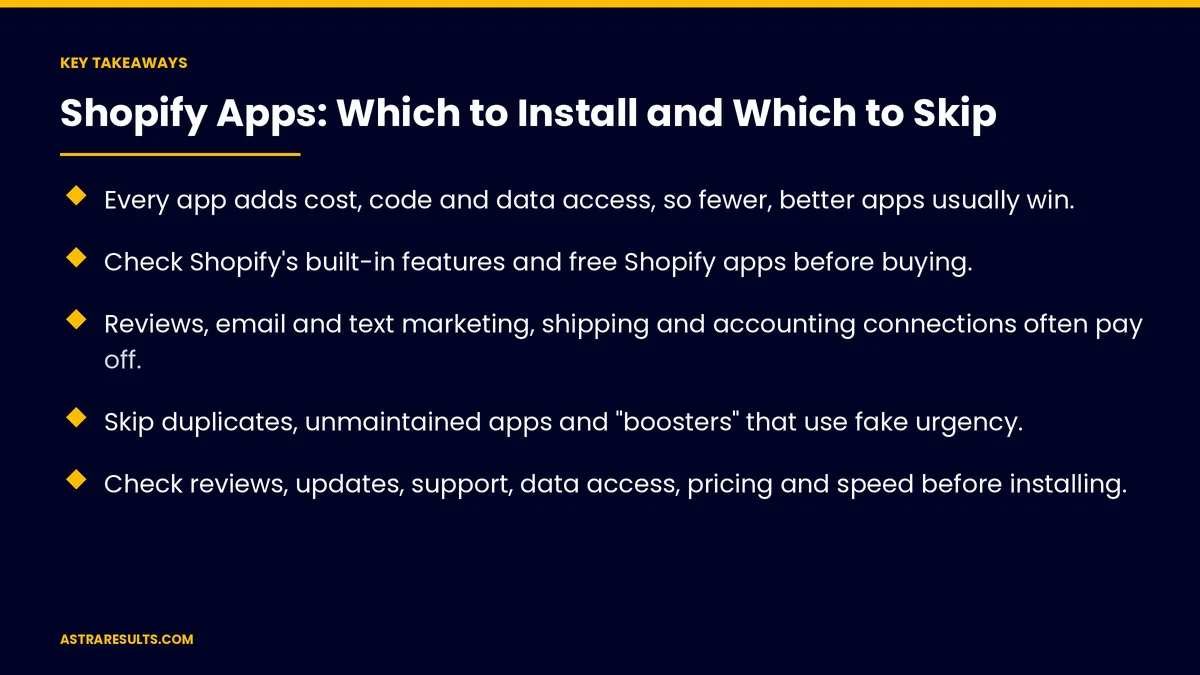
Key Takeaways
- Every app adds cost, code and data access, so fewer, better apps usually win.
- Check Shopify's built-in features and free Shopify apps before buying.
- Reviews, email and text marketing, shipping and accounting connections often pay off.
- Skip duplicates, unmaintained apps and "boosters" that use fake urgency.
- Check reviews, updates, support, data access, pricing and speed before installing.
- Audit apps every quarter and remove what you don't use.
Published: October 19, 2026 | Reading Time: ~8 minutes | Category: E-Commerce Stores
This guide covers how to choose Shopify apps: the hidden costs of too many apps, built-in features to check first, apps that are usually worth installing, apps to skip, a checklist for judging any app, testing speed and a regular app audit. Put plainly: install apps that earn their place, and remove the rest.
In This Playbook
- The hidden costs of too many apps
- Check built-in features first
- Apps usually worth installing
- Apps to skip
- A checklist for judging any app
- Test speed before and after
- Audit apps regularly
- Who should manage apps
- What to measure
- The first three months
The hidden costs of too many apps
Slower pages. Many apps add scripts that load on every page.
Monthly fees. Small charges add up across many apps.
Conflicts. Apps can clash with each other or with the theme.
Data access. Apps may request access to customers and orders.
Leftover code. Older apps can leave code in the theme after removal. Newer apps that use theme blocks remove more cleanly.
Check built-in features first
Shopify's own features. Discounts, gift cards, basic forms and email tools may already cover the need.
Free Shopify apps. Shopify offers its own apps for search and filters and for translation, as with store search and filters.
Theme settings. Many design changes don't need an app.
Apps usually worth installing
Product reviews. Real reviews on product pages, as covered in product pages that convert.
Email and text marketing. Abandoned cart, welcome and repeat-purchase messages, with consent.
Shipping and fulfillment. Labels, tracking and delivery updates.
Accounting connections. Sales and payouts flowing to your books, as covered in QuickBooks integrations.
Subscriptions or loyalty. If your business model uses them.
Apps to skip
Duplicates. Two apps doing the same job.
Unmaintained apps. No recent updates or support replies.
Fake urgency and fake activity. Countdown timers that reset and "someone just bought" pop-ups that aren't real can mislead shoppers, as covered in creative compliance.
Heavy apps for small gains. Features few shoppers use but every shopper loads.
Apps you installed to test. Forgotten trials still cost speed and money.
A checklist for judging any app
Reviews and ratings. From stores like yours, especially recent ones.
Last updated. Regular updates suggest an active developer.
Support. How quickly the developer responds.
Data access. Only the permissions the app needs.
Pricing. Watch usage-based fees that grow with sales.
Clean removal. How the app is removed and what it leaves behind.
Need it at all? If the need is unusual, custom work may fit better, as covered in writing a software spec.
Test speed before and after
Measure first. Page speed on mobile before installing.
Measure again. After installing, on the same pages.
Keep or remove. If speed drops sharply, weigh the feature against lost sales.
Audit apps regularly
Every quarter. List every app, its cost, what it does and who uses it.
Remove what's unused. And check for leftover code.
Review data access. Remove apps that no longer need customer data.
During migrations. Start with a clean list, as covered in migrating to Shopify.
Budget for apps. They're part of what an online store costs.
Who should manage apps
One owner. Someone approves new apps and runs the audit.
Your agency. If you work with one, as covered in Shopify partner agencies.
Billed to you. Apps should be on your account, not an agency's.
What to measure
Number of apps. And total monthly cost.
Page speed. On mobile, for key pages.
Conversion rate. Before and after app changes.
Revenue from apps. For apps that claim to drive sales.
Apps with customer data access. Kept to those that need it.
The first three months
Days 1–30: list and measure
List every app with its cost, purpose and data access. Measure mobile page speed and conversion rate as your baseline.
Days 31–60: remove and replace
Remove unused and duplicate apps, replace apps with built-in features where possible and remove any fake urgency or fake activity apps. Check for leftover code.
Days 61–90: decide and audit
Add only apps that pass the checklist, measure speed before and after and set a quarterly app audit.
How Astra manages Shopify apps
Astra Results Marketing keeps Shopify stores lean. We audit apps for cost, speed and data access, replace apps with built-in features where possible, remove leftover code and add only apps that earn their place.
We measure page speed and conversion before and after every change. Engagements begin with a store app audit through our e-commerce stores team.
Related reading
Frequently asked questions
How many Shopify apps is too many?
There's no fixed number. If apps slow your pages, duplicate each other or cost more than they return, you have too many.
Do Shopify apps slow down stores?
Many do, because they add code that loads on every page. Measure mobile page speed before and after installing.
Which Shopify apps are usually worth it?
Product reviews, email and text marketing, shipping and fulfillment, accounting connections, and subscriptions or loyalty if your model uses them.
Which apps should we avoid?
Duplicates, unmaintained apps, heavy apps for small gains and apps that use fake urgency or fake activity to pressure shoppers.
Does uninstalling an app remove everything?
Not always. Older apps can leave code in the theme. Check for leftovers after removing an app.
How often should we review our apps?
Every quarter: list each app's cost, purpose, data access and use, then remove what isn't earning its place.
Ready for a faster store with fewer, better apps? Astra Results Marketing audits Shopify apps for cost, speed and data access, removes what doesn't earn its place and adds only apps that help you sell. ▸ CALL (786) 321-2866 · ▸ REQUEST YOUR CONSULTATION





